Updated 5 Nov 2026: invoicing is now live in the mobile app.
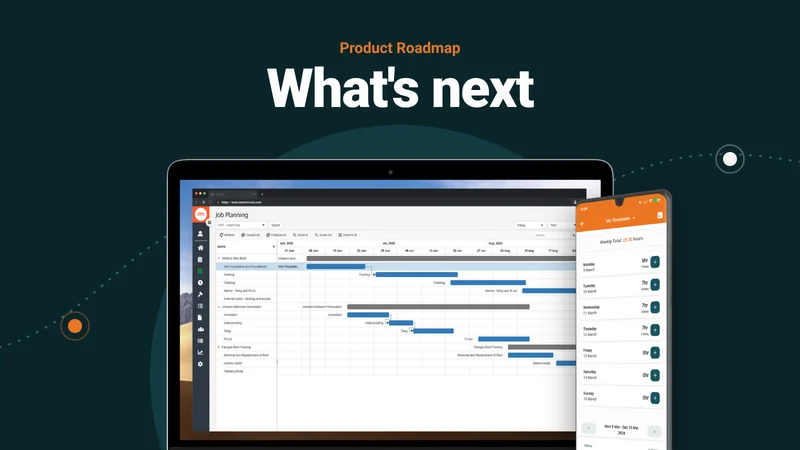
Quick answer: The new NextMinute mobile app is out now on iPhone and Android. We soft launched it earlier this year, and crews took to it straight away. But we wanted the boss and the office to love it just as much, so we held off on the big noise until we'd finished a few key features for them. Quoting, supplier orders and invoicing are now all in the app. For the full rundown, check out the new app landing page.
Great for the crew from day one
When we soft launched the new app earlier this year, it was all about the people on site. And the feedback from crews was good. Faster, simpler, less tapping around, and easy enough that even the apprentice figured it out.
From the start, your crew could:
- See where they need to be and what needs doing
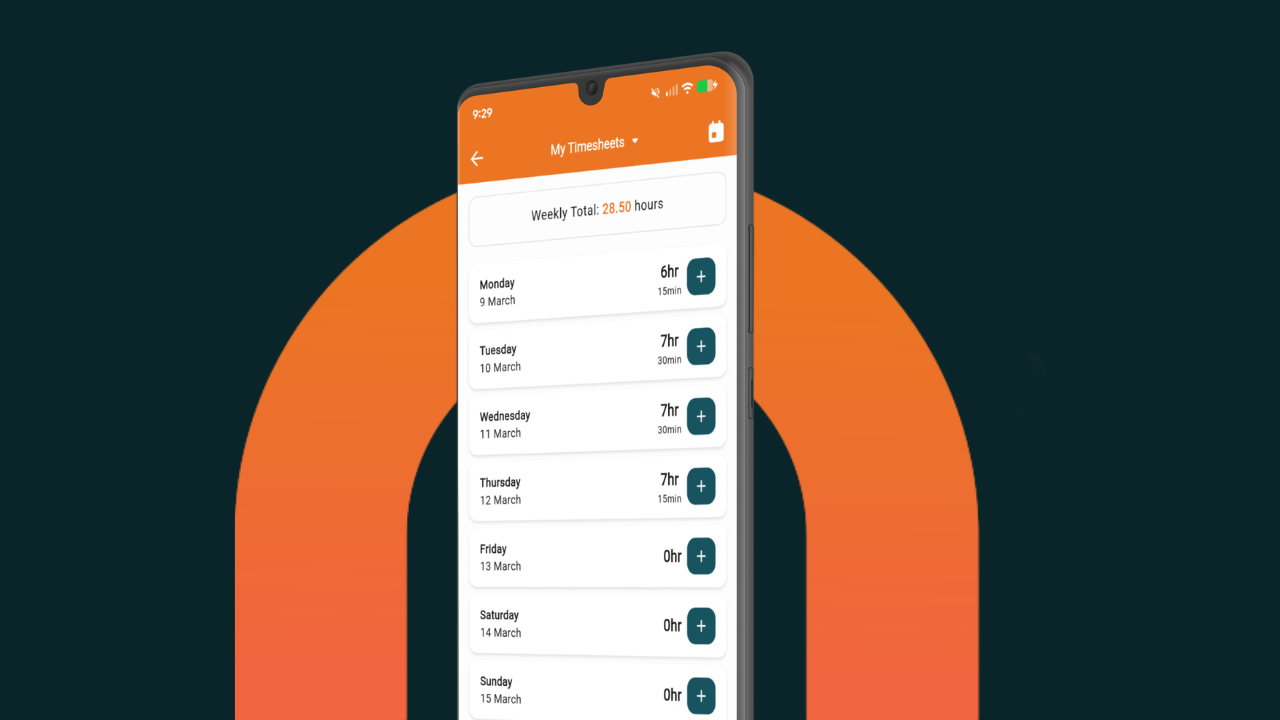
- Log timesheets against the right job and task
- Upload photos from site
- Add expenses as they happen
- Use talk-to-text to add notes to the site diary
- View site plans and job details on the go
- Check the weather for the job before they rock up
Now it's the boss's turn
A job management app has to work for the whole business, not just the crew. The boss and admin staff needed to do more from the app too, and a few of those features needed finishing and polishing before we were happy to call it done.
So that's what we've been working on.
Quoting from site
You can now fire out quotes straight from your phone, send them to the client and get approval on the spot. Variations and progress claims too. No more "I'll send it through tonight" and losing half your evening to it.
Supplier orders
Raise an order against the right job while you're standing on site looking at what's needed. It's tied to the job from the start, so the office isn't chasing receipts and the costs are there when you need them.
Invoicing
Invoicing is now live in the mobile app, so you can raise and send invoices straight from your phone. Everything your crew logs on site is already sitting against the job, so it flows straight through to the invoice. Invoicing on desktop works just as it did.
Plus the rest of the boss toolkit
Assign tasks and shift the schedule in real time, so the crew sees changes straight away. Check site photos without the drive. Keep everyone in the loop with in-app messaging. And log labour, materials and disbursements as they happen, so no cost goes walkabout before invoicing.
Want the full picture?
We've put together a full overview of the new app with screenshots of every feature. Have a squiz, or book a quick demo and one of our team will walk you through it on the kind of jobs you actually run.
Grab it now
The new app is a separate download, so if you're still on the previous version, it won't switch over on its own. Grab it here:
Take it for a spin and let us know what you think. Plenty of what's in there came straight from customer feedback, and there's more on the way.
FAQs
Is the new NextMinute app available on iPhone and Android?
Yes. The new app is available now on both the App Store and Google Play.
Can I send invoices from the mobile app?
Yes. Invoicing is now live in the mobile app, so you can raise and send invoices from your phone. Everything logged in the app flows through to them, and you can still invoice from desktop too.
Do I need to download the new app separately?
Yes. The new app is a separate download and the previous version won't update to it automatically. Use the App Store or Google Play links above to get it.
Can I quote from the NextMinute app?
Yes. You can create and send quotes, variations and progress claims from site, and clients can approve them on the spot.