Job Costing Software for Australian Builders & Tradies
Know where the profit’s going.
Track actual costs against your estimate as the job runs, so you can spot blowouts early and protect your margin.

Track actual costs against your estimate as the job runs, so you can spot blowouts early and protect your margin.
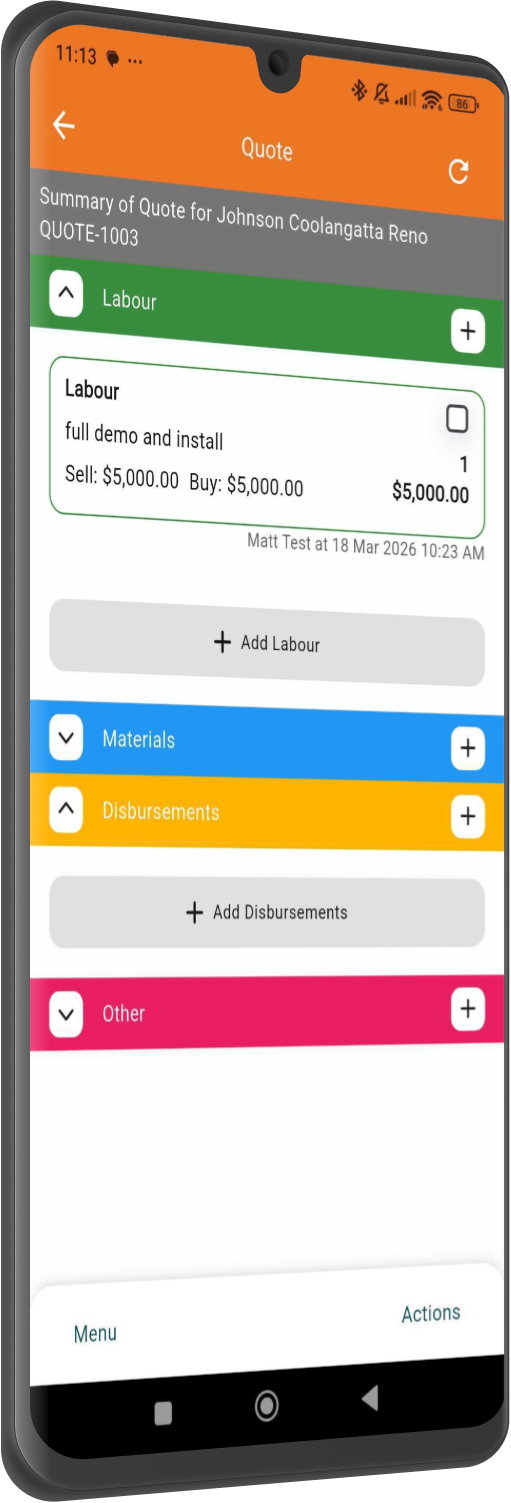
Most job costing happens too late. You find out a job lost money when the last invoice goes out, and by then there is nothing left to do about it. NextMinute shows you actuals against estimate by job or by stage, as the work happens.
Drill into profitability by project or stage, so you can see exactly where the job is tracking well and where costs are starting to creep.
Labour, materials, expenses, subcontractors and disbursements flow into the job from your timesheets and accounting software. Cleaner picture, no manual entry.
Track how the job is performing as work happens, not weeks later when the profit’s already gone.
Use NextMinute on desktop, tablet, or mobile to stay across job performance whether you’re in the office, on site, or between jobs.


No hunting through three systems. Every NextMinute job report gives you:


Get a clear breakdown of estimated vs actual costs, gross profit, margins, invoiced amounts, unbilled charges and overall job variance, all in one place.
See all your variations by job stage and get live visibility of the material and labour costs attached to each one.
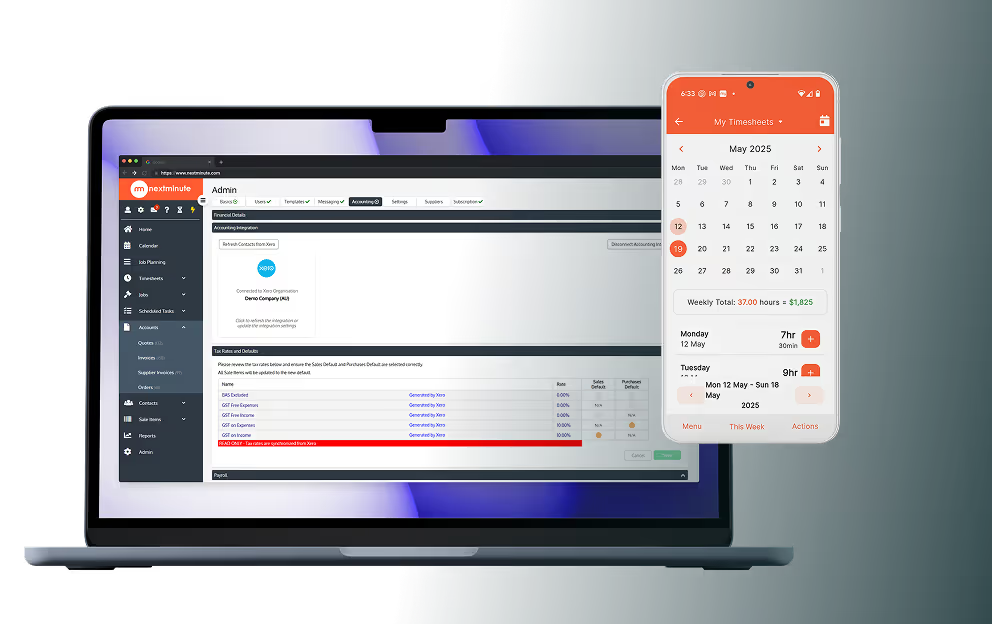
NextMinute keeps your jobs and your accounts talking to each other. Contacts, invoices, timesheets & payments stay in sync, so you’re not re-entering info or cleaning up mistakes later.
See Integrations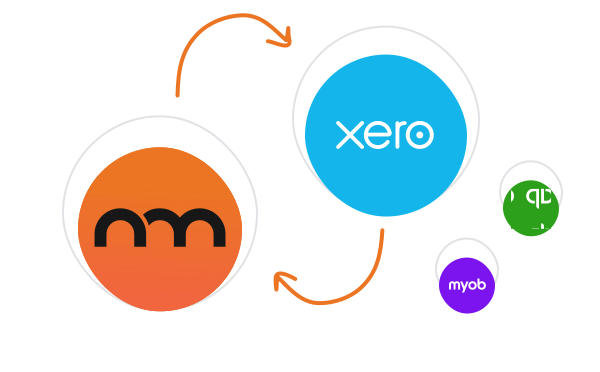
Reviews
Rated 4.9/5 with 100+ reviews on Google and Facebook, with local Aussie support that actually helps.


"I'm about a month in to using the system and it is exactly what I needed to help streamline my business and have the right processes in place for speeding up quote timelines and tracking cost and billing. Love it – looking forward to using NextMinute to it's full capacity as I learn more."
Shahn Bragg
Bragg Building & Design
Talk to a Real Person
Have a quick chat with our Sydney-based team. We’ll walk through how you run jobs and show you how NextMinute fits.

Anna-Kate
Sales Manager
From the land of Guinness, she’ll help you work out if NextMinute’s a good fit. Straight talk, no sales BS, and a good sense of humour.

Mat
Former Plumber & NextMinute Pro
Mat’s a plumber, not a software guy. He’s been on the tools and shows you how to run jobs without the admin headaches.
Tell us what you need
Let us know your requirements and how you run your jobs
No bullsh*t
Real humans with construction experience that you'll actually like talking to
Get a trial account
We'll set you up with a customised account to try out NextMinute. We can even import your jobs and quotes
We’ve answered the ones we hear most from builders and tradies.

Job costing software tracks what one specific job actually costs you: the labour hours from crew timesheets, the materials, the subcontractor invoices, the equipment and the variations, all attributed to that job rather than lumped into the business accounts. It then compares that running total against what you quoted. Builders usually call this back costing. NextMinute does it live while the job is still running, so you find out a job is bleeding margin in week two rather than at final invoice.
They are the same thing in different accents. Job costing is the accounting term for attributing every actual cost to a specific job. Back costing is what most Australian builders call it: costing the job back against your original estimate. The real difference is timing. Traditional back costing happens after handover, which helps you quote better next time but does nothing for the job that just lost money. NextMinute runs it live so you can still act.
Xero Projects can track time and costs against a project, and for a small operation that might be enough. Where it falls short is site-level detail: crew timesheets captured on the tools, variations tracked by build stage, supplier costs matched to the right part of the job, and equipment charged at your own rates. NextMinute handles the job, Xero stays the source of truth for your accounts, and the two-way integration keeps everything in sync.
Yes, and that is the point. NextMinute is not trying to replace your books. It syncs both ways with Xero, MYOB and QuickBooks, so contacts, invoices, timesheets and payments flow between them without anyone re-keying anything. Your accountant keeps working the way they always have. You get the job-level detail your accounting software was never built to capture: what each individual job cost, and what margin it actually returned.
Yes. Job costing pulls the crew's hours from timesheets together with material costs from supplier bills and any other expenses booked against the job. That gives you a live running total of actuals against the original quote, rather than three separate systems you have to reconcile at month end. If a job is tracking over on labour but under on materials, you will see it while there is still time to do something about it.
Yes. You can report on the whole project or break it down stage by stage, so you can see which parts of the build made money and which ones cost more than you allowed for. That is the detail that sharpens your next quote. A builder who knows their frame stage consistently runs over does not make the same mistake on the next quote.
Yes. You can set your own buy and sell rates for each piece of gear, and when the crew logs hours against a machine those costs land on the job automatically. For earthworks crews or anyone running excavators, tippers and compactors, this is usually the biggest gap in their costing. Plant sitting idle on a job is money going out the door, and most businesses never see it on paper.
Yes, and it is often where the quickest money is. The reporting flags any charges sitting against a job that have not been invoiced yet: hours logged, materials used, variations approved but never billed. Most businesses lose more margin to forgotten charges than to bad quoting. Clearing that list before you send the next progress claim is usually the fastest cashflow win in the whole system.
Yes, and they need to for job costing to work. The mobile app lets the team log hours, add photos, record variations and note materials used while they are still on the job, rather than reconstructing the week from memory on Friday afternoon. Costing is only as accurate as what gets captured, so an app the crew will actually open is doing more for your margin than any report.
Most businesses have useful numbers within the first couple of jobs. There is some setup first: your labour rates, equipment rates and accounting connection need to go in, and the crew need to be logging time. Once that is running, the costing builds itself as the work happens. The 10-day free trial is long enough to get a live job in and see the reporting on real numbers rather than a demo dataset.


Copyright © NextMinute Australia Pty Ltd. All Rights Reserved.