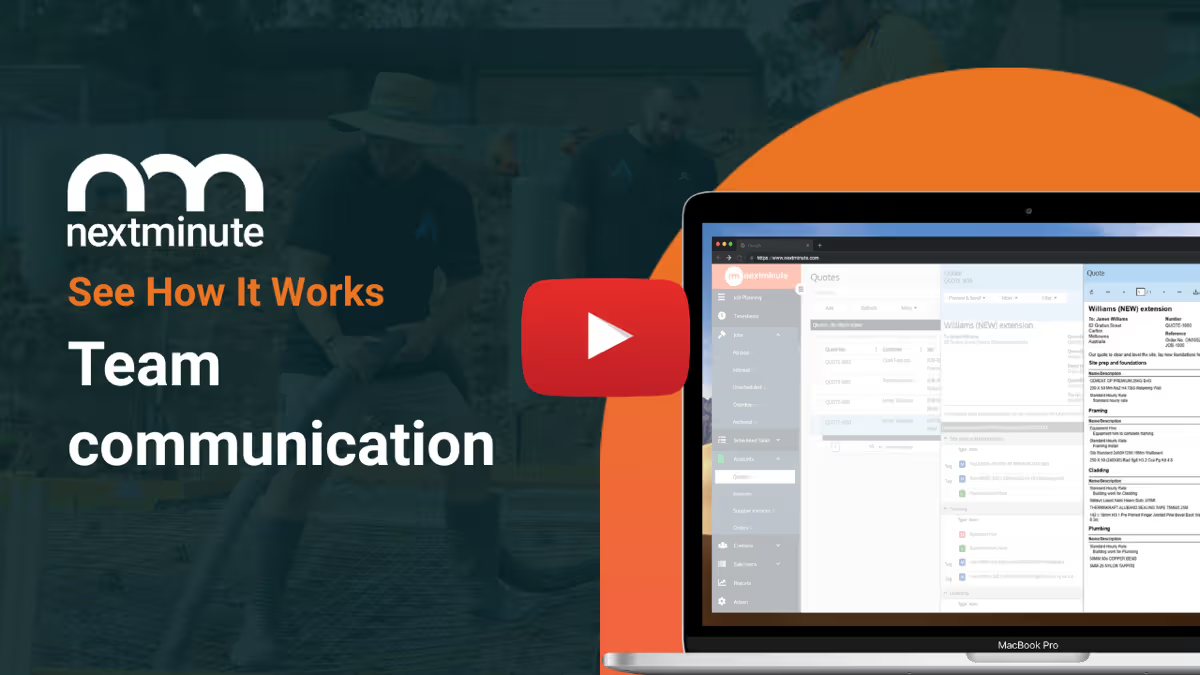
Project Scheduling Software For Aussie Tradies

Plan jobs. Assign tasks. Keep the crew moving.

Build a clear schedule in minutes, then keep everyone on the same page. Assign tasks, set due dates, and track progress from the office or on site. Nothing gets missed and jobs don’t drift.
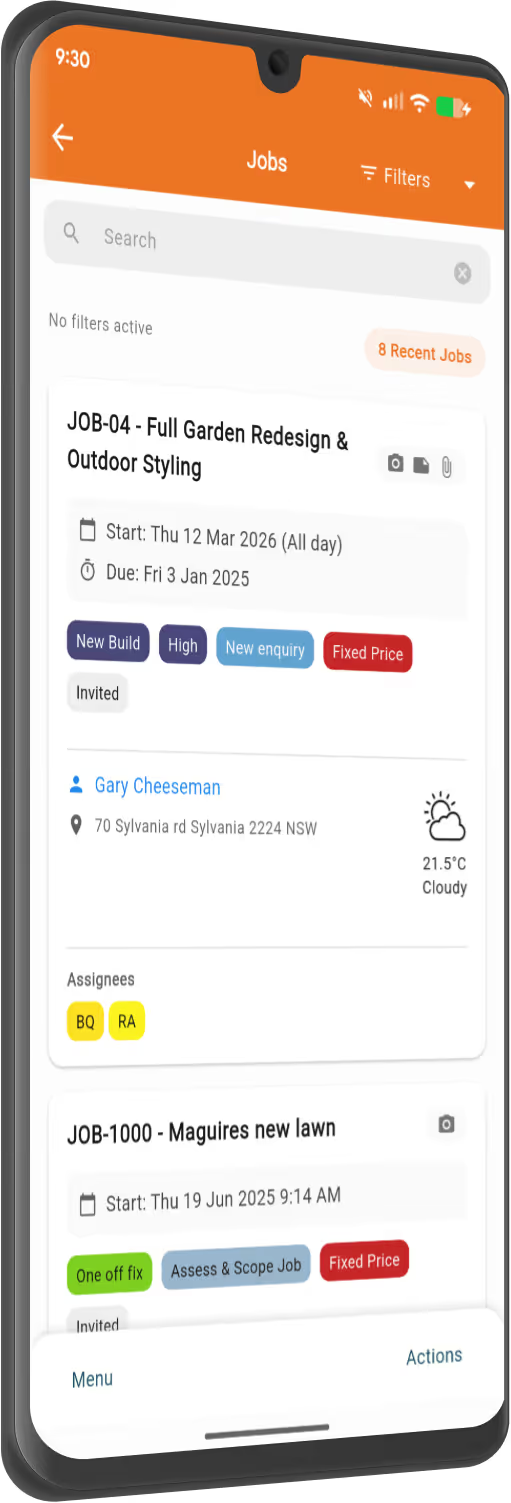
NextMinute - job management on mobile
Gantt Chart Scheduling Made Easy

Streamline your next job

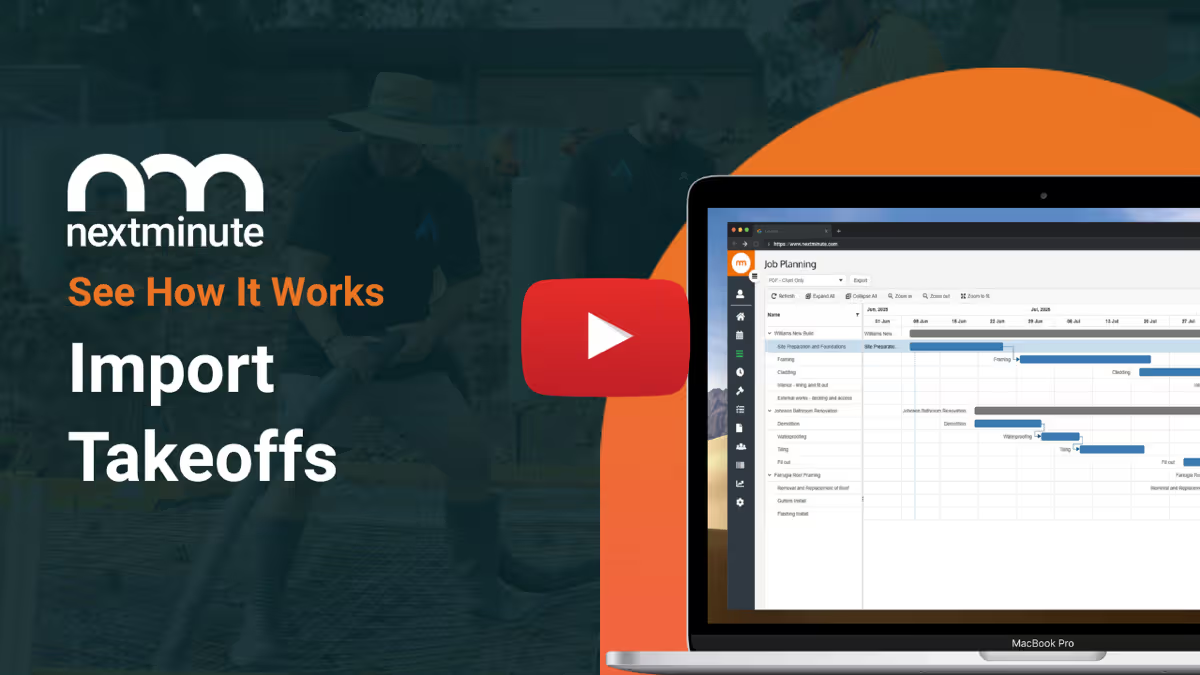
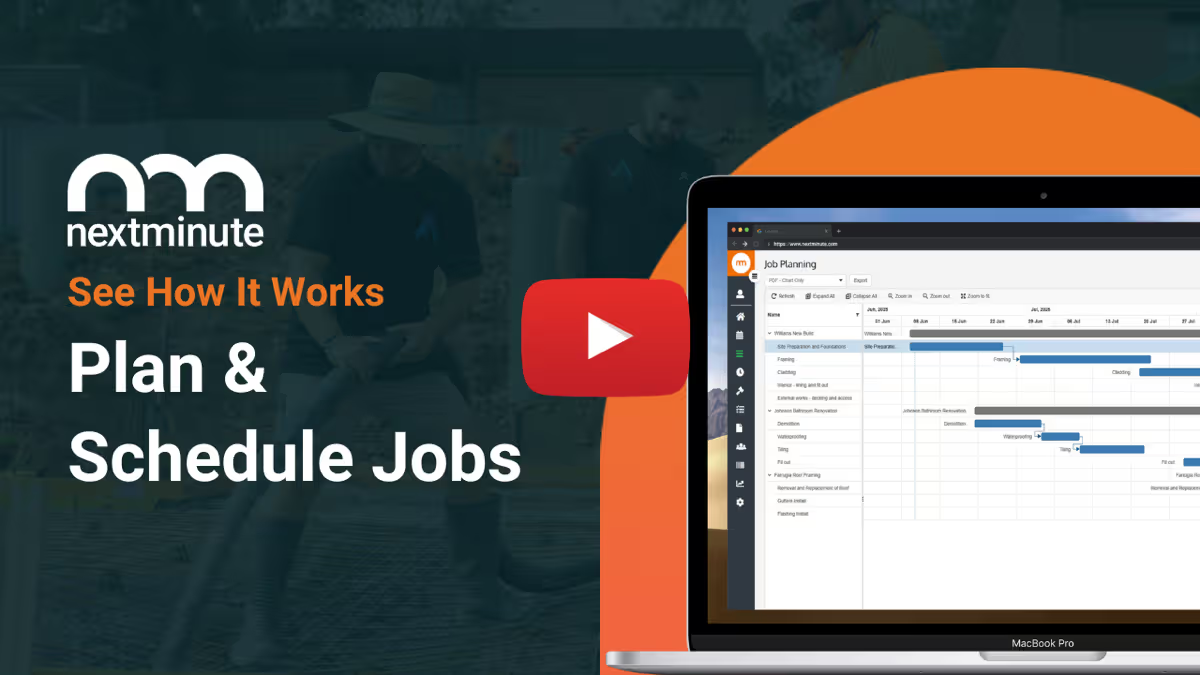
Drag-and-drop Gantt chart planning

Use the intuitive Gantt chart to schedule job stages, add tasks for the crew, and avoid delays & mistakes.

Assign tasks to crew

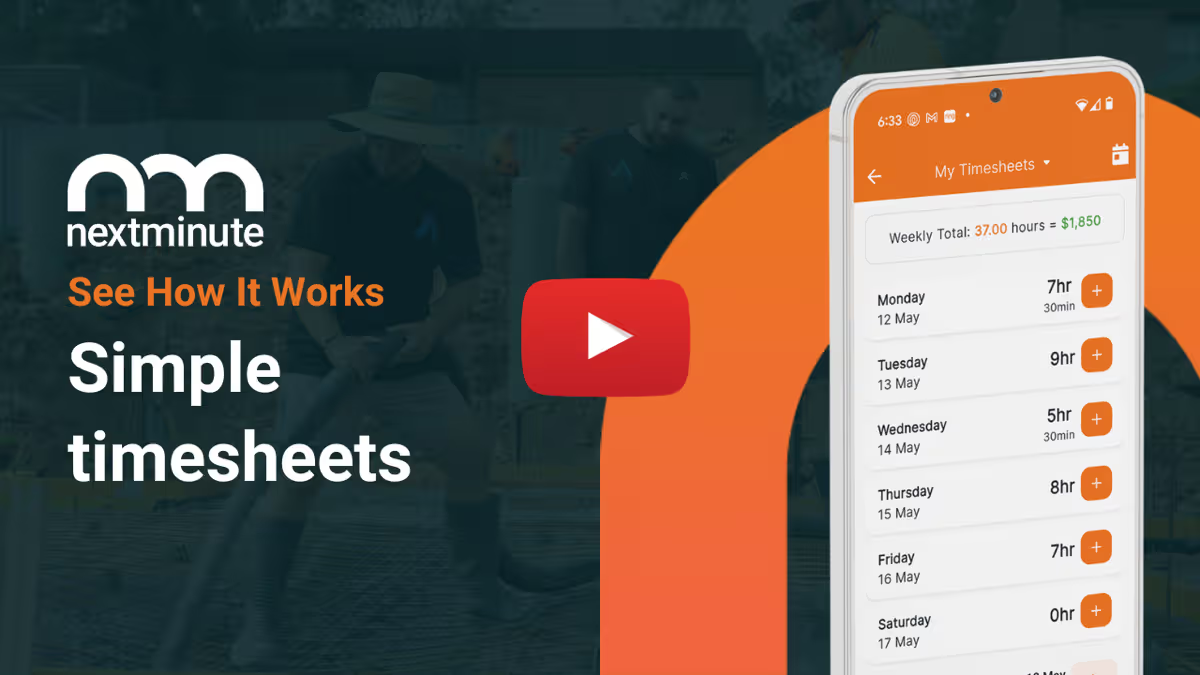
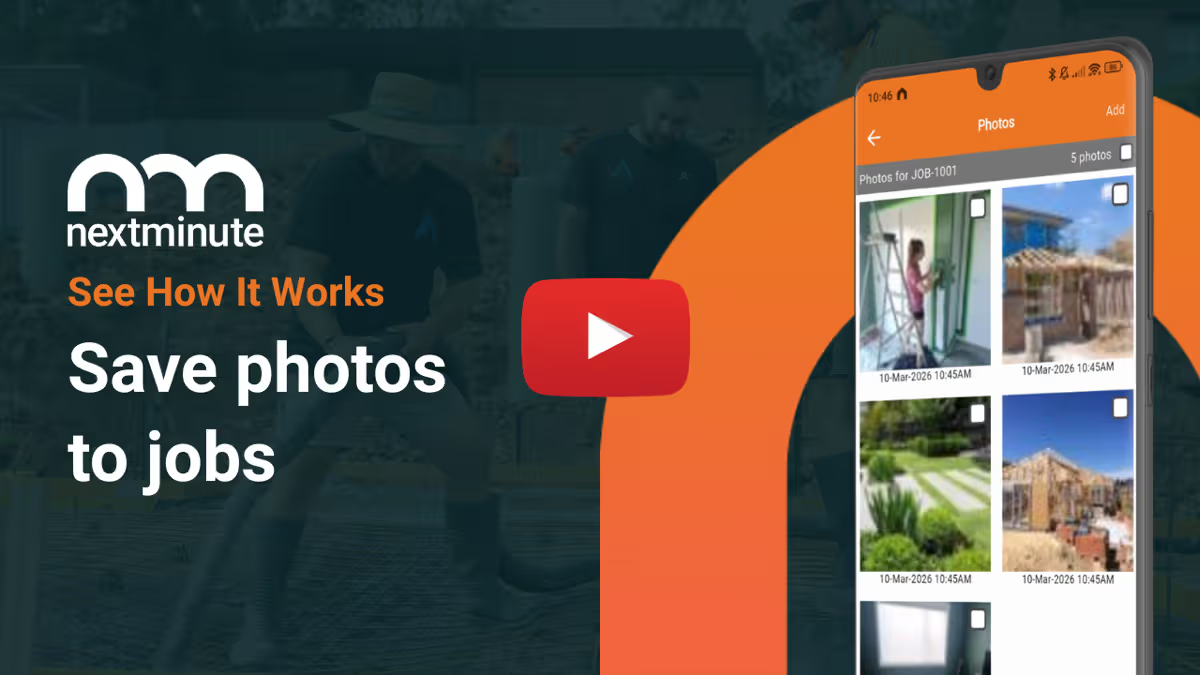
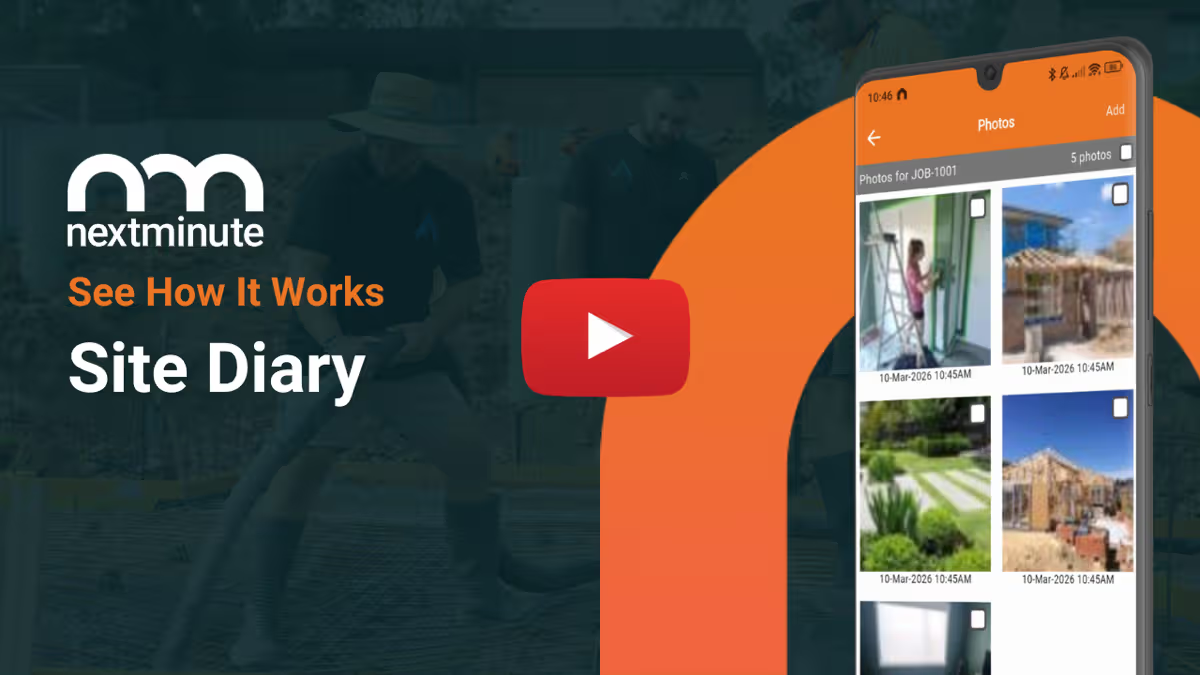
With the powerful mobile app, your team will always know where they need to be, and what needs to be done. They can log photos, timesheets, notes, and expenses right to the job.

Job info in your pocket

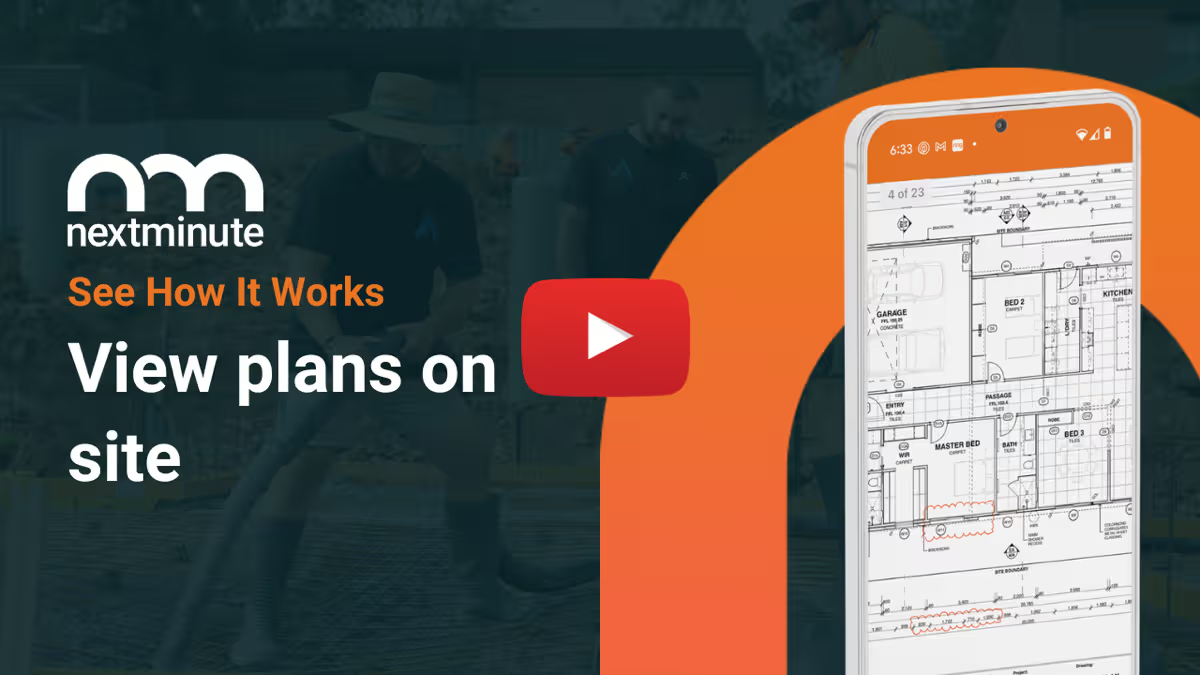
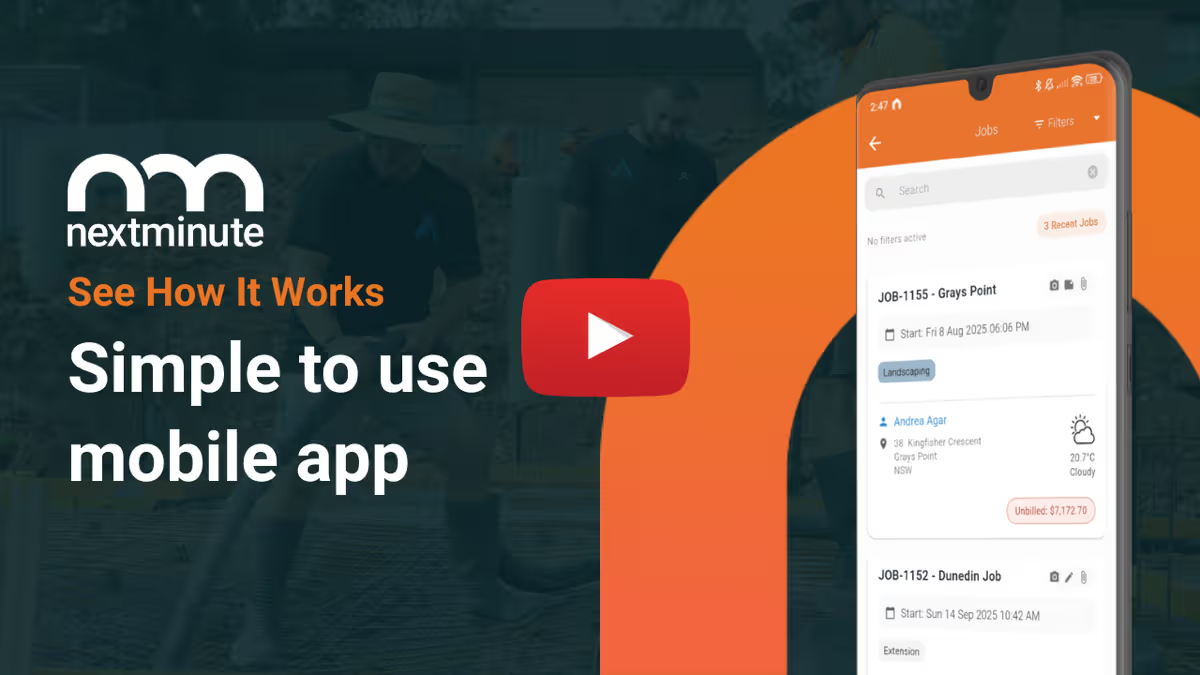
Easily view job details, project scope, and site plans on the go. Plus get directions to site with one simple tap.

Instant updates

Changes or updates on a job? No phone calls required. Just send an instant message to the team in seconds.

Apple logo with text 'Download on the App Store' badge.Get it on Google Play badge with the Google Play multicolor triangle logo on a black background.
Easy Team Collaboration

Stay connected on & off site

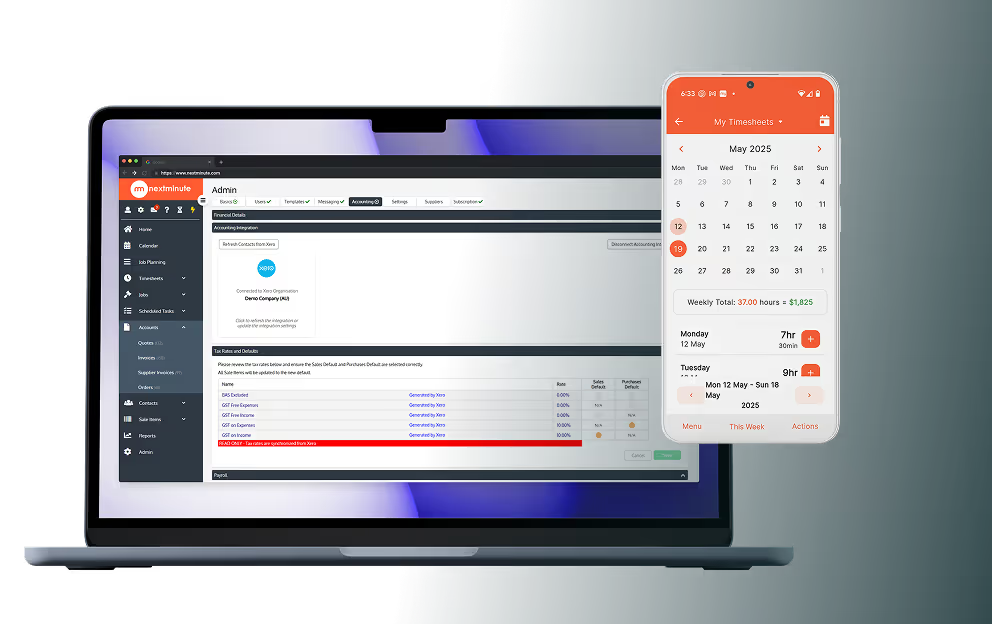
Everyone on the job can see weekly, monthly, even yearly schedules, so they can stay on task and be updated of any changes in real-time.

You and your team can easily add time to timesheets, materials, site diary entries, photos to track progress, flag issues, and keep everyone informed of changes via SMS.

Try It Free
NextMinute job planning on laptop
Easy Team Collaboration

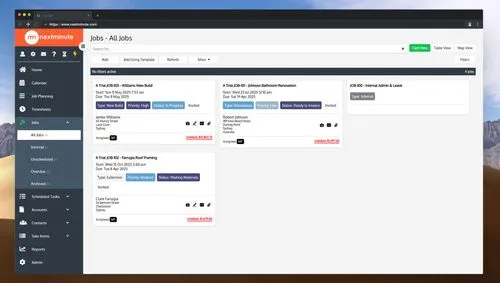
All job info in one place

Run a modern, efficient business and ditch the paperwork. Store and easily access everything relating to your project in one place.

Smarter job planning

Add project stages & tasks, assign them to your team, and schedule them with the simple to use Gantt chart. Delayed by the rain? Simply move task dates and all the dependencies will follow.

View Pricing (AUD)
How NextMinute Works

All the tools you need to get the job done

Reviews

Real tradies. Real results.

Rated 4.9/5 in Reviews on Google and Facebook, with local Aussie support that actually helps.

Swipe to explore →
StarStarStarStarStar
We honestly wish we found NextMinute from the very beginning of our business journey. The app has already made a huge difference to how we manage our projects, scheduling and overall workflow.... Looking forward to continuing to grow with the platform!
Ashleigh Commisso
DSP Projects
Building company in Canberra
Posted on Google Reviews on May 25, 2026
Google Icon
StarStarStarStarStar
We're a new and rapidly growing landscaping company, and NextMinute has been an incredible platform for us. It's helped us create structure and solid processes, speed up our quoting, and present a more professional front to our clients. It's also made a big difference for our team — allowing them to track their time more accurately — and has given us much clearer insight into our finances...
JD Morrison Landscaping
Landscaping company in South Australia
Posted on Google Reviews on May 08, 2026
Google Icon
StarStarStarStarStar
From our initial contact to actually getting into using NextMinute the guys have been excellent. Especially Ryan Agar, really helpful, knowledgeable and works with me to help integrate my specific business needs to the system. I can highly recommend him and NextMinute.
Clint Ramsay
Aussie Pergolas & Landscapes
Landscaping company in New South Wales
Posted on Google Reviews on Mar 13, 2026
Google Icon
StarStarStarStarStar
"Been using NextMinute for a bit now and can’t fault them. Ryan and AK are super easy to deal with and always pick up or call back straight away. If I need something sorted, they’re onto it. Highly recommend."
Lucas Ribic
Gold Coast Trade Services
Renovation company in Queensland
Posted on Google Reviews on Feb 26, 2026
Google Icon
StarStarStarStarStar
"NextMinute is probably the program that you'd design for yourself to use for scheduling and quoting, if you could! It's got a refreshing design... and the support is second to none... Recommended by The Landscape Association... if you're thinking of switching from your current system then look no further..."
Kelly Scott
Sydney Gardening Maintenance
Landscaping company in New South Wales
Posted on Google Reviews on Dec 17, 2025
Google Icon
StarStarStarStarStar
"We have just swapped over to NextMinute to keep all of our documents, plans and contacts in one spot. Ryan has been excellent in getting everything up and running for us, and has made the transition so much easier. - The Morisset Pools Team"
Ruby Wheeler
Morisset Pools
Pool Building company in New South Wales
Posted on Google Reviews on Dec 16, 2025
Google Icon
StarStarStarStarStar
"I have been using NextMinute software for the past 4 years it has really help me transform my Kitchen business, and stay on top of my projects. Its allowed me to grow my team. the best part is knowing where i stand on my projects at the click of a button. The integration with Xero is awesome and the staff find it super easy to do their time sheets..."
Bryan
Waterfall Kitchens
Carpentry company in New South Wales
Posted on Google Reviews on Dec 16, 2025
Google Icon
StarStarStarStarStar
"We have just started using NextMinute for our landscape construction business and so far, so good!! Our staff find using the App extremely easy and much more efficient than our old processes. We are also able to use the back costing tools to fine tune our job quotes and profit margins. Ryan is amazingly helpful and is always happy to answer any of my questions..."
Shendel Betts
Broadview Landscaping
Landscaping company in Tasmania
Posted on Google Reviews on Nov 17, 2025
Google Icon
StarStarStarStarStar
"Man the most important thing for me is being able to just ring someone to get the support when I don’t know how to do something in the programme. I’ve come from a major pm software called which is offshore and received very limited support. Ryan and the guys have been wicked to say the least. If you need a decent construction based software look no further you won’t look back."
Rob Hinton
28 Landscapes
Landscaping company in Western Australia
Posted on Google Reviews on Oct 10, 2025
Google Icon

Customer Review

"NextMinute is probably the program that you'd design for yourself to use for scheduling and quoting, if you could! It's got a refreshing design which is easy to use and it doesn't take very long at all to become familiar with the operations as it all just makes sense."

Kelly Scott
Sydney Gardening Maintenance

Read Reviews
Integrations Made Easy

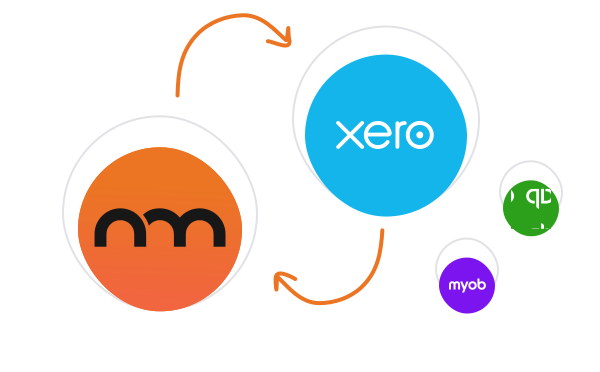
Two-way integration with Xero, MYOB, & QuickBooks

NextMinute keeps your jobs and your accounts talking to each other. Contacts, invoices, timesheets & payments stay in sync, so you’re not re-entering info or cleaning up mistakes later.

See Integrations
NextMinute integrations

Talk to a Real Person

Book a 15-min intro

Have a quick chat with our Sydney-based team. We’ll walk through how you run jobs and show you how NextMinute fits.

Anna-Kate - NextMinute

Anna-Kate

Sales Manager

From the land of Guinness, she’ll help you work out if NextMinute’s a good fit. Straight talk, no sales BS, and a good sense of humour.

Mat - NextMinute

Mat

Former Plumber & NextMinute Pro

Mat’s a plumber, not a software guy. He’s been on the tools and shows you how to run jobs without the admin headaches.

Tell us what you need

Let us know your requirements and how you run your jobs

No bullsh*t

Real humans with construction experience that you'll actually like talking to

Get a trial account

We'll set you up with a customised account to try out NextMinute. We can even import your jobs and quotes

Common Questions

We’ve answered the ones we hear most from builders and tradies.

What's the best job scheduling software for Australian builders and tradies?

NextMinute is purpose-built for Australian residential construction crews — builders, landscapers, carpenters, pool builders and earthworks teams running multi-stage jobs across multiple sites. The drag-and-drop Gantt chart handles stages and dependencies, the mobile app keeps the crew across what they're doing each day, and changes ripple through the schedule when reality hits — rain, late deliveries, jobs running long. It's not a generic project management tool; the workflows match how Aussie residential builds actually run.

How much admin time can scheduling software realistically save me each week?

Most owners save several hours a week once the schedule's live. Instead of texting the crew their jobs every morning, updating a whiteboard every Friday, and ringing around when a slab gets delayed, you set the schedule once and the crew sees it on their phones. When something shifts, you drag the affected task and dependencies move with it — no manual rework on twelve other tasks. Book a demo to see it in action.

How do I keep on top of five or six jobs running at the same time?

Running multiple concurrent jobs is exactly what NextMinute's planner is built for. Every job sits on the same Gantt timeline, so you can see across all of them at once — who's at which site, what's due this week, and where you might be over-committed. Filter by crew member, job, or stage to drill in. The crew only see what's assigned to them on the mobile app, so they're not wading through every job to find theirs.

Can I see how booked up I am over the next couple of months?

Yes — you can view the schedule by week, month, or further out, so you can see how full your pipeline is before saying yes to the next job. If quote-and-pencil-in conversations keep landing through the CRM, you'll know quickly whether you've got crew capacity to actually start in April or whether it'll need to push to May. That kind of forward visibility helps you have honest conversations with clients about timing.

How do I see who's on what this week at a glance?

The schedule view shows every crew member as their own row with their tasks laid out across the week. You can see at a glance whether someone's flat-out, whether anyone's got gaps you could fill with a smaller job, and where you might need to shuffle people between sites. The same view is the source of truth that the crew gets on the mobile app — so there's no version drift between what the office and the team are looking at.

Can I link material orders to the schedule so nothing arrives late?

Yes. Purchase orders for materials can be created against the job and timed to the stage that needs them — slab pour, framing pack, fixtures fit-off. When the stage moves on the schedule, you've got a clear view of which POs need to move with it. The crew can also flag if anything's missing at the start of a stage, so you're not finding out at 7am Monday that the trusses didn't turn up. Material costs flow through to backcosting automatically.

Does the schedule update when a quote is accepted?

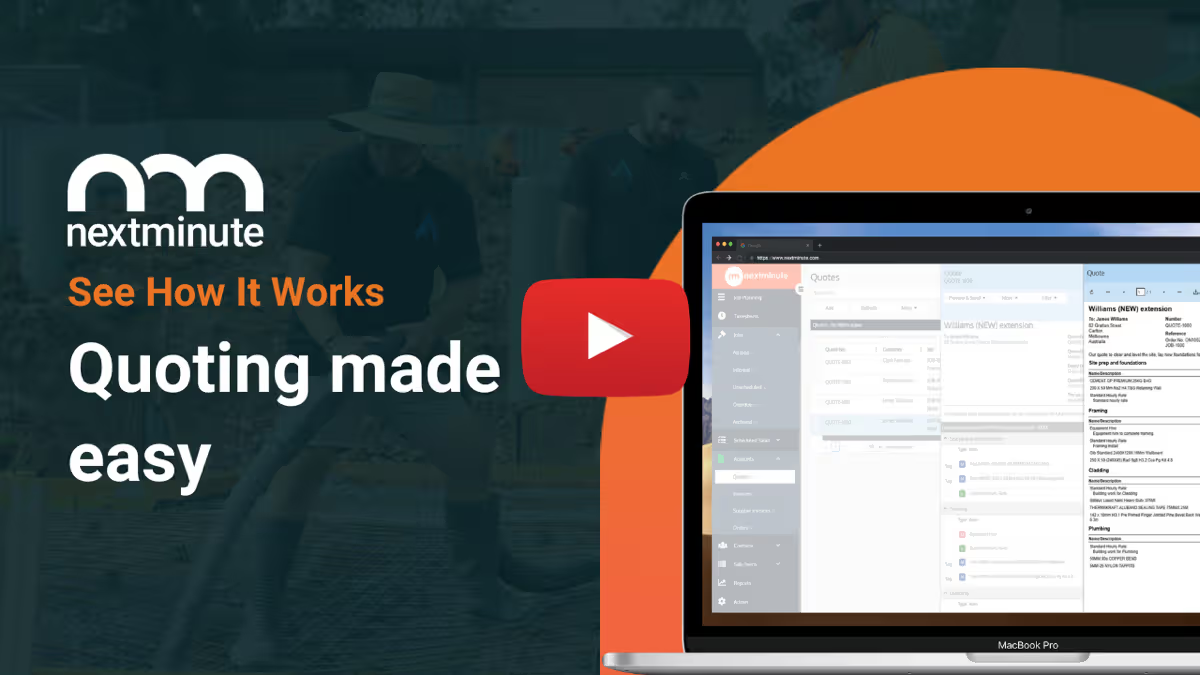
When a quote is accepted, it becomes a job in NextMinute, which you can drop straight onto the schedule in a couple of clicks. The stages and tasks you costed out in the quote are already there, so you're not rebuilding the plan from scratch — just slotting it into the timeline alongside everything else you've got running. From there, the crew sees their part on the mobile app and you can start tracking actual hours against the planned hours.

Will the crew know where to go without me texting them the address every morning?

Yes — every job in the mobile app has the site address, scope, and any plans attached, and the crew can tap once to open directions in Google Maps. No more morning texts with addresses, postcodes and gate codes. New starters and casual hires can find their first site without having to ring someone up. It also cuts down the "I'm here, where's everyone else?" calls when a job's at a tricky spot or down a long driveway.

We've been running jobs off a whiteboard — what does software actually add?

Fair question — whiteboards work fine right up until they don't. They live in the office, they don't update when a job shifts, and they don't tie hours or costs back to the plan. NextMinute keeps the same simple view, but everyone's looking at the same thing on their phones, changes ripple through dependencies automatically, and you can pull a backcosting report off the same data. The whiteboard's still there — it just stops being load-bearing.

How quickly can I get my first real job loaded and scheduled?

You can have a live job on the schedule the same day. The Sydney-based team will get you set up — accounts connected, crew added, and your first job imported during onboarding — usually inside a couple of hours. Adding the stages and assigning tasks takes a few minutes per job once you've done one. Start with a free trial if you want to load a real upcoming job rather than fiddle with demo data.

Got questions?

Reach out to our team and we'll get you sorted.

Let's Chat