All Features
Your digital tool belt.
Flexible month-to-month plans that scale with your crew. Ideal for residential trade teams with 3+ users & backed by the best support in the game.

Flexible month-to-month plans that scale with your crew. Ideal for residential trade teams with 3+ users & backed by the best support in the game.
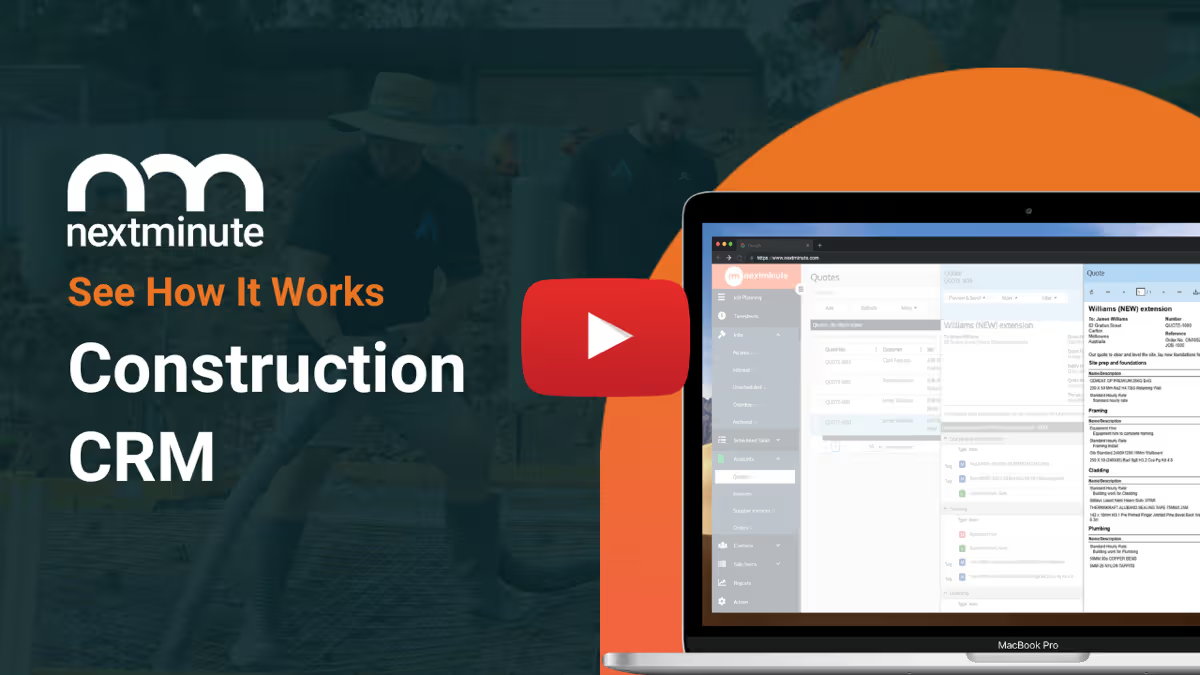
Build accurate, professional quotes in minutes. Use preloaded cost items, adjust margins, and send quotes that win jobs without the paperwork hassle.
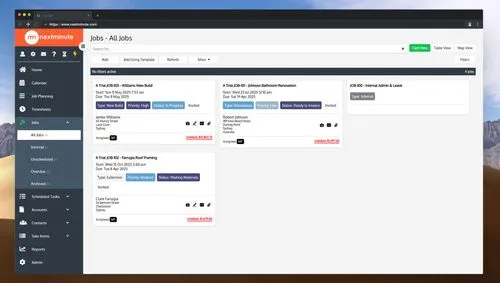
Easily plan and adjust your jobs with a simple visual scheduler. Shift tasks, reschedule crews, and keep everyone on the same page. No whiteboard needed.

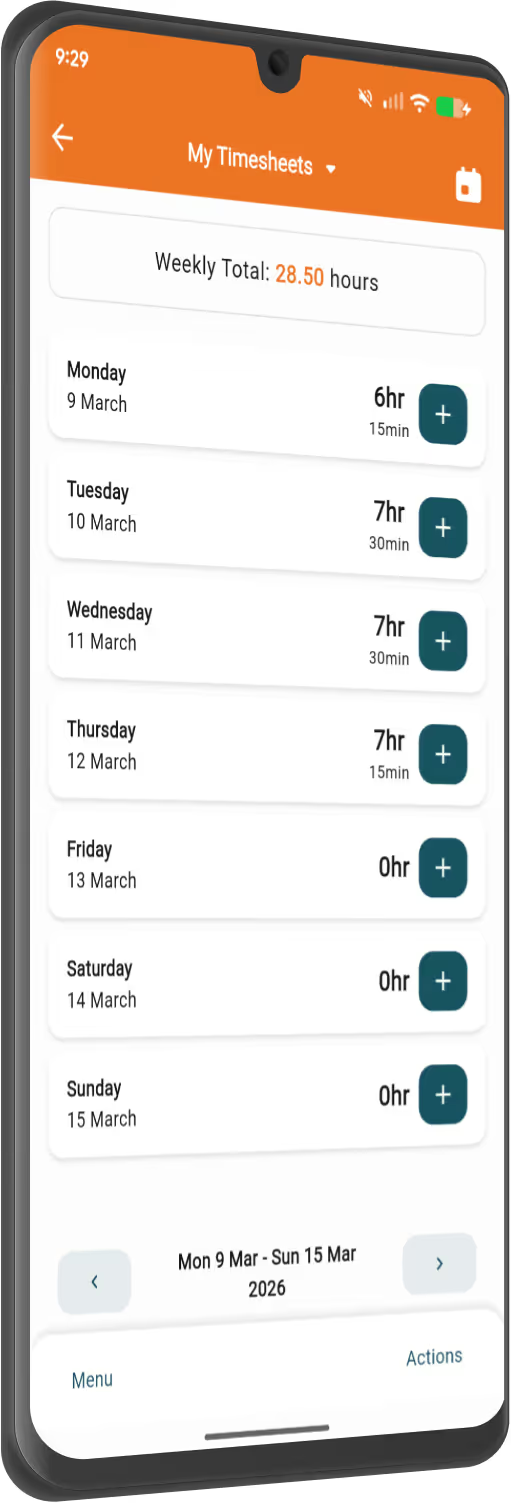
Your crew can clock in, add notes and snap job photos straight from their phone. No more chasing times or guessing hours after the fact.
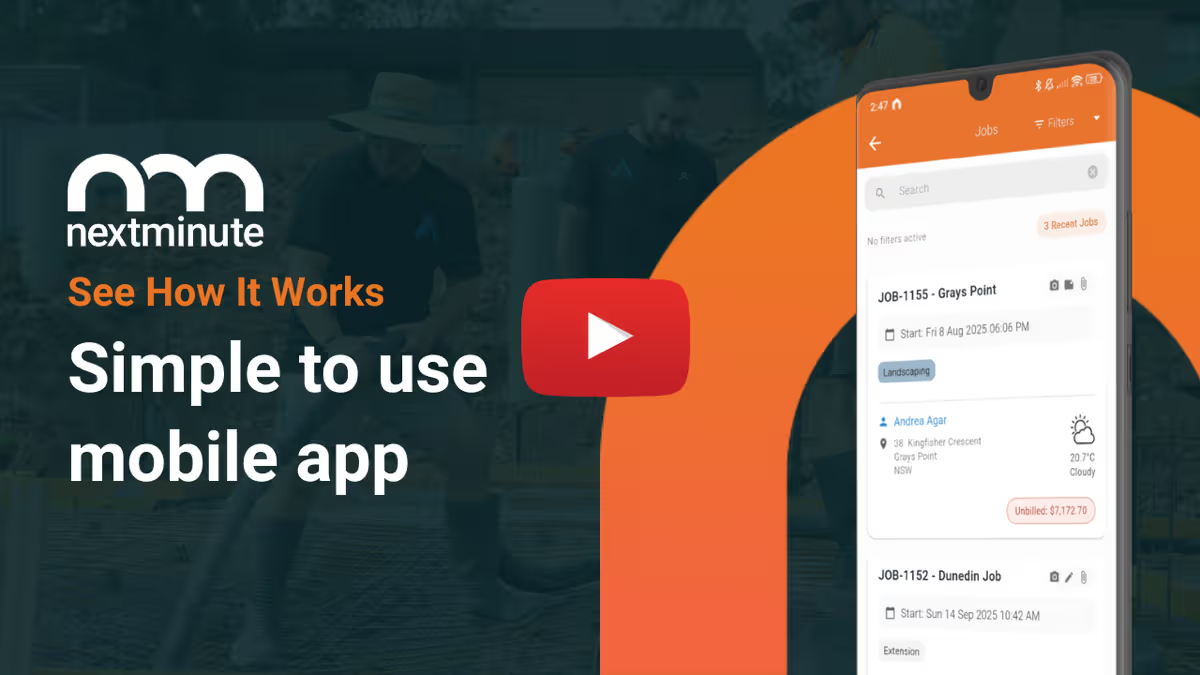
From job details and schedules to site directions and task updates, the mobile app keeps your team connected and on track wherever they are.
NextMinute Mobile AppTurn quotes, variations or timesheets into invoices in seconds. Track what’s been sent, paid or overdue — and get paid faster with less admin.
Learn about InvoicingSee how every job is tracking with real-time reports on costs, margins and profitability. No spreadsheets, no guesswork. Just numbers that work.
Back Costing Reporting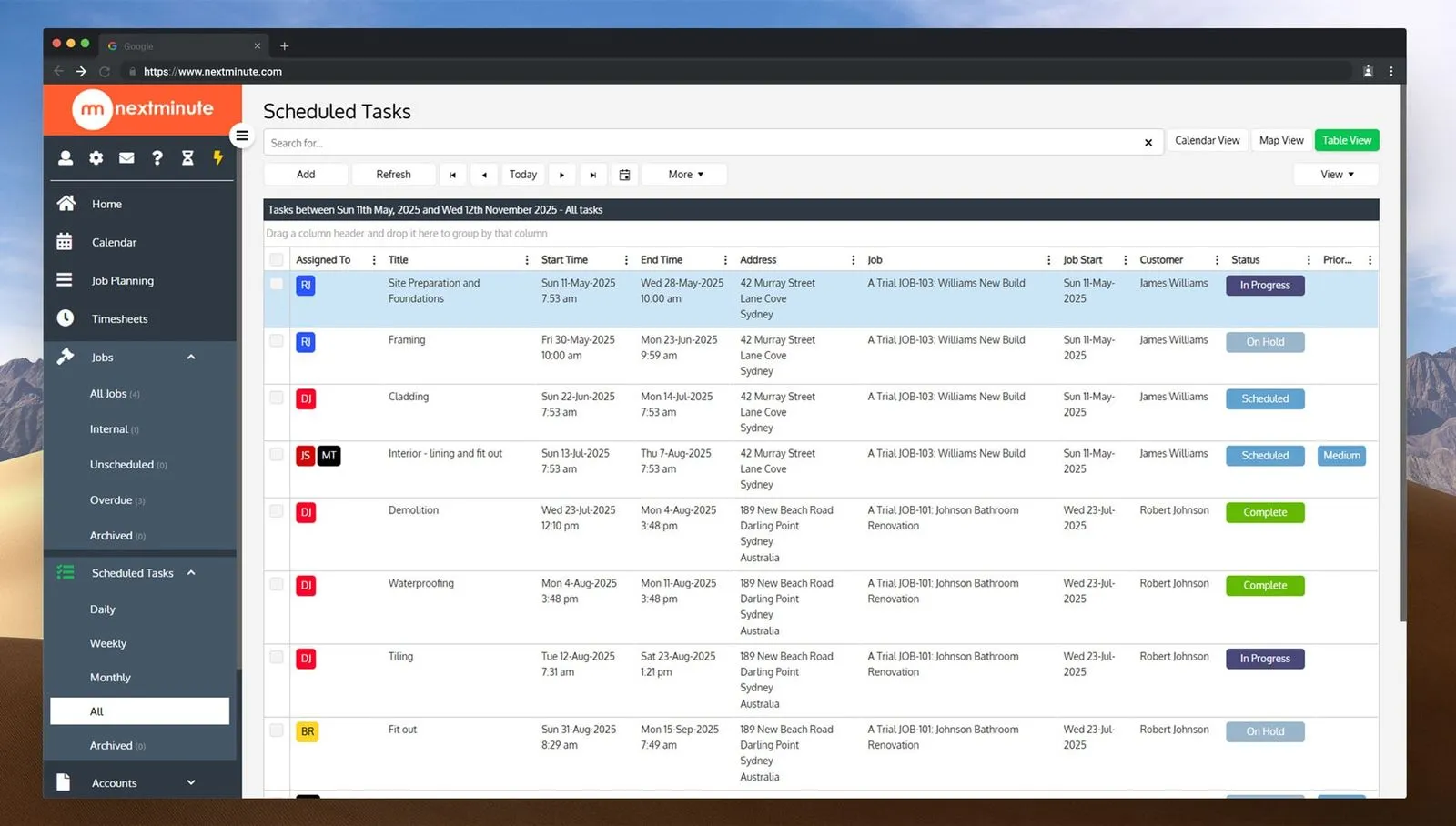
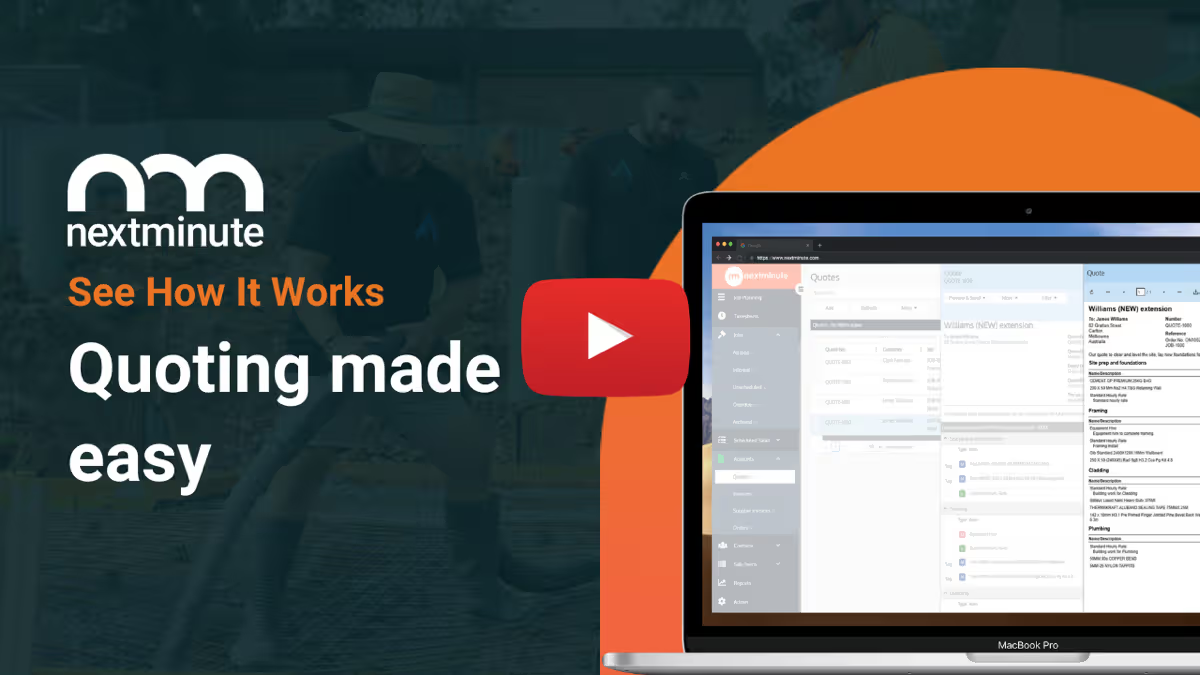
Import your price books and use templates to save hours on quoting. Send to clients and get approval with one click.
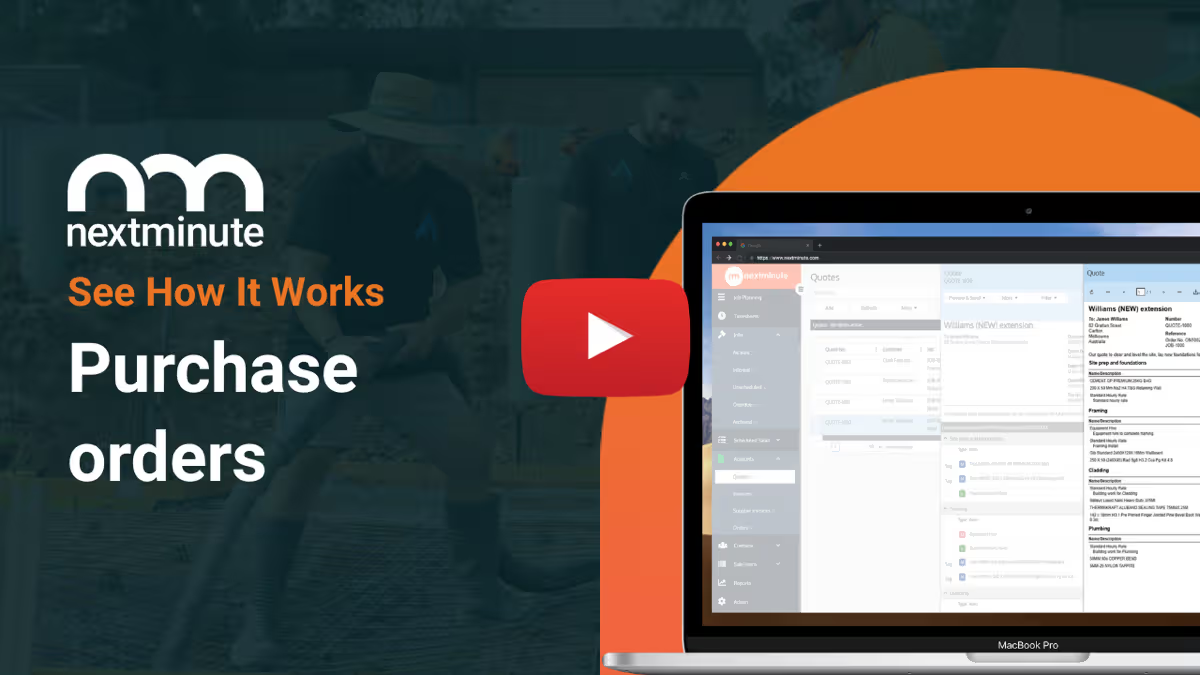
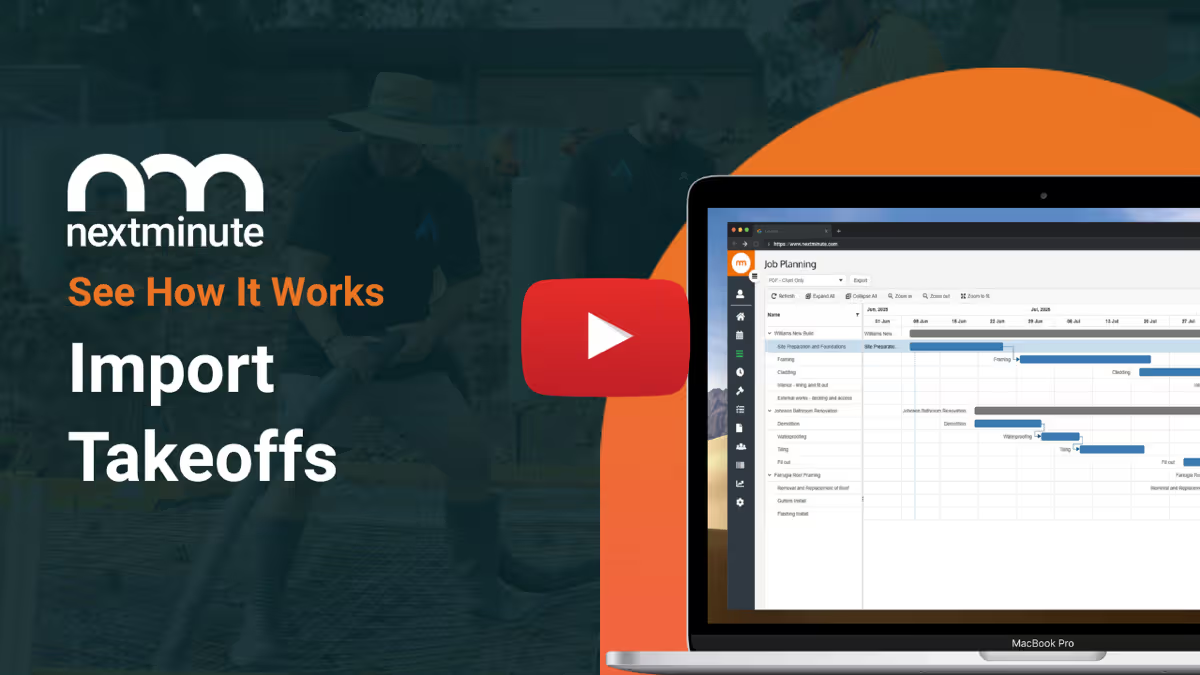
Use your takeoff software or QS of choice, and quickly import takeoffs to NextMinute to start planning the job.
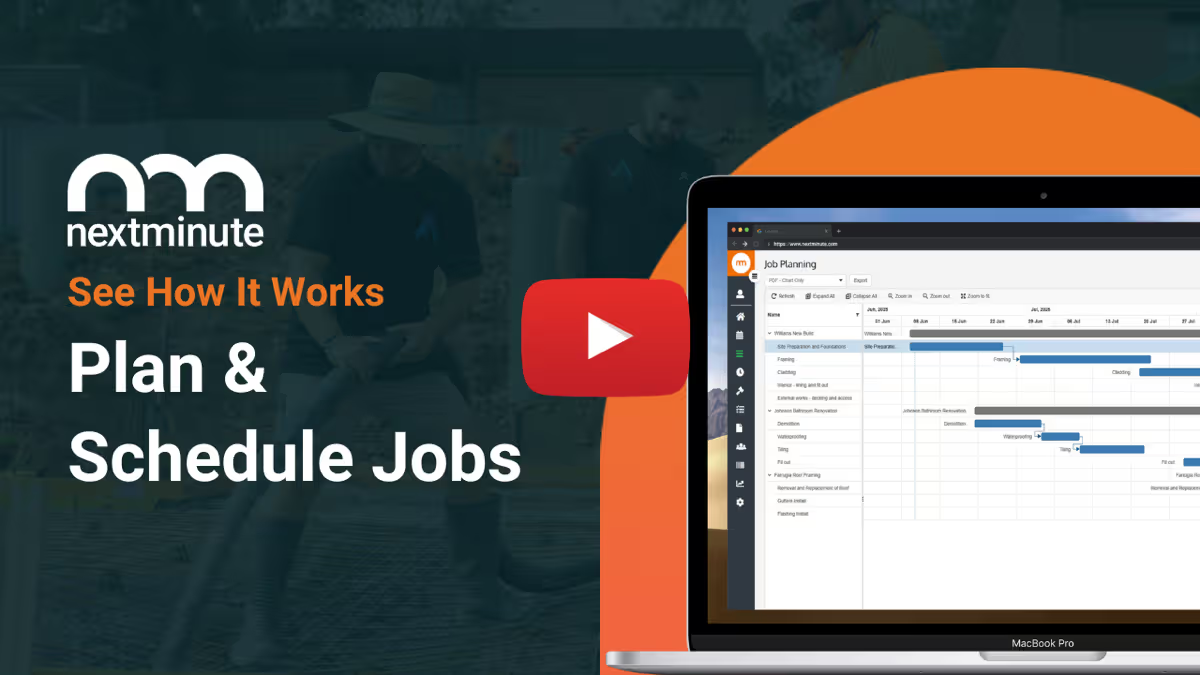
Easy-to-use Gantt chart for planning jobs. Assign jobs and tasks to crew to reduce confusion and get on with the job.
No more chasing timesheets or payroll errors. Talk-to-text notes, attach photos, and log time + expenses.
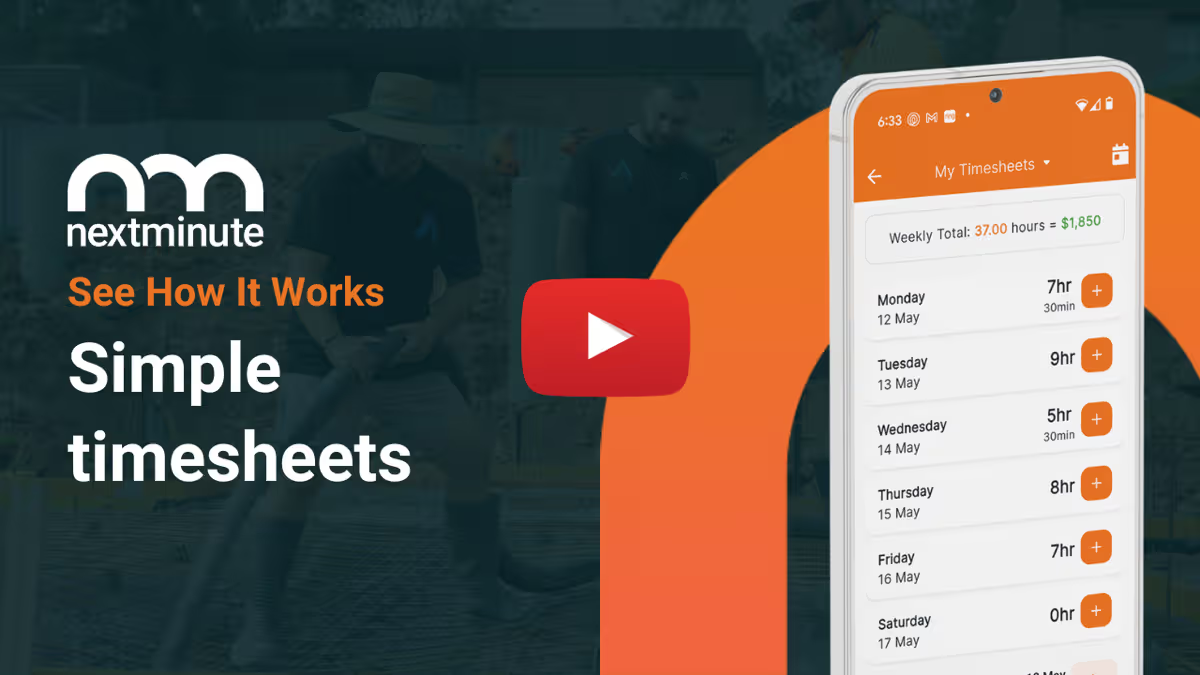
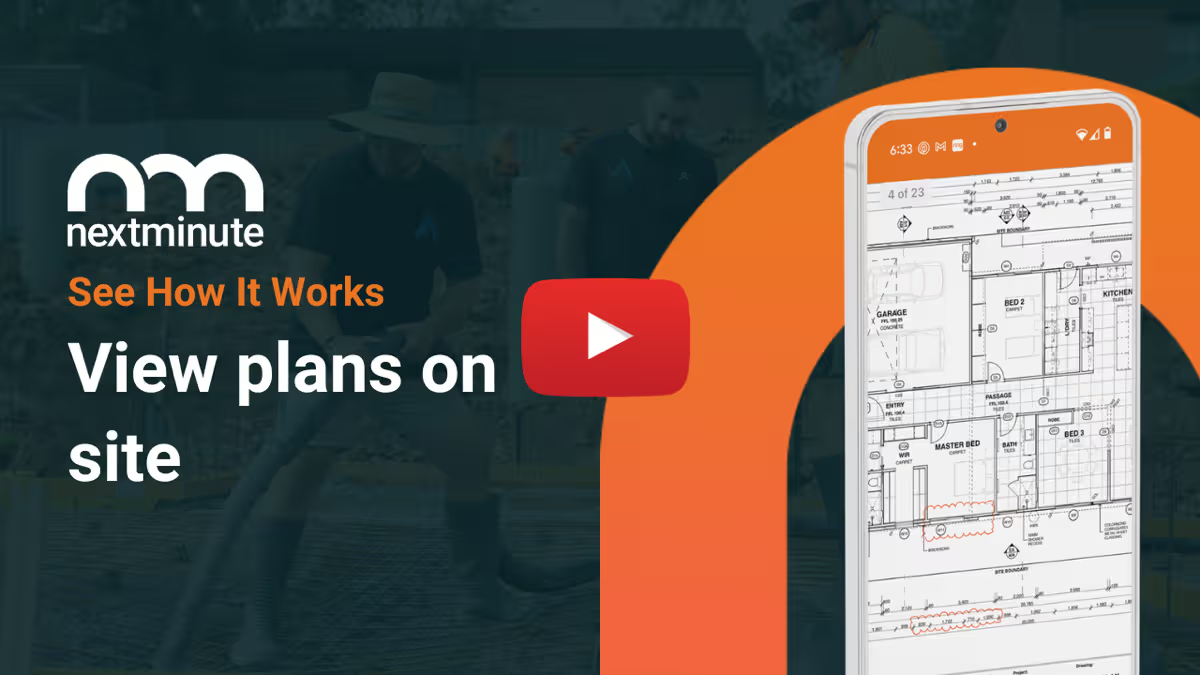
Your team can easily view plans on site. Ditch the paperwork and have less mistakes and confused tradies.
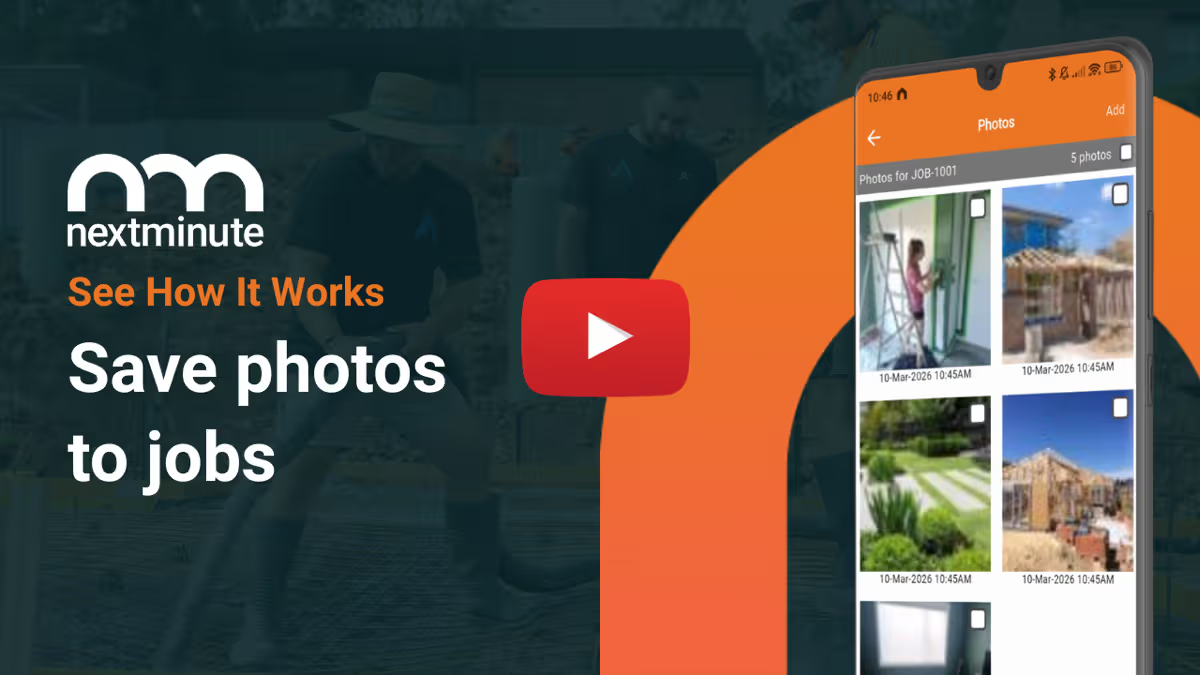
Crew can save photos to jobs so you have a leg to stand on and can keep the customer up-to-date.
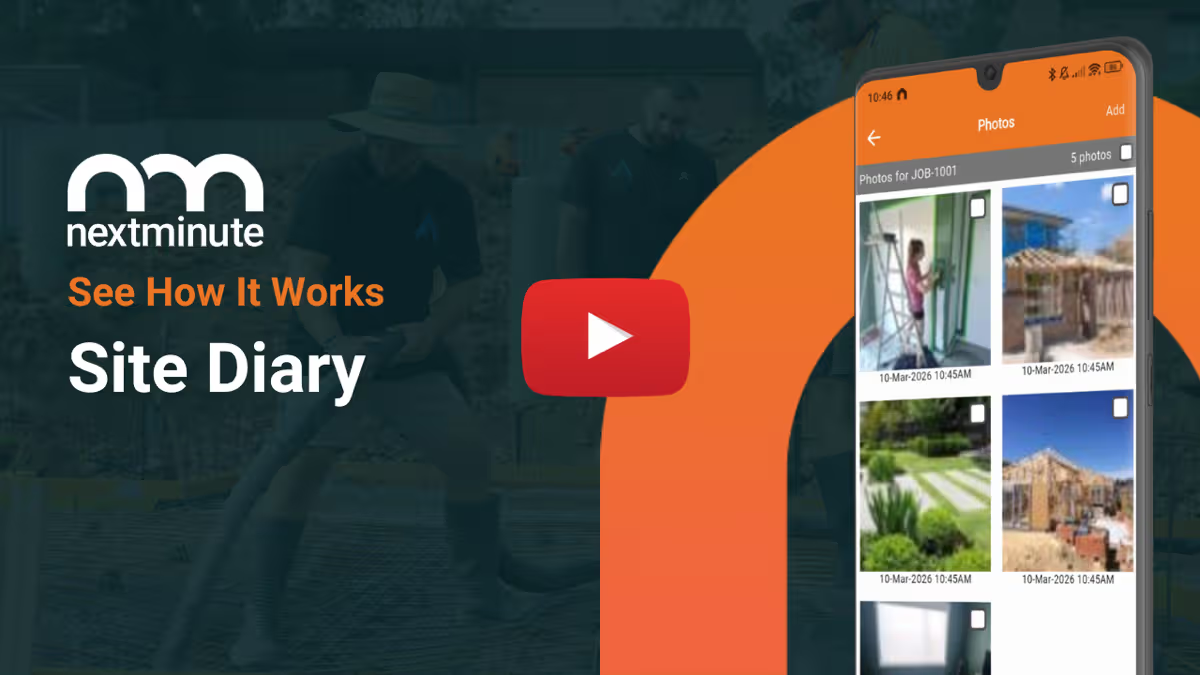
Crew can easily log notes and photos against jobs and tasks to keep you & your client informed.
Manage your jobs from on-site or in the ute with ease. Plus, your crew can view jobs and tasks, and log time with ease.
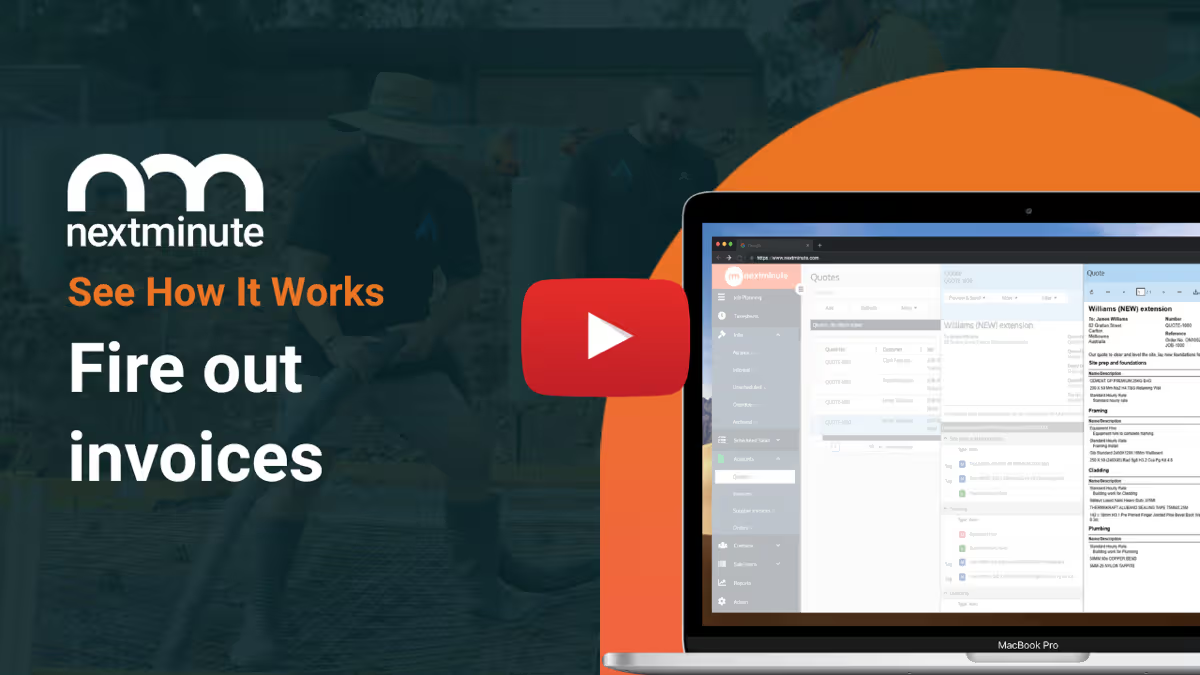
With all your job costs in one system, you can easily send accurate progress or final invoices with a few clicks.
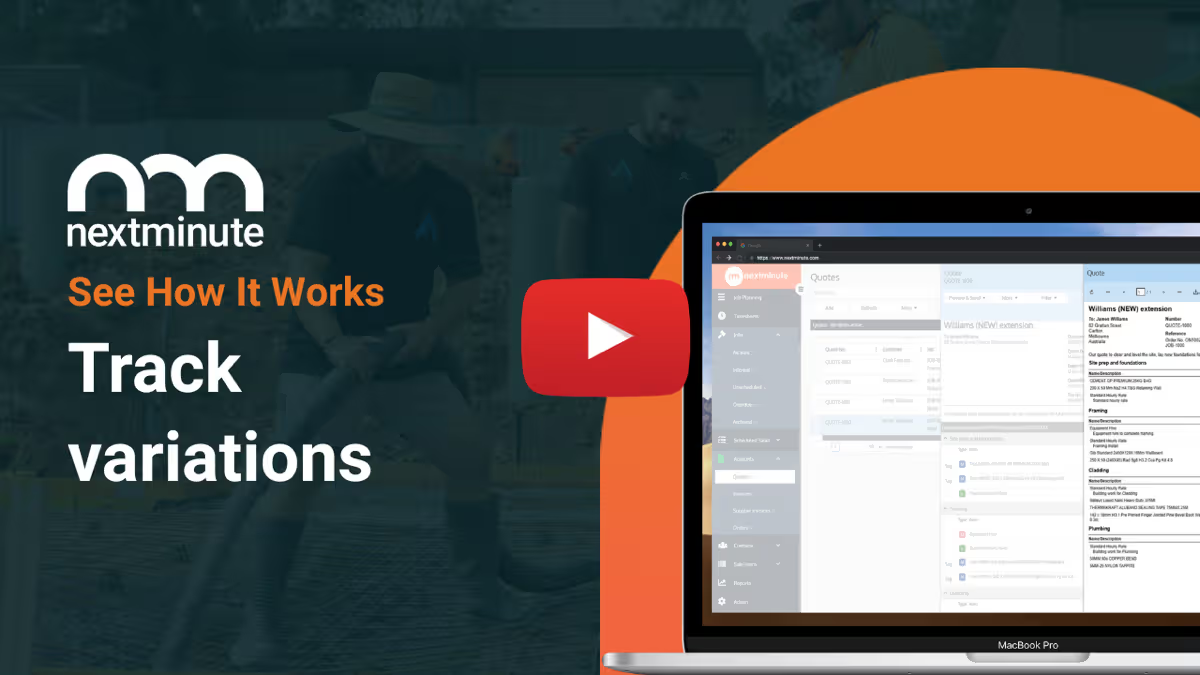
No more handshake agreements and client disputes. NextMinute makes managing and tracking variations a breeze.
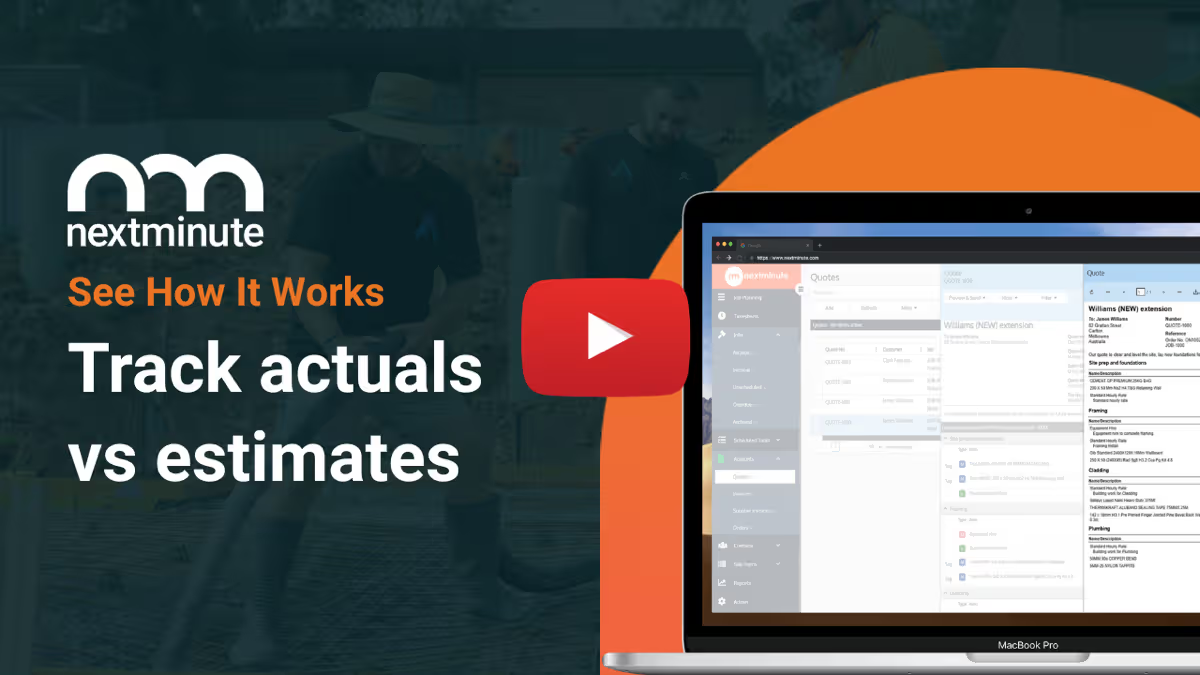
Report on actuals vs estimates in real-time by job and stage. Spot blow outs early to protect your profit.
Set custom buy/sell rates for machinery and have your crew log the hours.
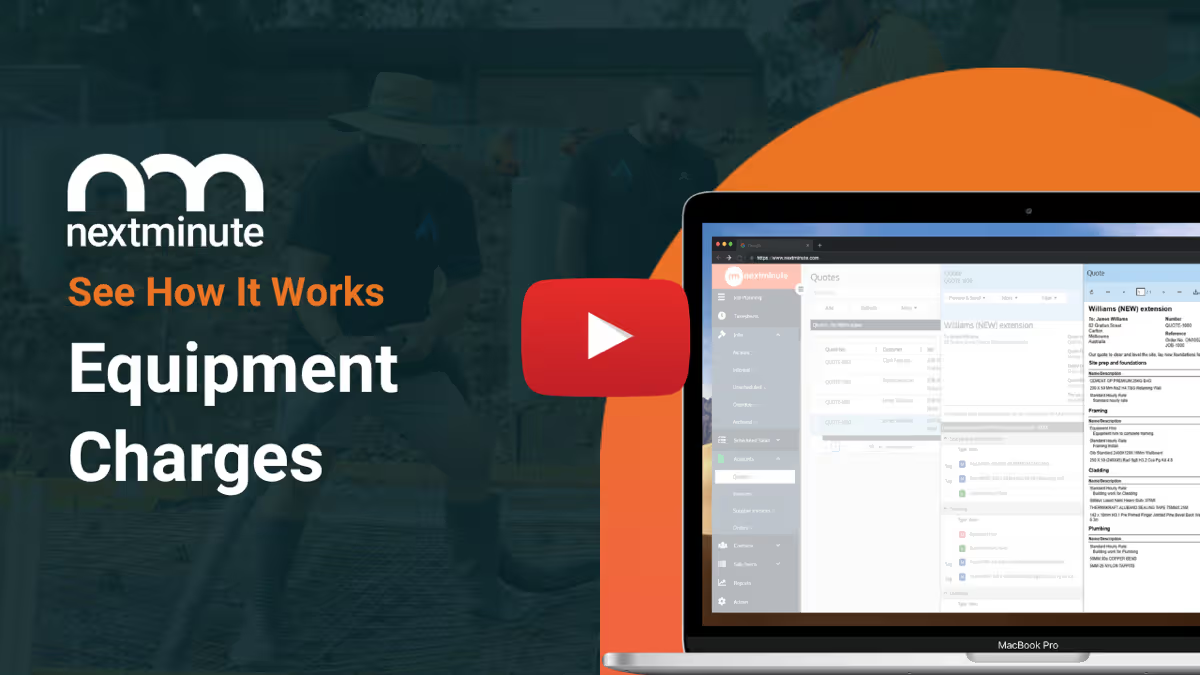
Easily add in job expenses to keep track of your actuals vs. estimates.
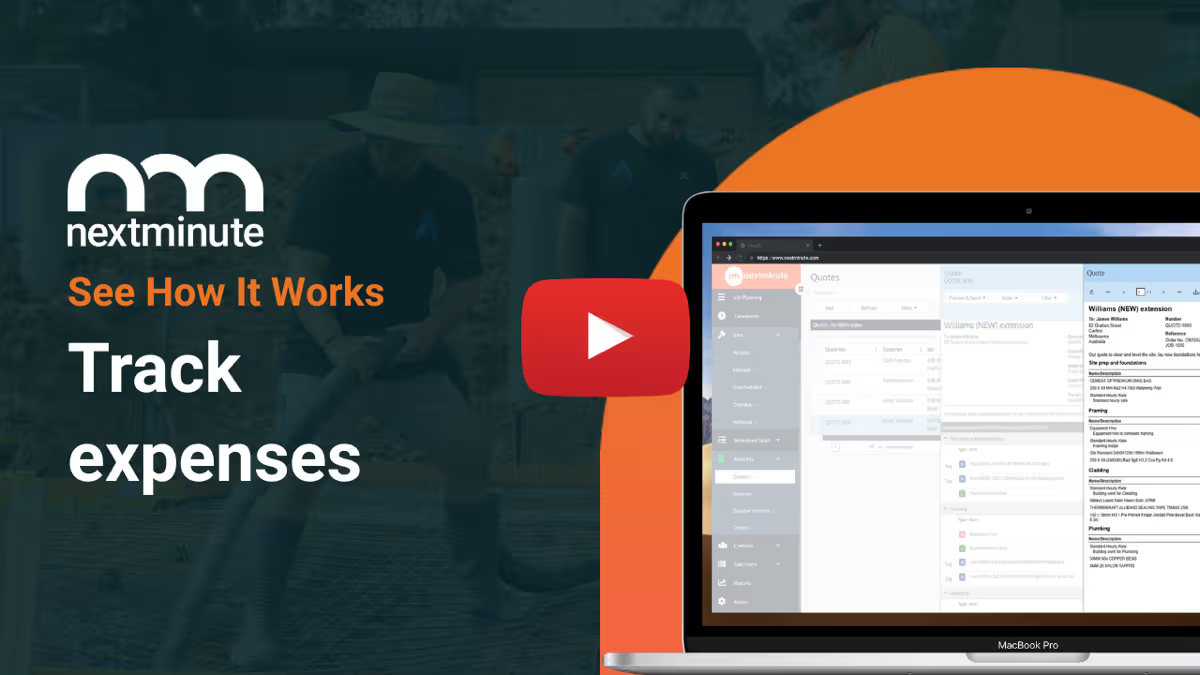
Easily send SMS, email, and in-app messages straight from NextMinute.
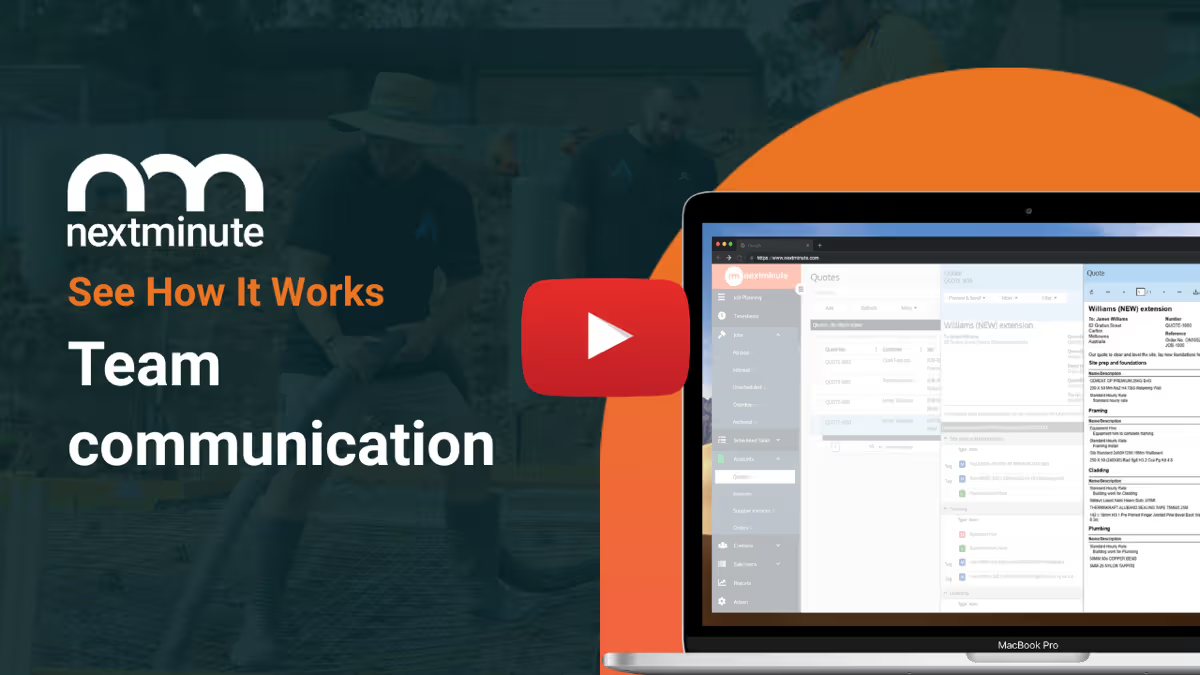
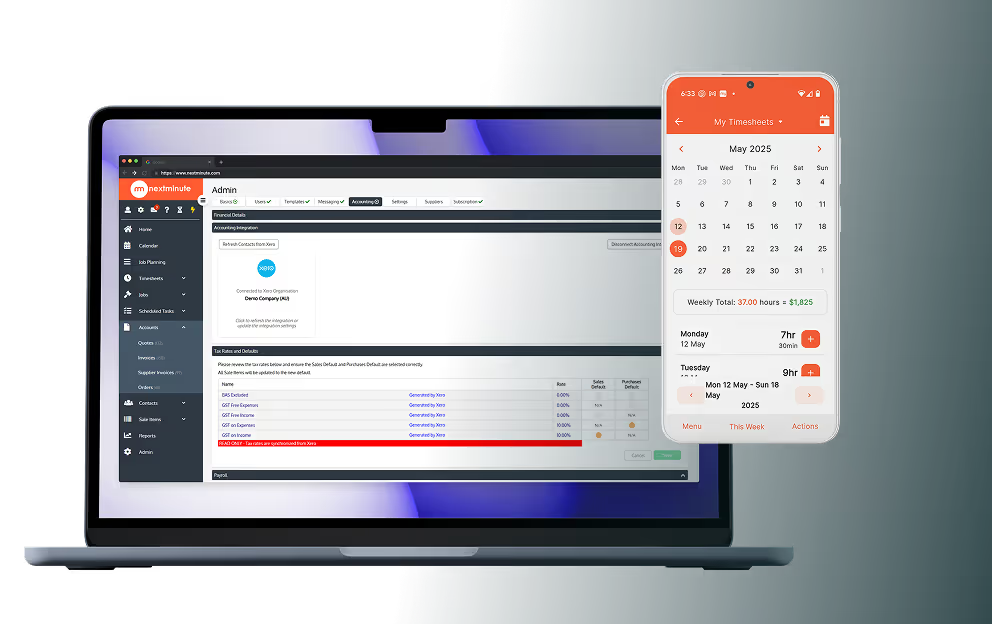
NextMinute keeps your jobs and your accounts talking to each other. Contacts, invoices, timesheets & payments stay in sync, so you’re not re-entering info or cleaning up mistakes later.
See Integrations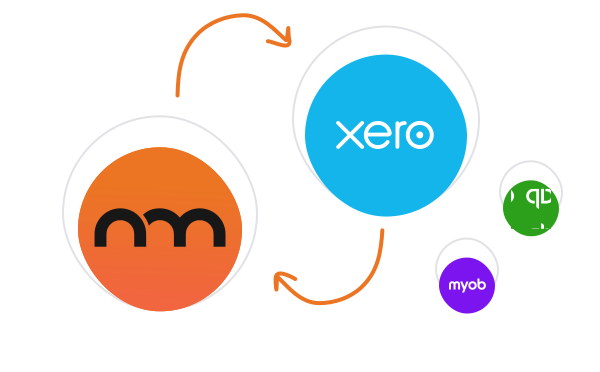
Reviews
Rated 4.9/5 with 100+ reviews on Google and Facebook, with local Aussie support that actually helps.


We’ve answered the ones we hear most from builders and tradies.

You get the core gear most Aussie builders and tradies need to run jobs properly — quoting, scheduling, timesheets, variations, job notes, photos, invoicing, supplier bills and job cost tracking — all in one app, with two-way sync to Xero, MYOB and QuickBooks for the accounting side.
Yes — and it's one of the stronger features. You track labour, supplier bills, expenses and invoices against the original quote, so at any point in a job you can see exactly what your gross margin is sitting at. That means a job tracking over budget gets flagged while there's still time to do something about it, instead of at the final reconciliation.
Yep. That is the stuff that usually ends up scattered across texts, emails, notebooks and someone’s camera roll. NextMinute gives you one spot for variations, notes, files, photos and job updates, so you have less chasing around and a better record of what happened on site. If you want to dig into the day-to-day side of that, have a look at our mobile app feature page and CRM feature page.
Easiest way is to match them against how you run jobs now. If you need tighter control over quotes, schedules, crew, costs, variations and invoices, and you're feeling the friction of doing all of that across spreadsheets, paper and chat — this is built for that exact situation. Best to grab a free trial and try it on a real job for 10 days.
Yep, that is one of the big reasons people move over. You can build the quote, turn it into a live job, schedule the work, track what the job is costing you, then send invoices without bouncing between spreadsheets and different bits of software. If quoting and invoicing are the bits giving you grief, check out our quoting feature page and invoicing feature page.
It is more than a basic calendar. NextMinute gives you a visual scheduler with Gantt planning, so you can lay jobs out clearly, shift tasks around fast and keep everyone on the same page when dates move, which they always do. If you want to dig into that side of it, check out our scheduling feature page.
Yes — it integrates with Xero, MYOB and QuickBooks, so contacts, invoices, payments, timesheets and supplier bills can stay in sync. That means less double-entry for the office and less chance of the books drifting out of sync with what's happening on the jobs.
Plenty. The crew can check job info, look at plans, log timesheets, add site notes, upload photos and keep the office updated without ringing every five minutes. It's designed so the apprentice can use it as easily as the owner — if someone can use Facebook they can use NextMinute.
Yes. You can keep leads, customer details, quotes, job files, notes and updates tied together, which makes it a lot easier to stay organised once the work starts piling up. It saves a heap of mucking around trying to work out where the latest info lives. If that matters to your workflow, have a look at our CRM feature page.
For most crews, yes, that is the goal. Instead of having one system for quotes, another for scheduling and a pile of paper for the rest, you can bring the lot into one place and stop losing time to double handling. It is a much cleaner way to run jobs once the business gets busy.
Talk to a Real Person
Have a quick chat with our Sydney-based team. We’ll walk through how you run jobs and show you how NextMinute fits.

Anna-Kate
Sales Manager
From the land of Guinness, she’ll help you work out if NextMinute’s a good fit. Straight talk, no sales BS, and a good sense of humour.

Mat
Former Plumber & NextMinute Pro
Mat’s a plumber, not a software guy. He’s been on the tools and shows you how to run jobs without the admin headaches.
Tell us what you need
Let us know your requirements and how you run your jobs
No bullsh*t
Real humans with construction experience that you'll actually like talking to
Get a trial account
We'll set you up with a customised account to try out NextMinute. We can even import your jobs and quotes


Copyright © NextMinute Australia Pty Ltd. All Rights Reserved.