Job Management Mobile App For Australian Tradies

Your best mate on site.

Give the crew everything they need in their pocket. Log time, photos, notes and expenses on the go, check job details and site plans, and keep the office in the loop without the usual back-and-forth.


NextMinute Logo

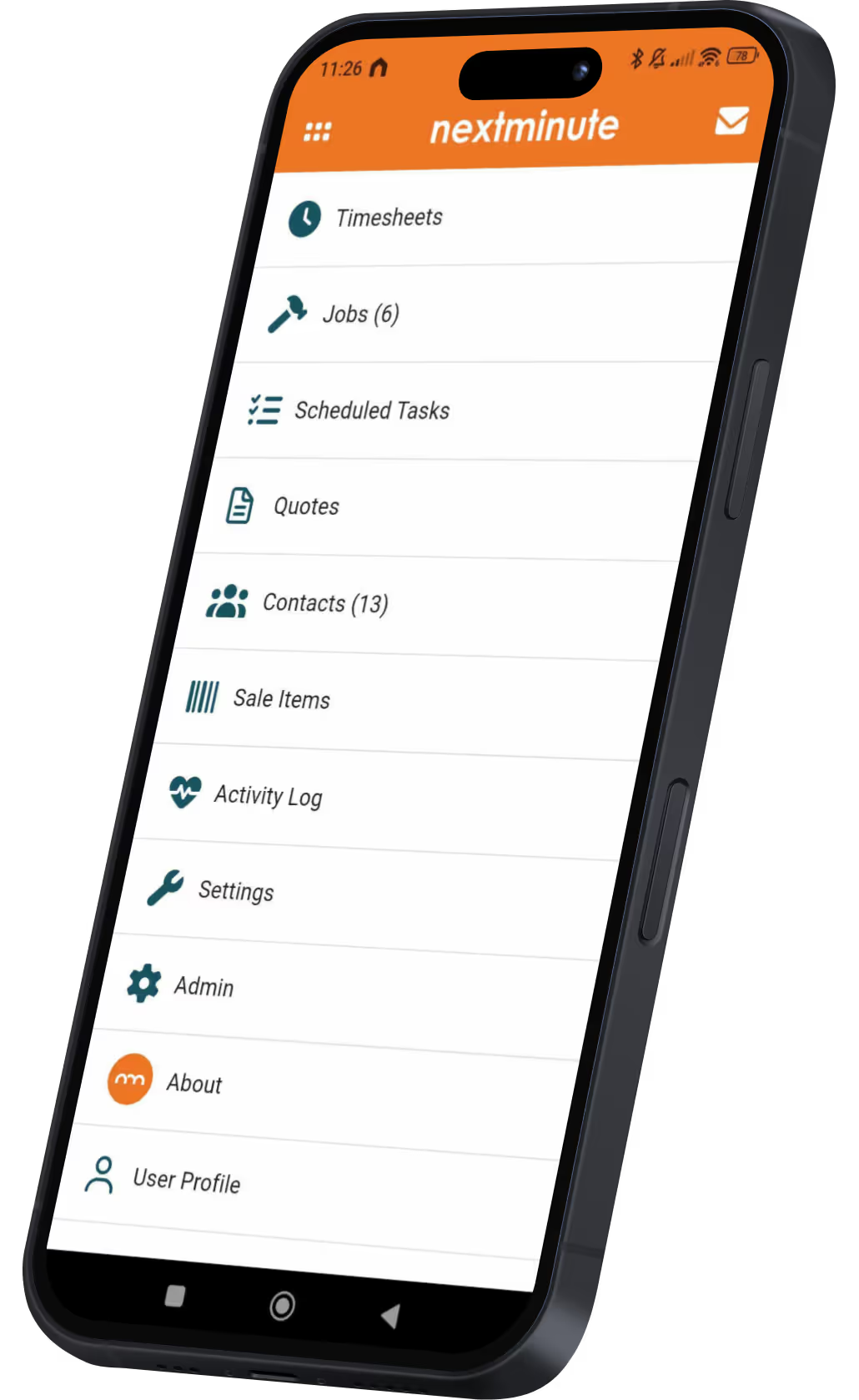
Run your business from your back pocket

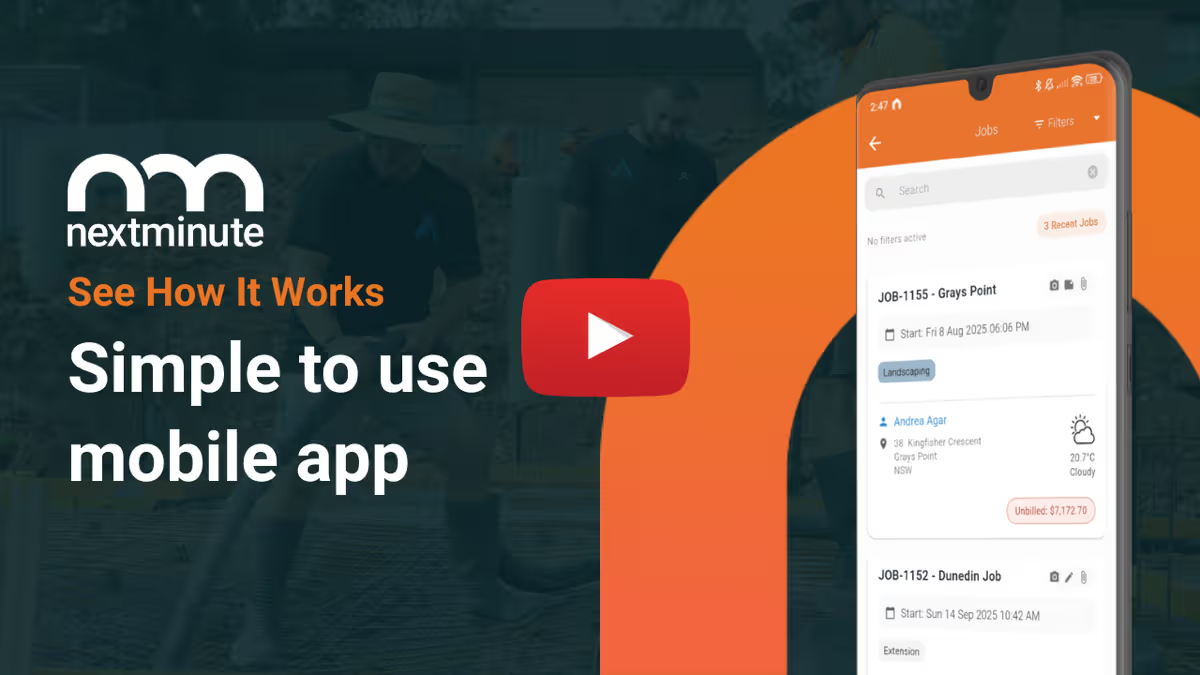
Managing your projects and crew doesn’t stop just because you’re not in the office. With the NextMinute mobile app, you’ve got all the digital tools you need to keep the job moving – whether you’re on-site or in the ute. It works on any device you have handy.

NextMinute App StoreGoogle Play Store

Blast through admin like a boss

As an admin or business owner, you don't have to wait until you’re back at the office to get work done. With the mobile app, you’ve got all the tools to keep things moving and on budget.

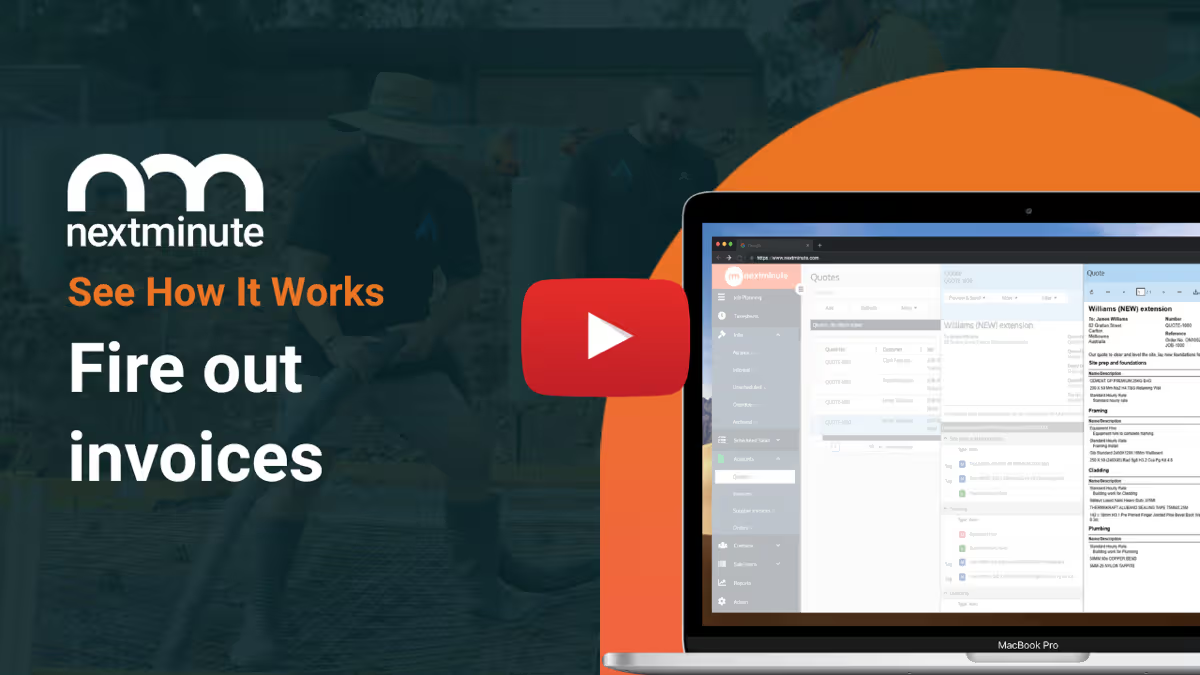
Fire off quotes, variations, and progress invoices on-site
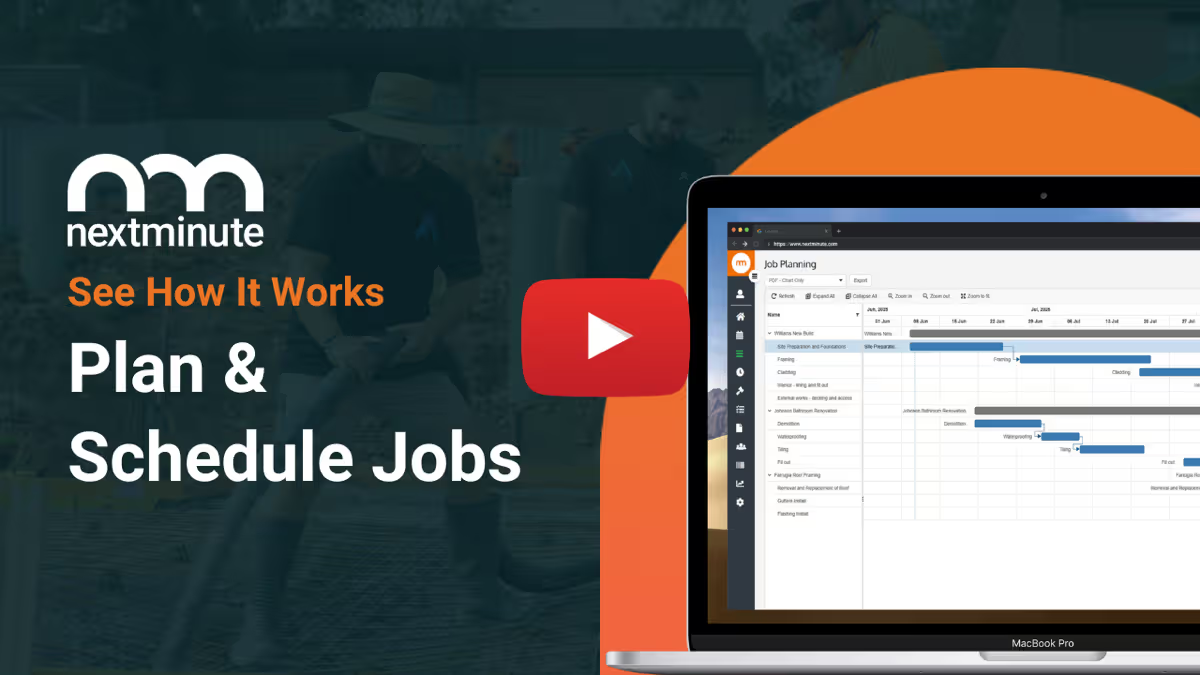
Assign tasks and manage schedules in real time, so the crew knows exactly where to go next.
Log labour, material, and disbursement costs as they happen – no forgotten costs.
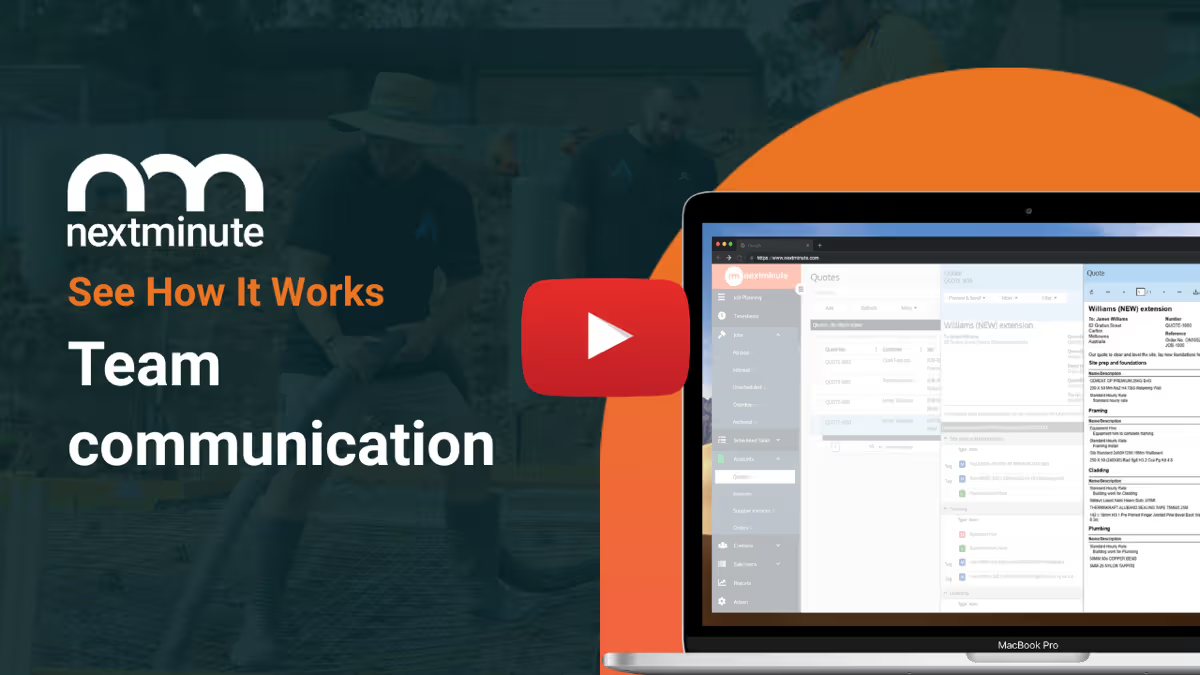
In-app messaging keeps everyone in the loop, so you never miss an update.
NextMinute App StoreGoogle Play Store
NextMinute Mobile App
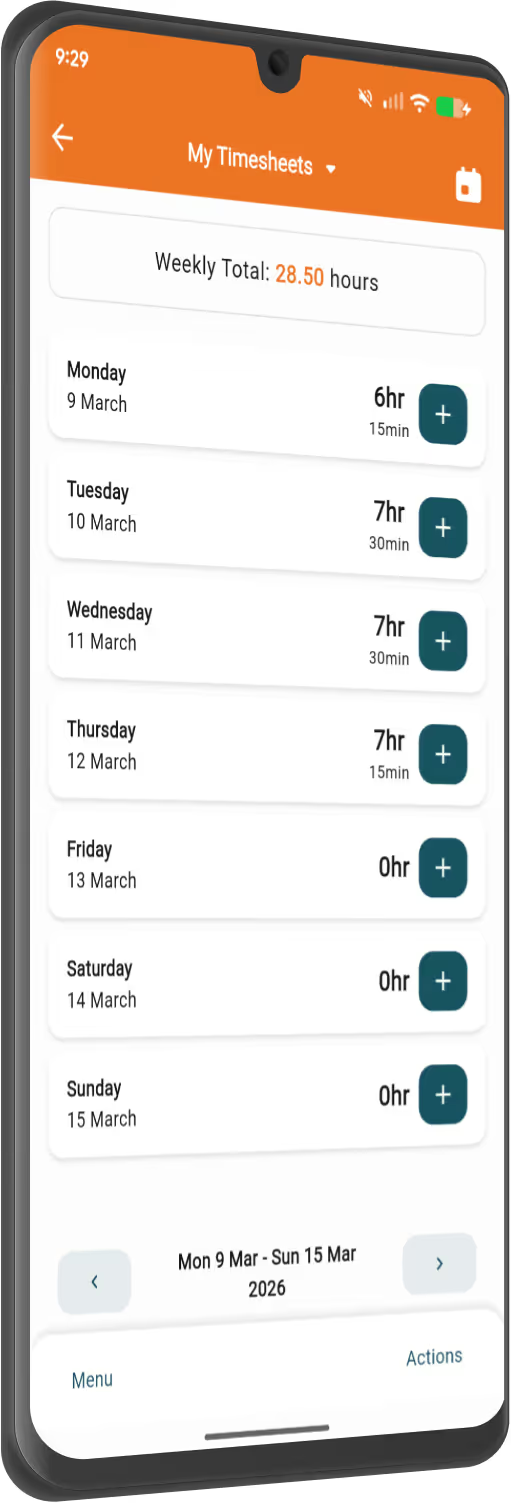
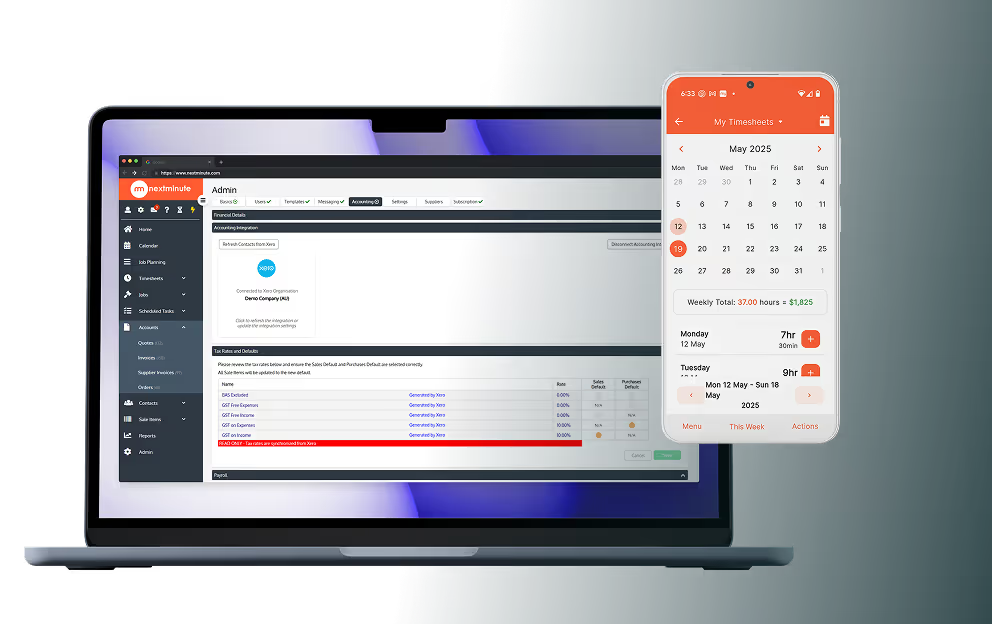
NextMinute Timesheets on mobile

Simple as for your crew

Your crew will love it – no more chasing details or repeating themselves. They only see what matters to them – no unnecessary features, just the essentials. They can check exactly where they need to be, what needs doing, and easily upload site diaries with notes and photos straight from their phones.

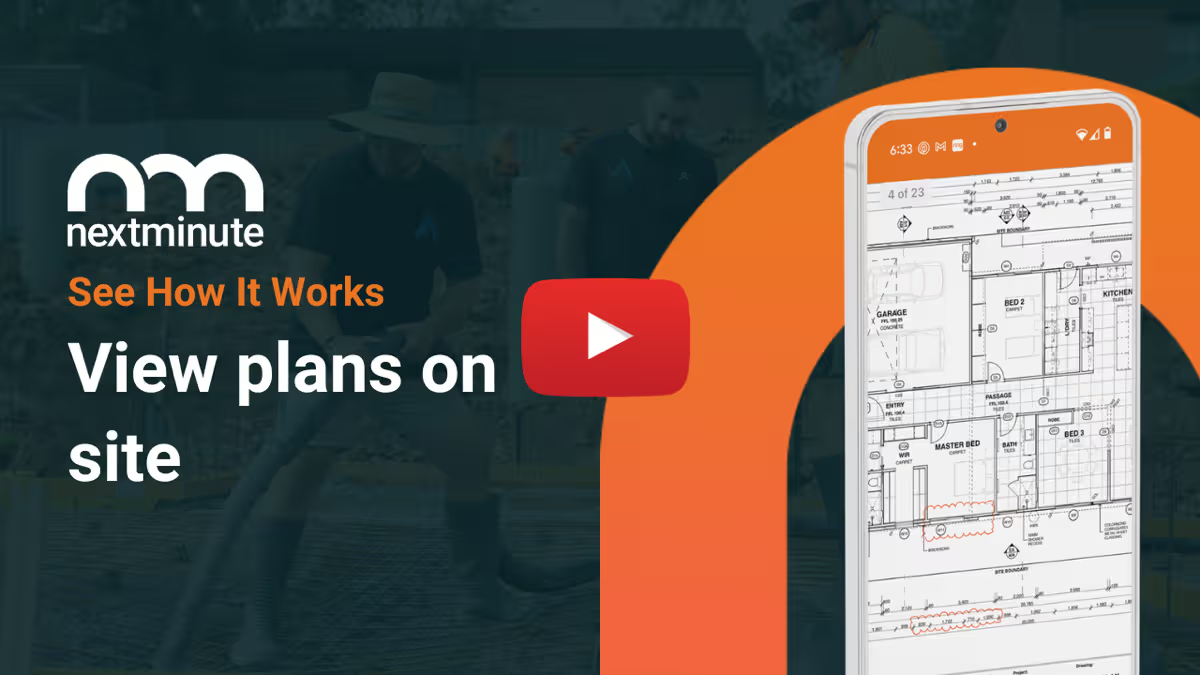
Access tasks and site plans on-site – everything is right there when they need it.
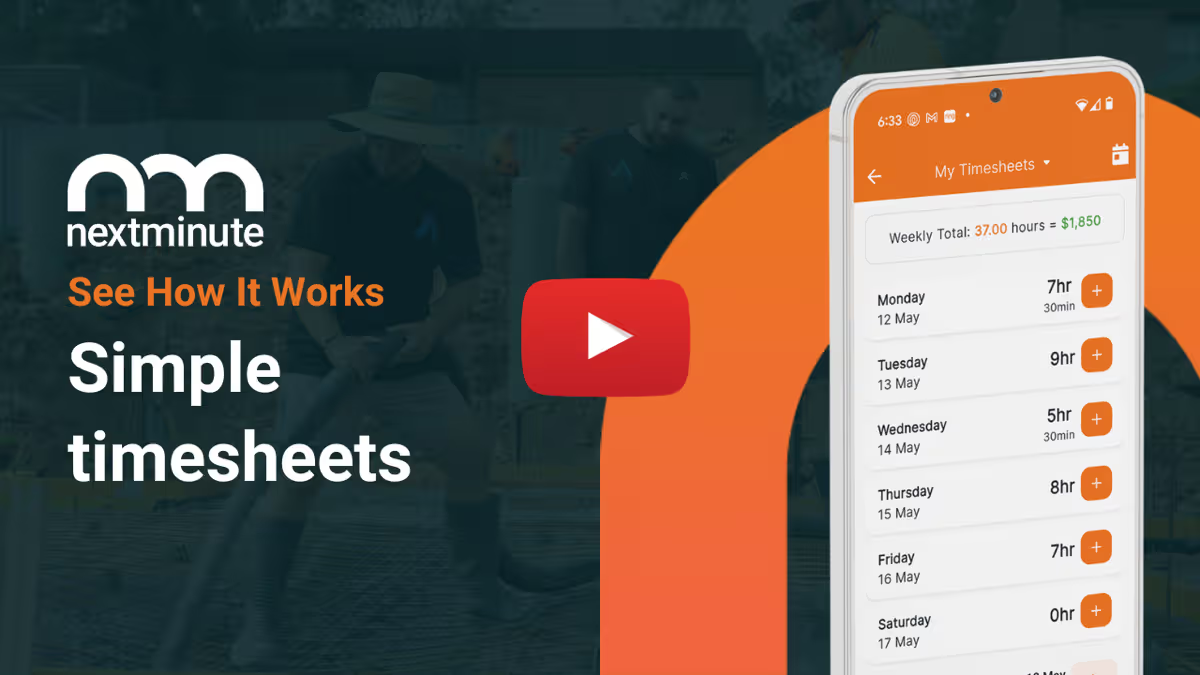
Log timesheets with a few taps – no more manual entries.
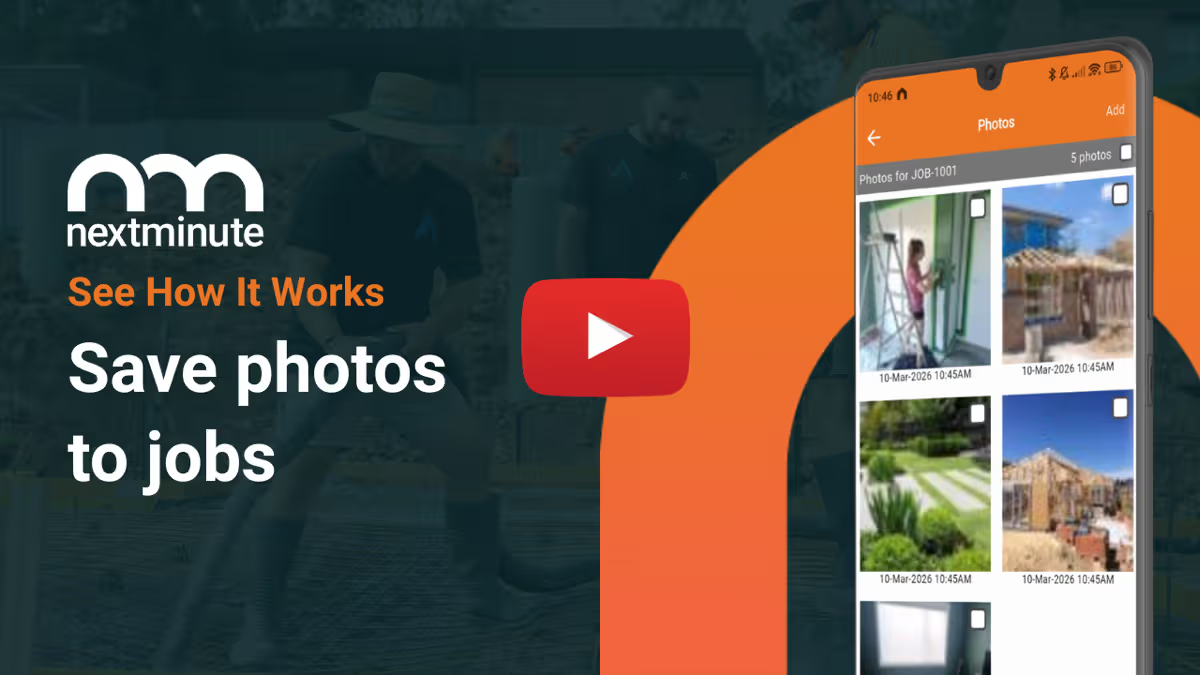
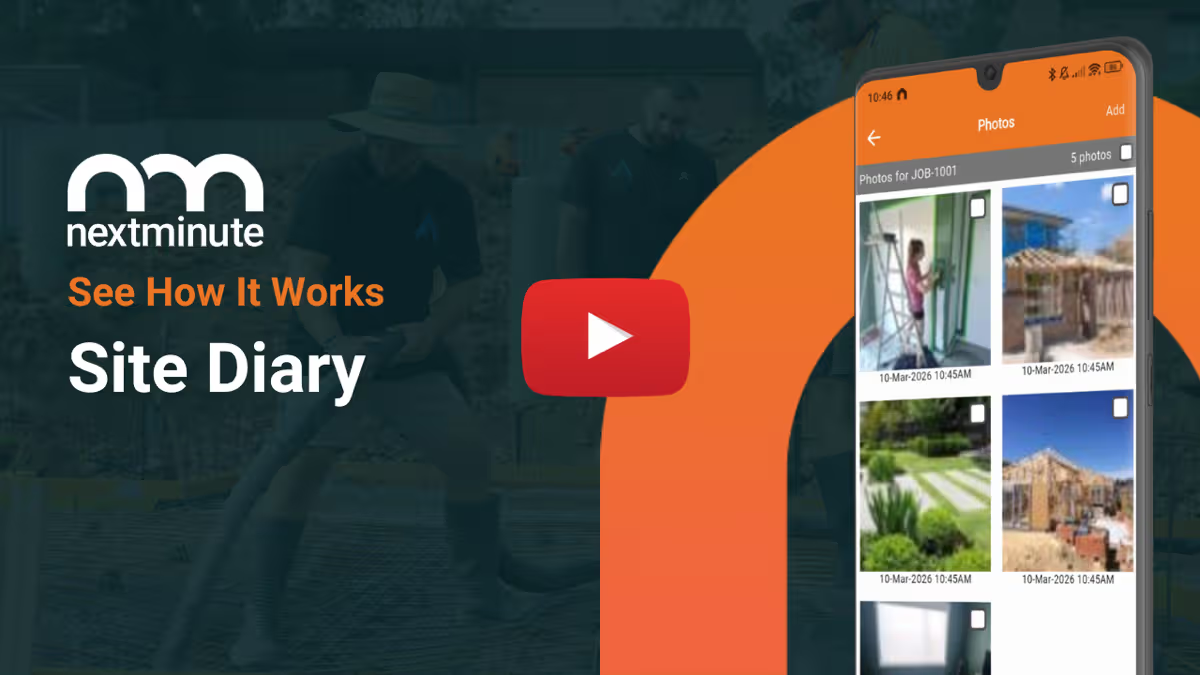
Enter site notes, upload photos, and update progress. Speech-to-text makes it easy.
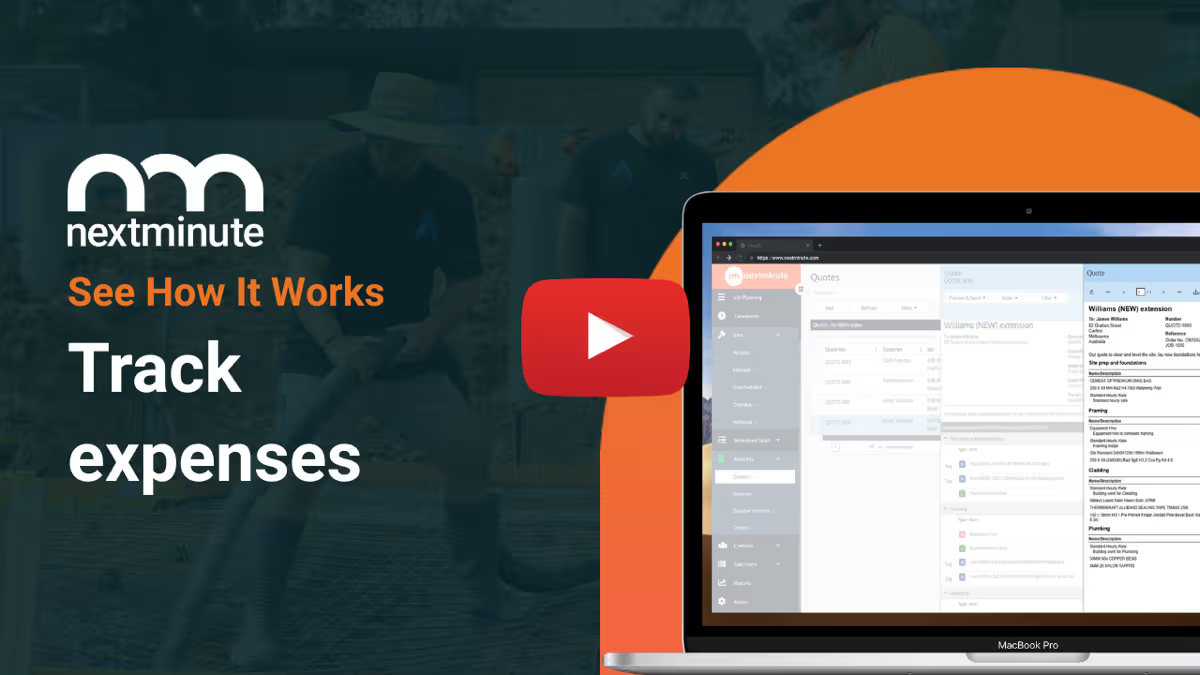
Record materials, labour, and other costs straight into the app.
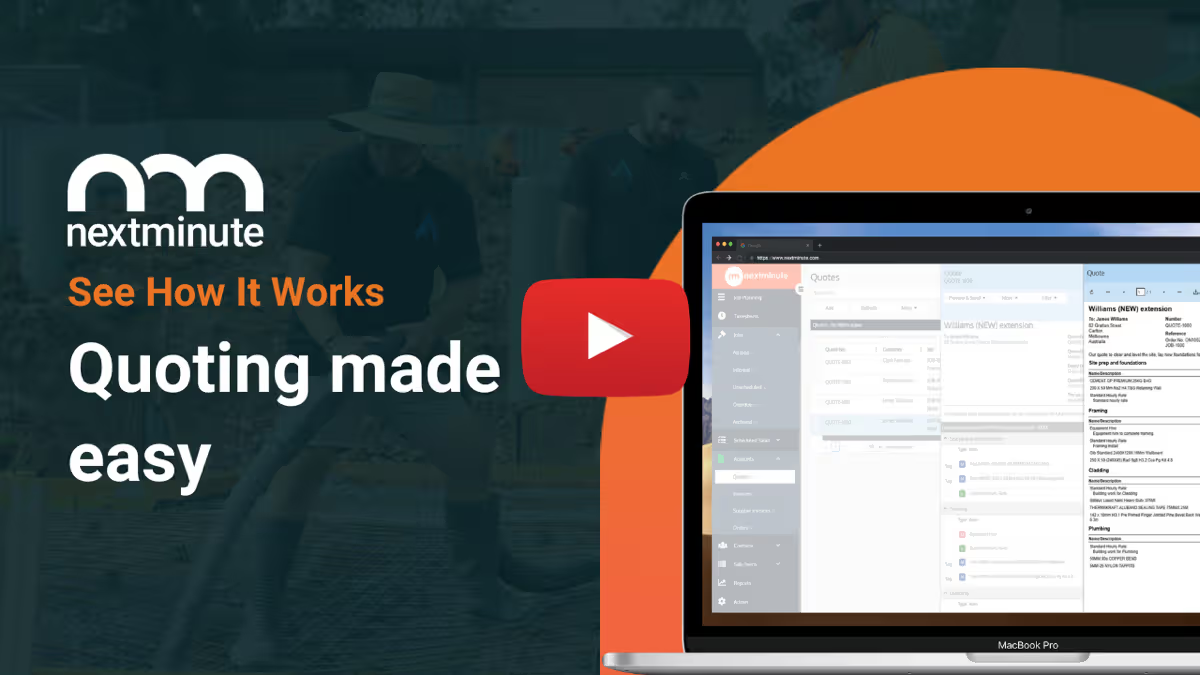
How NextMinute Works

All the tools you need to get the job done

From winning the work to getting paid, NextMinute covers the full job without the admin headaches.

Common Questions

We’ve answered the ones we hear most from builders and tradies.

Can I record machine hours and equipment use from the site?

If you've got diggers or other gear on-site, you can set custom buy and sell rates and have the crew log those hours directly into the app just like a timesheet.

Does the app allow for in-app messaging with the team?

There is a built-in messaging feature that lets you keep all job communication in one spot. It’s much better than losing important details in a messy pile of SMS or WhatsApp threads.

Is the mobile app version different for the boss versus the crew?

The app uses role-based permissions. As the admin, you see the full picture—including costs and financials—while the crew gets a simplified version focused on timesheets, tasks, site diaries, and plans.

Can my team see the full schedule on their mobiles?

Everyone on the team can see exactly where they need to be and what tasks are assigned to them. If you update the schedule from your end, it syncs instantly so the crew always has the latest info.

Can I track material costs and expenses on the go?

You can log labour, materials, and other job expenses the moment they happen. This keeps your actual costs updated in real time so you always know if a project is staying on budget.

How do site diaries and photos work in the app?

The crew can snap photos and add site notes as the job progresses. There’s even a speech-to-text feature, so they can just talk into the phone to record updates rather than typing with dirty hands.

Can I send out quotes and invoices while I'm out of the office?

You don't need to wait until you're back at the computer to get paid. You can fire off professional quotes, variation approvals, and progress invoices directly from the app while you're still on-site with the client.

How easy is it for the crew to log their timesheets?

We've made it simple enough that even the apprentice can't mess it up. It only takes a few taps to log hours against a specific job or stage, so you aren't chasing manual dockets or scribbled notes on Friday afternoon.

Does the mobile app handle site plans and drawings?

It does. Your crew can access site plans right from their phone or tablet while they're standing on-site. It saves everyone a trip back to the ute to double-check the paperwork.

Got questions?

Reach out to our team and we'll get you sorted.

Let's Chat