
When you’re growing a fencing business, there comes a point where the old way of doing things just stops cutting it.
For Jake Bunston and the team at Make Fencing in Bayswater, VIC, that point came when they were trying to run a 16-person team across residential, commercial, and industrial fencing work using a patchwork of apps, spreadsheets, and workarounds. Jake summed it up pretty bluntly: before NextMinute, “it was an absolute nightmare.”
The business
Jake has been in fencing for around seven years, and over the last four or five years the business has grown steadily. These days, Make Fencing runs a team of 16 and handles all types of fencing work. As the business grew, so did the admin load, and that’s when the cracks started to show.

The old setup: five tools, too much double handling
Before moving to NextMinute, Make Fencing was using four or five different systems just to get through the day.
Job cards were being done in OneNote. Quotes and invoices were handled in Joist. Scheduling lived in Google Calendar. Profit and loss tracking sat in a big Excel spreadsheet. Timesheets were done in another app again. On paper, each tool did one part of the job well enough. In reality, none of them talked to each other, which meant a heap of duplicate work and way too much room for errors.
Jake said that because quotes were done in one place and job cards were done somewhere else, the team was constantly copying and pasting information. Supplier invoices had to be pulled into spreadsheets manually. Labour allocation was messy. And if someone forgot to assign time or materials to the right job, the numbers were off before they even started reviewing them.
As Jake put it, all those little systems were “good”, but “they just didn’t talk together,” and the result was that they were “at least tripling the amount of time spent” on the whole task. He reckoned work that used to take around five hours now takes about an hour in NextMinute.
The real pain point: they couldn’t trust the numbers
The biggest problem was not just admin. It was accuracy.
Jake said the business could work out how much money they made overall at the end of the year, but that did not help them run the business day to day. What they really wanted was to know which jobs were making money and which ones were not.
That was the trigger.
He described spending around 10 hours trying to work through two months of profit and loss on their old system, only to throw the whole thing out because it was not accurate enough to trust. A missed material cost here, labour allocated to the wrong job there, and suddenly the whole review was basically useless. “What’s the point of reviewing it?” he said, when little things could make such a big difference.
For a business chasing target profit on day jobs, that was a huge issue. If labour was assigned to the wrong job, one job could look like a loss and another could look like a win, even though neither result was right.
The search: trialling five different systems
Once they knew they had to change, Jake did not just jump into the first platform he saw.
Make Fencing spent about two months trialling roughly five different software options, usually giving each one a couple of weeks to see if it would actually work in the office before rolling anything out to the team. Jake said they were trying to work out their real make-or-break requirements as they went.
One of the big lessons was that not every “must-have” stayed a must-have. Early on, they thought things like quote images were non-negotiable. Later, they realised some of those things could be handled differently if the bigger workflow was stronger. At the same time, they discovered some platforms were built more for small service businesses and could not handle the way Make Fencing needed to schedule work over multiple days.
Jake said one of the hardest parts of the process was realising that no software was going to be perfect. The better question was whether it could be made to work well for the way they operated.
Why they chose NextMinute
NextMinute was not even the first system they trialled. Jake said they actually found it through a mix of recommendations, including their accountant, after initially searching around for the top options.
What helped NextMinute stand out was that it covered the core things they really needed:
- no more writing job cards twice
- labour costs calculated automatically by person
- scheduling that could be dragged across multiple days
- the ability to track profit and loss by job, and even by task if needed
Jake said that once they understood how to set it up for their workflow, they could use job orders to eliminate duplicate entry, apply different labour rates for different team members through timesheets, drag scheduling across multiple days, and get job-by-job P&L visibility through backcosting that was just not possible in their old setup.

The transition: not instant, but worth it
That is probably the most honest part of the whole story. Migrating to better software is not a five-minute fix. But once it is up and running properly, the payoff can be massive.
Jake’s view was simple: maybe they spent two months searching for the right solution, but then they got the next 10 months of payoff.
The support made a big difference
Jake was especially strong on this point.
He said the support from the NextMinute team was “killer” and that it was not just good during the sales process or at the start. It carried on through the whole implementation. He called out how responsive the team had been and said that the support had been “unreal” and “changed the way that we’ve operated.”
For a business trying to move a whole operation across from multiple systems into one, that mattered.
Easy enough for the team to actually use
Of course, there is no point in better office systems if the crew on site does not use them.
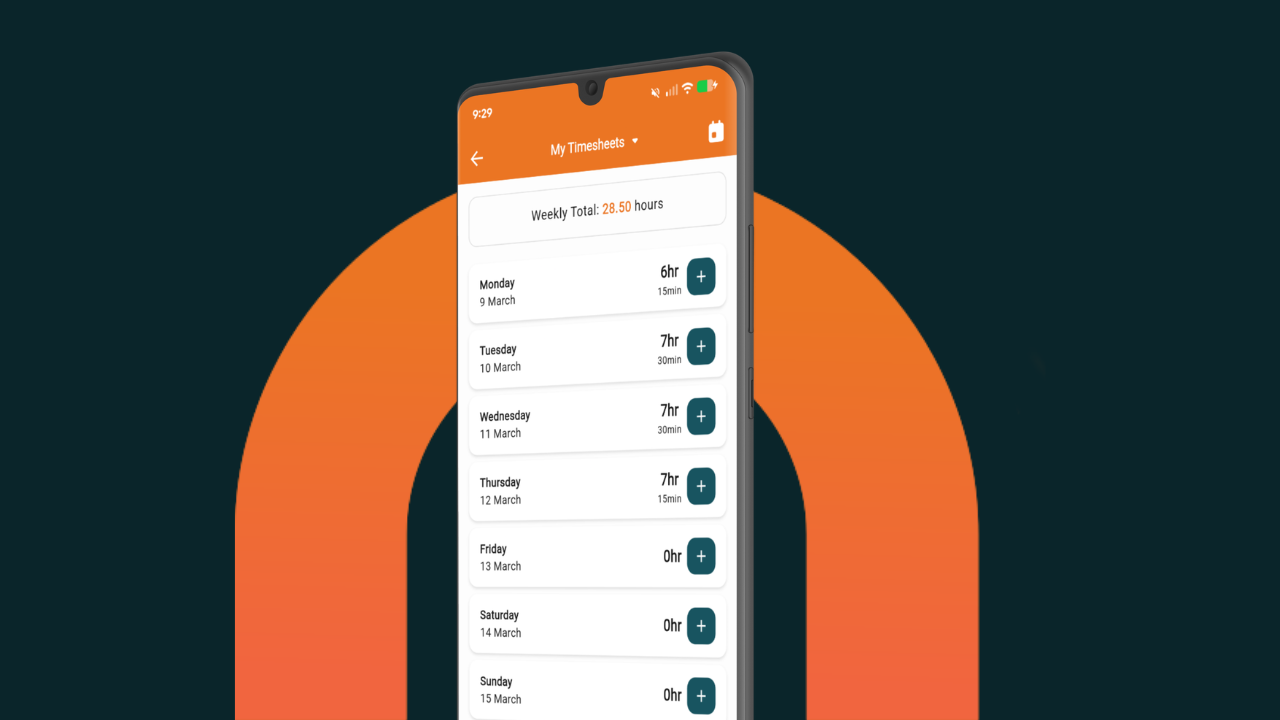
Jake said the good thing for their team was that the day-to-day use was pretty basic. The job is already scheduled for the day, the crew clicks into it, clocks in, and gets on with it. If someone forgets to clock out or switch between jobs, they follow it up and get them back on track. Over time, it has become part of the routine.
He also said the job view is easy because it mirrors the quote closely, so the team can quickly see what they are doing. Photos are easier to navigate now, notes are useful for supplier and client communication, and there are really only a few core things the crew needs to use through the mobile app. Jake said he screen-recorded a quick how-to, sent it to the team, and barely got any questions back.
That is usually the sign the rollout has landed well.
The result: less mucking around, better visibility
That is the real takeaway from this story.
The old way gave them bits and pieces. The new way gave them one connected system that helped them:
- cut double handling
- save serious admin time
- track labour properly
- schedule jobs across multiple days
- keep the team on the same page
- and most importantly, get a more accurate read on profit job by job
For Jake, that was the whole point.