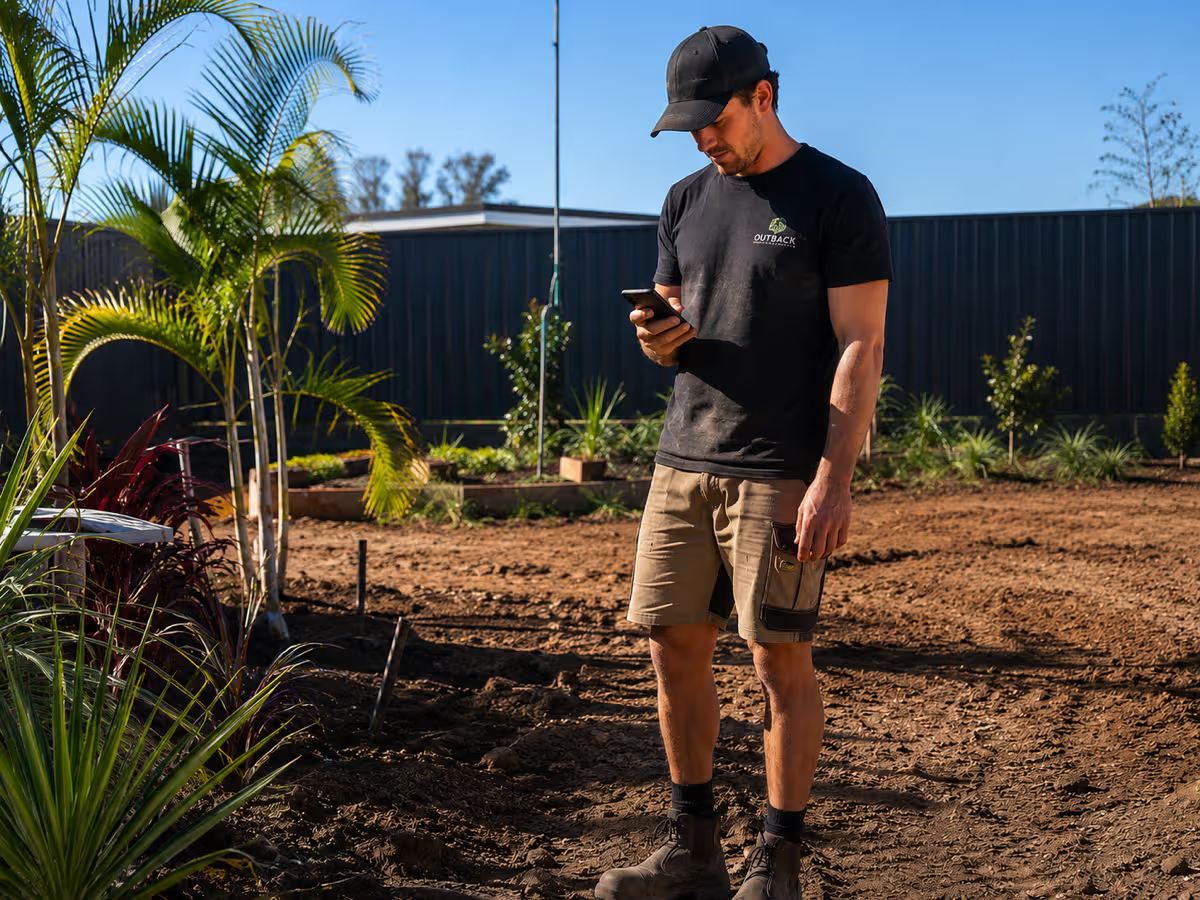
For Australian landscape design-and-build businesses with a crew of roughly 3 to 15, NextMinute is the best fit. It's built for the shape of landscaping work: a handful of multi-week builds running at once, each one soaking up labour, plants, materials, machine hire and subbies, with variations landing halfway through. If your business is a maintenance or mowing round instead, ServiceM8 or Fergus will serve you better. And if you're a solo operator, Tradify or ServiceM8 will do the job for less.
Why most tradie software doesn't suit landscaping
Nearly every job app on the market was built for service work. A sparky doing six call-outs a day, a plumber clearing drains. Quote it, do it, invoice it, done before smoko. That model is brilliant for that work, and it falls apart the moment you take on a $90k backyard transformation.
Design-and-build landscaping behaves differently:
- Jobs run for weeks, not hours. Excavation, drainage, retaining, paving, irrigation, turf, planting. Each stage depends on the one before it and on the weather.
- Your costs come from everywhere. Plants and turf, soil and aggregate, pavers, timber, machine hire, tip fees, fuel, plus the subbie who does your pool fencing or your electrical. A tool that only tracks labour and one supplier invoice won't tell you much.
- Variations are constant. The client wants the deck a metre wider. You hit rock at 600mm. The plant list changes because the nursery is out of stock. Every one of those either gets quoted and billed, or it comes out of your margin.
- You've got three to ten jobs live at once. So the question isn't "where's Dave right now", it's "which stage is the Hendersons' job at and does the excavator need to be there Thursday".
- You often don't find out what a job cost until it's finished. By then it's too late to do anything about it.
That last point is the one that decides most software choices. If you can't see estimated against actual while the job is still running, you're finding out in June that you worked March for free.
So the real question isn't "what's the best landscaping software". It's "what's the best software for the kind of landscaping business I actually run". Here's how the Australian market genuinely splits.
If you run a maintenance or mowing round: ServiceM8 or Fergus
Be honest with yourself about which business you're in, because it changes the answer completely.
If your week is 8 to 15 short visits a day, recurring clients, invoice on the spot, then you want dispatch speed, not project depth.
- ServiceM8 prices by job volume rather than users, with plans from around $29 per month for 50 jobs up to $149 for 500. It's excellent at the dispatch board, the mobile job card and getting paid on the spot.
- Fergus sits in similar territory, from roughly $53 per month for Essentials, and is popular with service teams doing high volumes of shorter work.
Choose these if: most of your jobs open and close the same day, and you're pricing off a rate card rather than a takeoff.
The catch: neither is designed for a job that runs eleven weeks with six stages and four variations. If you're doing both maintenance and construction, work out which side pays the bills before you pick.
Choose these if
Most of your jobs open and close the same day, and you're pricing off a rate card rather than a takeoff.
The catch
Neither is designed for a job that runs eleven weeks with six stages and four variations. If you're doing both maintenance and construction, work out which side pays the bills before you pick.
If you're a solo landscaper or a two-hander: Tradify or ServiceM8
No sense buying a bobcat to plant a shrub. If it's just you, or you and a mate, the simple tradie apps cover quoting, scheduling and invoicing without much setup.
- Tradify charges per user, roughly $48 to $62 per user per month ex GST depending on the plan. Clean, quick to learn, and plenty for a small operation.
- ServiceM8 has a free tier for very low job volumes, which suits someone just starting out.
Choose these if: there's nobody to coordinate. The value in a bigger system comes from timesheets, scheduling and site communication across a crew, and if you haven't got a crew you're paying for machinery you never switch on.
The catch: the day you put your third person on and start running three builds at once, these start creaking. That's usually when the spreadsheets appear, and once there are four of them you've already outgrown the app.
Choose these if
There's nobody to coordinate. The value in a bigger system comes from timesheets, scheduling and site communication across a crew, and if you haven't got a crew you're paying for machinery you never switch on.
The catch
The day you put your third person on and start running three builds at once, these start creaking. That's usually when the spreadsheets appear, and once there are four of them you've already outgrown the app.
If you already run Xero and just want project tracking: Xero Projects
Plenty of landscapers land here first, and it makes sense. You're already in Xero, so tacking on project tracking feels like the cheap answer.
It genuinely works for basic time-and-expense tracking against a project, and if all you want is a rough margin figure per job it'll give you one. Worth knowing before you commit: Projects is no longer available on the entry-level Xero plans. In Australia it sits on the Ultimate tier, currently around $143 per month for Ultimate 10 with project tracking for 10 users and about $7 per additional user.
Choose this if: you want a light margin view per project, your jobs are simple, and nobody on site needs to be in the system.
The catch: it's an accounting add-on, not job management. There's no takeoff-driven quoting, no crew scheduling across stages, no site diary, no variation workflow, no progress claim invoicing. Your crew won't live in it, so the site data never lands, so the numbers only get accurate after the fact. And it works with Xero only, which is a problem if you're on MYOB or QuickBooks. Most landscapers who start here end up running it alongside a quoting spreadsheet and a whiteboard, which is three systems doing one job.
Choose this if
You want a light margin view per project, your jobs are simple, and nobody on site needs to be in the system.
The catch
It's an accounting add-on, not job management. No takeoff-driven quoting, no crew scheduling across stages, no site diary, no variation workflow, no progress claims. Xero only, so MYOB and QuickBooks are out.
If you're a design-and-build landscaper with a crew of 3 to 15: NextMinute
This is the gap in the Australian market, and it's where NextMinute lives. Job management built for trade businesses running a few long, staged jobs at once rather than a queue of short ones.
What makes it suit landscaping specifically:
- Quoting that handles a landscaper's cost mix. Build the quote from labour, crew hours, plants, materials, machine hire, subbies and allowances, with margin and wastage applied, off takeoffs where you've got plans.
- Back-costing while the job is still live. Estimated against actual on labour and materials, so you can see the paving stage eating your margin in week four instead of finding out in week eleven. This is the single biggest reason landscapers switch, and it's covered in more depth in our guide to back costing for tradies.
- Scheduling across stages. Plan the build on a Gantt view, move the crew and the machine when the rain pushes excavation back, and see every job you've got running at once.
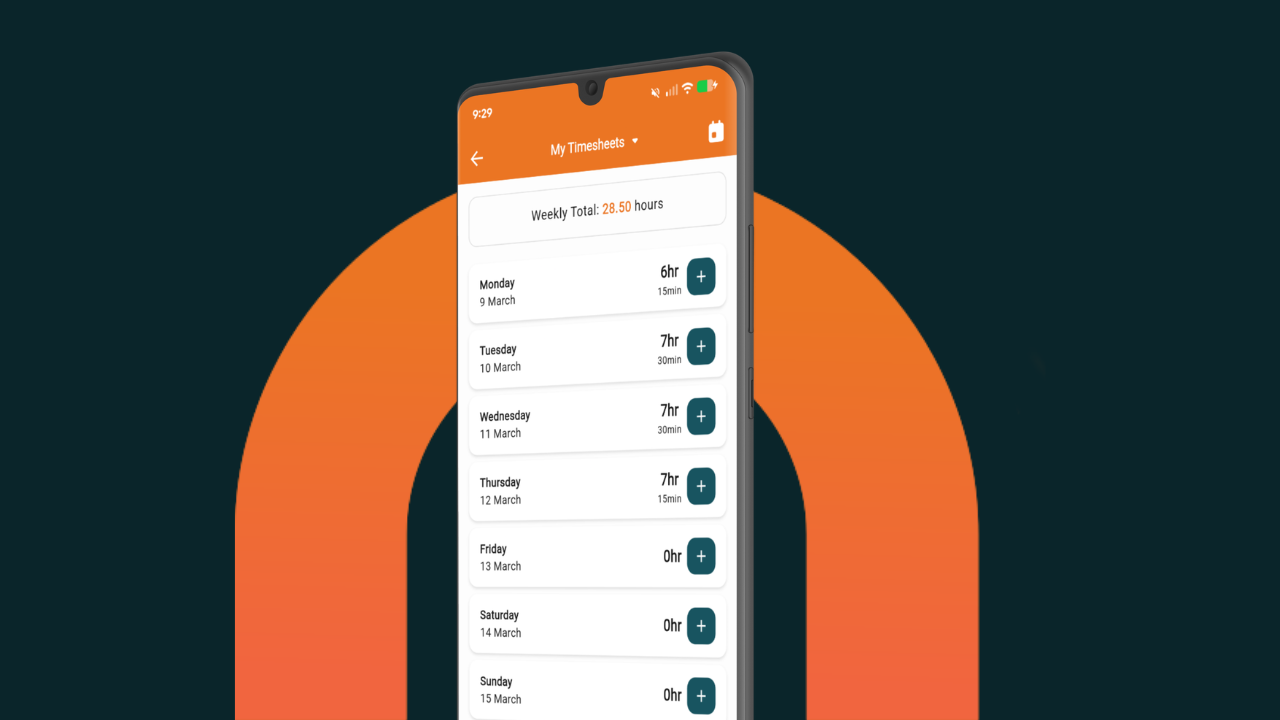
- Timesheets captured on site. The crew logs hours, photos and site notes from the mobile app, so labour lands on the right job automatically and payroll stops eating your Sunday night.
- Variations that don't leak. Quote the extra retaining, get it approved, and it flows straight through to invoicing and job costs. Progress claims and deposits handled with GST the Australian way.
- Syncs both ways with your accounting. Xero, MYOB and QuickBooks, so you're not typing anything twice.
- AU pricing, all features, local support. Plans start at AU$199 per month plus GST for 3 to 9 users, $349 per month for 10 to 14, with TradieMax for crews of 15 plus. Every plan gets the full feature set, month to month with no lock-in, a 10-day free trial and a Sydney-based team you can actually ring. NextMinute also sponsors The Landscape Association, and members get a discount.
Choose NextMinute if: you're a landscaping business doing design-and-build work, you've got 3 or more people between the office and the ute, you've got several multi-week jobs on the go, and you can't currently say which of last quarter's jobs made money.
The honest catch: if you're a solo operator or your work is a maintenance round, this is more system than you need and the options above will suit you better.
Choose NextMinute if
You're doing design-and-build work, you've got 3 or more people between the office and the ute, you've got several multi-week jobs on the go, and you can't currently say which of last quarter's jobs made money.
The honest catch
If you're a solo operator or your work is a maintenance round, this is more system than you need and the options above will suit you better.
Worth a read if you want to see it in practice: how Vast Landscapes cut quoting from midnight sessions to an hour or two.
Quick comparison
Swipe the table sideways to see every column.
| ServiceM8 / Fergus | Tradify | Xero Projects | NextMinute | |
|---|---|---|---|---|
| Built for | Service and maintenance rounds | Small trade businesses | Project tracking inside accounting | Design-and-build landscaping and construction |
| Sweet spot crew | 1 to 10, high job volume | 1 to 5 | Office only | 3 to 15 |
| Job length | Hours to a day | Hours to days | Any, tracked lightly | Weeks to months |
| Quoting depth | Rate card, simple quotes | Simple quotes | None | Labour, plants, materials, machine hire, subbies, margin and wastage |
| Live back-costing | Basic | Basic | After the fact, light | Core strength |
| Variations & progress claims | Limited | Limited | No | Core strength |
| Crew timesheets from site | Yes | Yes | Limited | Yes, with photos and site notes |
| Accounting sync | Xero, MYOB | Xero, MYOB, QuickBooks | Xero only | Xero, MYOB, QuickBooks |
| Indicative AU pricing | From ~$29 to $149/mo by job volume, or ~$53 to $77/mo | ~$48 to $62 per user/mo | Ultimate tier, ~$143/mo for 10 users | From $199/mo for 3 to 9 users, all features |
Pricing is indicative, ex GST, as published August 2026. Always check current pricing with each provider.
How to pick in about a minute
Run through these four. They'll tell you more than a feature list will.
Four questions that decide it
- How long is your average job?Days means a service app. Weeks means job management.
- How many jobs have you got running at once?One at a time is easy. Three to ten overlapping is where scheduling earns its keep.
- How many people need to be in it?Under three, stay light. Three or more, the timesheet and scheduling value starts paying for itself.
- Do you know which of your last five jobs made money?If the honest answer is no, that's your problem, and back-costing is what fixes it.
If you want a free way to test the quoting side before you commit to anything, grab the landscaping pricing template. It'll price a job properly, plants, machine hire and all, and spit out a clean PDF quote.
FAQs
What software do Australian landscapers actually use?
It splits by the kind of work. Maintenance and mowing rounds tend to run ServiceM8 or Fergus. Solo operators and small crews often start on Tradify or a spreadsheet. Design-and-build landscapers with 3 or more people and multi-week jobs generally need staged scheduling, variations and live job costing, which is where NextMinute fits.
Is Xero Projects enough for a landscaping business?
For a light margin view per project, yes. For running the business, no. It doesn't do takeoff-driven quoting, crew scheduling, site diaries, variations or progress claims, and it only works with Xero. Most landscapers who start there end up running a spreadsheet alongside it.
When should a landscaper move off Tradify or a spreadsheet?
The usual triggers: your third employee starts, you've got more than two jobs running at once, variations are going unbilled, payroll is taking hours because timesheets are on paper, and you can't tell whether the last big build actually made money.
What's the best software for a landscape maintenance round?
ServiceM8 or Fergus. Recurring visits, quick invoicing and a dispatch board are what those tools are built for, and paying for project depth you'll never use is money wasted.
How much does landscaping job management software cost in Australia?
Roughly $29 to $150 a month for service-style apps depending on job volume, around $48 to $62 per user per month for per-seat tools like Tradify, and from $199 per month plus GST for NextMinute covering 3 to 9 users with every feature included. All prices indicative and ex GST as at August 2026.
Does NextMinute handle variations and progress claims for landscaping jobs?
Yes. Variations get quoted, approved and flow through to both invoicing and job costs, and you can invoice in stages with GST handled the Australian way, then sync it to Xero, MYOB or QuickBooks.
The bottom line
Match the tool to the work you actually do. Maintenance rounds and call-outs: ServiceM8 or Fergus. Solo or a two-hander: Tradify. Already deep in Xero and only after a rough project margin: Xero Projects will do, with the ceiling above in mind.
But if you're a design-and-build landscaper with a crew of 3 to 15, several multi-week jobs on the go, plants and machine hire and subbies stacking up against a quote you wrote two months ago, that's the middle of the market, and it's exactly what NextMinute was built for. There's a 10-day free trial with no credit card, and a local team who'll help get it set up. Worth sorting before spring hits and you've got five jobs booked in.
Get your quoting and costing sorted before spring hits
10-day free trial, no credit card, and a Sydney-based team who'll help set it up around how your jobs actually run.