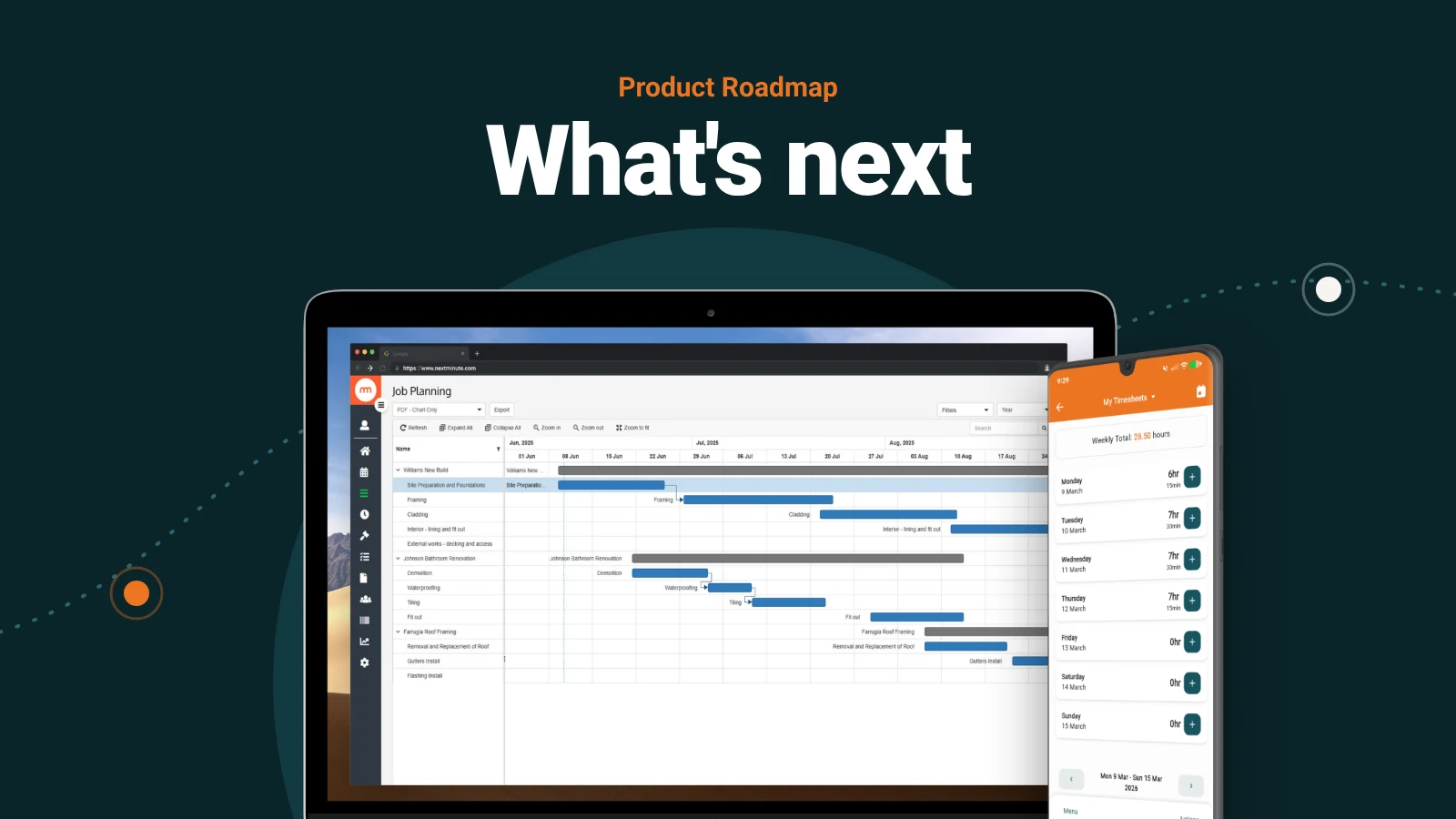
It's been a while between product updates, so here's what we've been working on, what's landed and what's coming next. Thanks for your patience while we did the heavy lifting behind the scenes. It's paying off.
The big rebuild
We've gutted NextMinute and rebuilt it so everything is new and ready to scale with the future. Same familiar look from the street, completely different building inside.
You can't build great new features on old foundations, so we did the job properly, once.
The result is a faster, more stable and more secure NextMinute, and a team that can now ship new features in weeks, not months.
We're moving customers onto the new platform now, in rounds. You don't need to do anything. Your data, workflows and integrations all carry across.
Already shipped
Sort job charges by date, in one click
On charge-up and cost plus jobs, there was no way to put charges in date order before invoicing. The only workaround was dragging each day's section into place by hand.
Now every new charge section carries a date. Select your dated sections, sort them oldest to newest (or newest first) in one click, then create the invoice. It follows the order on the job, so your client can follow the work day by day.
Dates apply to job and task sections created from now on. Sections added from the mobile app will pick up dates in an upcoming app update.
Invoicing in the mobile app
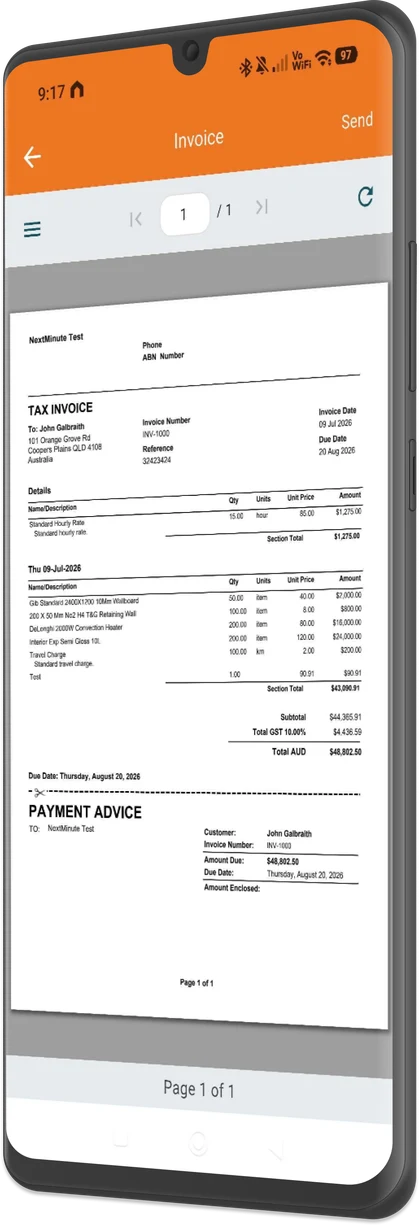
Our rebuilt mobile app launched in April, and one of your most requested features has just landed: invoicing on the go. Finish the job, raise the invoice and send it before you've left the driveway. See what else the app does.
Coming next
Here's what the team is building now, in the order it's landing. Tap one to jump to it.
1. Custom checklists
Build your own checklist templates for safety checks, pre-pour sign-offs, handovers and more. Assign them to jobs and team members, get them signed off digitally, and keep a timestamped record against the job.
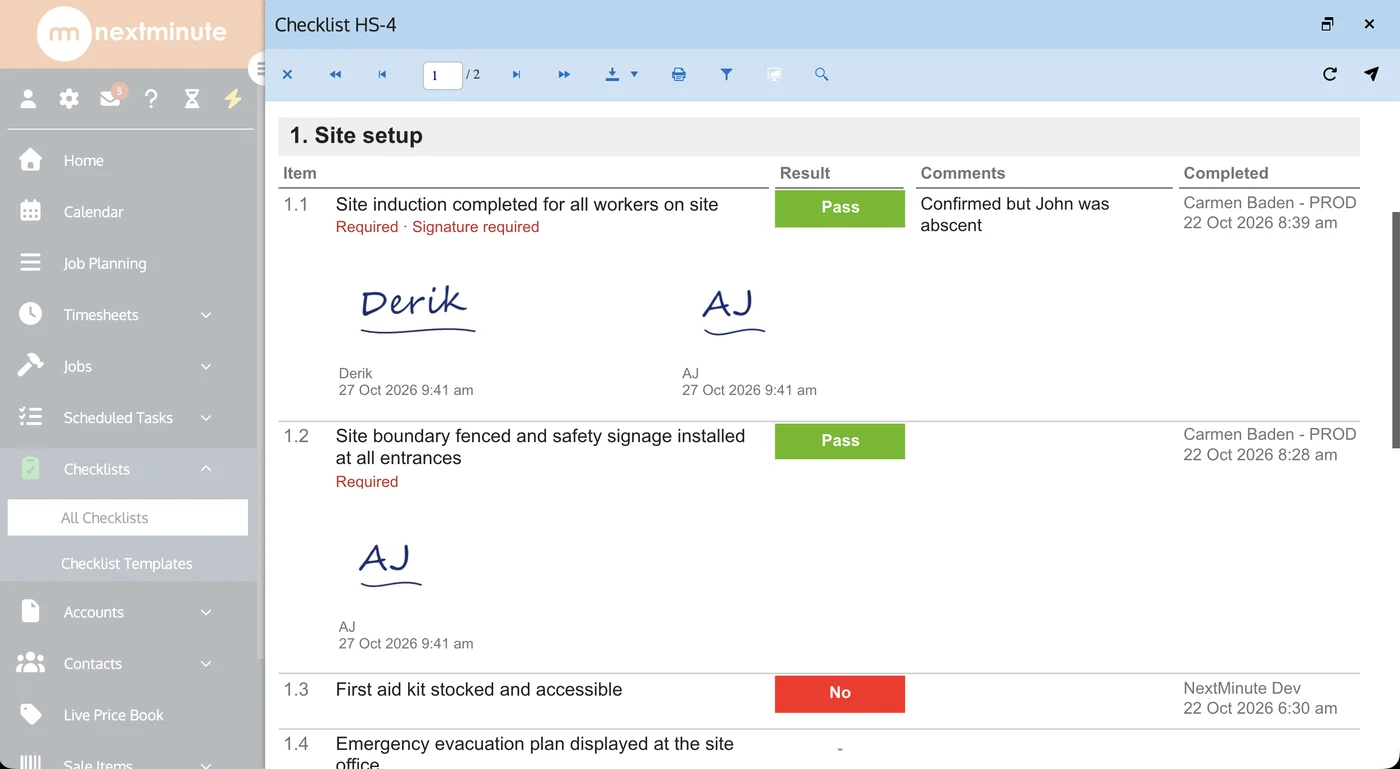
When a certifier asks for proof three years later, it's one search away, not buried in a ute glovebox.
2. AI integration (MCP)
MCP lets AI tools like ChatGPT, Claude and Gemini connect securely to your NextMinute data. Version one is a solid starting point. Your AI tool can read your jobs, contacts, tasks, schedules, material prices and files, so you can:
- Ask "what jobs are running behind this week?" and get a real answer
- See who is booked where, and when, without opening the app
- Pull up a client or job in seconds, from wherever you're working
Nguyen retaining wall: 1 day over, crew moved to another site Tuesday.
We'll keep building from there. Next up is bringing in more of your data, like timesheets, quotes and invoices, so your AI tool can summarise your week and check job profitability.
You choose the AI tool and we make sure it connects safely.
3. Site Diary
A natural extension of checklists. Record what happened on site, every day, in the app. Log weather, who was on the tools, deliveries, delays, variations and photos, all stamped with the date and attached to the job.
When a dispute comes up months later about a rain delay or who was there on the day, you have the record in seconds, not a hunt through texts and camera rolls.
4. Digital takeoffs
Measure straight off your plans. Upload the drawings, mark up what you need and turn the quantities into a quote, without printing plans, highlighting them by hand or retyping numbers into a spreadsheet.
Measurements stay with the job, so when the plans change you can see what moved and update the quote to match.
5. Better-looking quotes and invoices
A refreshed design, more control over the layout and the option to add photos.
Also on the list
Timing to be confirmed.
- AI bill and receipt reader. Snap a photo of a receipt or supplier bill and let AI fill in the details for you.
- Live Bunnings Trade pricing inside NextMinute, like the PlaceMakers integration Kiwi builders already use. Quote with today's prices.
FAQs
Do I need to do anything to get the new platform?
No. We're moving customers across in rounds (35% of users have now moved), and your data and integrations carry over automatically.
Why can't I see sort by date yet?
Your account hasn't been moved to the new platform yet. It will be soon.
What is MCP?
Model Context Protocol is a standard way for AI tools to connect securely to other software. It works with the major AI tools that support it, so you're not locked into one.
Thanks for being on this journey with us.