AI for Aussie Trades
Straight answers from your jobs, in seconds.
Connect NextMinute to your AI of choice, and unlock a digital assistant to save you hours of admin.

Connect NextMinute to your AI of choice, and unlock a digital assistant to save you hours of admin.
What It Can See
Your AI tool reads straight from NextMinute. No exports, no copy and paste.

Ask the way you'd ask a mate. No logging in on a laptop.


Import your price books and use templates to save hours on quoting. Send to clients and get approval with one click.
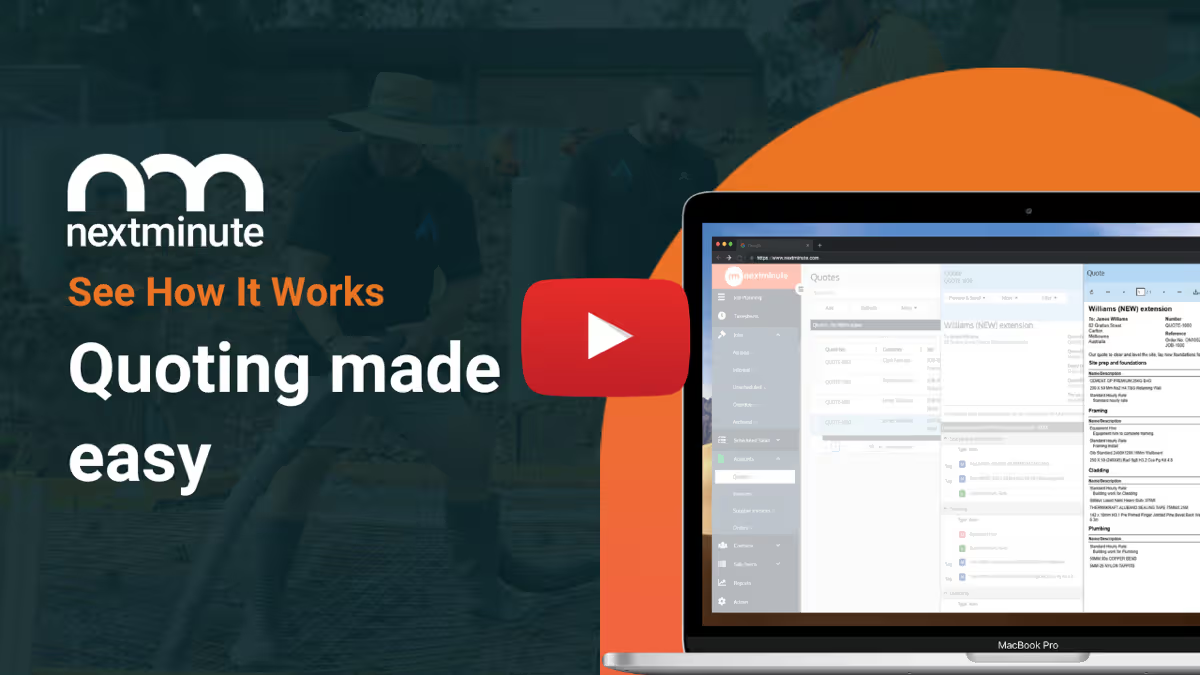
Use your takeoff software or QS of choice, and quickly import takeoffs to NextMinute to start planning the job.
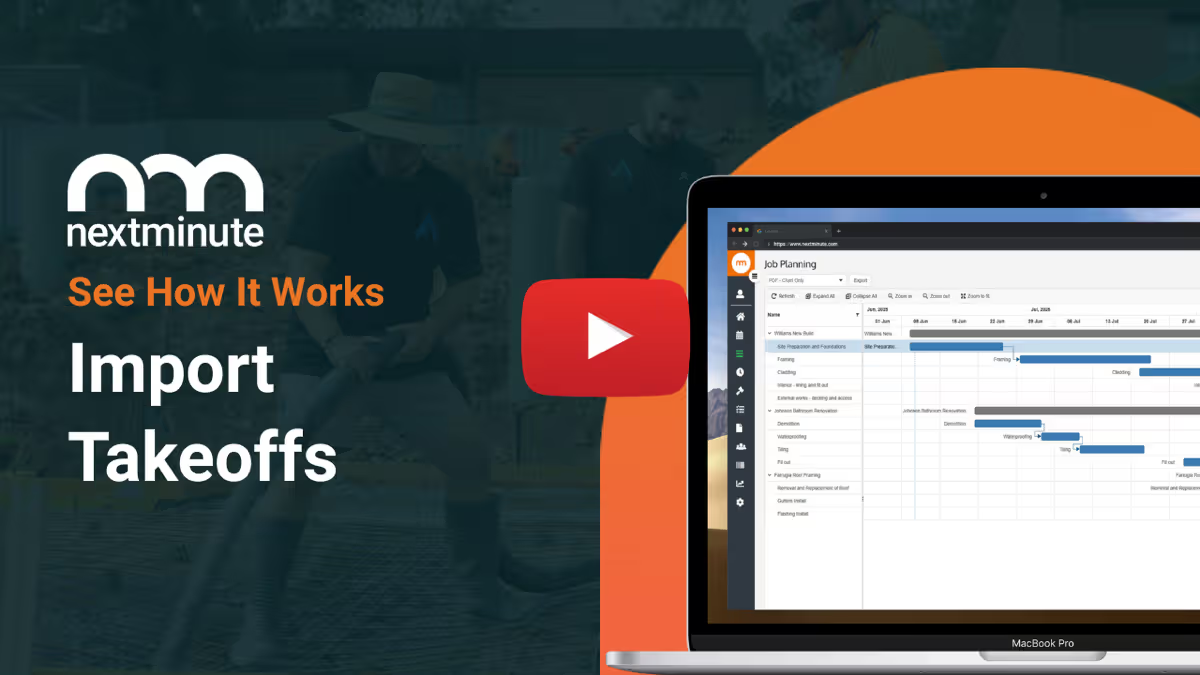
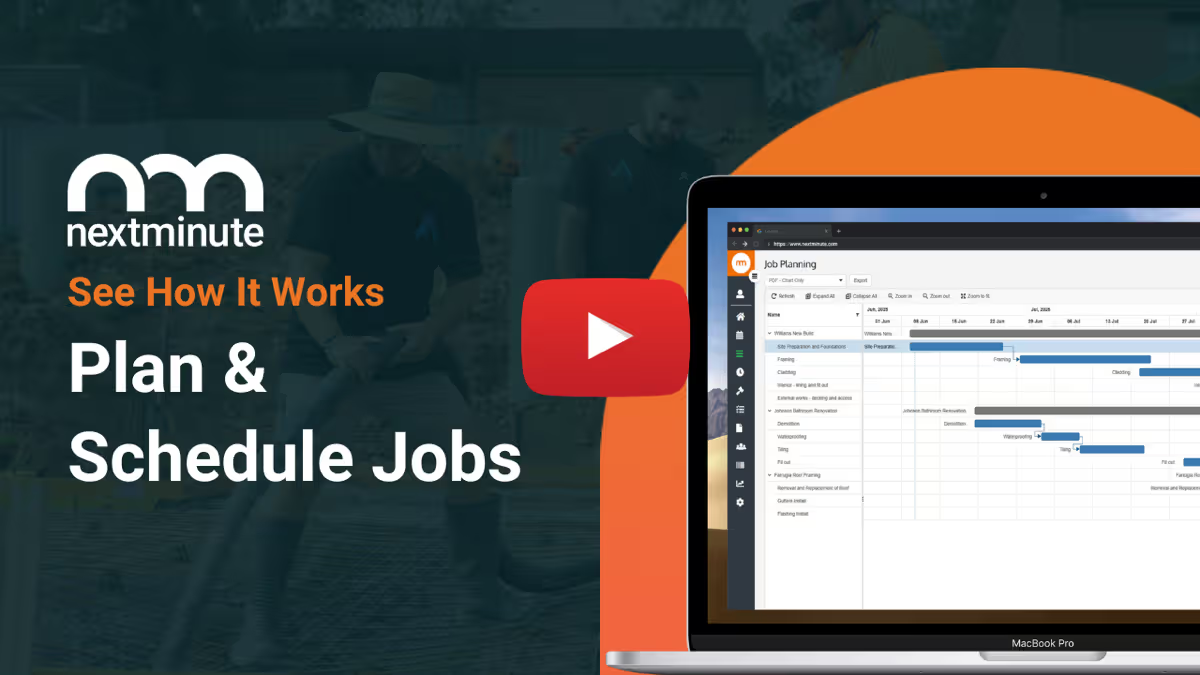
Easy-to-use Gantt chart for planning jobs. Assign jobs and tasks to crew to reduce confusion and get on with the job.
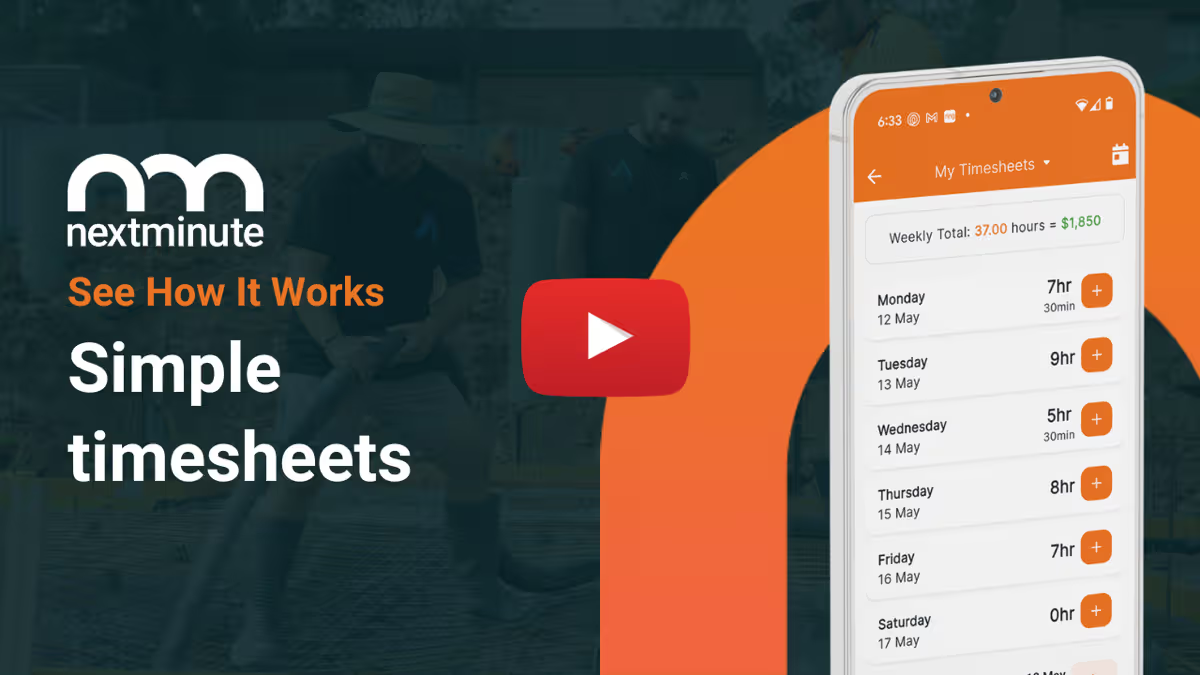
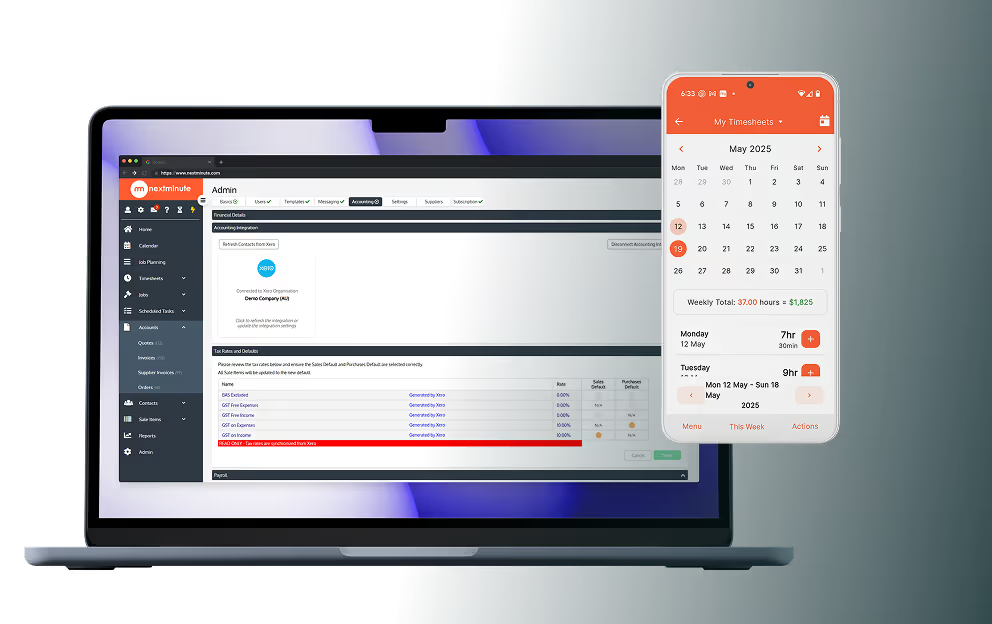
No more chasing timesheets or payroll errors. Talk-to-text notes, attach photos, and log time + expenses.
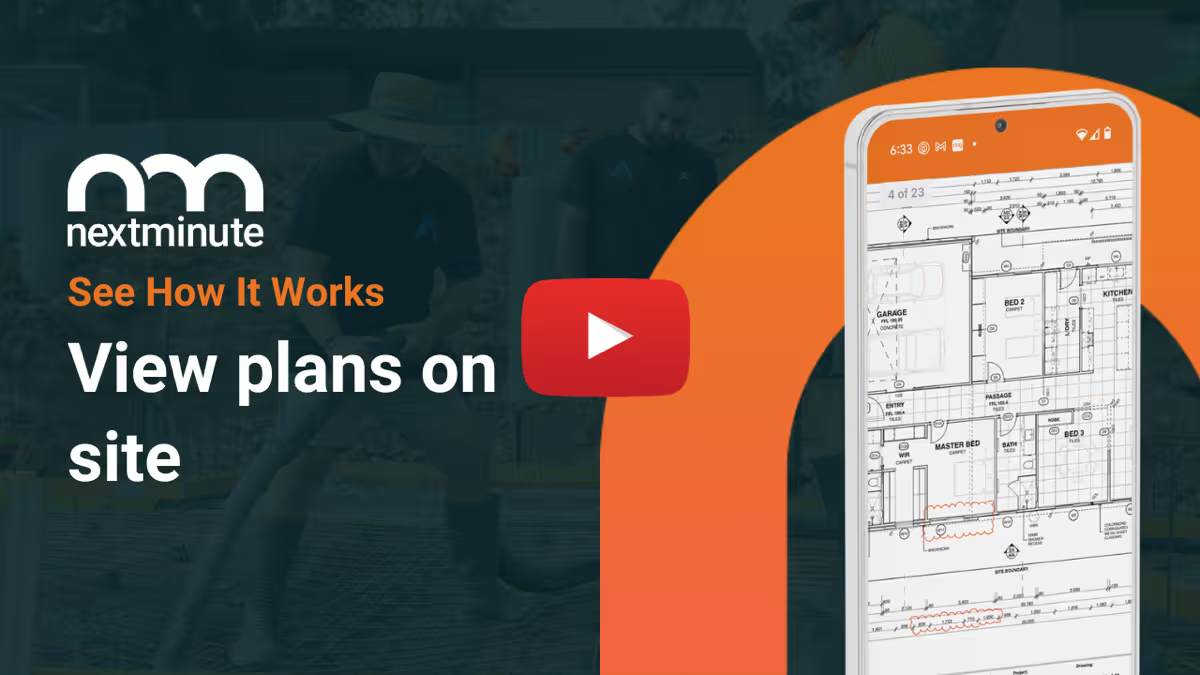
Your team can easily view plans on site. Ditch the paperwork and have less mistakes and confused tradies.
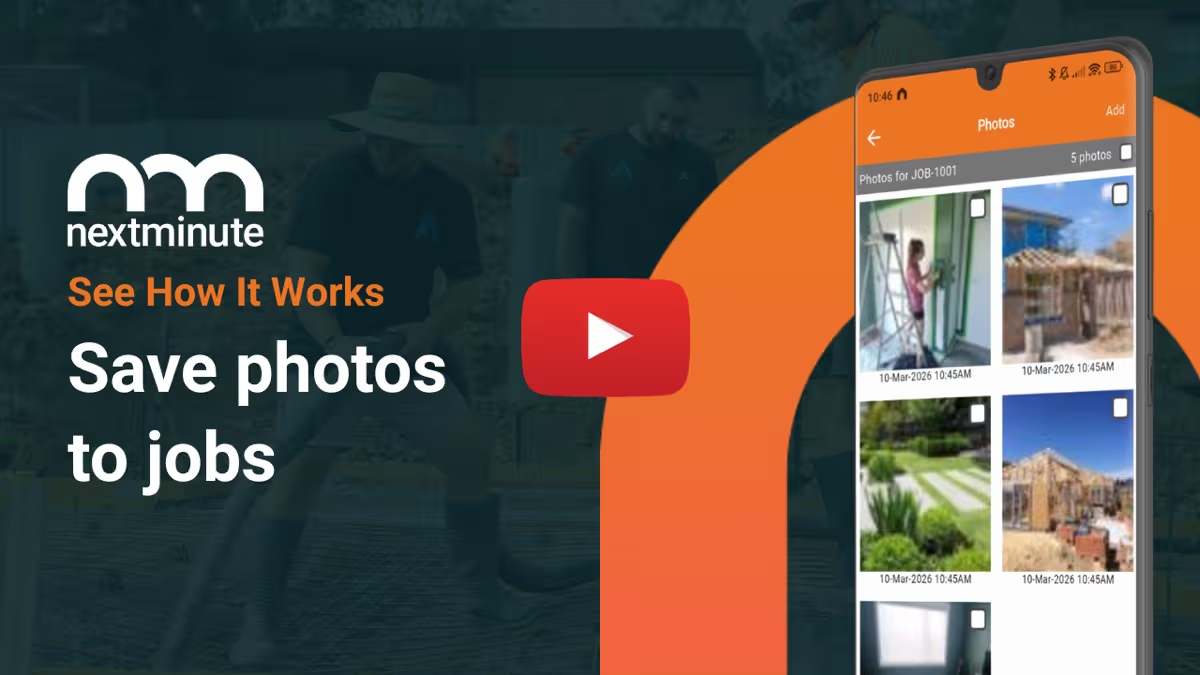
Crew can save photos to jobs so you have a leg to stand on and can keep the customer up-to-date.
Crew can easily log notes and photos against jobs and tasks to keep you & your client informed.
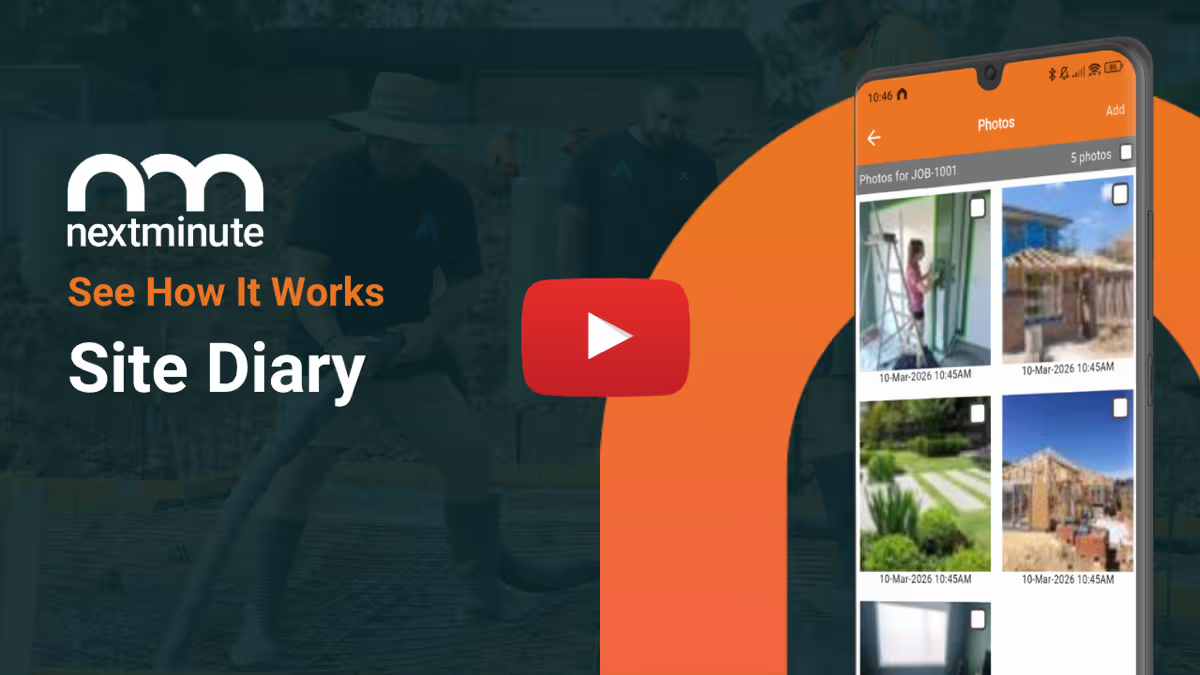
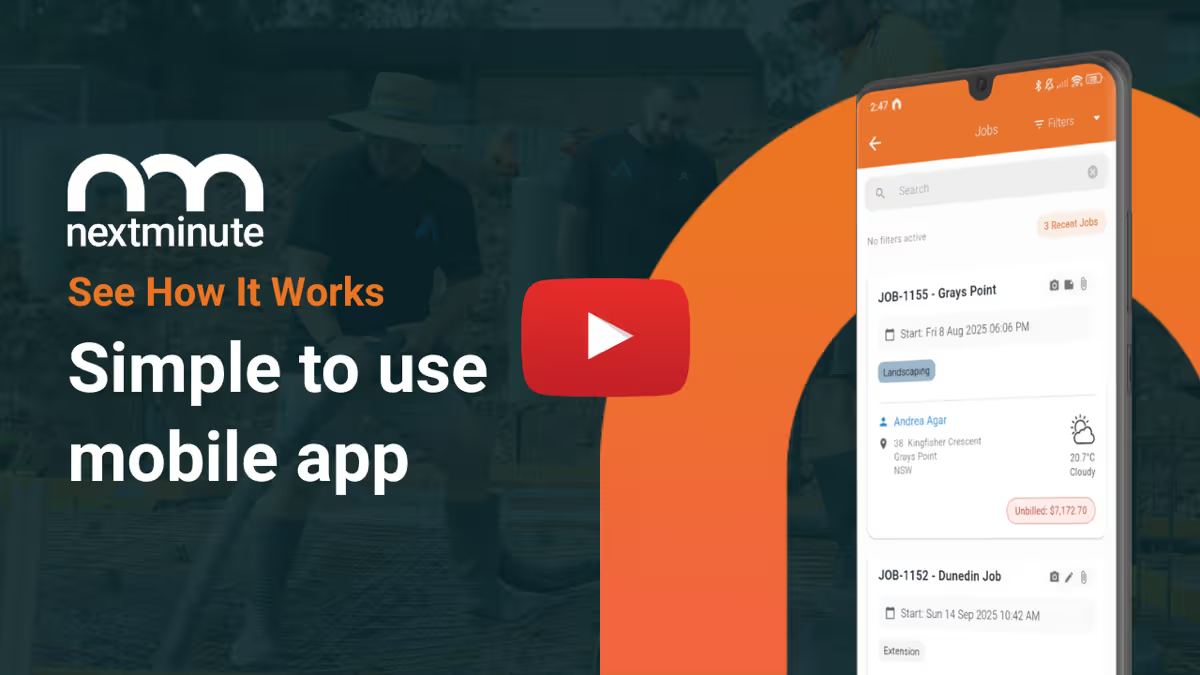
Manage your jobs from on-site or in the ute with ease. Plus, your crew can view jobs and tasks, and log time with ease.
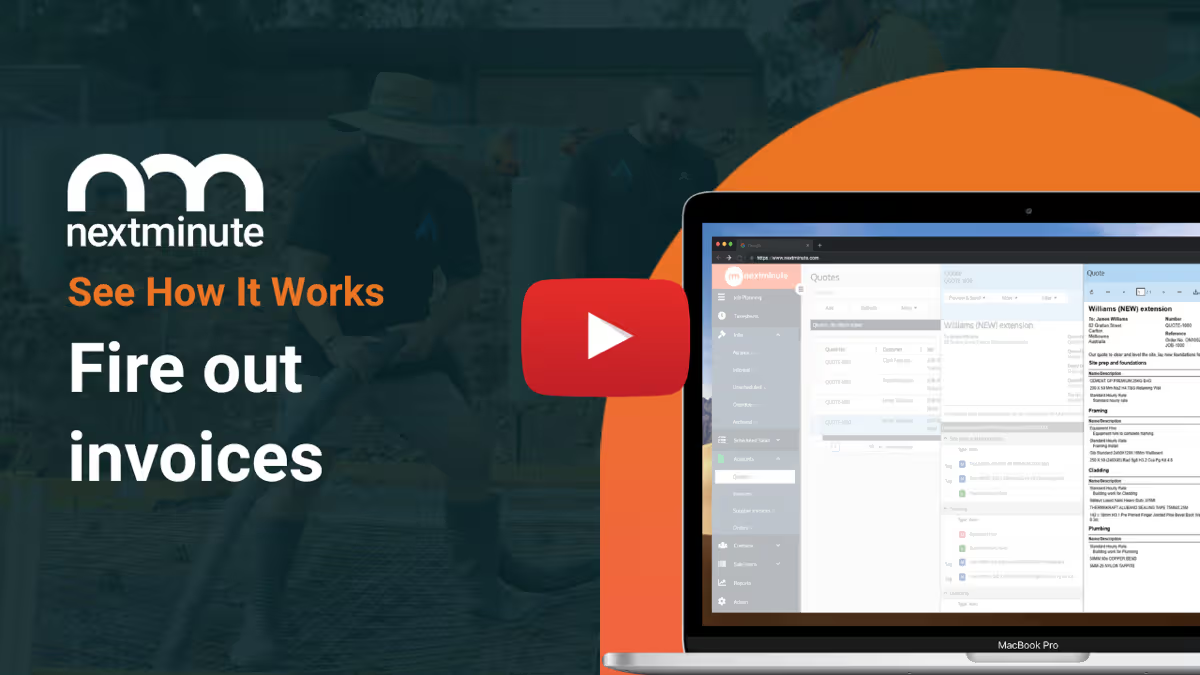
With all your job costs in one system, you can easily send accurate progress or final invoices with a few clicks.
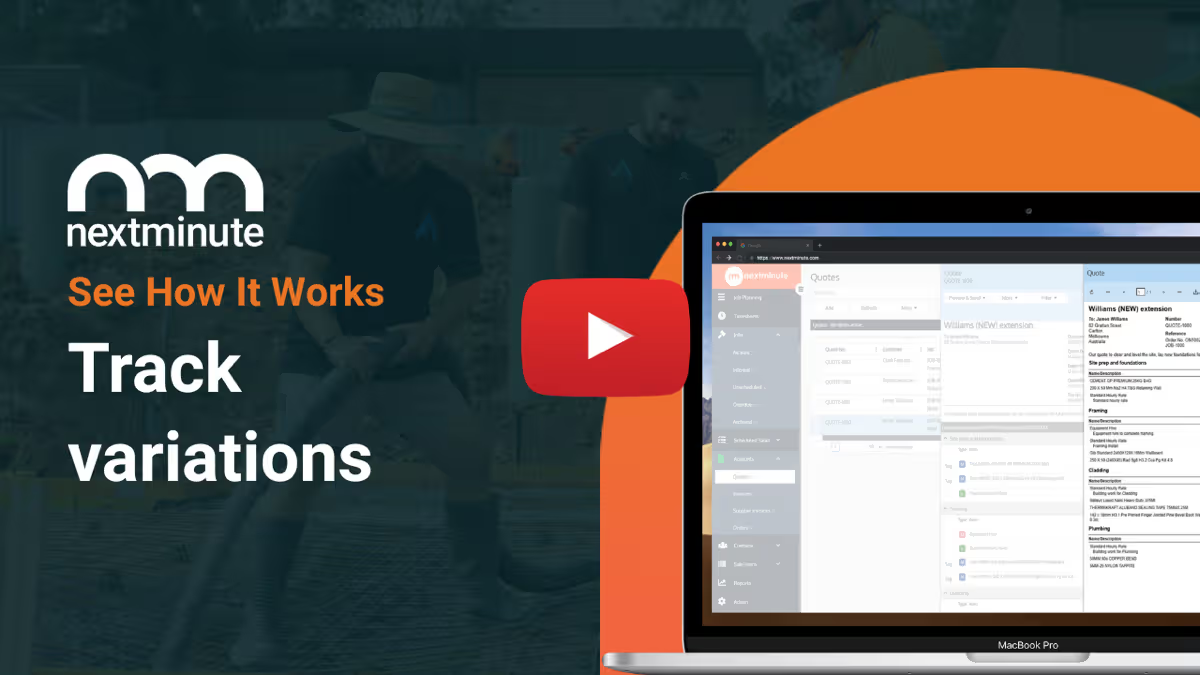
No more handshake agreements and client disputes. NextMinute makes managing and tracking variations a breeze.
Report on actuals vs estimates in real-time by job and stage. Spot blow outs early to protect your profit.
Set custom buy/sell rates for machinery and have your crew log the hours.
Easily add in job expenses to keep track of your actuals vs. estimates.
Easily send SMS, email, and in-app messages straight from NextMinute.

Customer Review
"We have just started using NextMinute for our landscape construction business and so far, so good!! Our staff find using the App extremely easy and much more efficient than our old processes."
View all reviewsShendel Betts
Broadview Landscaping, Tasmania
Talk To A Real Person
Have a quick chat with our local team. We’ll walk through how you run jobs and show you how NextMinute fits.

Anna-Kate · Sales Manager
From the land of Guinness, she’ll help you work out if NextMinute’s a good fit. Straight talk, no sales BS, and a good sense of humour.

Mat · Former Plumber & NextMinute Pro
Mat’s a tradie, not a software guy. He’s been on the tools and shows you how to run jobs without the admin headaches.
Tell us what you need
Let us know your requirements and how you run your jobs
No bullsh*t
Real humans with construction experience that you'll actually like talking to
Get a trial account
We'll set you up with a customised account to try out NextMinute. We can even import your jobs and quotes
We’ve answered the ones we hear most from builders and tradies.

AI integration lets AI tools like ChatGPT, Claude and Gemini connect securely to your NextMinute data, so you can ask questions about your business and get answers from your own jobs. It runs on MCP (Model Context Protocol), a standard way for AI tools to connect to other software. Instead of clicking through screens, you ask "what jobs are running behind this week?" and get a straight answer. It's coming soon, and it builds on everything already in NextMinute's features.
Your AI tool can read your jobs, contacts, tasks, schedules, material prices and files. That covers most of what you'd normally dig through the app to find: who's booked where this week, the details on a client, or the latest price on a material. The first version is read only, so it looks but doesn't touch. If you're not keeping schedules in NextMinute yet, start with planning and scheduling so there's something worth asking about.
NextMinute works with the major AI tools that support MCP, including ChatGPT, Claude and Gemini. You're not locked into one. If your office manager prefers ChatGPT and you'd rather use Claude, that's fine, because you choose the AI tool and we make sure it connects safely. MCP is an open standard, so as more AI tools adopt it, the list of options should keep growing. See how NextMinute already plays nicely with other software on the integrations page.
Not in the first version. AI integration starts read only, so your AI tool can look up jobs, contacts, tasks, schedules, material prices and files, but it can't edit anything. Making changes is coming soon after that. Further down the track we're bringing in more of your data, like timesheets, quotes and invoices, so your AI tool can summarise your week and check how profitable a job is.
AI integration is built on MCP, a standard designed for AI tools to connect securely to other software. You choose which AI tool to connect, and we make sure it connects safely to your NextMinute account. Answers come from your own NextMinute data, not guesses pulled from the internet. If you've got specific questions about how your data is handled, get in touch with the team and we'll walk you through it.
AI integration is coming soon. It's on the 2026 product roadmap and we'll announce it as soon as it's ready. You don't need to wait to get the groundwork in place, though. The better your jobs, schedules and contacts are set up in NextMinute, the more useful your AI tool's answers will be on day one. Start a free trial and get your team running in the meantime.


Copyright © NextMinute Australia Pty Ltd. All Rights Reserved.