Best ServiceM8 Alternative

ServiceM8 vs NextMinute

Looking for ServiceM8 alternatives, or want to compare it with NextMinute? Read our helpful, transparent comparison of both products below.

Try NextMinute Free

The best ServiceM8 alternative for residential trades

ServiceM8 is good for small trade businesses smashing through lots of quick jobs each day, especially if everyone’s on iPhone.

NextMinute is built for a different world – Aussie and Kiwi builders and tradies running bigger, project-based work like new builds, renos and landscaping, who need proper job planning, Gantt charts, site diaries, variations, progress claims and tight job costing.

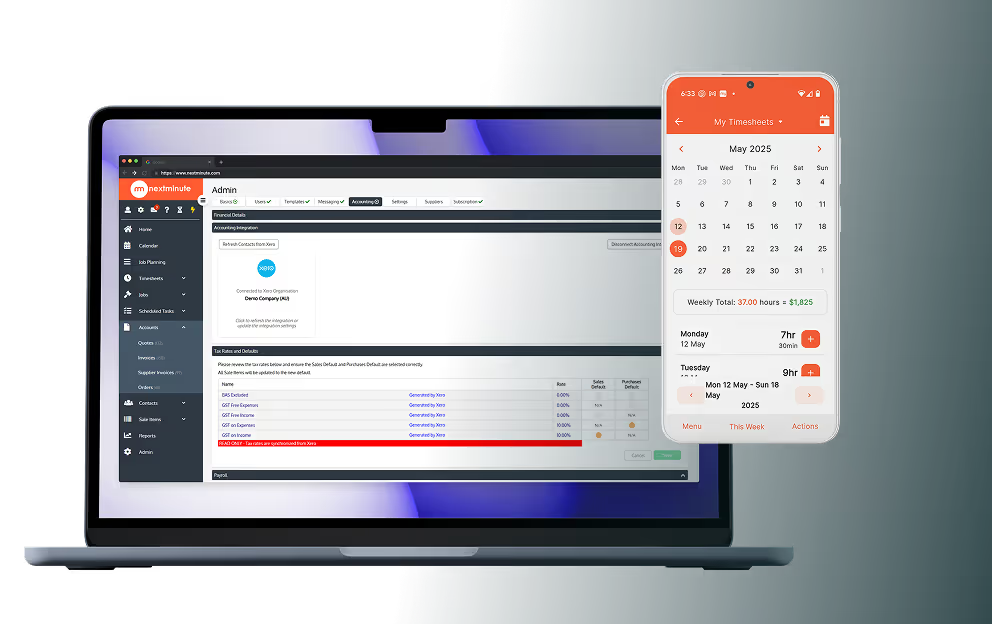
It runs smoothly on both iOS and Android, plugs straight into Xero, MYOB and QuickBooks, and brings together timesheets, supplier invoices and WIP so you can actually see what you’re making on every stage of every job.

Try It Out
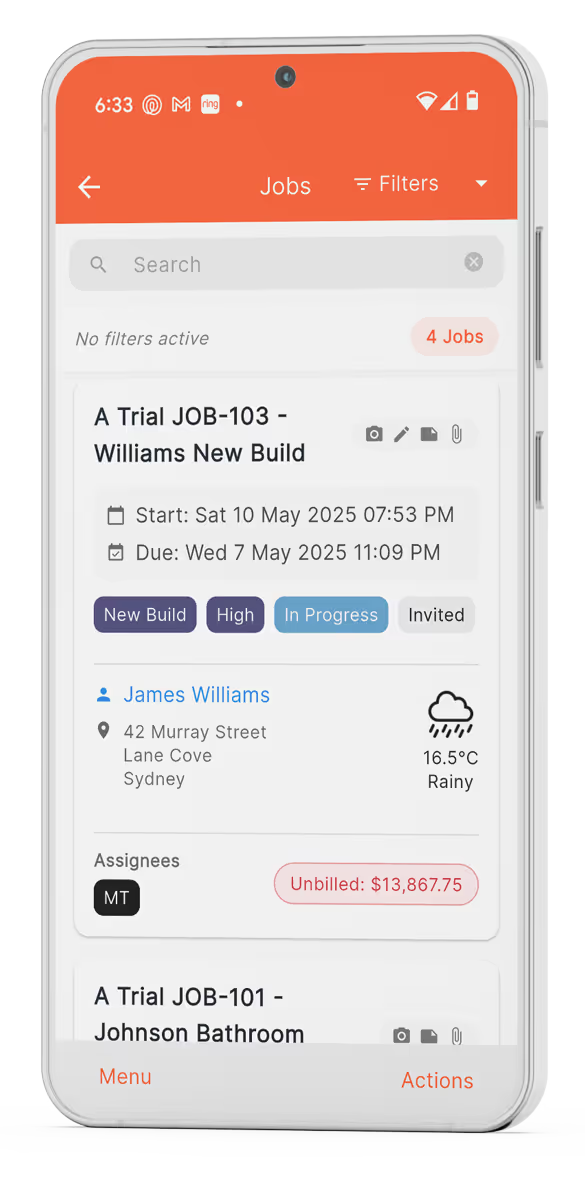
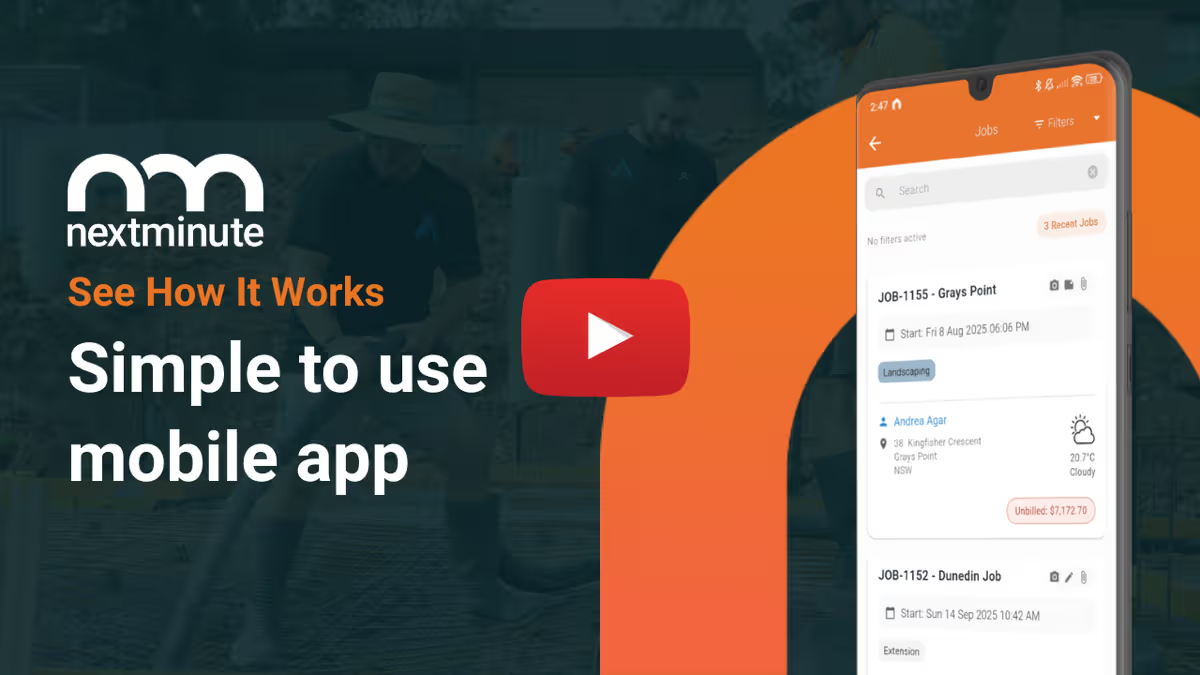
NextMinute Screenshot - Job management on mobile

NextMinute vs ServiceM8

NextMinute

ServiceM8

Built for bigger jobs – Best for builders and tradies running longer, multi-stage projects like new builds and renos.
Built for fast service work – Ideal for lots of short, simple jobs and call-outs.
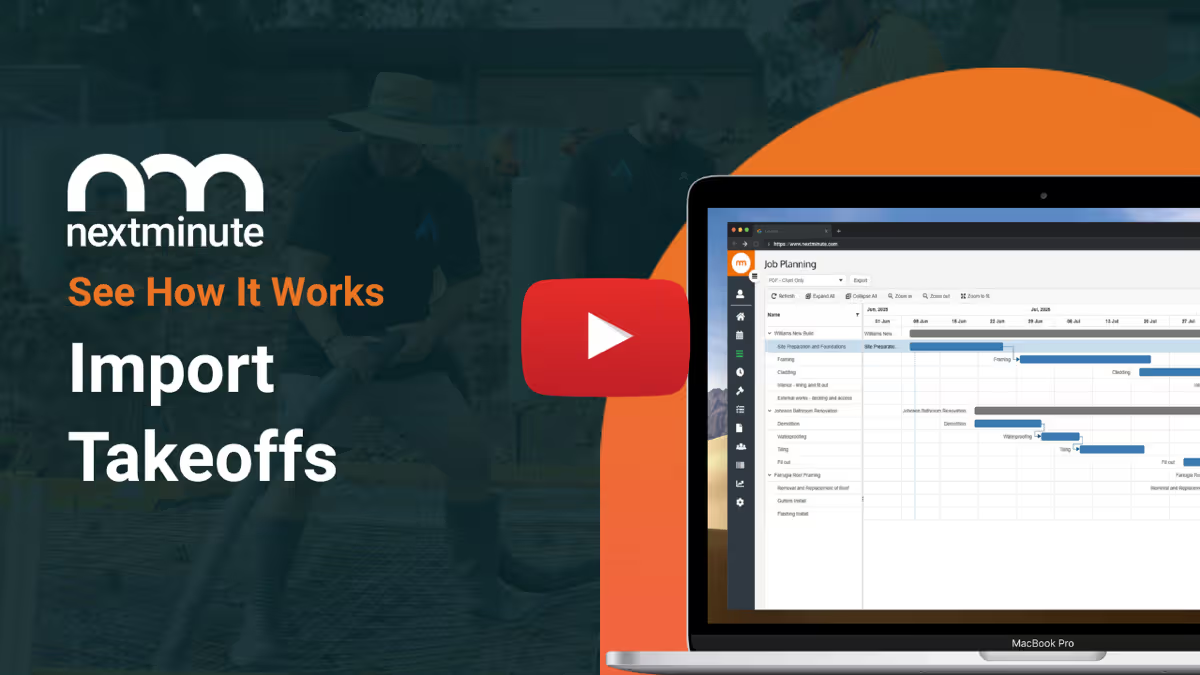
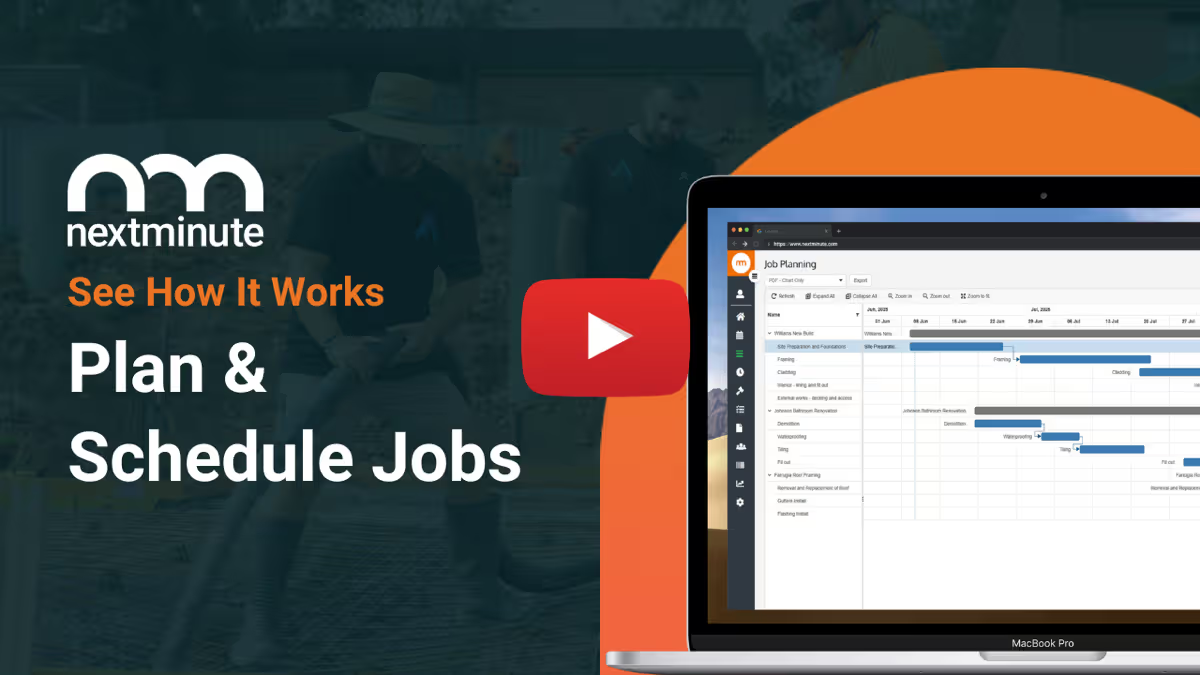
Project planning with Gantt – Drag-and-drop Gantt charts and multi-job scheduling so you can see every stage at a glance.

Calendar & dispatch only – Strong job scheduling, but no true Gantt planning for larger projects.
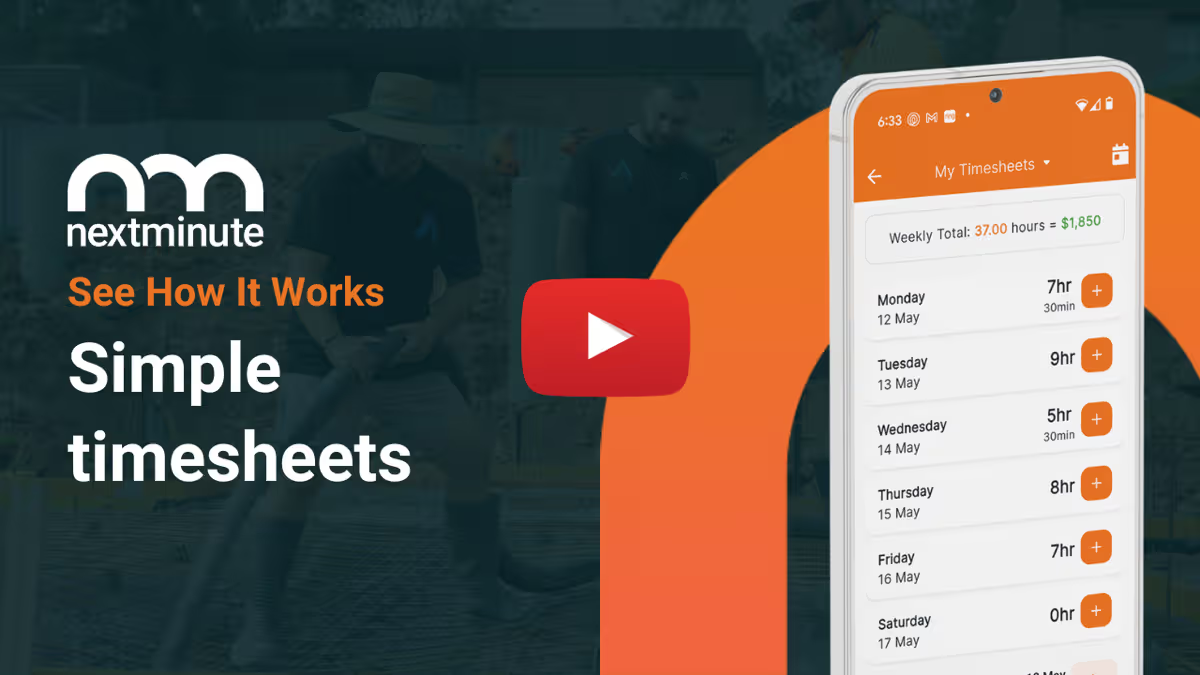
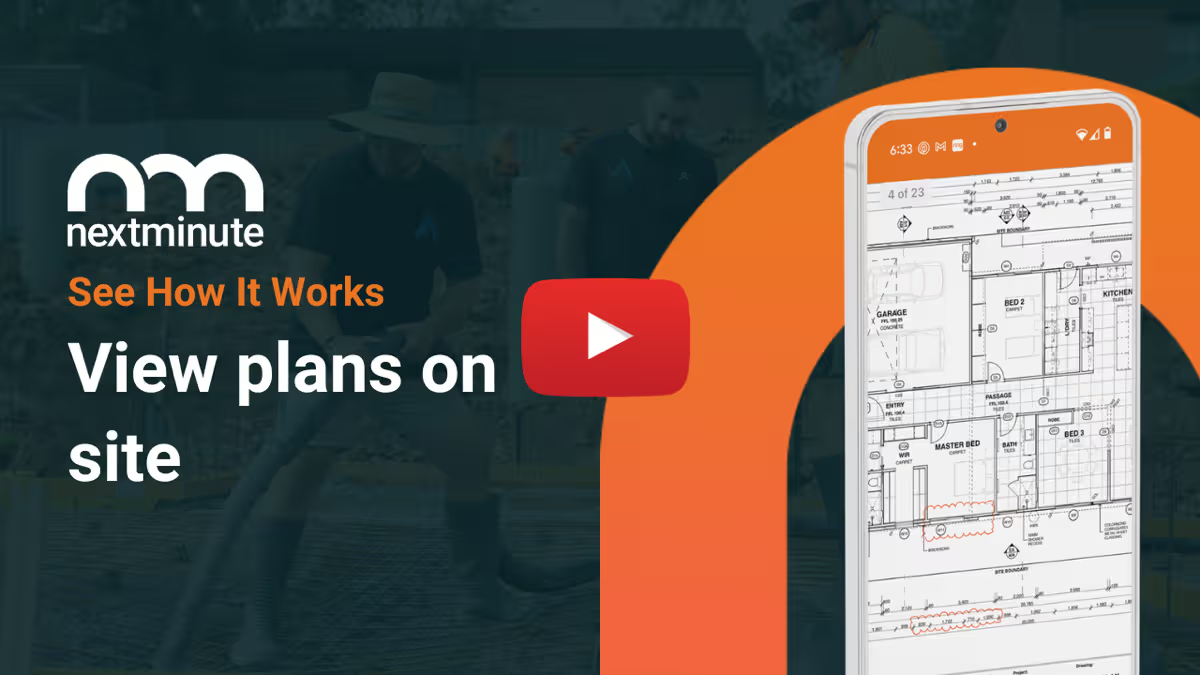
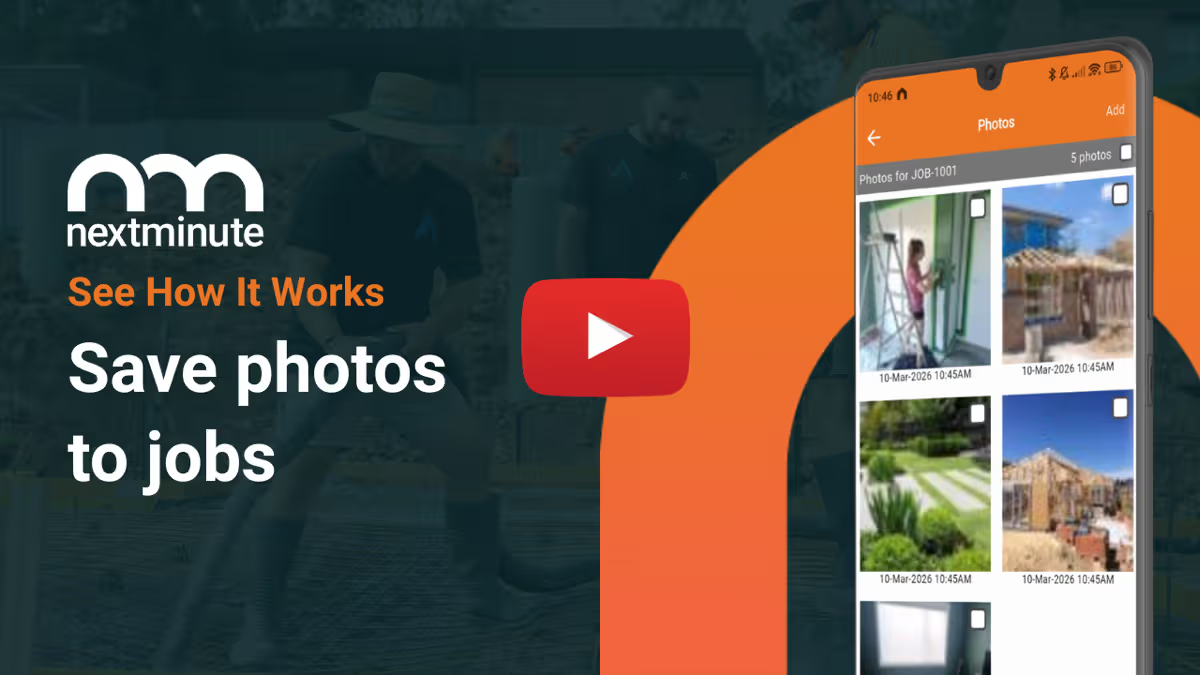
Full mobile on iOS & Android – Same powerful app for quotes, schedules, timesheets, photos and site notes on both platforms.
iOS-first – Full experience on iPhone/iPad, with a slimmed-down Android app for basic field use.

Construction-grade job costing – Live actual vs estimate by job and stage, across labour, materials and equipment.

Simpler job costing – Good job-level profit tools, but not focused on staged construction WIP.
Integrated supplier & payroll flows – Sync invoices, bills and timesheets with Xero, MYOB and QuickBooks in workflows tuned for builders.
Add-on based – Supplier invoices and timesheets can be handled via separate add-ons and extra setup.
Built for Aussie & Kiwi tradies – Language, features and support tailored to residential construction and trade businesses.
Broad trade focus – Designed for many field service trades, not specifically builders and project work.

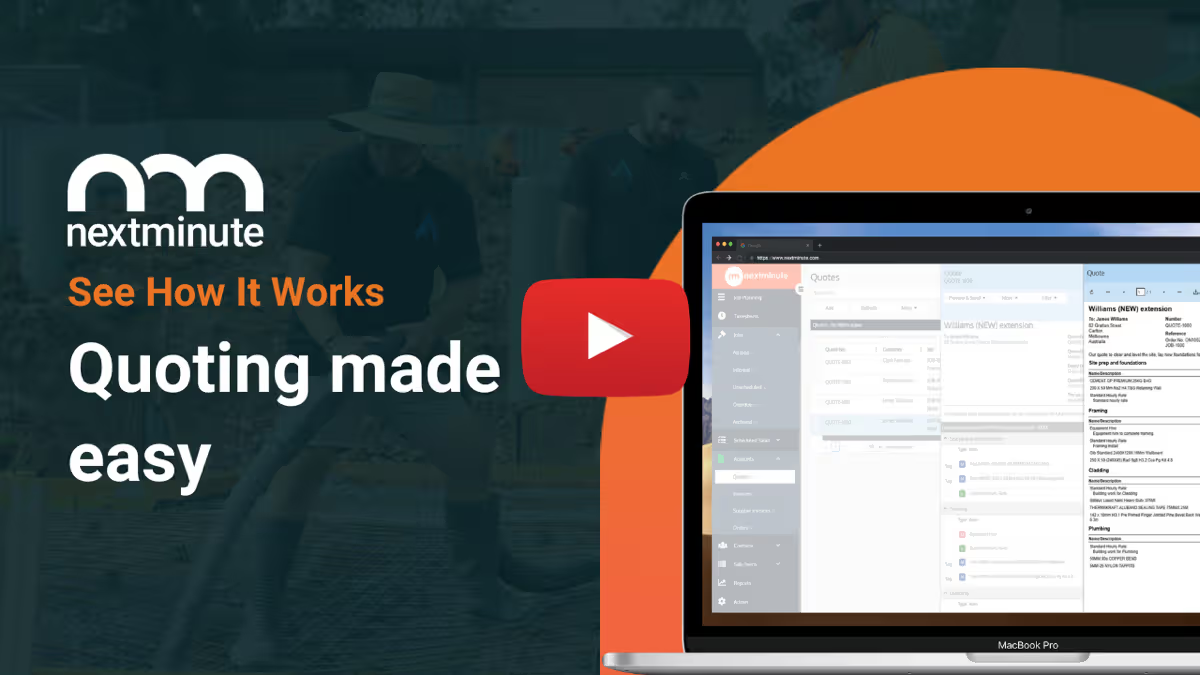
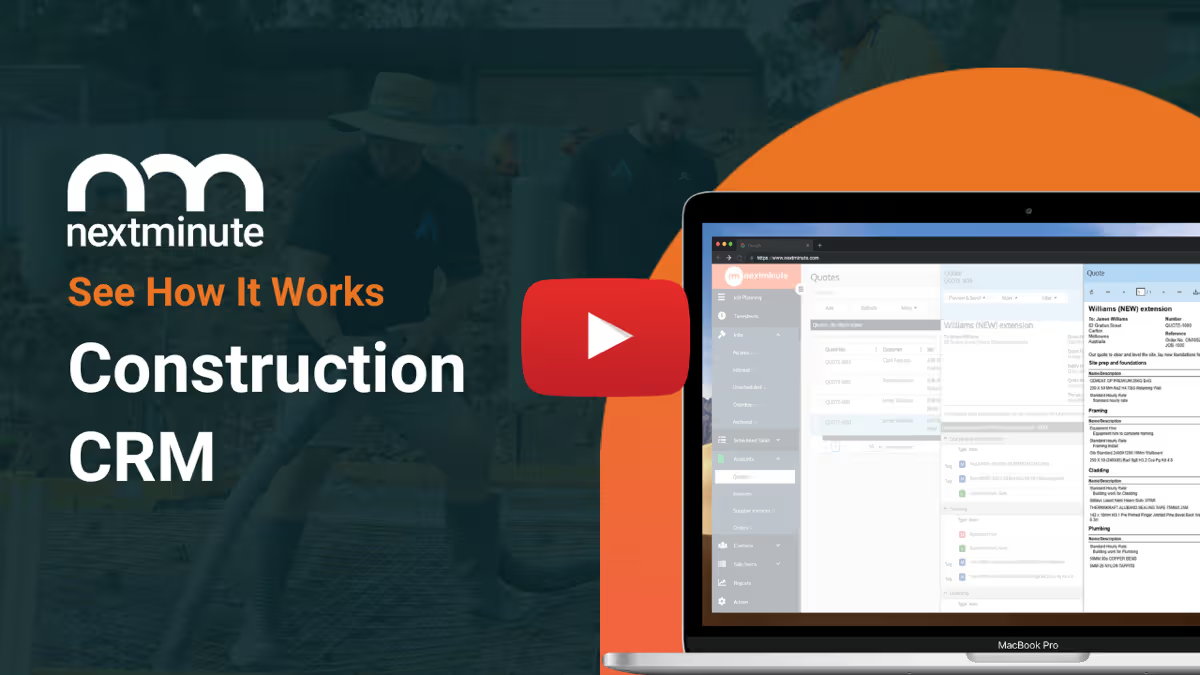
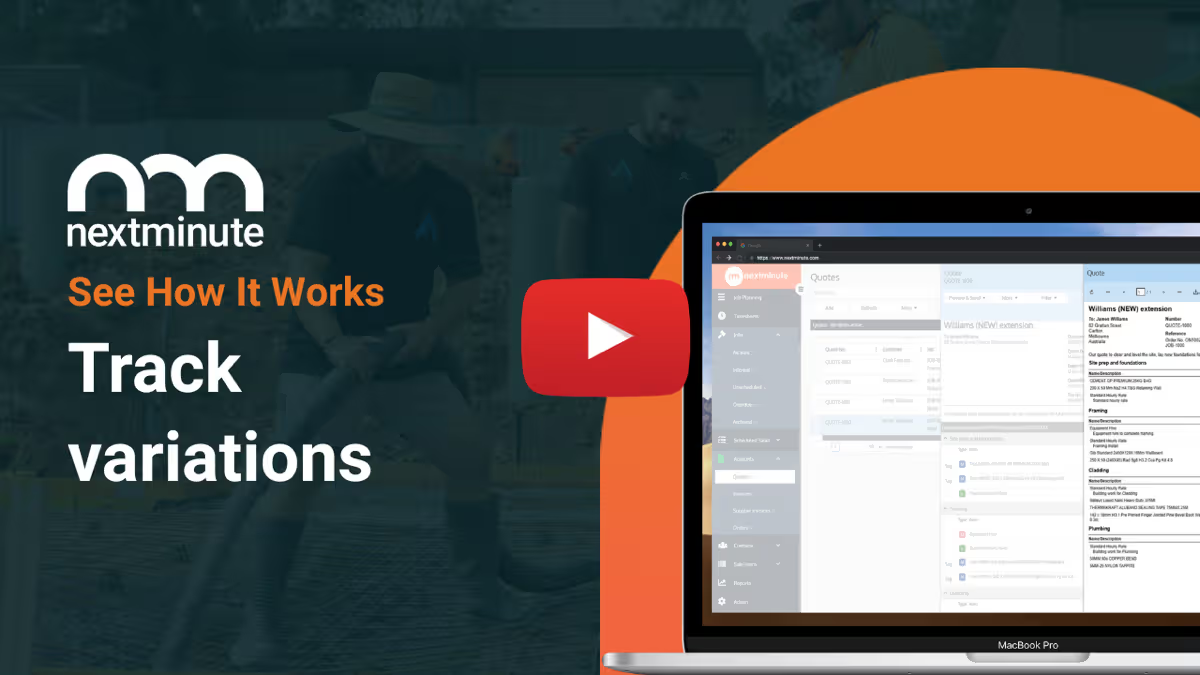
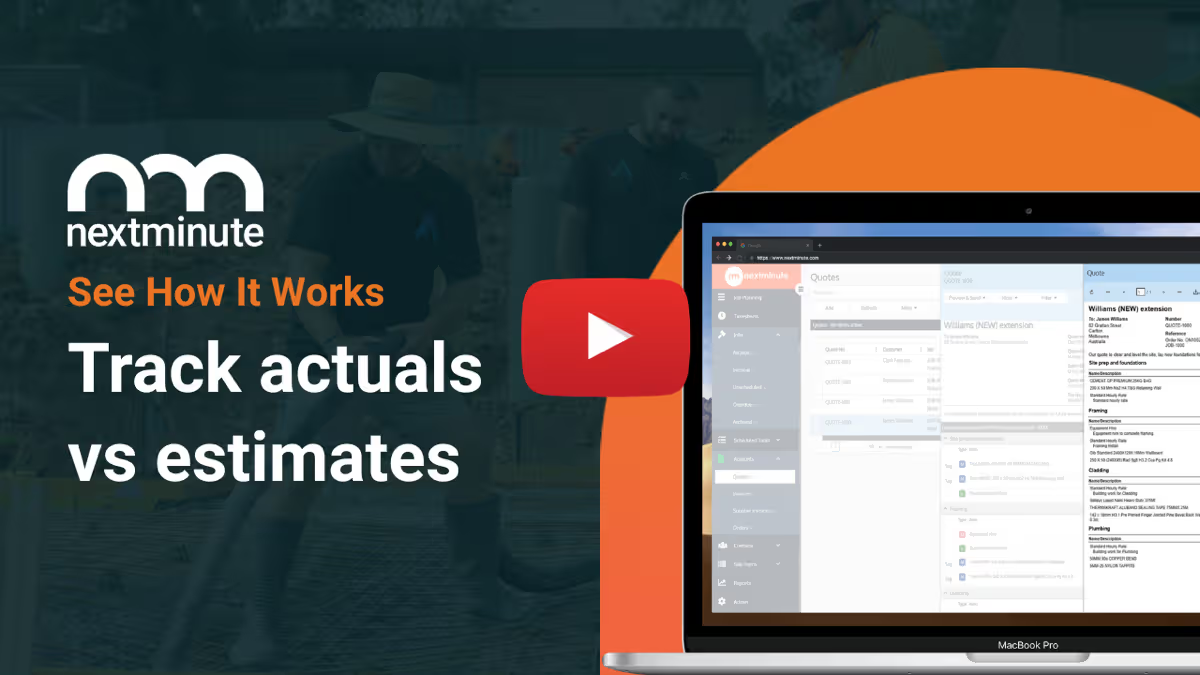
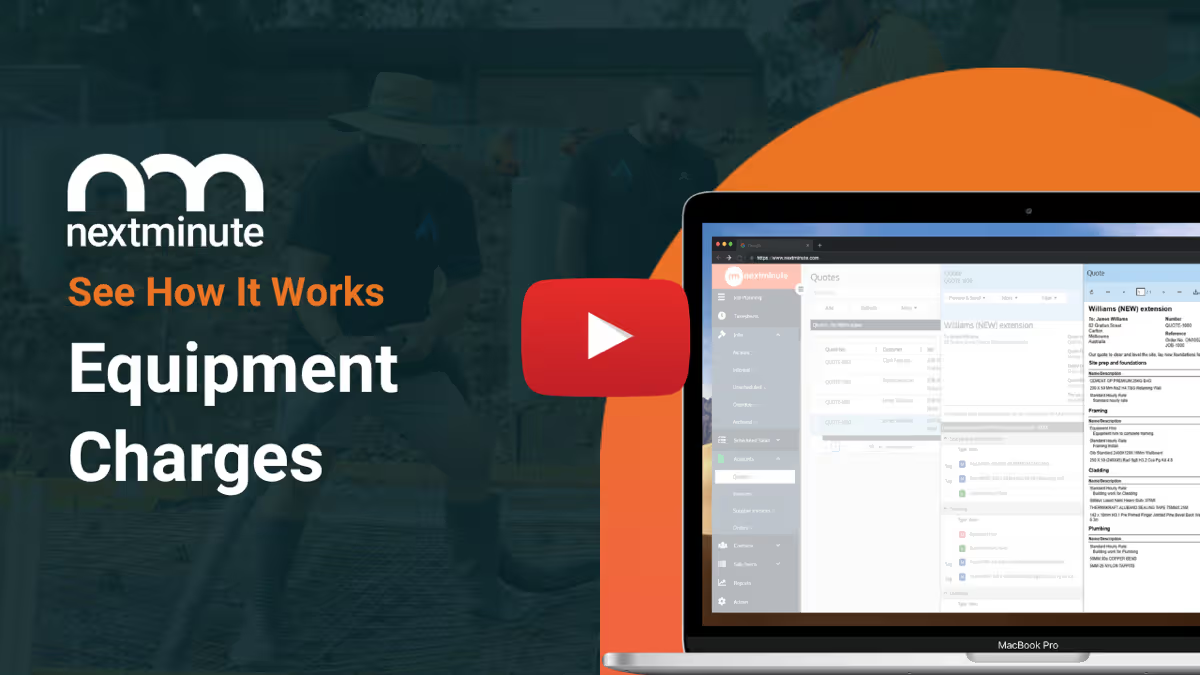
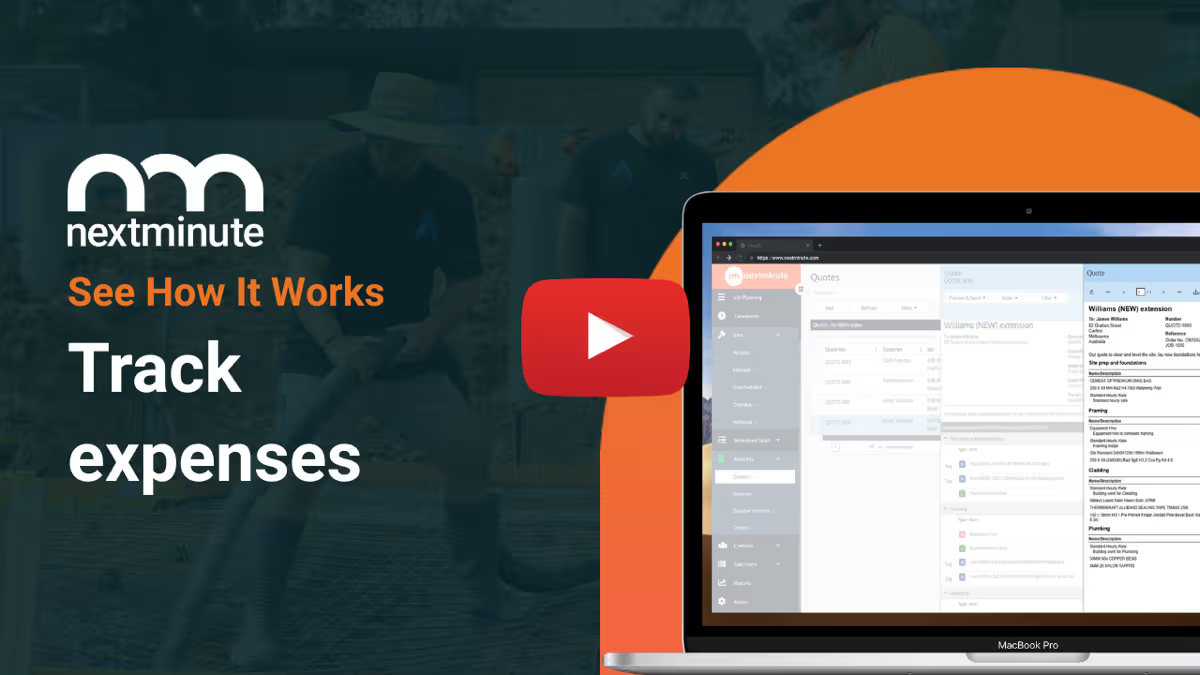
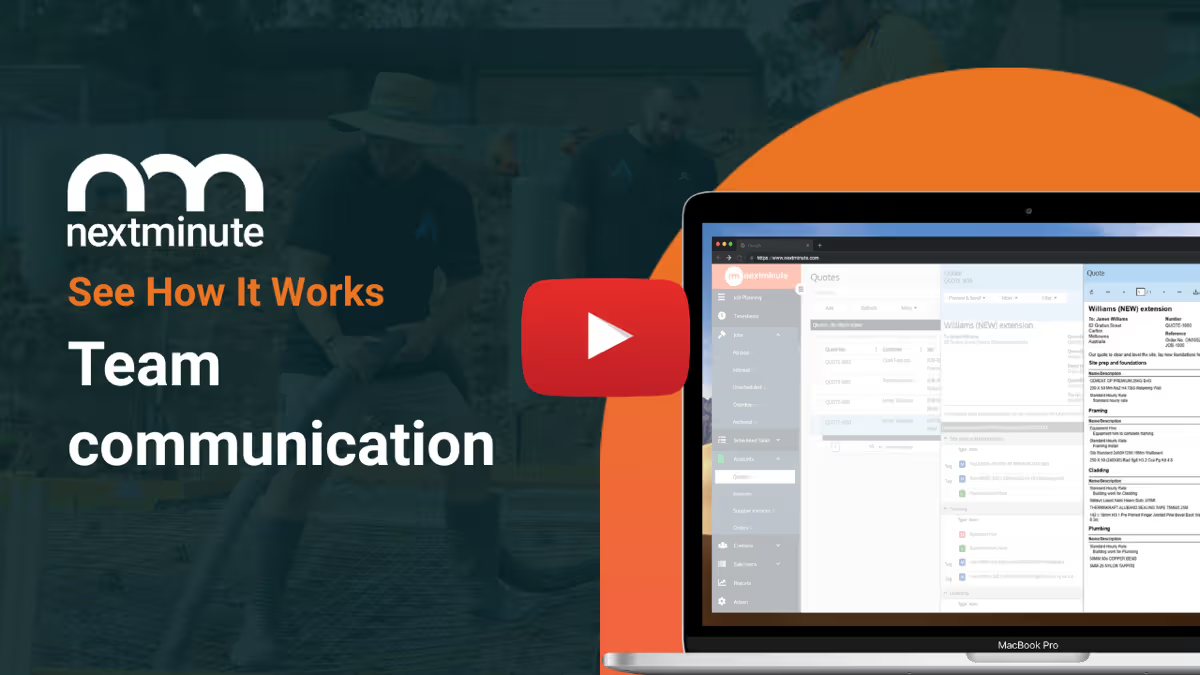
Take the NextMinute tour

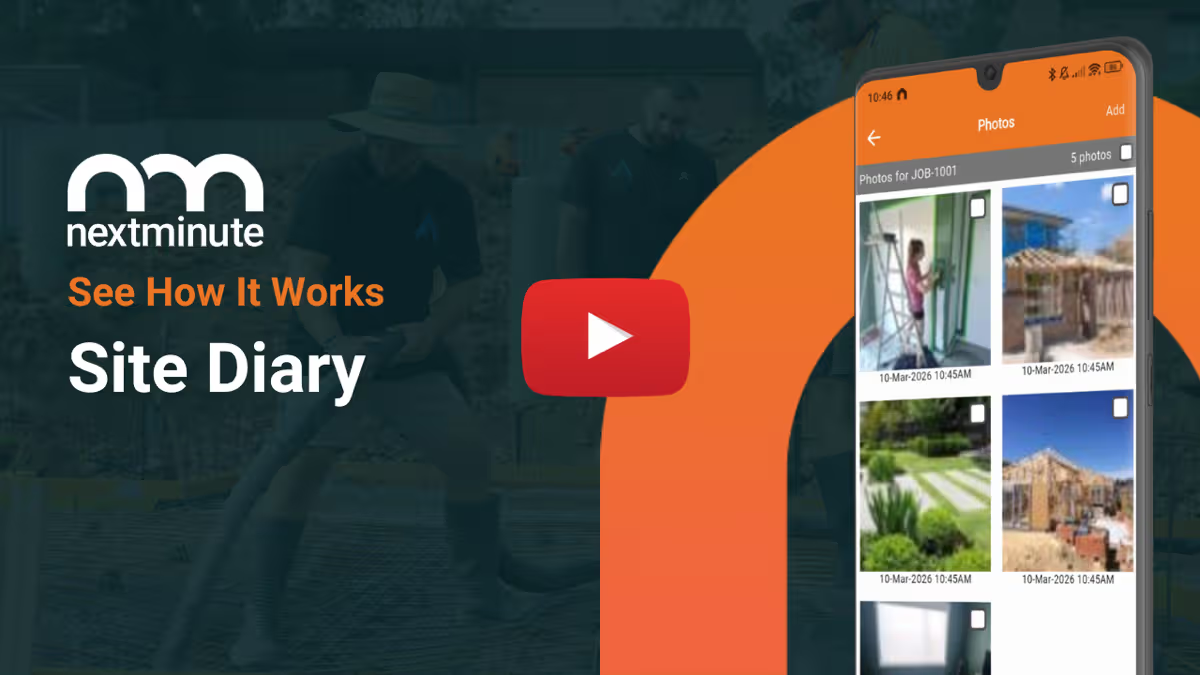
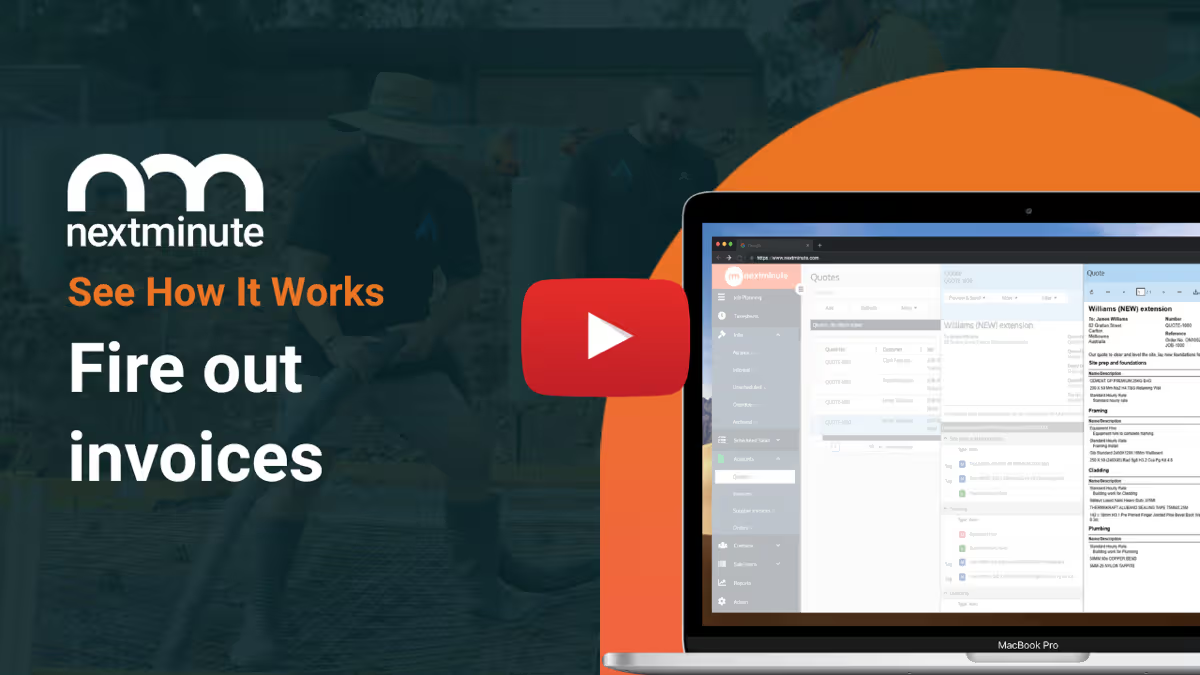
Click on each feature to see a video of NextMinute in action.

"Highly recommend using NextMinute! The software is great. It is very easy to use and very adaptable for all different types of trades...Signing up to NextMinute was one of the best business decisions we made."

Taisha Stephens, Phoenix Renovations & Building

More Reviews

Rated #1 for customer support & ease of use

Pick a plan that fits your crew

All pricing in US Dollars (USD)

Any plan, all the tools...

No limits - full access to all features on all plans
Unlimited Projects & Jobs
Flexible, month-to-month pricing based on your crew size
No lock-in contracts
Unlimited setup, training, and ongoing support for life
Get dedicated help from Duncan, Ryan, and Lucas
Global support

10-day free trial

No credit card required.
Get Started

Start Your 10-day Trial

Book a 5-min chat to see if NextMinute is right for you

Tell us what you need - Let us know your requirements and how you run your projects
Get a trial account - We'll set you up with a customised account to try out NextMinute. We can even import your projects and quotes
No bullsh*t - Real humans with construction experience that you'll actually like talking to

Common Questions

Why would a builder choose NextMinute over ServiceM8?

ServiceM8 is brilliant for lots of short, simple jobs, but it starts to strain when you’re juggling bigger projects. NextMinute gives you proper Gantt planning, stage-based job costing, progress claims and tight links between quotes, POs, supplier invoices and timesheets, so you can actually run the whole build in one place.

How do the mobile apps compare for my crew on site?

NextMinute gives your team the same full-featured app on both iOS and Android, so everyone can see schedules, log time, add photos and notes, and update jobs from their own phone. ServiceM8 is strongest on iPhone and iPad, with a cut-down Android experience aimed more at basic field use.

What do I gain on the accounting side by using NextMinute instead of just ServiceM8 and Xero/MYOB?

With NextMinute, quotes, variations, progress claims, timesheets and supplier invoices are all tied to jobs and stages, then pushed through to Xero, MYOB or QuickBooks in a way that mirrors how builders actually bill. You get clearer WIP and profitability on every stage of every job, instead of piecing it together from separate systems and add-ons.

If I’m currently on ServiceM8, how hard is it to swap to NextMinute?

Most builders move across in a short, guided process. The NextMinute team helps bring over your clients and active jobs, set up templates and stages that match the way you work, connect your accounting system and train both office staff and the crew. You end up with a system that feels familiar to use day to day, but is better suited to larger, project-based work.

Still have questions? Get in touch!

Compare other solutions

Buildertrend logoBuildxact LogoXero LogoCoConstruct LogoSimpro LogoServiceM8 LogoFergus LogoTradify LogoAroflo Logo

Get started for free today

Get a free trial account
We can import your jobs or quotes
Epic support and training whenever you need it
Start Trial