NextMinute Quickbooks Integration
Seamlessly integrate with QuickBooks
Easily connect NextMinute with QuickBooks to keep your expenses, invoices, and payroll in sync.

Easily connect NextMinute with QuickBooks to keep your expenses, invoices, and payroll in sync.
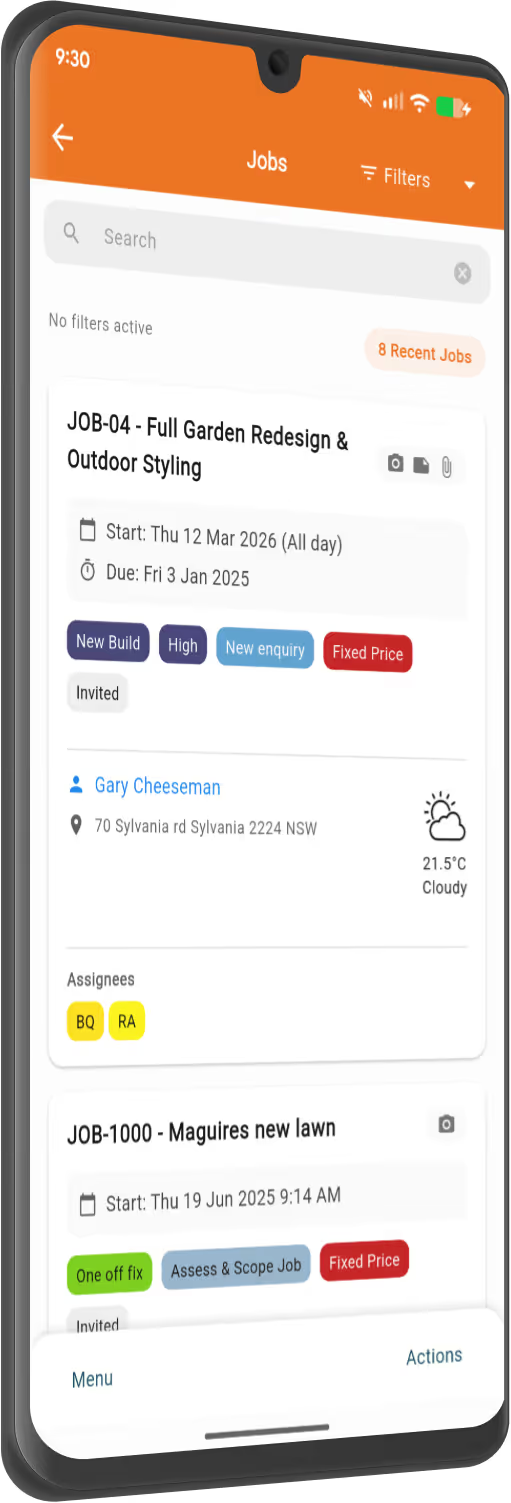
Forget entering everything into your QuickBooks manually. NextMinute syncs all your contact & financial information with your accounting software to save you time.
Creating a contact in NextMinute automatically adds them in QuickBooks, and vice versa.
With all your job information in NextMinute, you can generate a complete and accurate invoice in seconds. Then, just click to send it through to QuickBooks.
Whenever a payment is received in QuickBooks, NextMinute will automatically notify you.
No more pay mistakes or disputes. Timesheet data automatically flows through to QuickBooks.


NextMinute is specifically designed to make your life easier but cutting down on job admin.
Connect NextMinute with QuickBooks to easily keep all your financial information in sync.
Your bookkeeper will love NextMinute. No manual data re-entry, and everything stays up-to-date across both systems.
We've made getting set up with QuickBooks super simple, so you can get on with the job.
We’ve answered the ones we hear most from builders and tradies.

You can jump on a 10-day free trial to see how the sync works for your business. There's no credit card required to get started and see if it's the right fit for your crew.
NextMinute offers a straightforward monthly plan that includes all features, including software integrations. There’s no sneaky extra charge just to connect your accounting software.
That’s the main goal. Because your financial info and job notes sync up, you won't be writing the same stuff down twice. It cuts out the admin mahi and reduces the chance of making a mistake.
They certainly can. They’ll help you import your existing jobs and quotes so you're not starting from scratch.
It’s actually pretty quick. We’ve designed the setup to be simple so you can get back to the tools, but if you need a hand, our Auckland-based team can jump on a call and walk you through it.
It takes the stress out of pay day by sending timesheet data directly from the site to QuickBooks. This means your labour costs are accurate, and your crew gets paid the right amount without you chasing paper dockets.
Yes, you can. Whenever a client pays an invoice and it's recorded in QuickBooks, NextMinute gets the memo and notifies you. You'll always know exactly who’s paid and who’s still owing without having to keep checking your bank account.
Once you've generated an accurate invoice based on your job data, you can send it straight through to QuickBooks with one click. It keeps your books up to date and makes your bookkeeper's life a whole lot easier.
It's a seamless two-way sync. When you connect the two, your contacts, invoices, and timesheets flow between systems automatically, so you don't have to spend your Sunday night manually entering data into your accounting software.
Not at all. When you create a new contact in NextMinute, it’ll automatically show up in QuickBooks for you. It works the other way too, so your database stays tidy without any extra effort.


Copyright © NextMinute (New Zealand). All Rights Reserved.