Job management software for NZ Carpenters

Less paperwork. More time on the tools.

NextMinute helps carpenters quote faster, schedule the crew, track time and costs, and invoice with confidence. Everything stays recorded against the job, so you can stay organised without admin chewing up your nights.

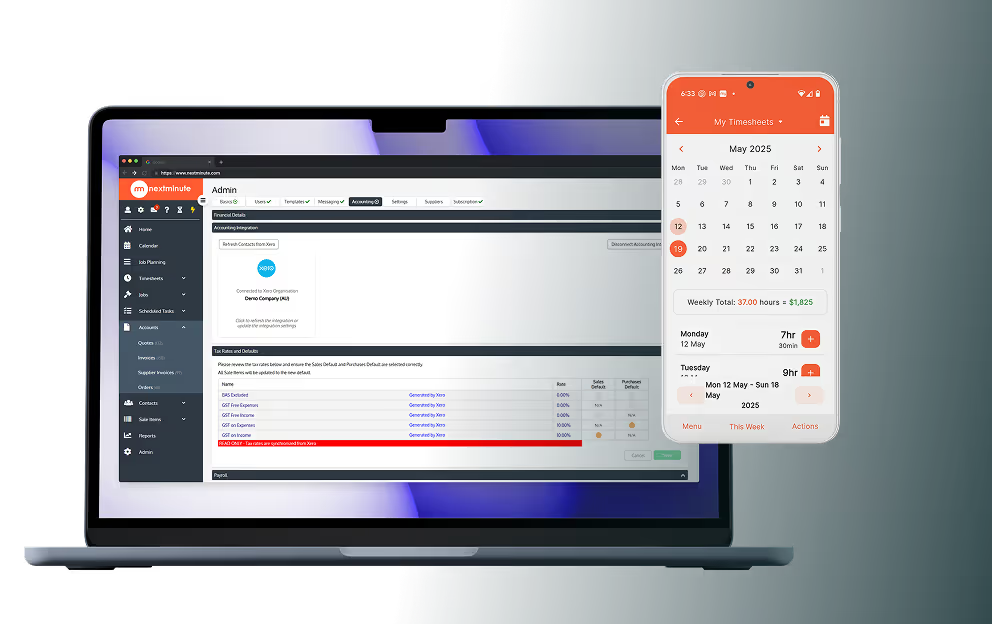
NextMinute software for carpenters
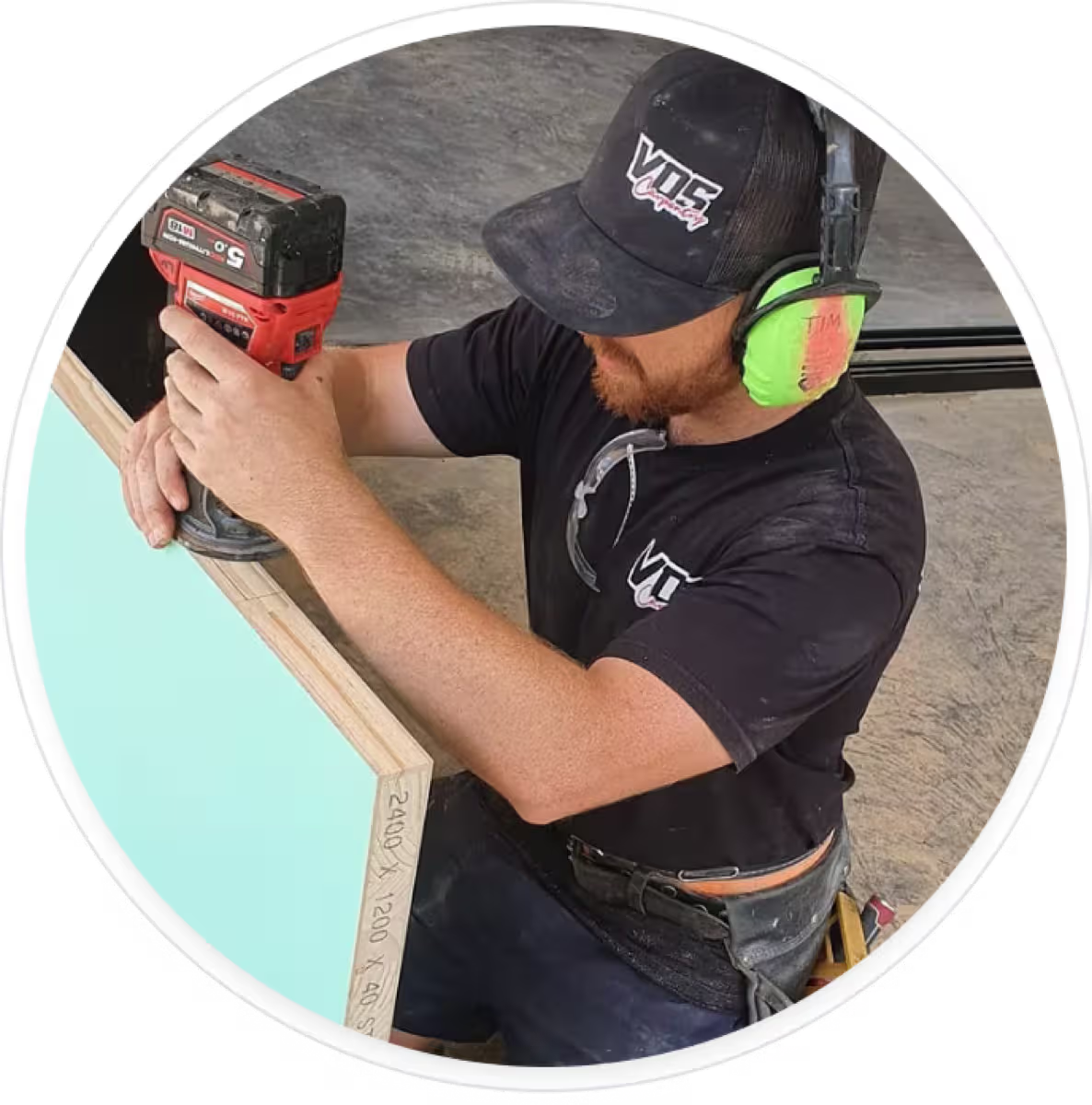
NextMinute customer VDS Constructions
Trusted By 5,000+ Tradies Across Australia & New Zealand
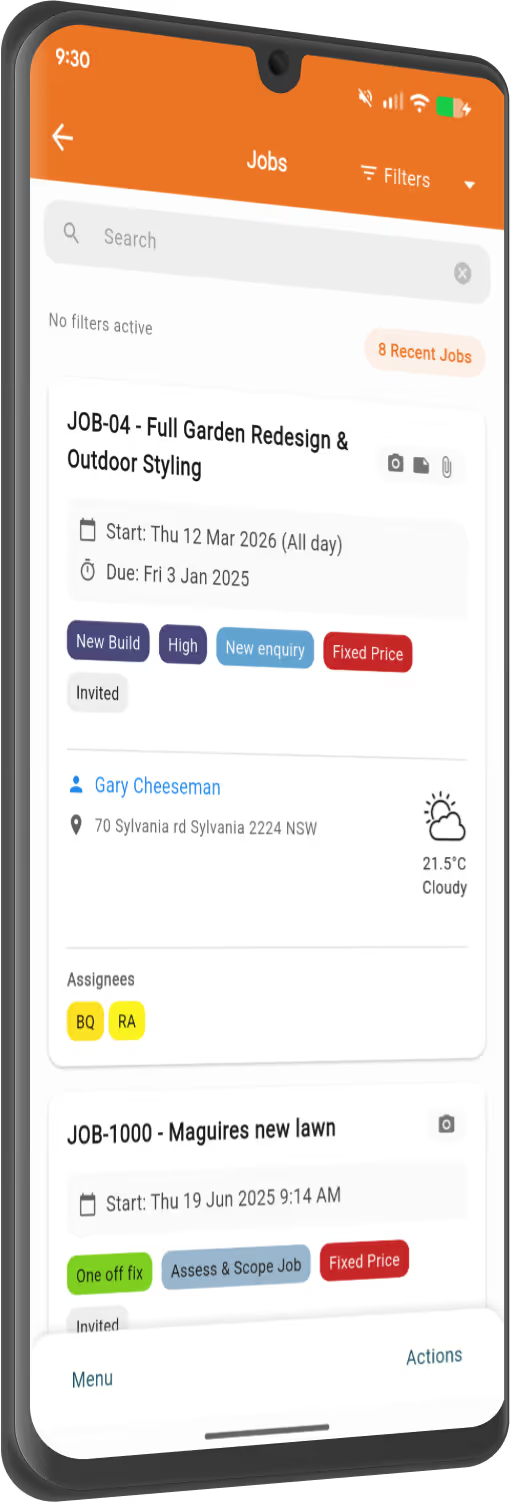
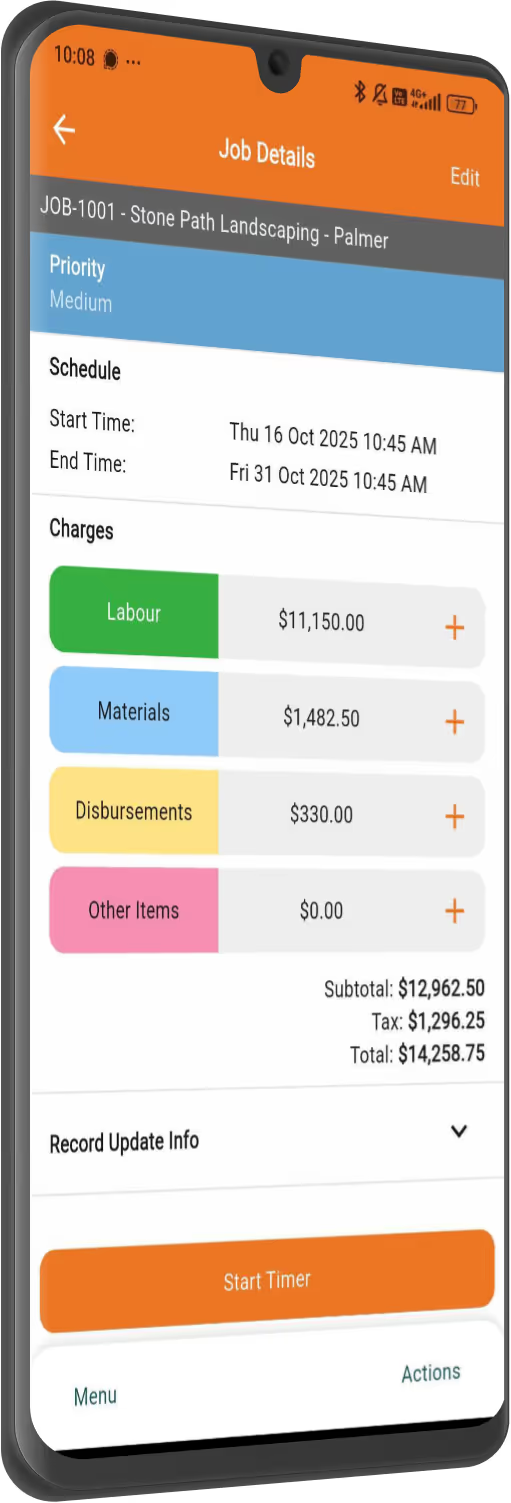
NextMinute - job management on mobile
Construction Management Software For Kiwi Carpenters

Your best mate on site (or in the office).

NextMinute helps you take control of your carpentry business, cutting down on admin headaches so you can spend more time on the tools.

Designed to work how you do

Designed specifically for tradies, NextMinute has everything a carpenter needs to keep jobs and cash flow under control.

Manage every part of the job, start to finish

Quote a job, set up tasks, assign work to the crew, track hours and expenses, and send invoices—all in one place. You’ll get a clear view of where every job’s at, from first quote to final payment.

Keep communication smooth and easy

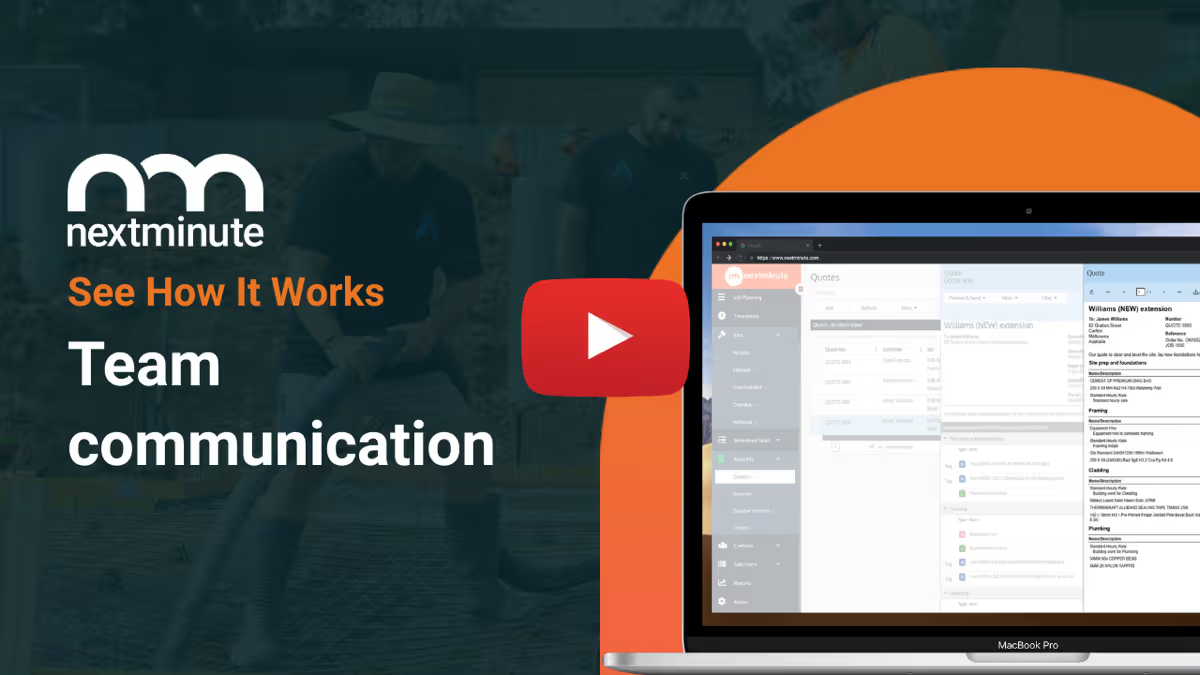
NextMinute lets you fire off emails and instant messages to clients and crew, keeping everyone on the same page.

Work anywhere, on any device

Whether you’re on-site, in the ute, or at home, NextMinute works across mobile, desktop, or tablet—wherever the job takes you.

Apple logo with text 'Download on the App Store' badge.Get it on Google Play badge with the Google Play multicolor triangle logo on a black background.
How NextMinute Works

Less chaos. More clarity.

Integrations Made Easy

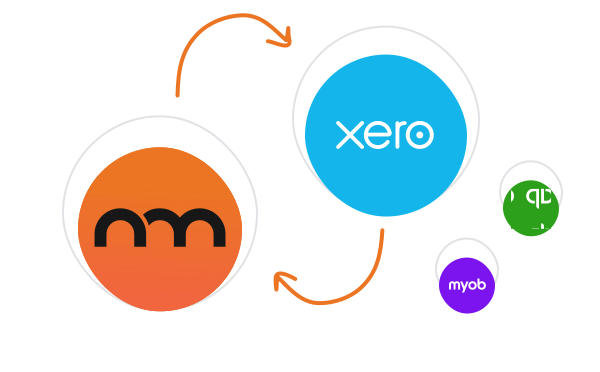
Two-way integration with Xero, MYOB, & QuickBooks

NextMinute keeps your jobs and your accounts talking to each other. Contacts, invoices, timesheets & payments stay in sync, so you’re not re-entering info or cleaning up mistakes later.

See Integrations
NextMinute integrations

Customer Review

""I have been using NextMinute software for the past 4 years it has really help me transform my Kitchen business, and stay on top of my projects. Its allowed me to grow my team. the best part is knowing where i stand on my projects at the click of a button. The integration with Xero is awesome and the staff find it super easy to do their time sheets..."

Bryan Steinhardt
Waterfall Kitchens

Read Reviews
key Features

Helping carpenters simplify & succeed

Effortless end-to-end job management

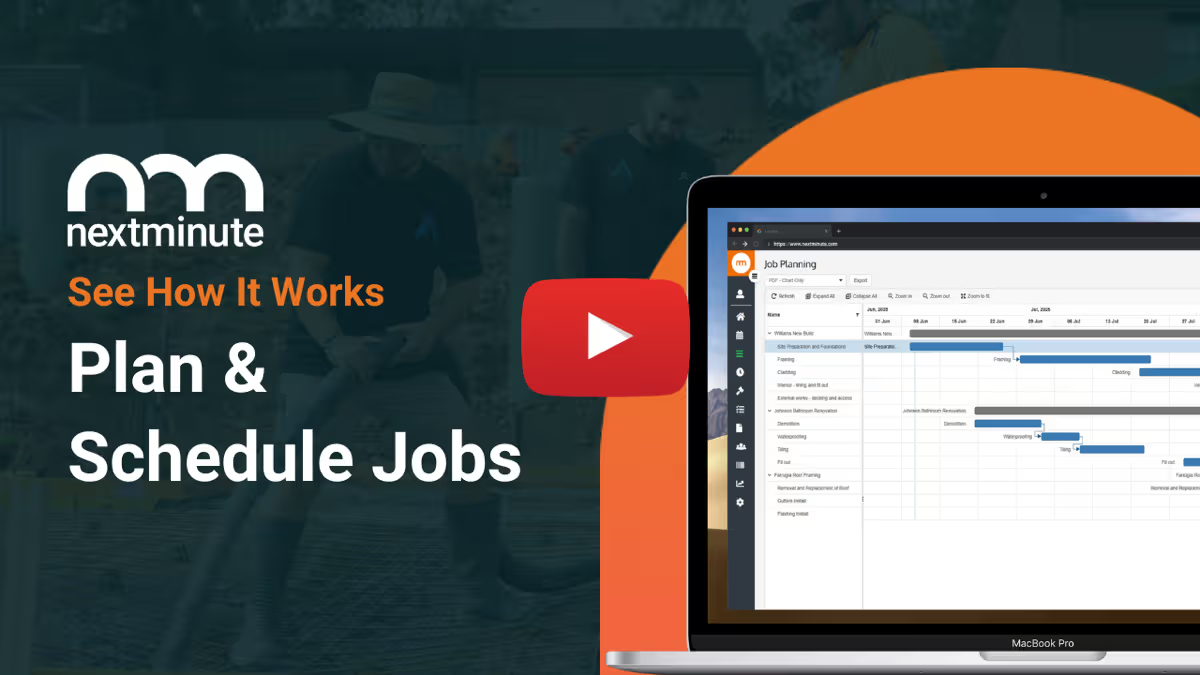
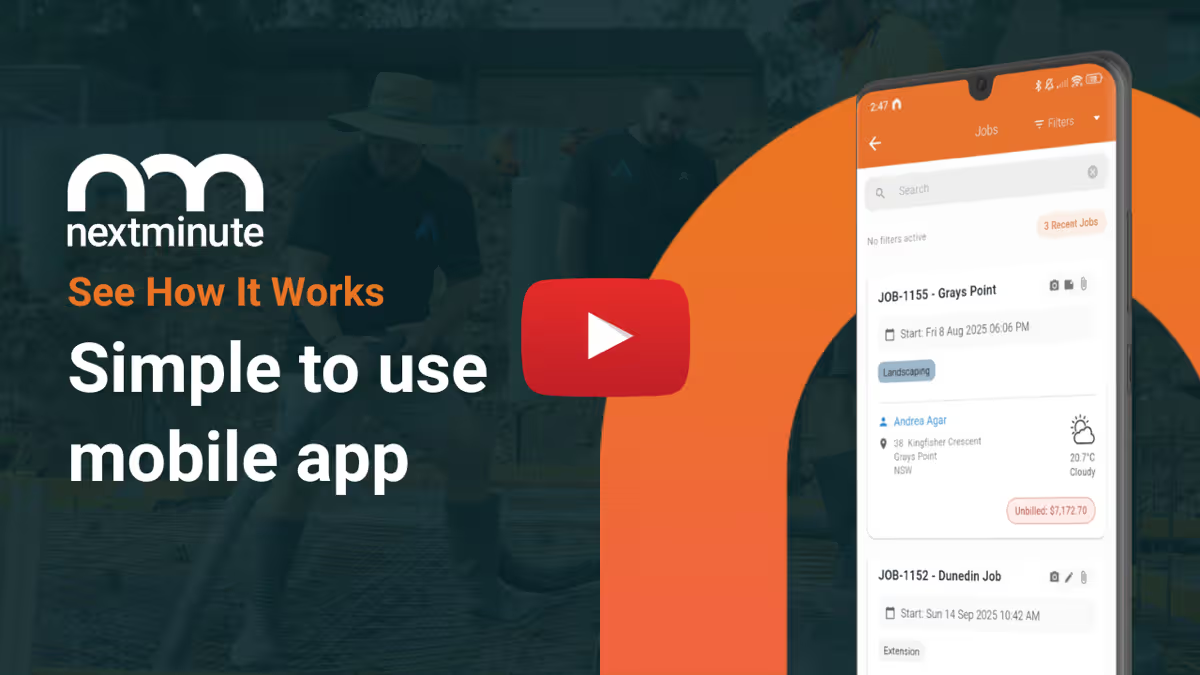
Coordinate your projects and crew from anywhere, anytime. NextMinute takes the hassle out of your day by making task planning, scheduling, and job management simple and stress-free.

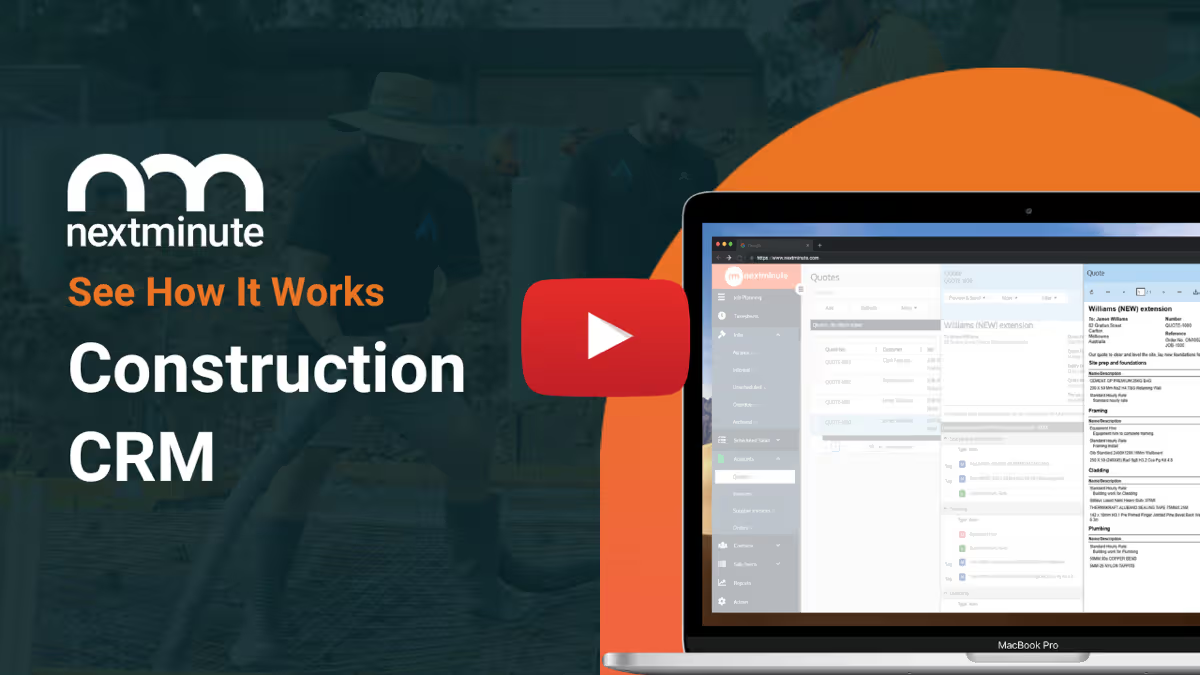
NextMinute Job Management

Accurate quotes in record time

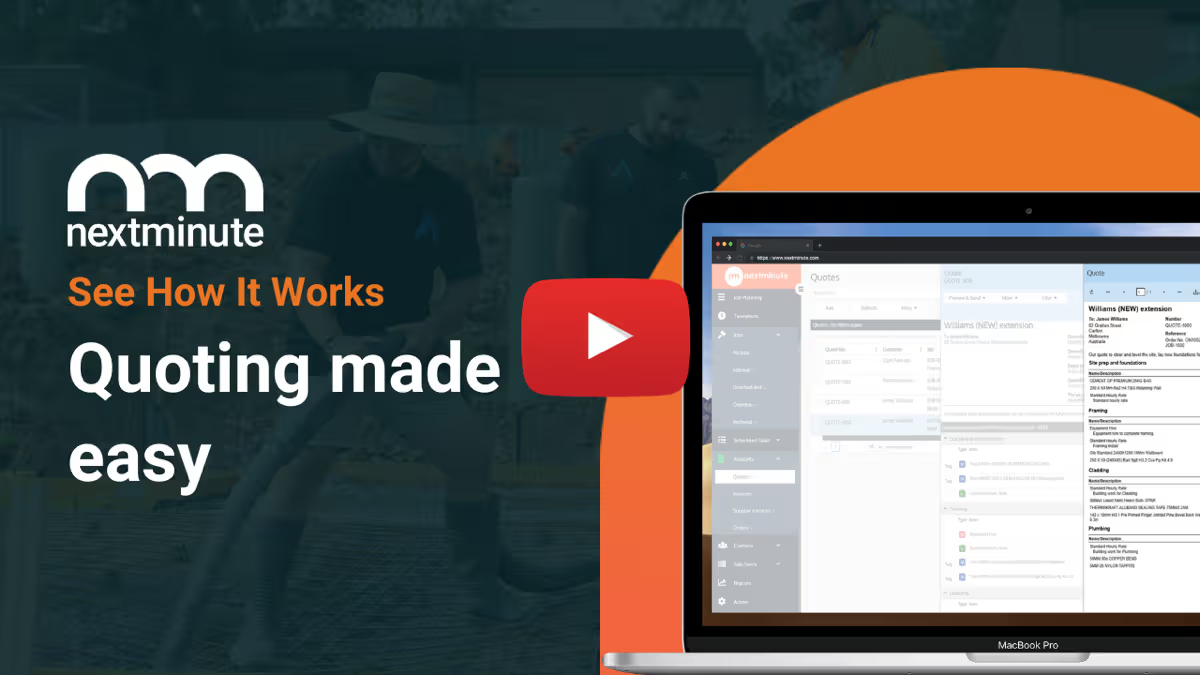
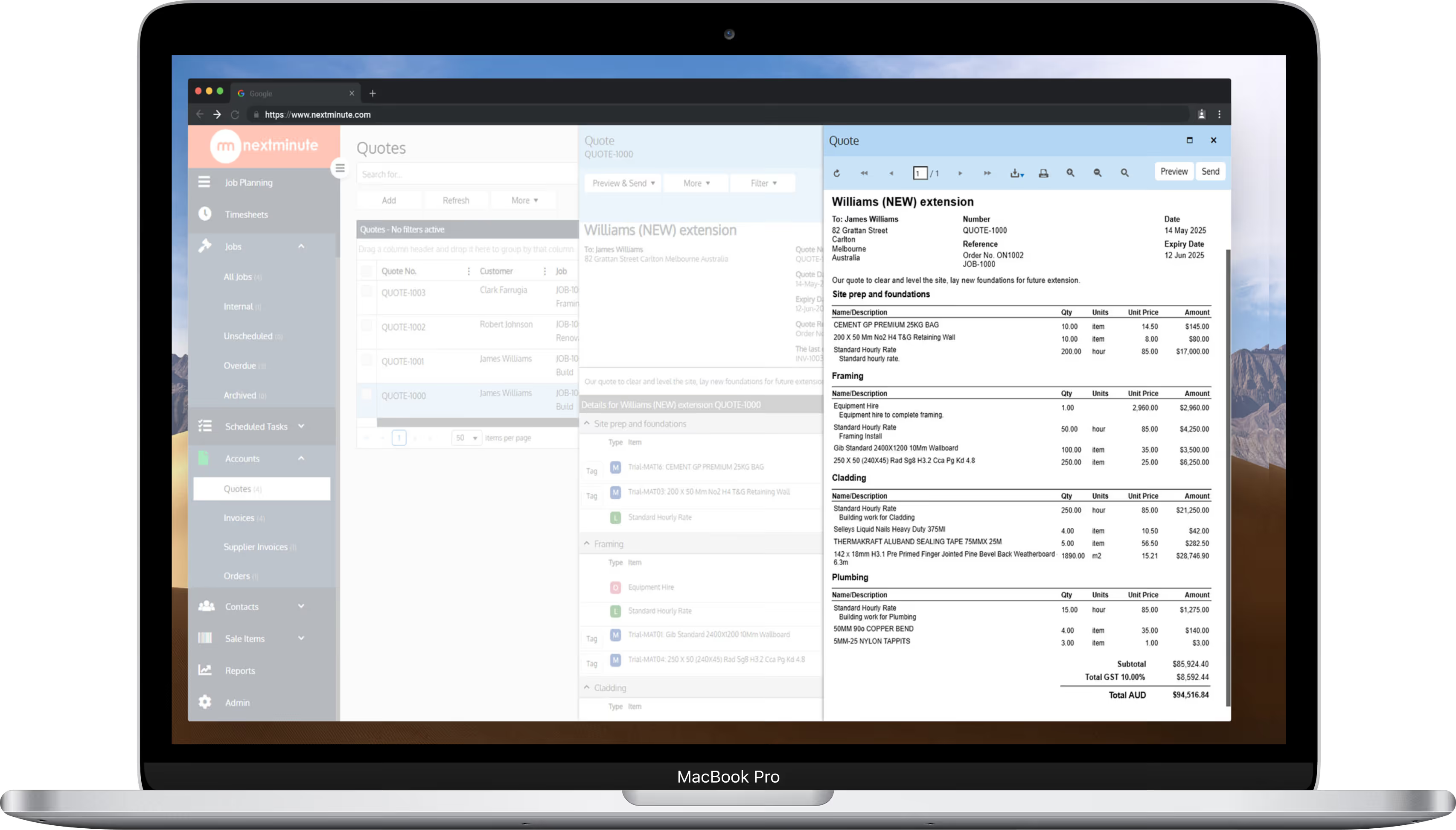
Get your quotes and estimates out faster with NextMinute, so you can lock in more projects and keep the crew on the tools.

Estimating & Quoting with NextMinute
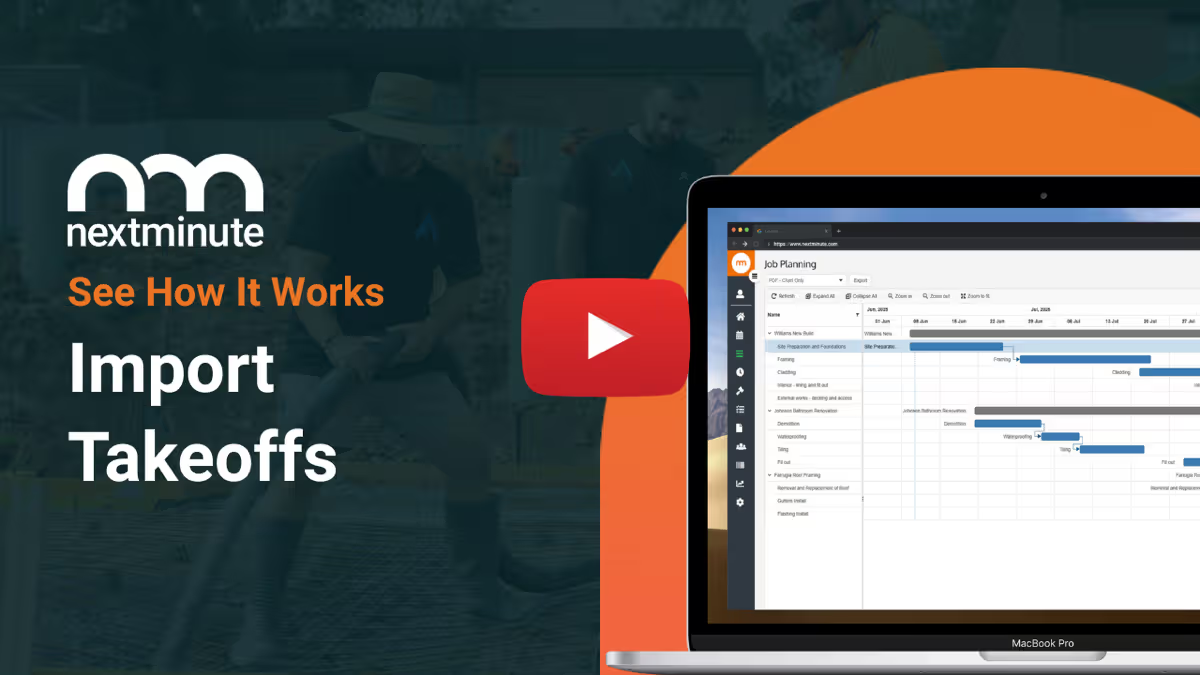
NextMinute job planning on laptop
NextMinute: Quoting on Mobile

Timesheets? No sweat

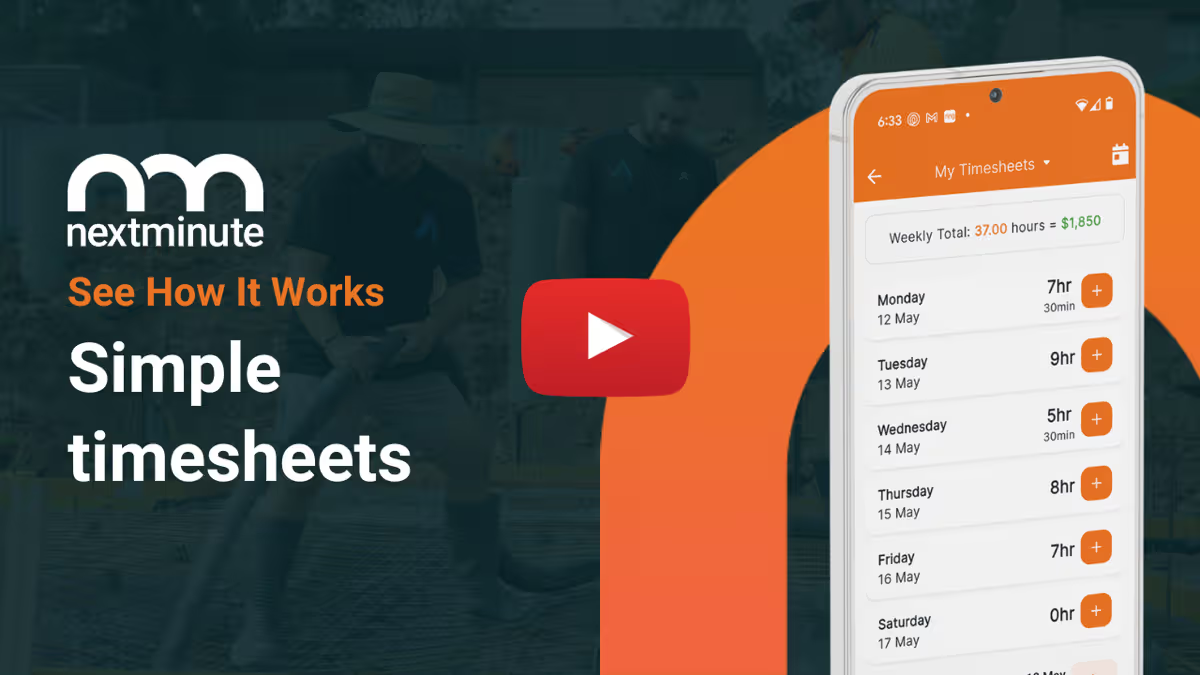
With our easy-to-use mobile app, your team can log their hours on a job or specific task in seconds. No more chasing timesheets over the weekend or stressing about missed billable hours!

Timesheet Software

Get your invoices out in minutes

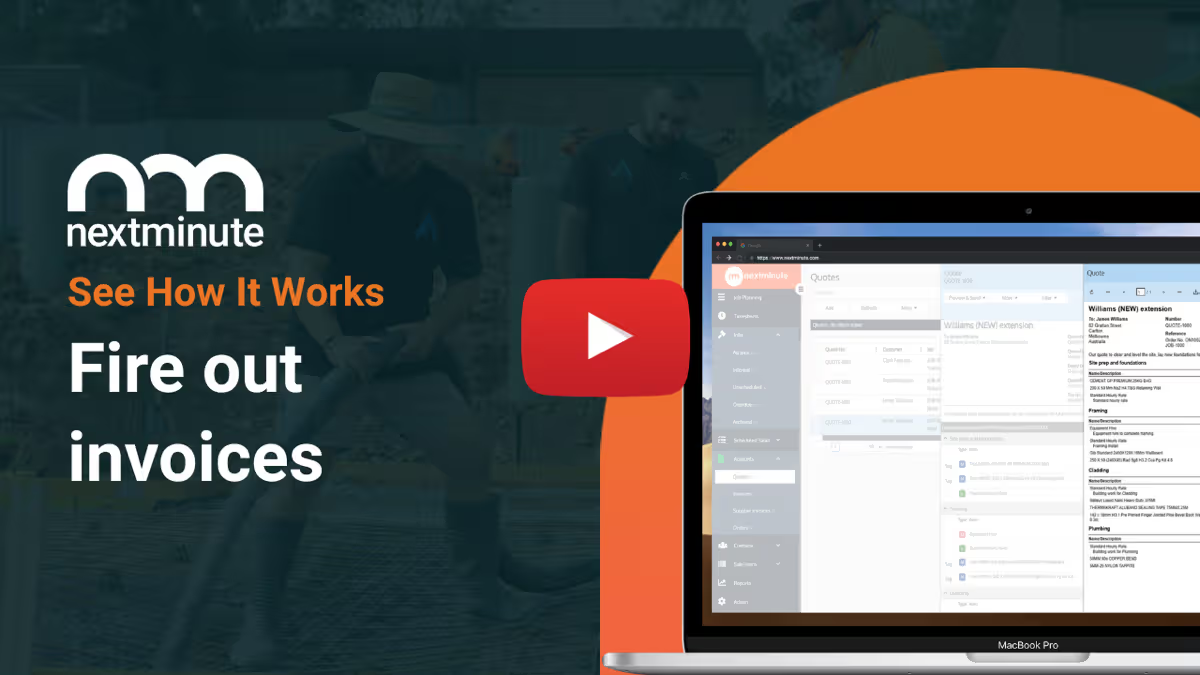
Generate accurate invoices for your clients in just a few clicks. Get paid faster and keep your cash flow steady, without the usual invoicing hassles.

Learn about Invoicing

Live financial reporting

Keep your carpentry project on budget and profitable. NextMinute enables you to easily report on your job or job stage costs vs. your initial estimate.

Back Costing Reporting
NextMinute back costing report: track actuals vs estimates in real-time

Talk to a Real Person

Book a 15-min intro

Have a quick chat with our local team. We’ll walk through how you run jobs and show you how NextMinute fits.

Anna-Kate - NextMinute

Anna-Kate

Sales Manager

From the land of Guinness, she’ll help you work out if NextMinute’s a good fit. Straight talk, no sales BS, and a good sense of humour.

Mat - NextMinute

Mat

Former Plumber & NextMinute Pro

Mat’s a plumber, not a software guy. He’s been on the tools and shows you how to run jobs without the admin headaches.

Tell us what you need

Let us know your requirements and how you run your jobs

No bullsh*t

Real humans with construction experience that you'll actually like talking to

Get a trial account

We'll set you up with a customised account to try out NextMinute. We can even import your jobs and quotes

Common Questions

We’ve answered the ones we hear most from carpenters.

Will NextMinute sync with Xero, MYOB, or whatever my accountant uses?

Yep. Two-way integrations with Xero, MYOB, and QuickBooks mean every invoice and timesheet you raise lands straight in your accounting system. GST returns and end-of-month reports stay accurate without anyone re-keying numbers, and your accountant gets clean data instead of chasing you for receipts.

How can we keep a record of what actually got done on a job each day?

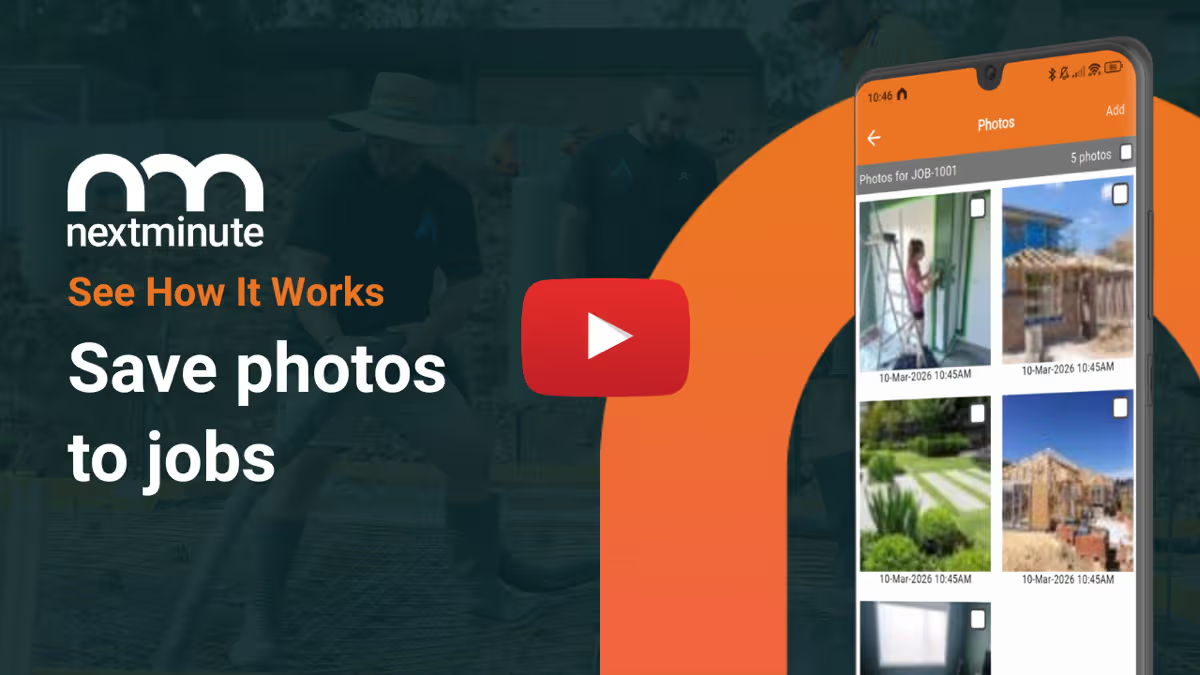
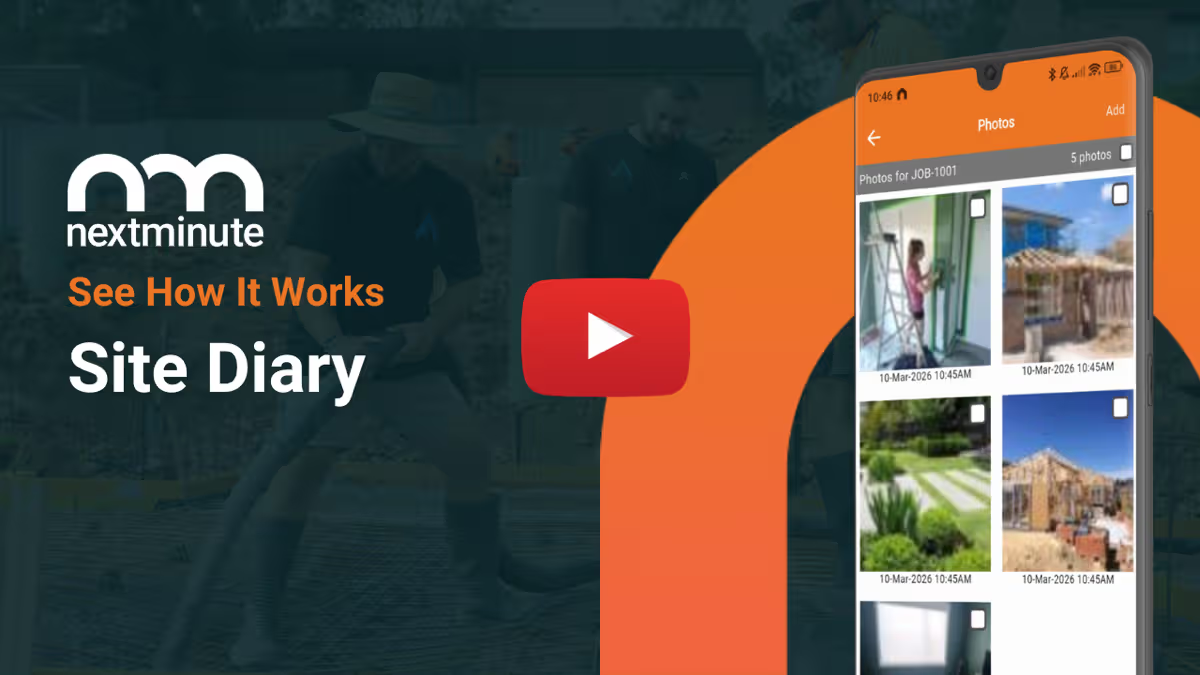
The site diary in the mobile app lets the crew drop notes, weather hold-ups, and photos as they go. Everything ties back to the job, so when a council inspection comes up — or a defect query lands six months later — there's a full timeline of what happened, when, and who was on-site.

Can I send progress claims for longer renovation or new build jobs?

Yes. Break the job into stages, and progress claims pull from the tracked hours, materials, and expenses on each one. Invoicing stays tied to the actual data, so claims are accurate and easy to back up if a client asks for the breakdown — which keeps long jobs cash-positive instead of cash-strapped.

Where do the crew find plans and building consent docs while on-site?

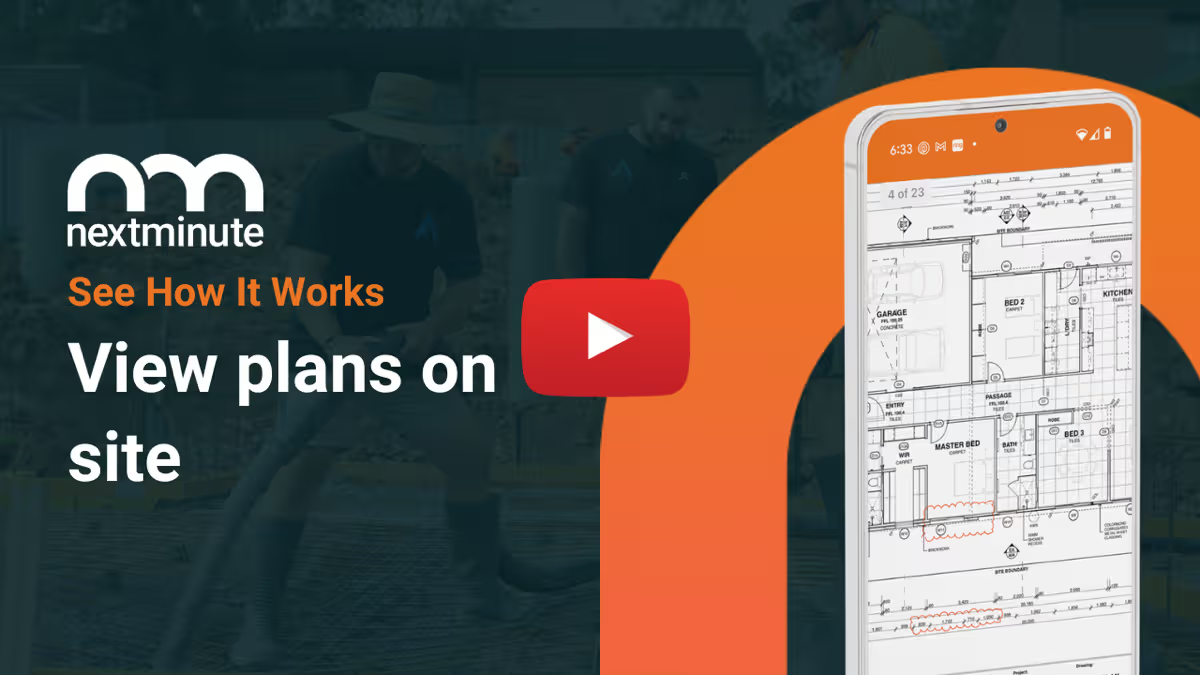
Plans, consent documents, and reference PDFs all live against the job and are one tap away in the app. Saves you forwarding the same file every time someone needs to check a detail, and means an inspection visit doesn't turn into a phone-call scramble.

What's the easiest way to handle client changes mid-build?

Log the variation against the job, flick the client a quick written quote for the extra work, and get sign-off before anyone starts. The change then flows into your invoice at the end of the stage, separate from the original quote — no awkward "did we agree on this?" conversations later.

How do I tell if a job's actually making money before it's done?

Back costing reports compare your actual spend against your original quote, broken down by stage. You can see exactly where labour or material costs are starting to slip — early enough to either pull things back or factor it into your next quote so you're not eating the loss.

Does NextMinute work for a smaller carpentry crew?

It sure does. Plenty of three-person crews run their whole operation out of NextMinute — quoting, scheduling, timesheets, and invoicing without paying for seats they don't need. The pricing scales with the size of your team, so it stays sensible as you grow.

How does the team log their hours each week?

Timesheets live in the mobile app. The crew pick the job, tap to start a timer or punch in hours at the end of the day, and add voice notes or photos if there's something worth flagging. Hours then flow straight through to payroll, so nobody's transcribing scribbled paper at the desk on Monday morning.

Why do Kiwi carpentry businesses stick with NextMinute long-term?

NextMinute was built in New Zealand, and the platform has grown alongside the customers using it — so it tends to fit the way crews already work rather than forcing a new process onto them. Local support out of Auckland also means questions get answered by people who actually understand the trade, not a queue overseas.

Got questions?

Reach out to our team and we'll get you sorted.

Let's Chat

Resources

Advice for running a better trade business

Guides, tips, and real-world advice to help you quote smarter, stay profitable, and get paid faster.