Job Management Mobile App For Kiwi Tradies

Your best mate on site.

Give the crew everything they need in their pocket. Log time, photos, notes and expenses on the go, check job details and site plans, and keep the office in the loop without the usual back-and-forth.


NextMinute Logo

Run your business from your back pocket

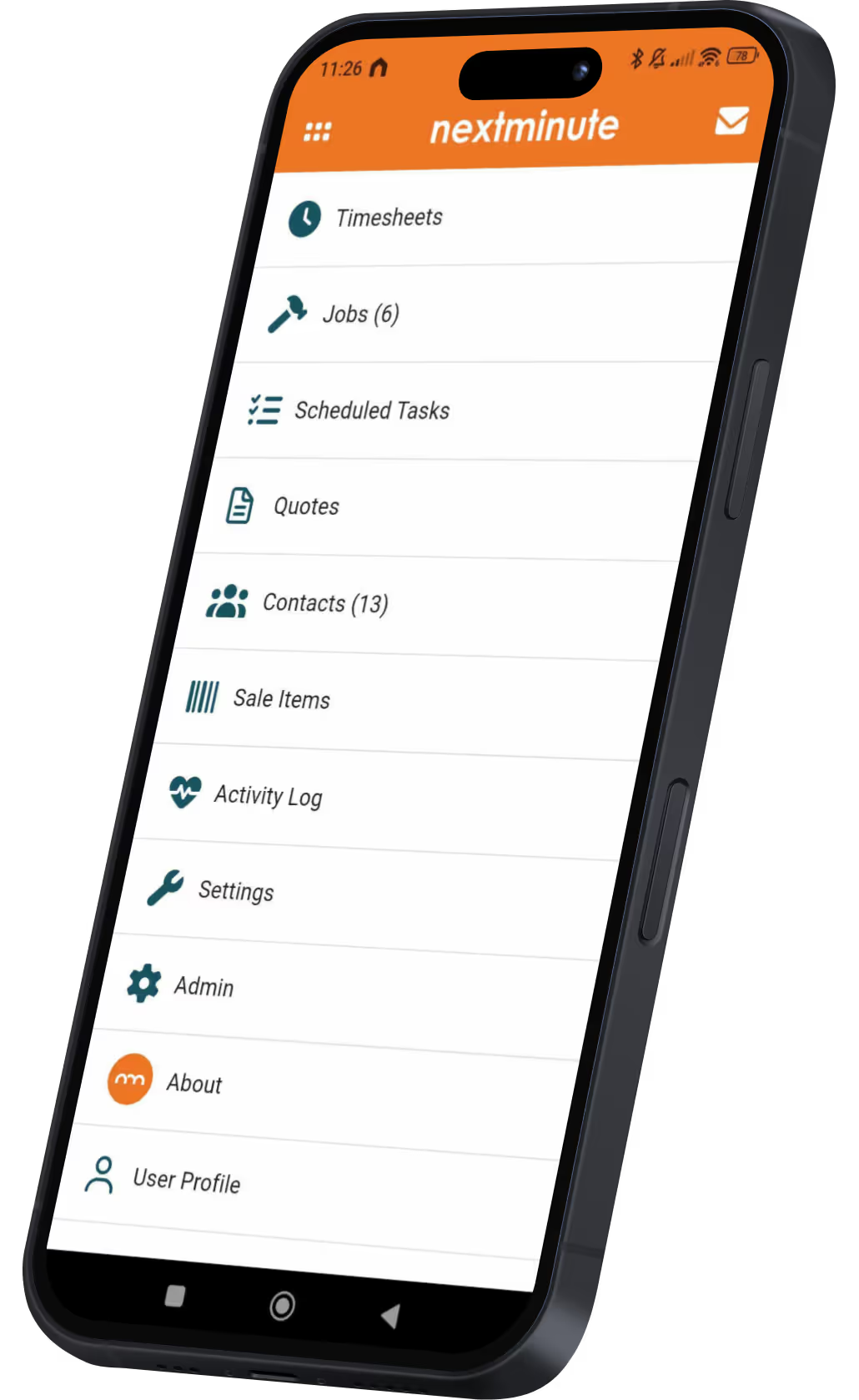
Managing your projects and crew doesn’t stop just because you’re not in the office. With the NextMinute mobile app, you’ve got all the digital tools you need to keep the job moving – whether you’re on-site or in the ute. It works on any device you have handy.

NextMinute App StoreGoogle Play Store

Blast through admin like a boss

As an admin or business owner, you don't have to wait until you’re back at the office to get work done. With the mobile app, you’ve got all the tools to keep things moving and on budget.

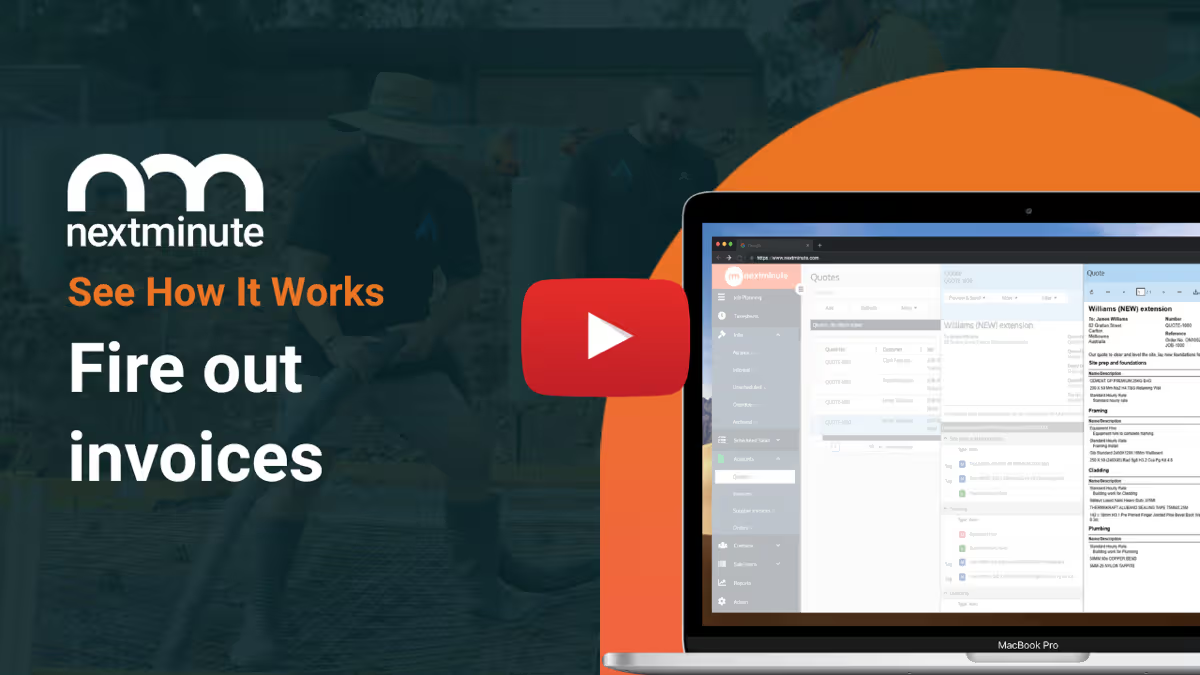
Fire off quotes, variations, and progress invoices on-site
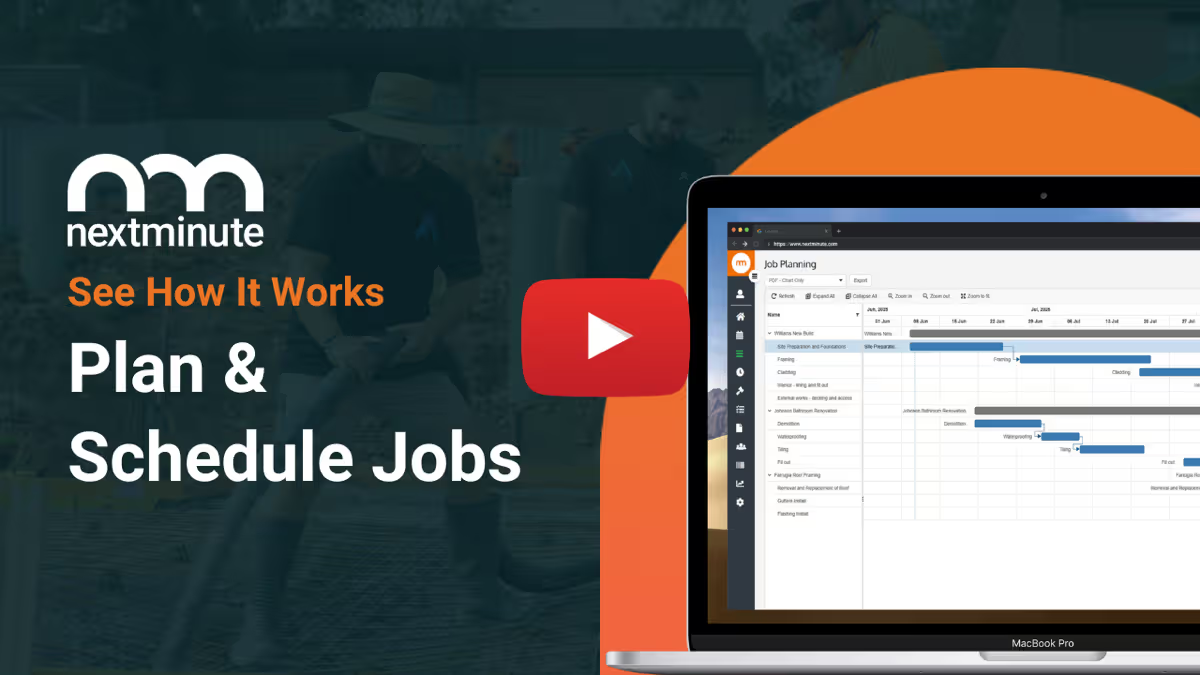
Assign tasks and manage schedules in real time, so the crew knows exactly where to go next.
Log labour, material, and disbursement costs as they happen – no forgotten costs.
In-app messaging keeps everyone in the loop, so you never miss an update.
NextMinute App StoreGoogle Play Store
NextMinute Mobile App
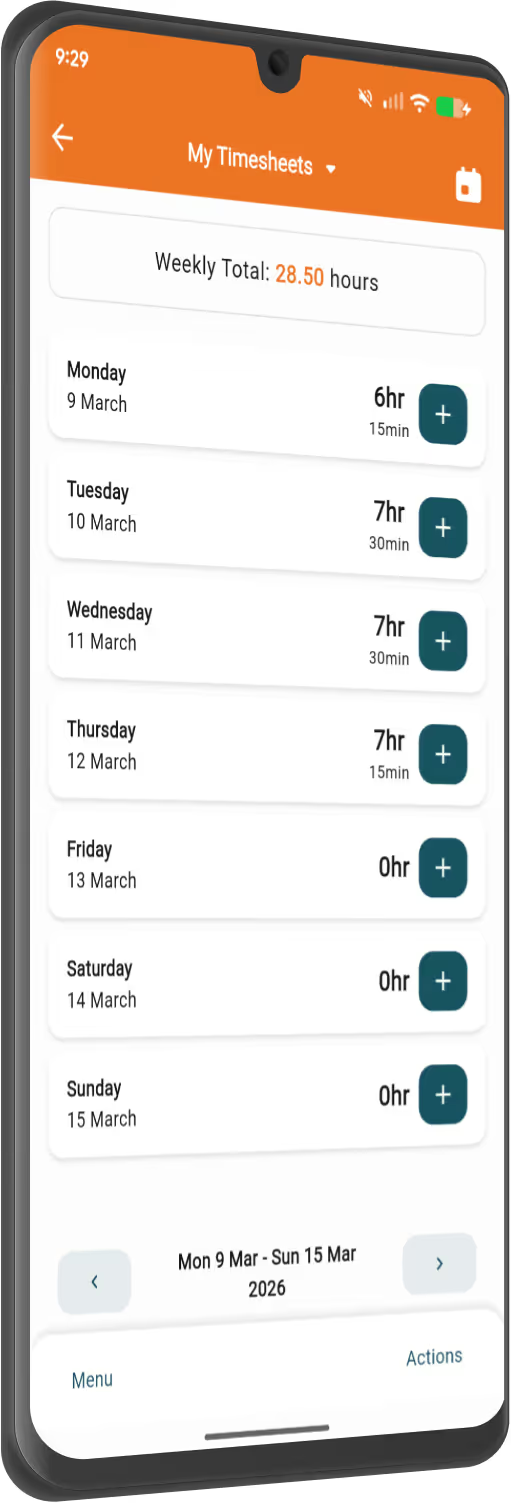
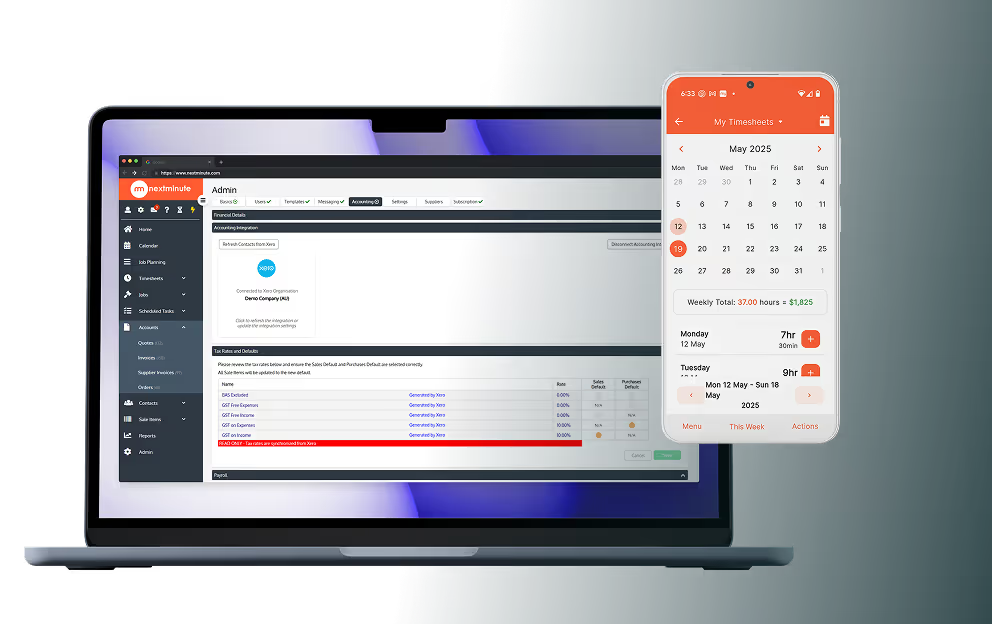
NextMinute Timesheets on mobile

Simple as for your crew

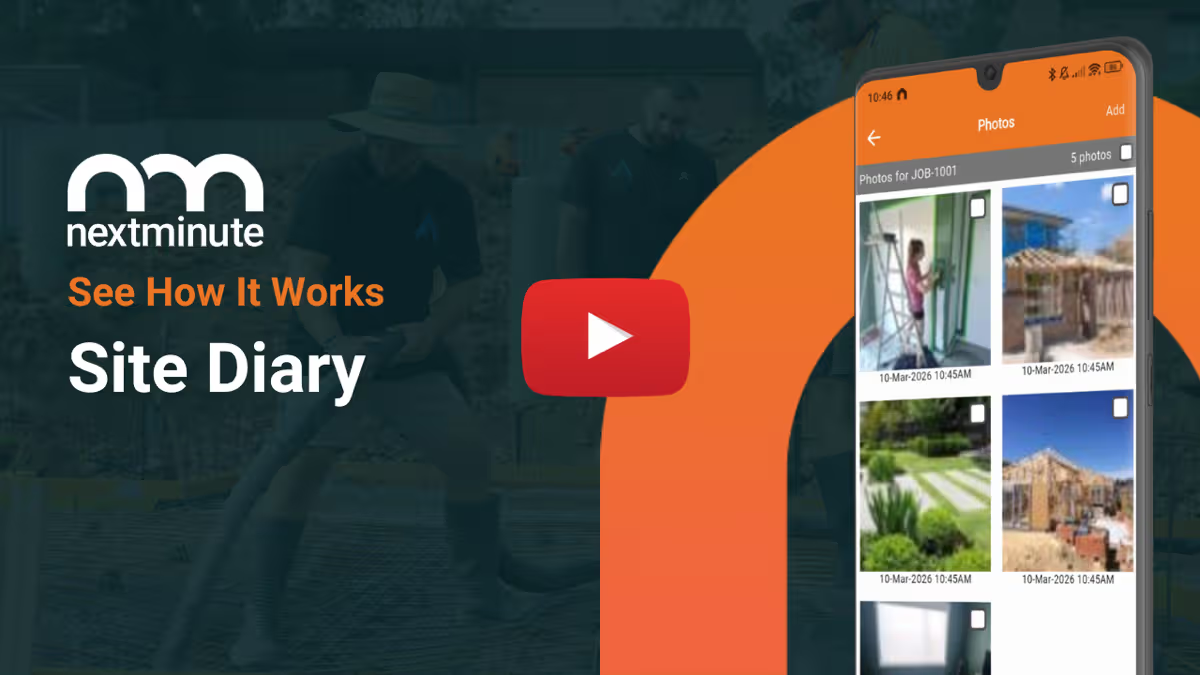
Your crew will love it – no more chasing details or repeating themselves. They only see what matters to them – no unnecessary features, just the essentials. They can check exactly where they need to be, what needs doing, and easily upload site diaries with notes and photos straight from their phones.

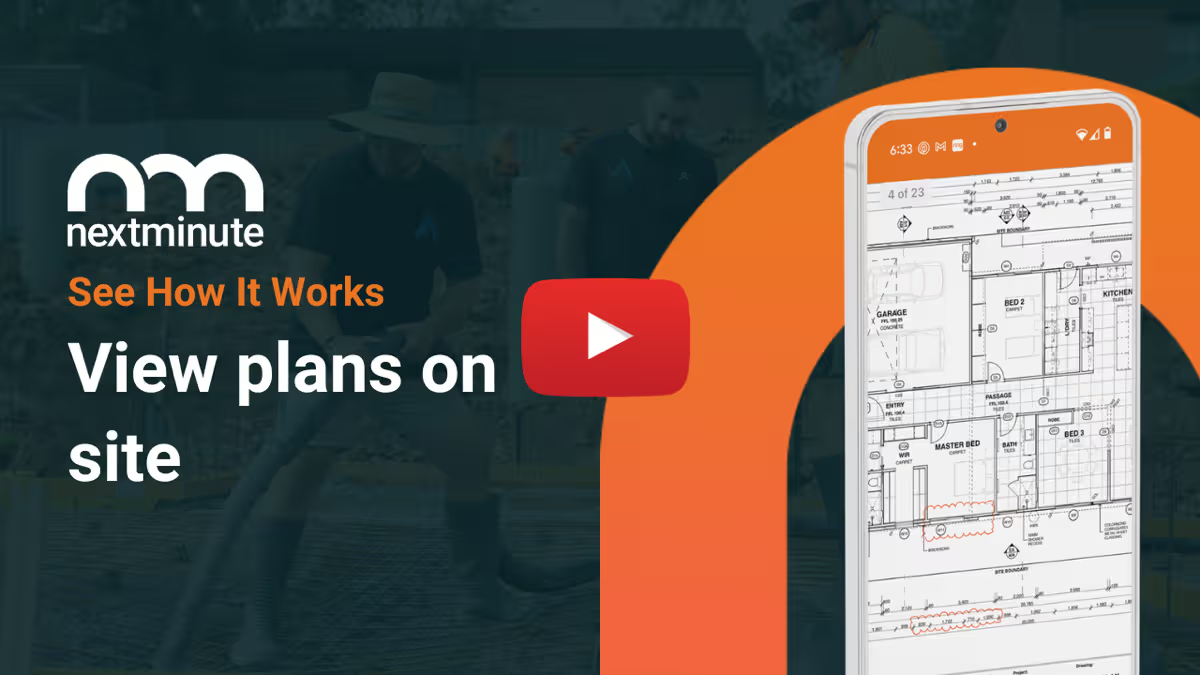
Access tasks and site plans on-site – everything is right there when they need it.
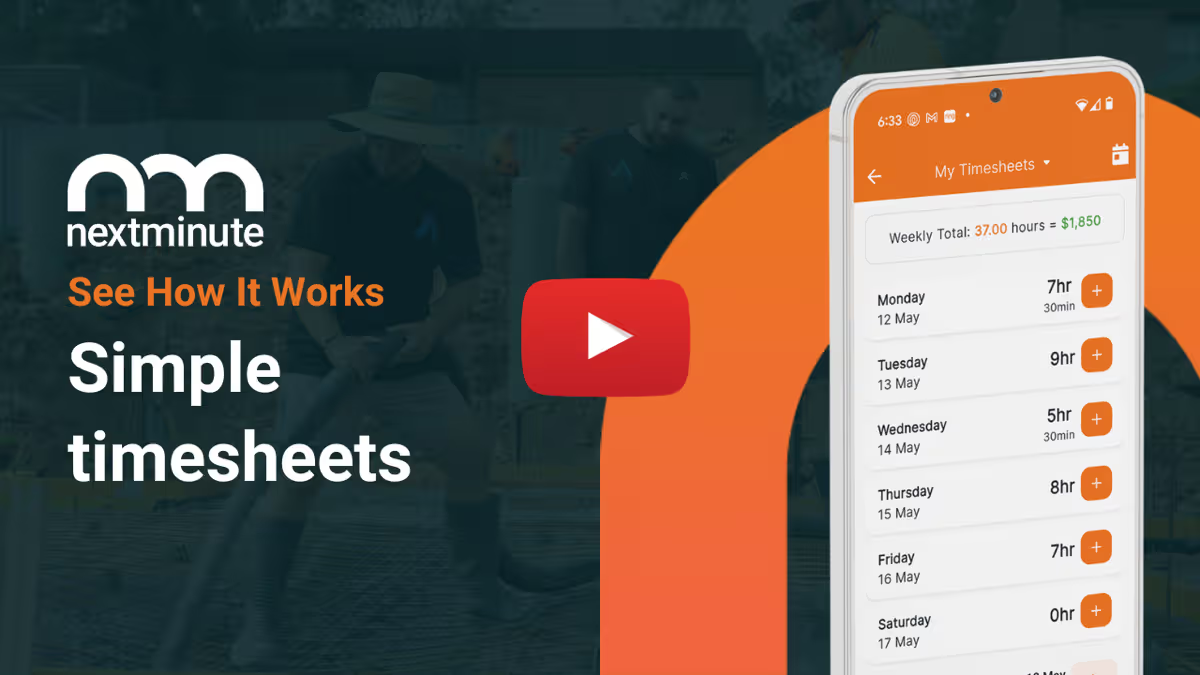
Log timesheets with a few taps – no more manual entries.
Enter site notes, upload photos, and update progress. Speech-to-text makes it easy.
Record materials, labour, and other costs straight into the app.
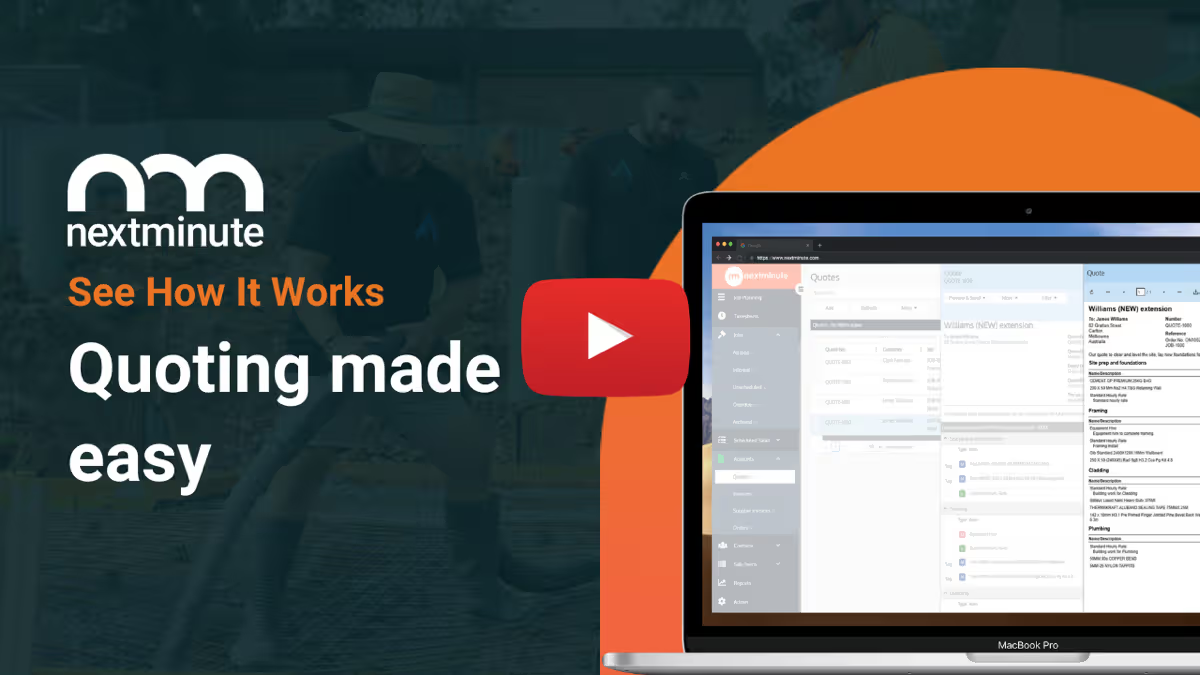
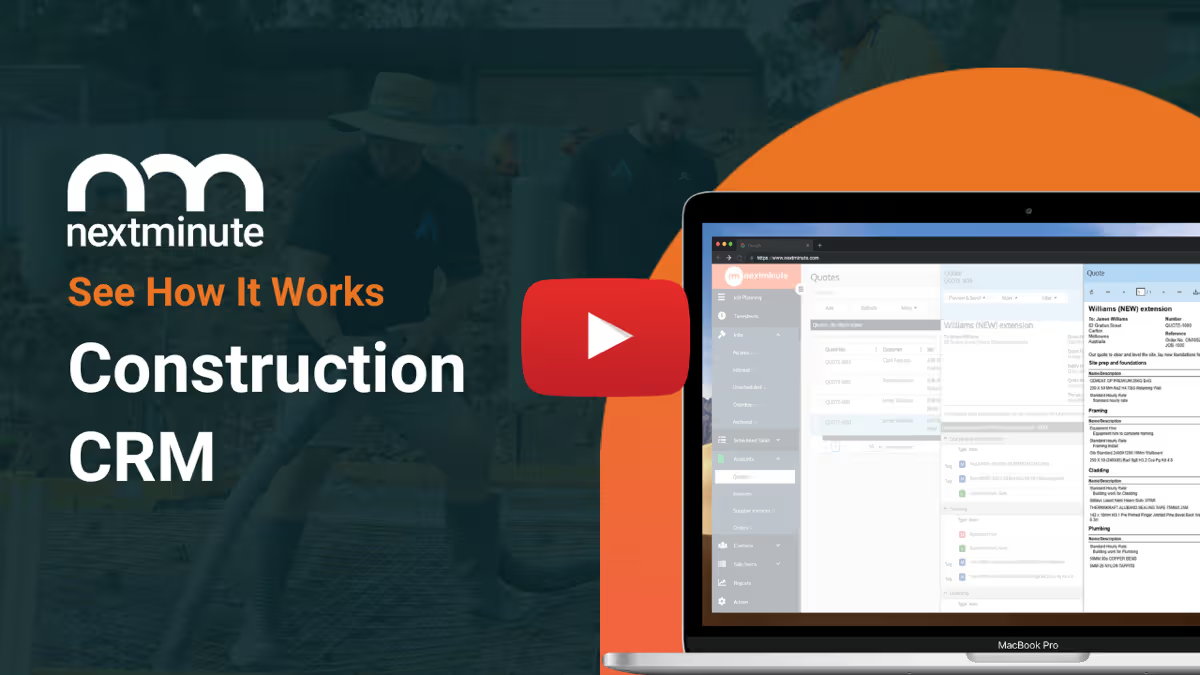
How NextMinute Works

Less chaos. More clarity.

Common Questions

We’ve answered the ones we hear most from builders and tradies.

Is there support available in NZ if I get stuck with the app?

Yep, we’ve got a local team based in Auckland. If you need a hand getting the app set up for your crew or importing your current jobs, you can give us a bell or book a quick chat.

Can we track machinery or equipment hours through the app?

There’s an equipment charges feature where the crew can log hours for diggers, trucks, or other gear. You can set your own buy and sell rates, ensuring you're actually making a profit on your machinery rather than just guessing the costs.

How does the in-app messaging work for the crew?

The app has built-in messaging so you can keep all your job comms in one place instead of losing track in a messy WhatsApp group. You can send updates to the whole crew or specific members, making sure everyone is in the loop without leaving the app.

How easy is it for the crew to log timesheets on-site?

We've made it simple as — even the apprentice will have no drama with it. They just tap a few buttons to log their hours against the job and the specific stage they're working on. It saves you heaps of time on Friday night because you aren't chasing scribbled notes or text messages.

Can I manage the job schedule from the mobile app?

You bet. You can assign tasks and update the schedule in real-time from your phone. If a job is running behind or the weather turns sour, you can shift things around on the fly so the crew knows exactly where they're meant to be.

Does the app allow me to track variations while I'm talking to the client?

It certainly does. When a client asks for a change on-site, you can log that variation right then and there. It helps you keep track of extra labour and materials as they happen, so you aren't left out of pocket when it comes time to invoice.

Can I send quotes and invoices while I'm out in the ute?

You don't need to wait until you're back home at the computer to get the paperwork sorted. You can fire off professional quotes, progress claims, and final invoices directly from the mobile app while you're parked up on-site or grabbing a coffee.

Will my team be able to see site plans on their phones?

Yes, they can access site plans and documents anywhere, anytime. Instead of the crew huddling around a soggy set of paper plans on the bonnet of the ute, they can just pull up the digital version on their phone or tablet to check measurements or details.

How do site diaries and photos work in the mobile app?

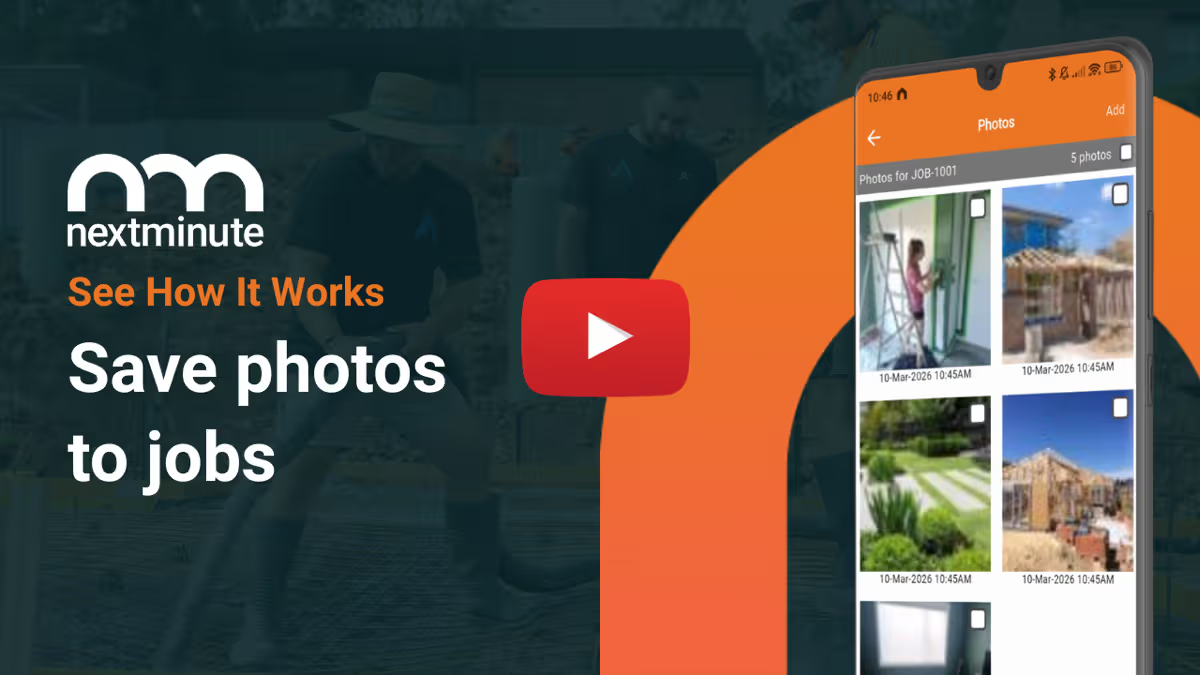
It's simple to keep a record of what’s happening on-site. Your team can snap photos of the progress and log site notes directly into the app using speech-to-text, which is a lifesaver when you're on the tools. Everything is saved to the specific job so you've got a clear paper trail.

Can my crew use the NextMinute app on their own phones?

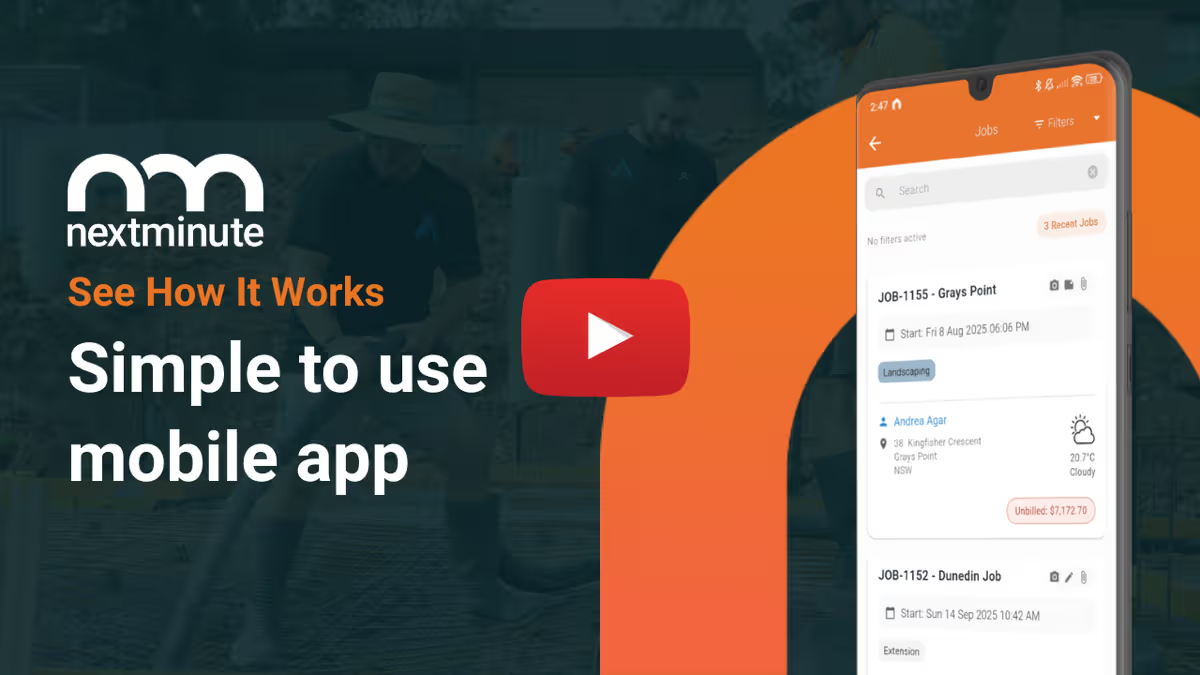
The app works on both iOS and Android, so whether the crew are on iPhones or the latest Samsung, they can download it and get stuck in. It's designed to be simple for the crew on-site, only showing them the essentials like tasks and site diaries.

Got questions?

Reach out to our team and we'll get you sorted.

Let's Chat