Job Costing Software for NZ Builders & Tradies
Know where the profit’s going.
Track actual costs against your estimate as the job runs, so you can spot blowouts early and protect your margin.

Track actual costs against your estimate as the job runs, so you can spot blowouts early and protect your margin.
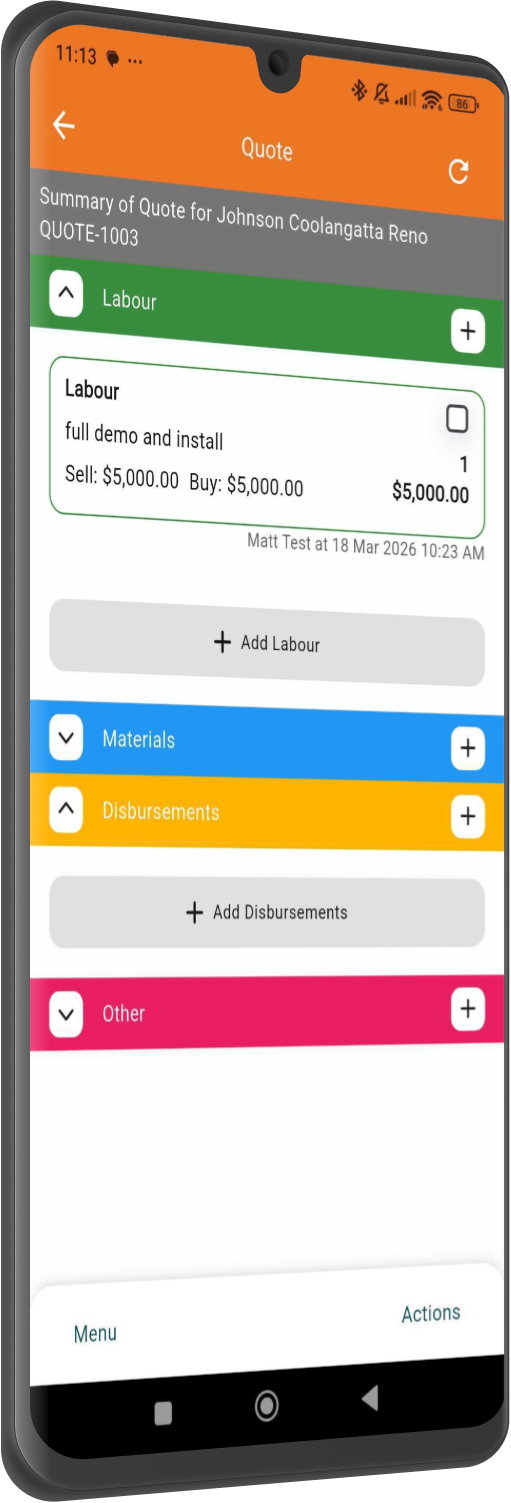
Most job costing happens too late. You find out a job lost money when the last invoice goes out, and by then there is nothing left to do about it. NextMinute shows you actuals against estimate by job or by stage, as the work happens.
Drill into profitability by project or stage, so you can see exactly where the job is tracking well and where costs are starting to creep.
Labour, materials, expenses, subcontractors and disbursements flow into the job from your timesheets and accounting software. Cleaner picture, no manual entry.
Track how the job is performing as work happens, not weeks later when the profit’s already gone.
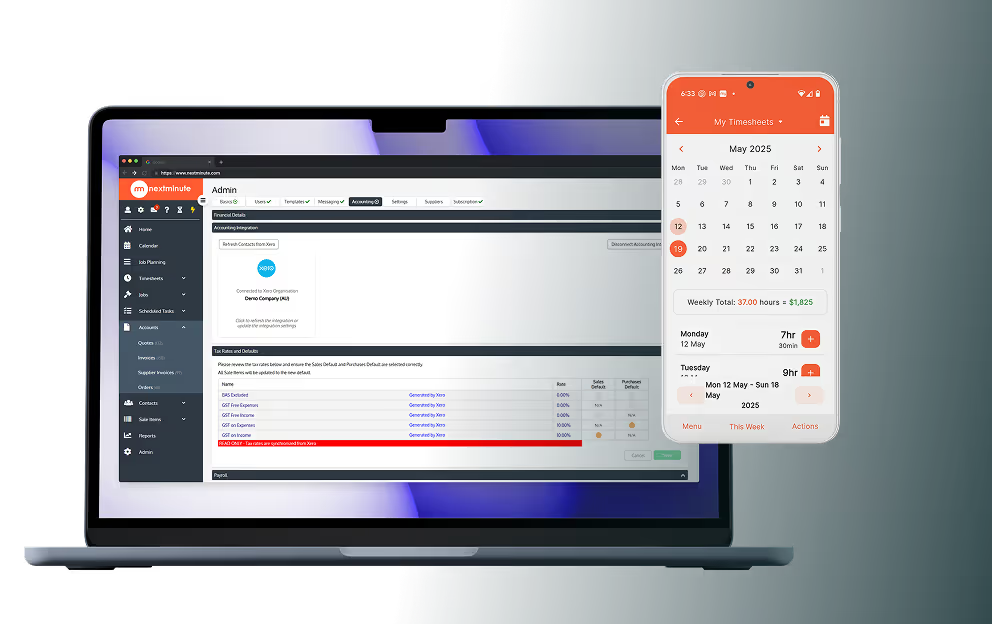
Use NextMinute on desktop, tablet, or mobile to stay across job performance whether you’re in the office, on site, or between jobs.


No hunting through three systems. Every NextMinute job report gives you:


Get a clear breakdown of estimated vs actual costs, gross profit, margins, invoiced amounts, unbilled charges and overall job variance, all in one place.
See all your variations by job stage and get live visibility of the material and labour costs attached to each one.
NextMinute keeps your jobs and your accounts talking to each other. Contacts, invoices, timesheets & payments stay in sync, so you’re not re-entering info or cleaning up mistakes later.
See Integrations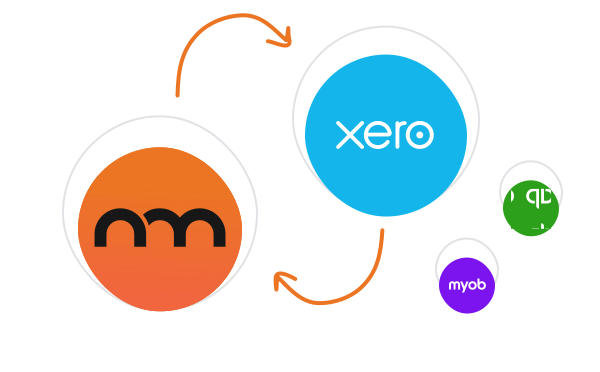
Reviews
Rated 4.9/5 with 100+ reviews on Google and Facebook, with local NZ support that actually helps.


"I'm about a month in to using the system and it is exactly what I needed to help streamline my business and have the right processes in place for speeding up quote timelines and tracking cost and billing. Love it – looking forward to using NextMinute to it's full capacity as I learn more."
Shahn Bragg
Bragg Building & Design
Talk to a Real Person
Have a quick chat with our local team. We’ll walk through how you run jobs and show you how NextMinute fits.

Anna-Kate
Sales Manager
From the land of Guinness, she’ll help you work out if NextMinute’s a good fit. Straight talk, no sales BS, and a good sense of humour.

Mat
Former Plumber & NextMinute Pro
Mat’s a plumber, not a software guy. He’s been on the tools and shows you how to run jobs without the admin headaches.
Tell us what you need
Let us know your requirements and how you run your jobs
No bullsh*t
Real humans with construction experience that you'll actually like talking to
Get a trial account
We'll set you up with a customised account to try out NextMinute. We can even import your jobs and quotes
We’ve answered the ones we hear most from builders and tradies.

Three things: your labour rates, your equipment rates, and the connection to your accounting software. Get those in and the reporting builds itself as the work happens. The other half is habit, with the crew logging time on the mobile app as they go rather than reconstructing the week on Friday. Costing is only ever as accurate as what gets captured on site.
Yes. Run a report on a single project or pull several into one view, which is the quickest way to see how the business is tracking overall rather than job by job. You choose the level of detail, then print, export or email it. Handy for a monthly sit-down with your accountant or business partner without having to open ten separate reports.
Your quote becomes the baseline. Build it in NextMinute, with labour hours by stage, materials, equipment and expenses, and those figures carry straight through as the estimate the job is measured against. From there the actuals tick up as the crew log time and supplier bills come in. No re-keying, and no argument later about which version of the quote was the real one. See how quoting feeds the rest.
For most teams, yes, usually inside the first job or two. Catch one project drifting 5 to 10% over estimate before it finishes and you have covered a year of subscription. The bigger payoff comes at quoting time. Once you know what last year's work actually cost, you stop underpricing the stages that quietly bleed margin every build. Pricing is a flat monthly fee for the team.
Variations get tracked against the job stage they belong to, with their own labour and material costs sitting alongside the original estimate. That keeps the extras visible instead of quietly swallowing your margin. It also means when the client asks why the final bill moved, you can show them exactly which changes drove it and what each one cost, rather than trying to reconstruct it from memory months later.
Live. As soon as a timesheet is submitted, an invoice is raised, or a supplier bill flows through from Xero, MYOB or QuickBooks, it lands in the actuals. You are not waiting on an end-of-month report to find out a job ate your margin back in week three. Same numbers whether you open it on the laptop in the office or on the phone between jobs.
You can keep them for a bit, but most teams drop them within a month. Spreadsheets cope fine on one job. Once you have three or four running with crew on different sites, the sheet stops getting updated and the numbers go stale. NextMinute pulls actuals in on its own from timesheets, supplier bills and variations, so the comparison stays current without anyone typing it up at the end of the day.
Yep. User permissions let you decide what each person sees. Owners and managers get full access to costs and margin, while the crew on the tools see job details, schedules and timesheets without the dollar figures. Handy when you want accurate hours logged but would rather not have everyone eyeballing your profit on every job. Set it once when you add a user and you can forget about it.
GST stays where it belongs, in your accounting software. Supplier bills sync across with the GST already sorted, and the invoices you raise carry GST as normal. The cost reports themselves work on the numbers that actually drive margin: labour, materials, equipment and variations. That means you are comparing like for like against your estimate without the 15% muddying the picture.
Run the job report and compare your actuals against the original estimate. NextMinute pulls labour from crew timesheets, materials and supplier bills from your accounting software, plus equipment and variations, then stacks the lot against what you quoted. You get gross profit and margin job by job, not just a business-wide number at year end. Most owners find one or two jobs quietly bleeding margin the first time they look.


Copyright © NextMinute (New Zealand). All Rights Reserved.