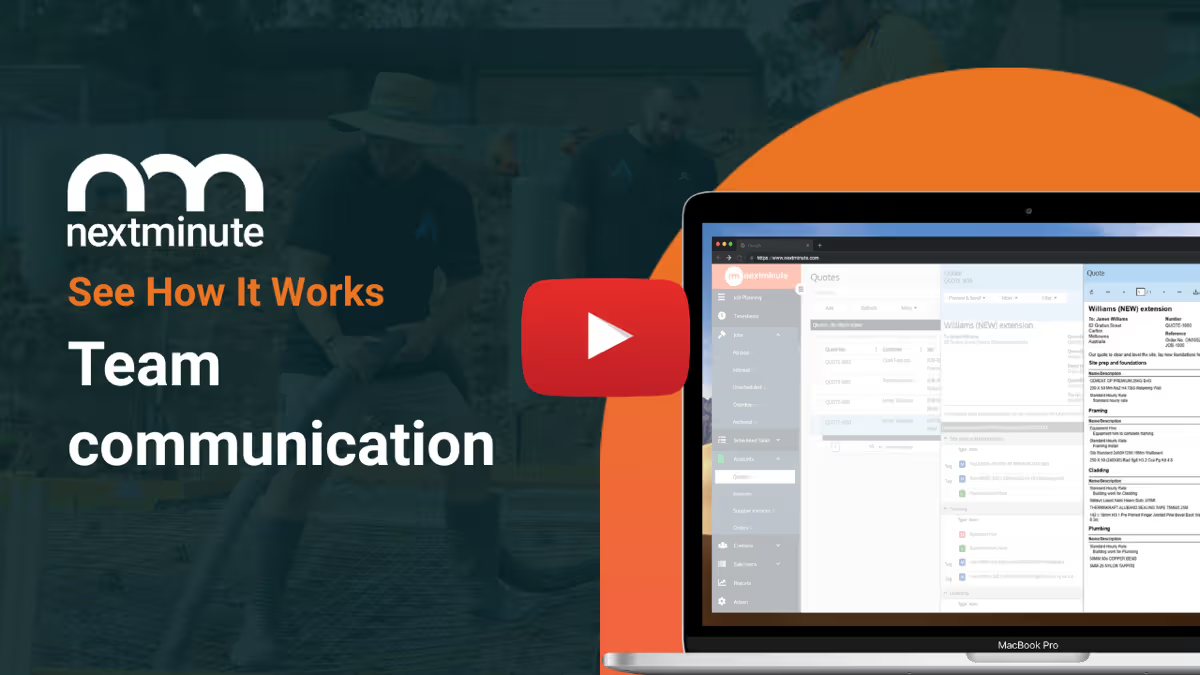
Project Scheduling Software For NZ Tradies

Plan jobs. Assign tasks. Keep the crew moving.

Build a clear schedule in minutes, then keep everyone on the same page. Assign tasks, set due dates, and track progress from the office or on site. Nothing gets missed and jobs don’t drift.
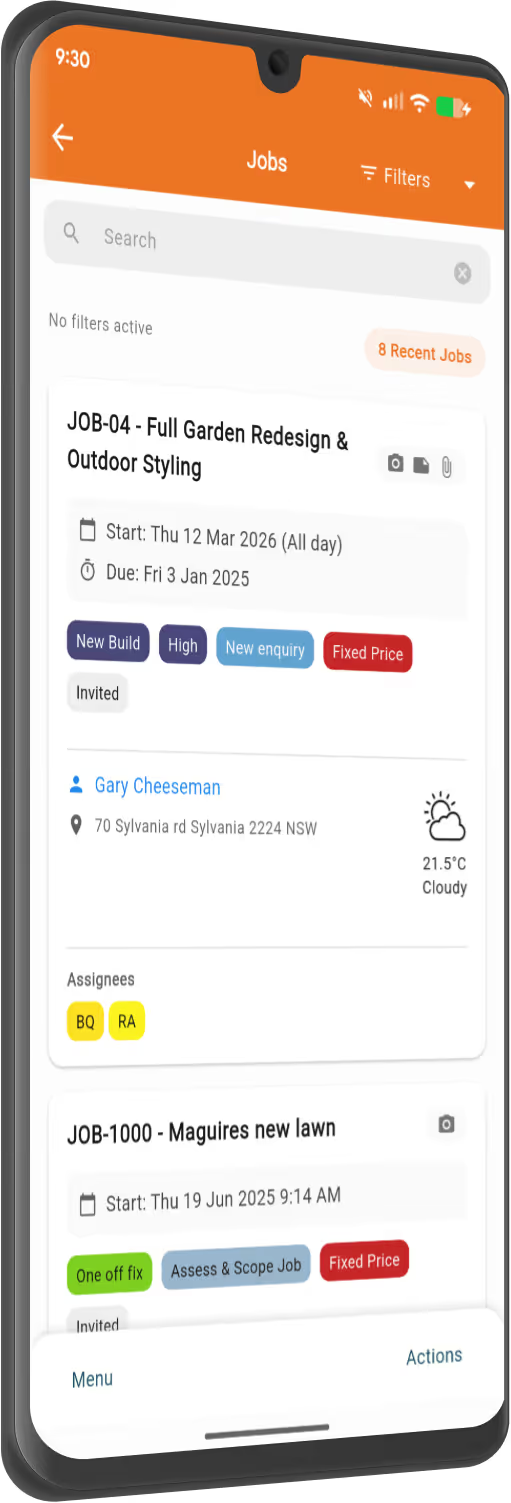
NextMinute - job management on mobile
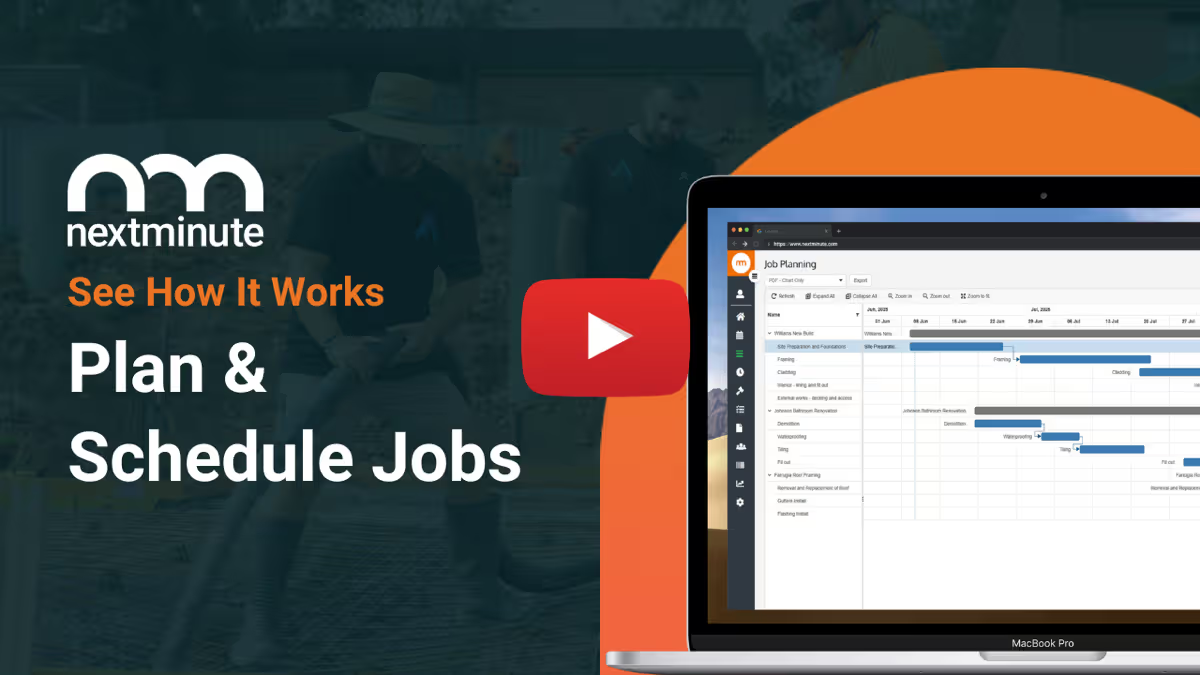
Gantt Chart Scheduling Made Easy

Streamline your next job

Drag-and-drop Gantt chart planning

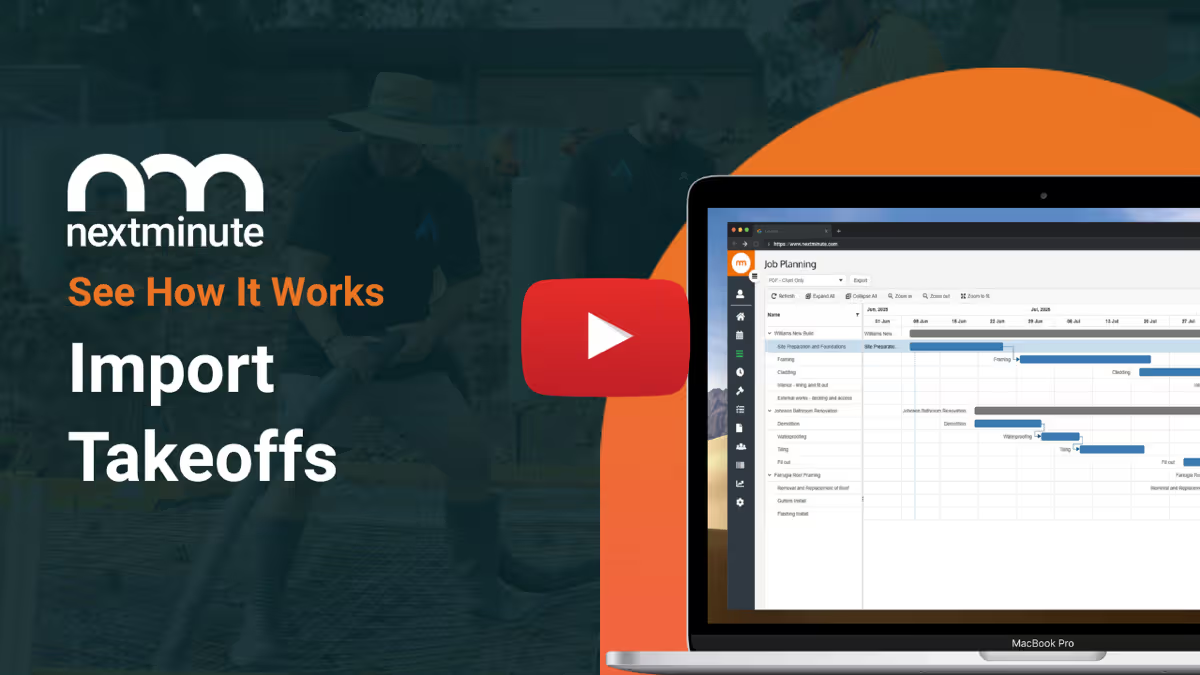
Use the intuitive Gantt chart to schedule job stages, add tasks for the crew, and avoid delays & mistakes.

Assign tasks to crew

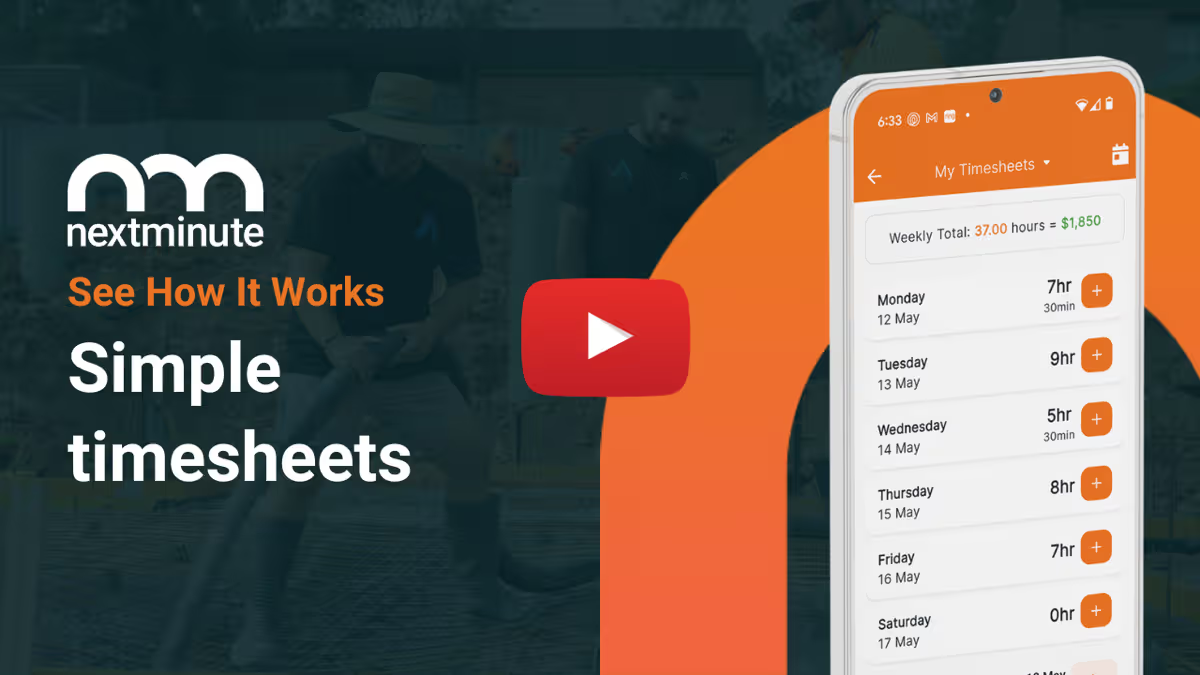
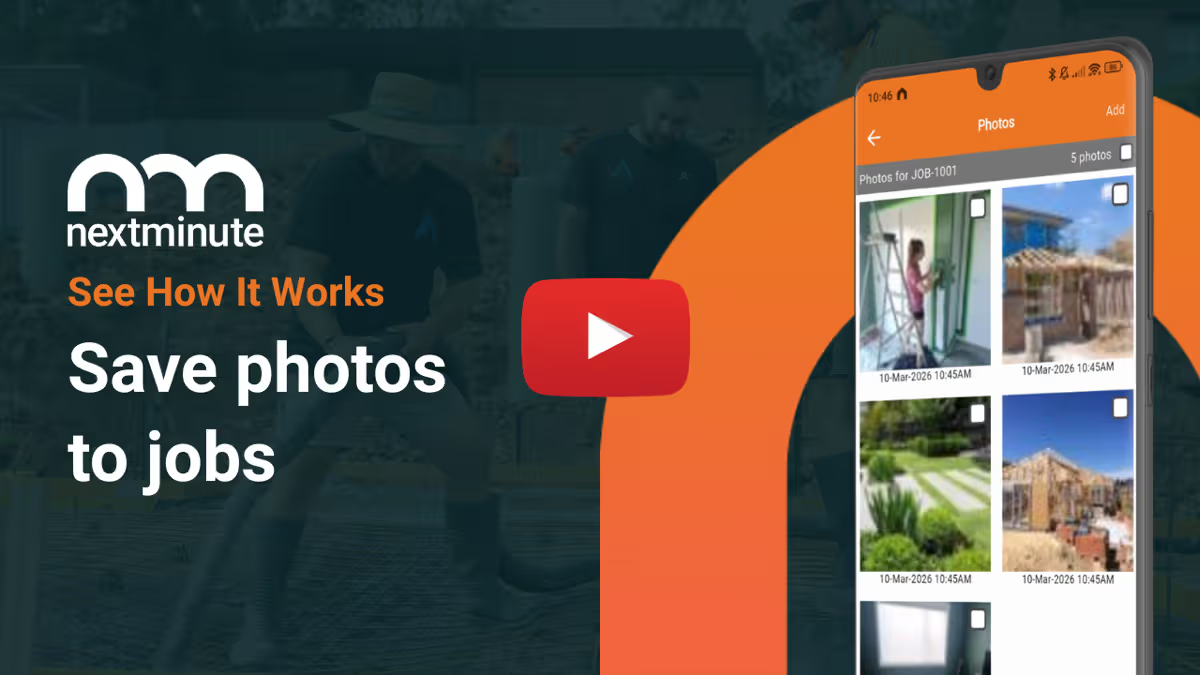
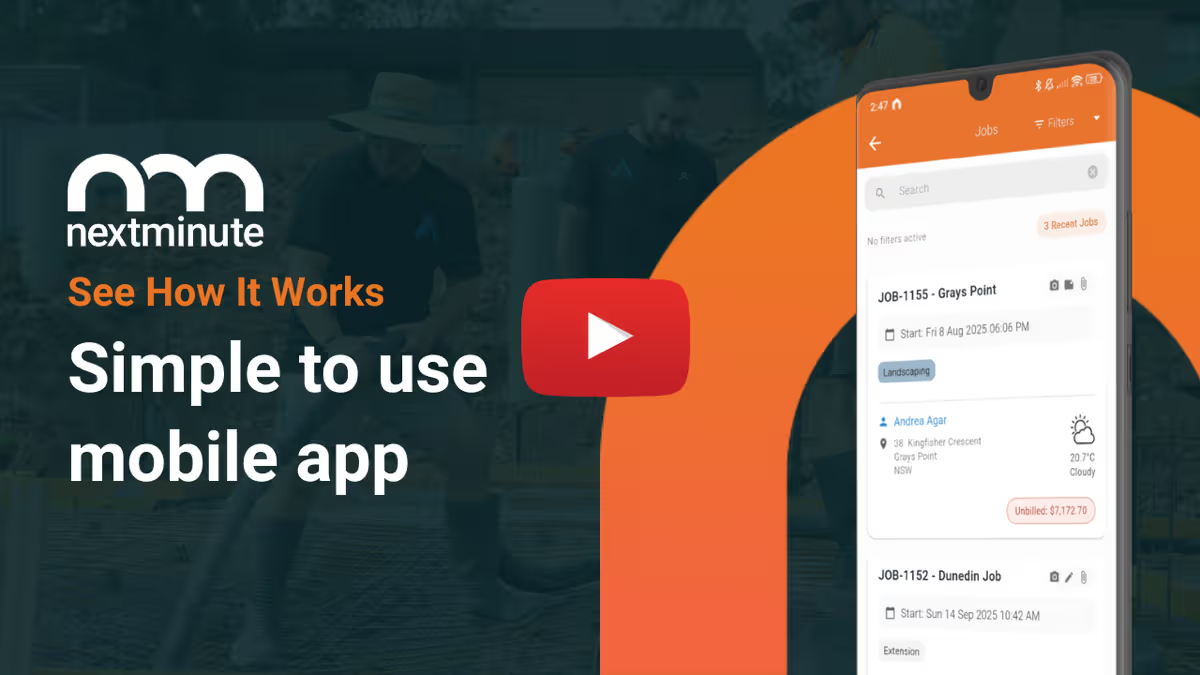
With the powerful mobile app, your team will always know where they need to be, and what needs to be done. They can log photos, timesheets, notes, and expenses right to the job.

Job info in your pocket

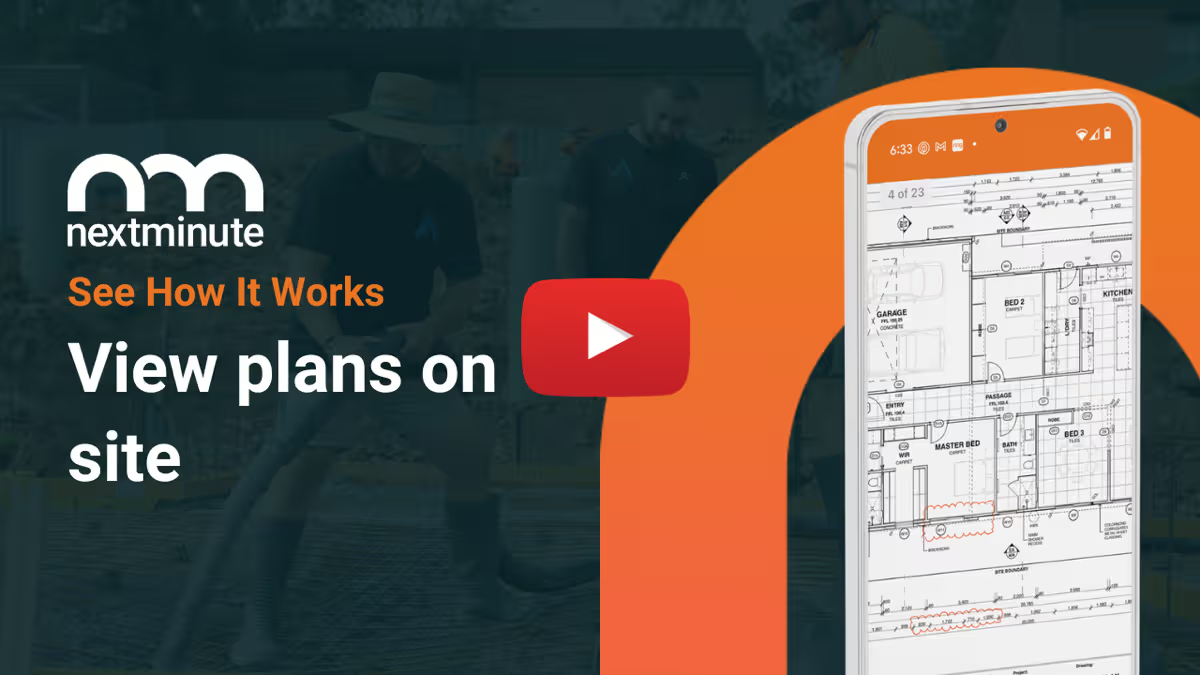
Easily view job details, project scope, and site plans on the go. Plus get directions to site with one simple tap.

Instant updates

Changes or updates on a job? No phone calls required. Just send an instant message to the team in seconds.

Apple logo with text 'Download on the App Store' badge.Get it on Google Play badge with the Google Play multicolor triangle logo on a black background.
Easy Team Collaboration

Stay connected on & off site

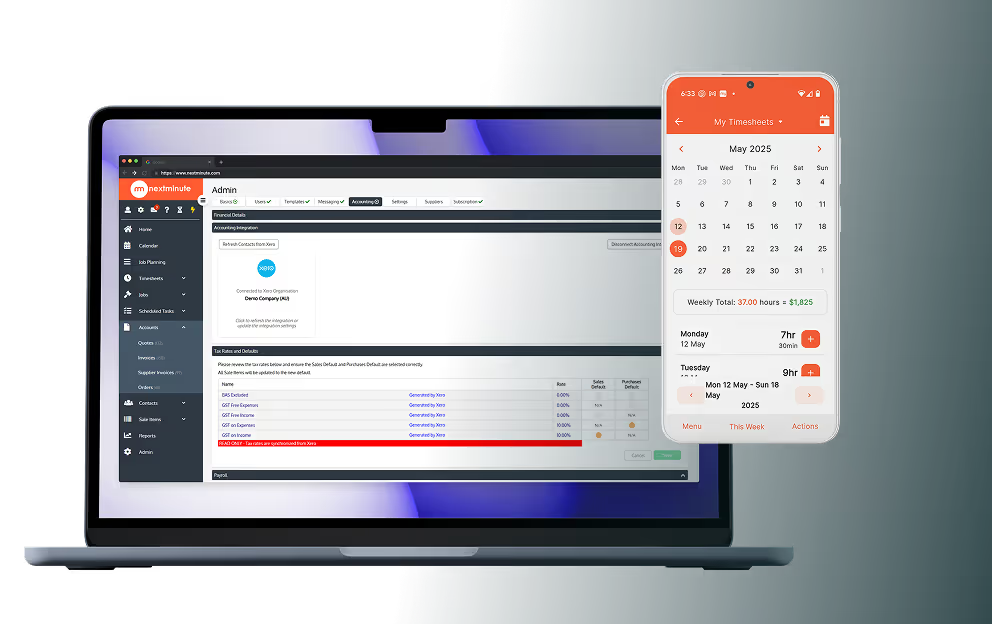
Everyone on the job can see weekly, monthly, even yearly schedules, so they can stay on task and be updated of any changes in real-time.

You and your team can easily add time to timesheets, materials, site diary entries, photos to track progress, flag issues, and keep everyone informed of changes via SMS.

Try It Free
NextMinute job planning on laptop
Easy Team Collaboration

All job info in one place

Run a modern, efficient business and ditch the paperwork. Store and easily access everything relating to your project in one place.

Smarter job planning

Add project stages & tasks, assign them to your team, and schedule them with the simple to use Gantt chart. Delayed by the rain? Simply move task dates and all the dependencies will follow.

View Pricing (AUD)
How NextMinute Works

Less chaos. More clarity.

From first quote to final invoice, NextMinute helps you run the full job with less admin and more control.

Reviews

Real tradies. Real results.

Rated 4.9/5 in Reviews on Google and Facebook, with local Kiwi support that actually helps.

Swipe to explore →
StarStarStarStarStar
"After trying nearly every job tracking app that is compatible with Xero NextMinute was the only one that suited our needs and worked well for us...Being in the painting and decorating trade NextMinute is easily adaptable to work for tracking our jobs and costings and for staff to do their timesheets on, it was simple to set up and the support is super helpful if you get stuck. I highly recommend you give it a try."
Terry Bottle
Dean Bleasel Painting
Painting company in Southland
Posted on Google Reviews on Apr 20, 2026
Google Icon
StarStarStarStarStar
"Highly recommend NextMinute and customer service team is helpful and Duncan is amazing :)"
Jade Hernon
Create Renovations
Renovation company in Auckland
Posted on Google Reviews on Feb 20, 2026
Google Icon
StarStarStarStarStar
"After intense research for the right timesheet app, we stumbled across NextMinute. We are extremely happy as a small company it has made our lives so much easier. Keeping track of individual job costs and reporting made easy. Not to mention how easy it is to sync timesheets to payroll with one click."
Hayley Rouse
Rouse Contracting
Earthworks company in Tokoroa
Posted on Google Reviews on Feb 12, 2026
Google Icon
StarStarStarStarStar
"We have used this system for 5 years. Would recommend to anyone"
Kaleb Howard-Dillon
NZ Roofing
Roofing company in Wellington
Posted on Google Reviews on Jan 30, 2026
Google Icon
StarStarStarStarStar
"Changing to NextMinute has been such a great move for us... It is intuitive, user friendly and easy to nut out. Coming from a program that was like working with the dinosaurs this has been a breath of fresh air. Big shout out to Duncan who has been such a pleasure to work with. He has the patience of a saint getting us up and running. Thanks to AK as well..."
Joanna Wellwood
Narellan Pools - Auckland South
Pool Building company in Auckland
Posted on Google Reviews on Sep 03, 2025
Google Icon
StarStarStarStarStar
"Recently signed up with NextMinute, it's been a game changer for us. Lucas has been awesome to deal with, helping us get up to speed with the new platform"
Mike K
Mike Kapua Builder
Building company in Otago
Posted on Google Reviews on Jul 17, 2025
Google Icon
StarStarStarStarStar
"Ryan has been very patient and provided endless help, no matter how many times I probably asked the same thing over and over again. The videos and clear written instructions are particularly helpful, so I can refer back to when needed. To top it off the friendly service is a bonus. A joke and laugh goes a long way."
Louise
LuxeOutdoors
Landscaping company in Auckland
Posted on Facebook Reviews on Jun 09, 2025
Google Icon
StarStarStarStarStar
"The Reno Guys and Fervour Construction have been using NextMinute for over six years, and it continues to be the most flexible and user-friendly software we've ever come across! From managing leads and generating quotes to project management and invoicing, NextMinute handles it all seamlessly. The mobile app is also a game-changer—simple, intuitive, and perfect for our builders on the go..."
Alison Williams
The Reno Guys
Renovation company in Hamilton
Posted on Google Reviews on May 20, 2025
Google Icon
StarStarStarStarStar
"Awesome software, great customer service and very helpful team."
Lisa Nauer
Bay Building Solutions
Building company in Tauranga
Posted on Google Reviews on Oct 17, 2024
Google Icon

Customer Review

"NextMinute is probably the program that you'd design for yourself to use for scheduling and quoting, if you could! It's got a refreshing design which is easy to use and it doesn't take very long at all to become familiar with the operations as it all just makes sense."

Kelly Scott
Sydney Gardening Maintenance

Read Reviews
Integrations Made Easy

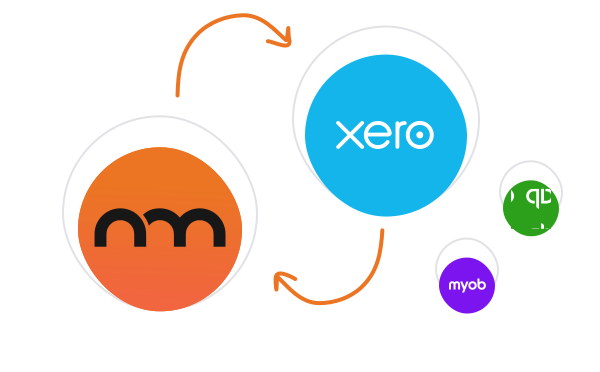
Two-way integration with Xero, MYOB, & QuickBooks

NextMinute keeps your jobs and your accounts talking to each other. Contacts, invoices, timesheets & payments stay in sync, so you’re not re-entering info or cleaning up mistakes later.

See Integrations
NextMinute integrations

Talk to a Real Person

Book a 15-min intro

Have a quick chat with our local team. We’ll walk through how you run jobs and show you how NextMinute fits.

Anna-Kate - NextMinute

Anna-Kate

Sales Manager

From the land of Guinness, she’ll help you work out if NextMinute’s a good fit. Straight talk, no sales BS, and a good sense of humour.

Mat - NextMinute

Mat

Former Plumber & NextMinute Pro

Mat’s a plumber, not a software guy. He’s been on the tools and shows you how to run jobs without the admin headaches.

Tell us what you need

Let us know your requirements and how you run your jobs

No bullsh*t

Real humans with construction experience that you'll actually like talking to

Get a trial account

We'll set you up with a customised account to try out NextMinute. We can even import your jobs and quotes

Common Questions

We’ve answered the ones we hear most from builders and tradies.

Will this help me keep track of variations during a renovation?

Managing client variations is a breeze with NextMinute. You can track those changes as they happen, ensuring the extra labour and materials are accounted for in the project plan and eventually the invoice, so you don't end up out of pocket for extra work.

Can I import takeoffs directly into my project plans?

You can easily import takeoffs from your preferred software or quantity surveyor. This allows you to turn those estimates into actual project tasks and purchase orders, ensuring your planning stays consistent with your original quote and budget.

Does the planning software show me a long-term view of my jobs?

Yes, you and your team can view schedules by the week, month, or even the year. This gives you a clear birds-eye view of your upcoming workload, making it much easier to plan for new jobs and manage your crew’s capacity across various sites.

How does the software help me ditch my spreadsheets for job planning?

NextMinute pulls all your project info, costs, and tasks into one place, so you don't have to keep flipping between different spreadsheets. It’s built specifically for the way NZ tradies work, making it way faster to update a schedule or check job costs than it is using a manual spreadsheet.

Will my team be able to see site plans on their phones?

Yes, your crew can access site plans anywhere, anytime right from the app. It saves a heap of time because they don't have to go hunting for paper plans or head back to the office to check a detail, tucked away in their pocket whenever they need it.

Can my crew log their progress and site notes while they're working?

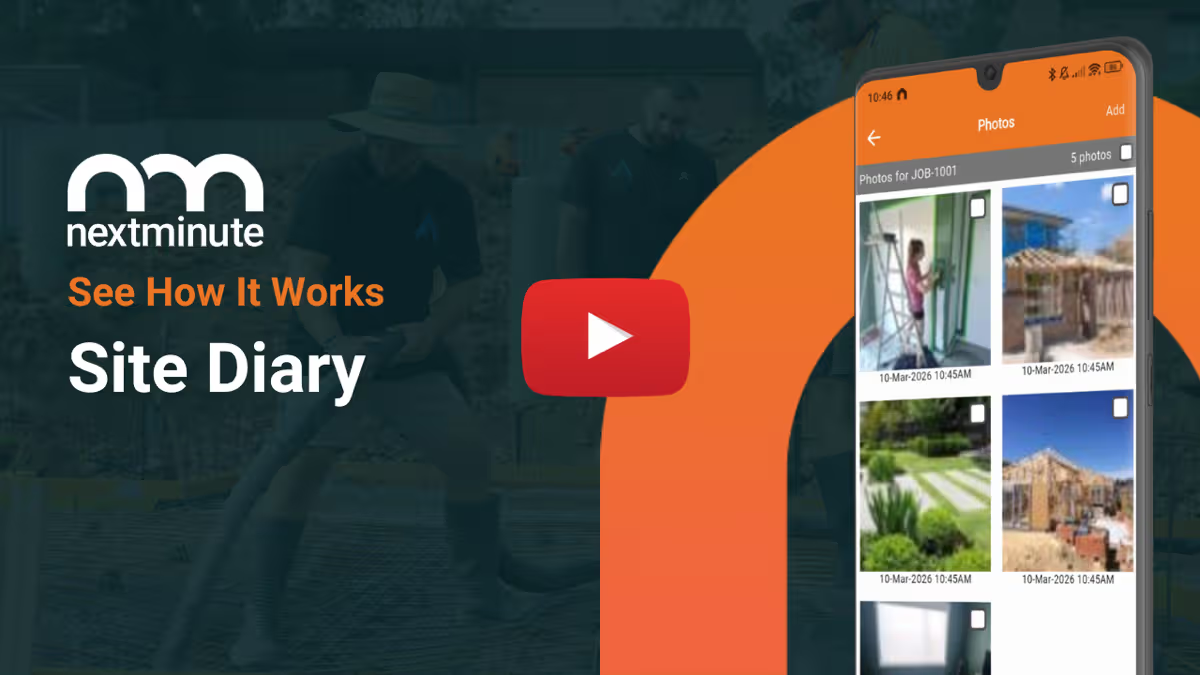
The site diary feature makes it easy for the crew to log what’s been done each day, including photos and notes. It's a great way to keep track of progress and flag any issues immediately so you've got a solid record of the work without waiting until the end of the week.

How do I keep everyone updated if a job schedule changes?

When plans change on a job, you can send an instant message or SMS to the crew through the app in seconds. Everyone gets the update in real-time, whether they’re in Auckland or Invercargill, so the whole team stays on the same page without you having to hunt them down.

Is it possible to track project stages and dependencies?

It is. You can set up your project in stages and link tasks with dependencies. This means if one part of the build is held up, the rest of the schedule adjusts accordingly, giving you a realistic look at your completion dates and helping you manage subbies and materials better.

Can I use NextMinute to assign specific tasks to my crew on-site?

You sure can. You can assign tasks directly to your team so they know exactly what needs to be done and where they need to be. They’ll see everything on the mobile app, which cuts out the need for constant phone calls and keeps the boys moving on-site.

How does the drag-and-drop planning tool work for my projects?

The intuitive Gantt chart lets you schedule job stages and tasks simply by dragging them into place. If you get a classic Kiwi rain delay, you can just shift the dates and all the dependencies will automatically follow, keeping your whole timeline accurate without the headache of manual updates.

Got questions?

Reach out to our team and we'll get you sorted.

Let's Chat