Best Xero Projects Alternative New Zealand
Xero Projects vs NextMinute
Comparing Xero Projects vs NextMinute? See why Kiwi builders and tradies choose NextMinute as a simpler, stronger Xero Projects alternative.

Comparing Xero Projects vs NextMinute? See why Kiwi builders and tradies choose NextMinute as a simpler, stronger Xero Projects alternative.
NextMinute is for builders and tradies who run real-world jobs.
While Xero Projects is a light add-on for tracking time and costs inside Xero, NextMinute gives you full job and crew management built for residential construction – quotes, schedules, site diaries, photos, timesheets, variations, progress claims and back-costing by stage.
It plugs straight into Xero (and MYOB/QuickBooks if you use them), so you still get the accounting you love, with a trade-ready job system that actually works for your crew on site.
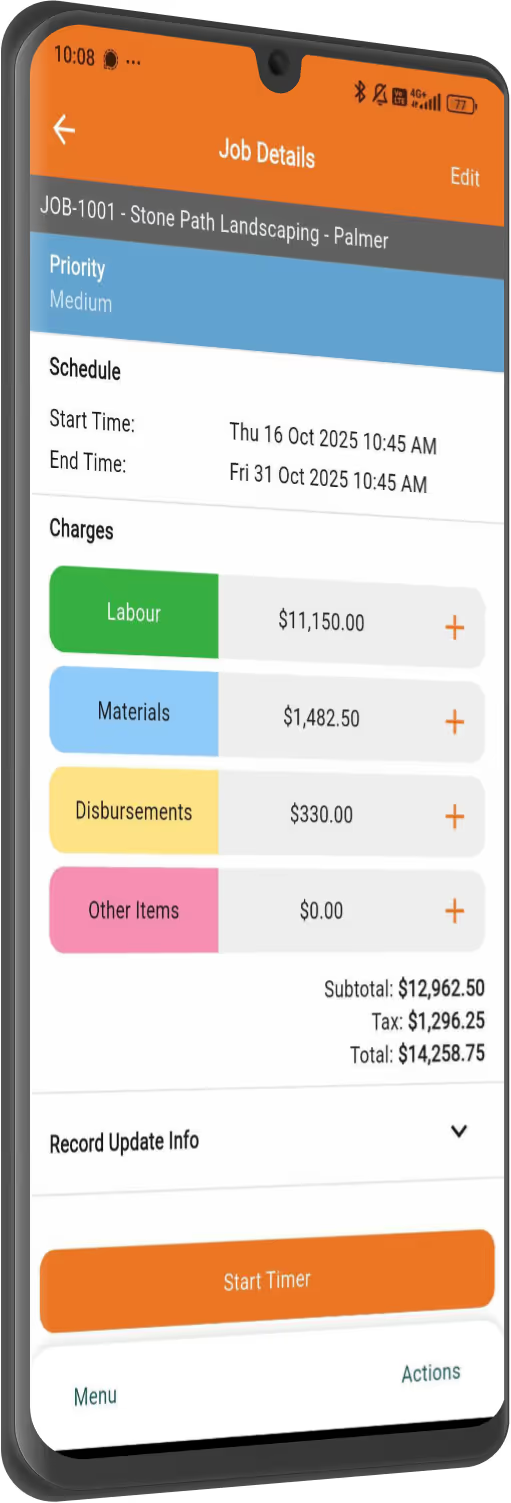
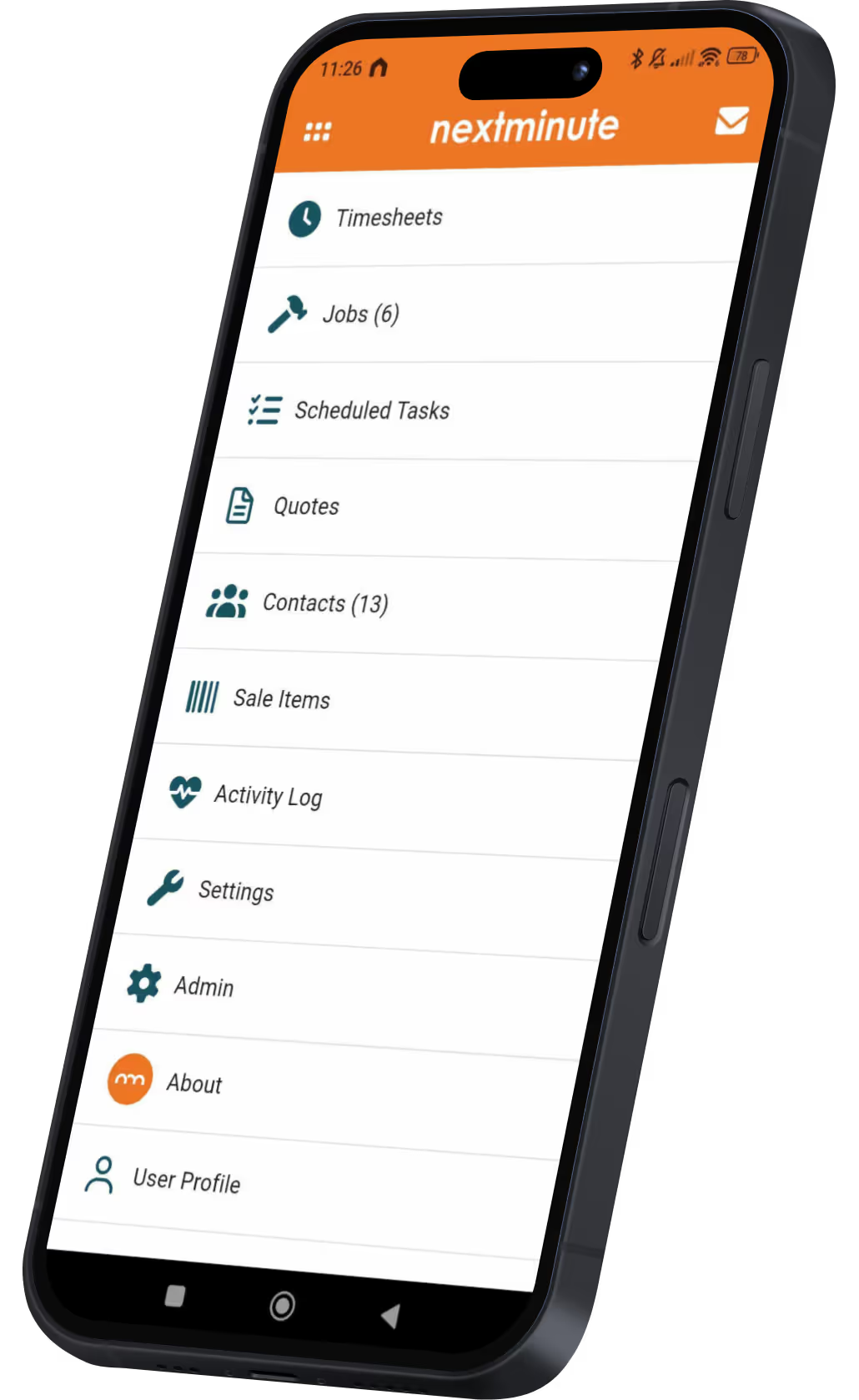
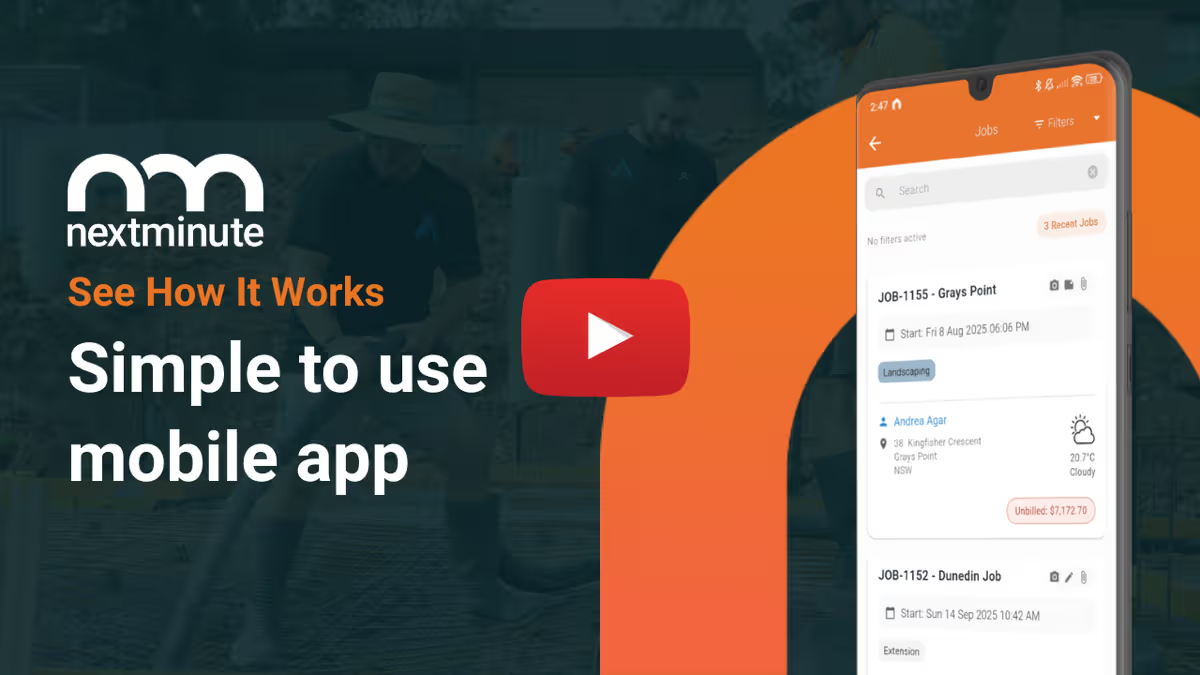
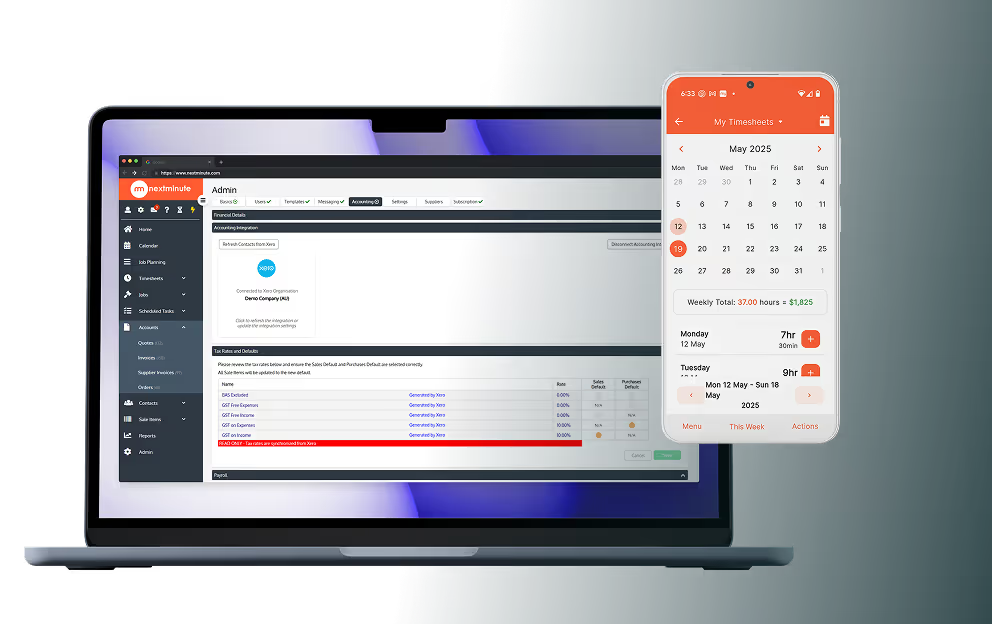
NextMinute offers a powerful mobile app designed for teams, allowing your crew to log time against a job, capture site photos, manage job tasks, and access essential job documents from anywhere. The app is user-friendly, ensuring that your on-site team can update job progress in real-time, reducing the risk of miscommunication and delays.
Xero Projects, while having a mobile app, primarily focuses on financial management tasks such as logging time, tracking expenses, and viewing financial summaries. It’s more suitable for business owners or managers who need to monitor project finances on the go rather than for a construction crew who require extensive job management features.
Key Takeaway: NextMinute’s mobile app is more comprehensive and better suited for construction teams, while Xero Projects offers a lighter app focused on financial management.
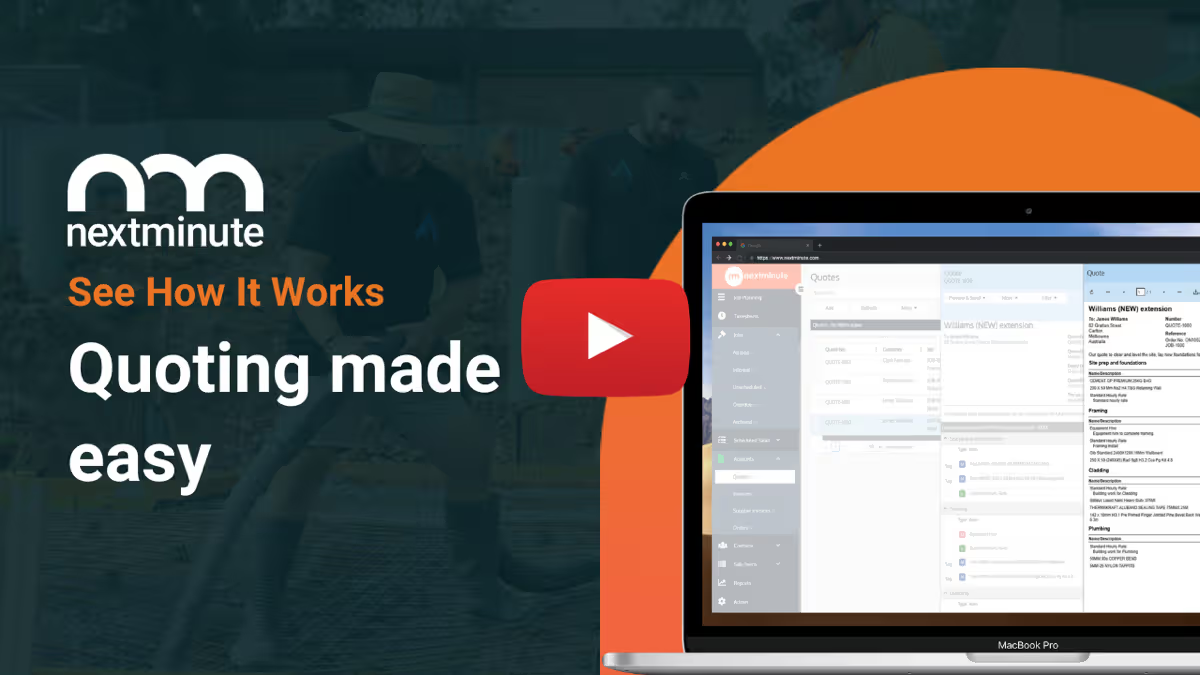
Import your price books and use templates to save hours on quoting. Send to clients and get approval with one click.
Use your takeoff software or QS of choice, and quickly import takeoffs to NextMinute to start planning the job.
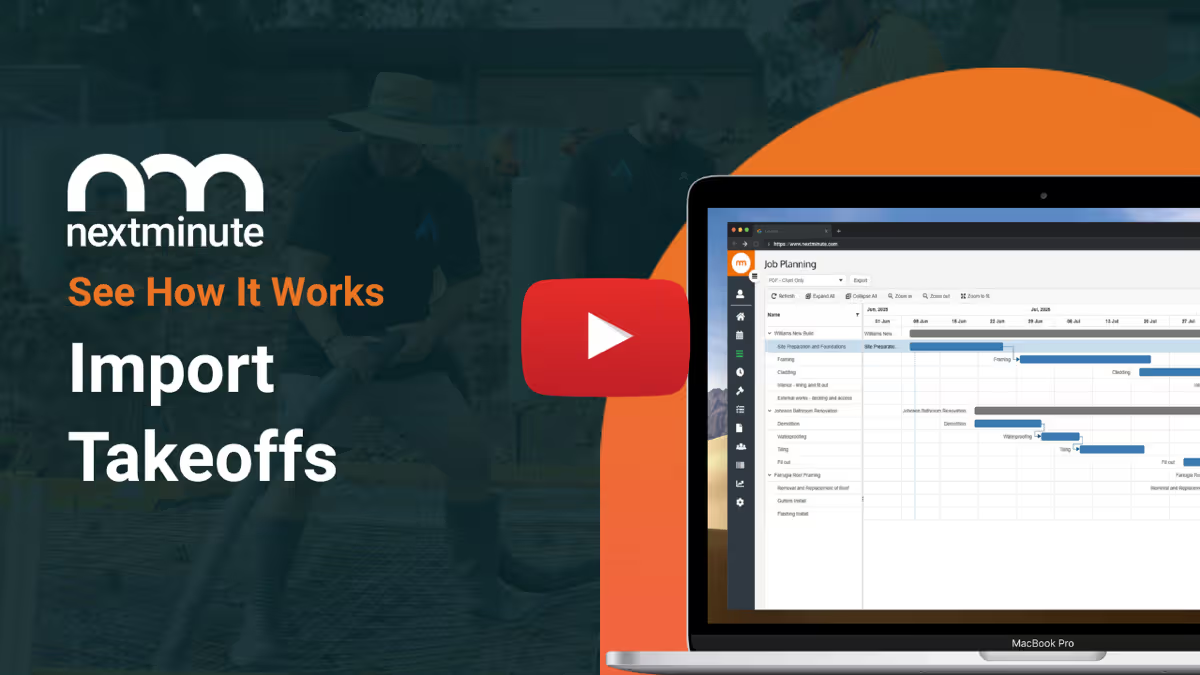
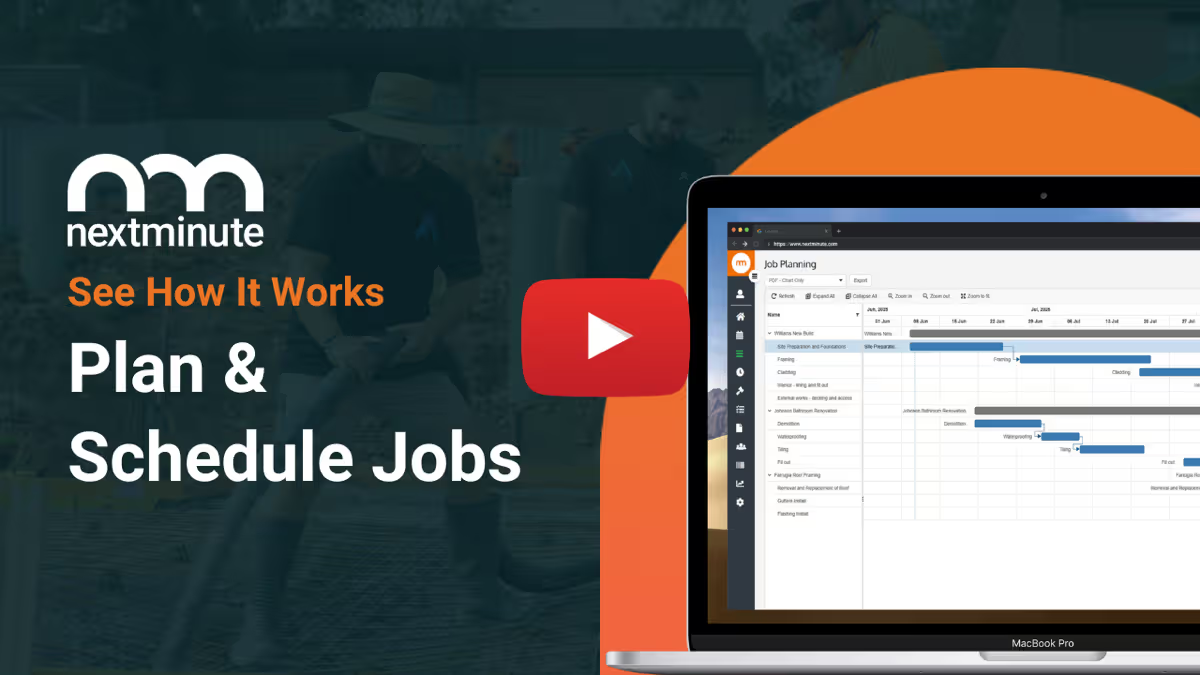
Easy-to-use Gantt chart for planning jobs. Assign jobs and tasks to crew to reduce confusion and get on with the job.
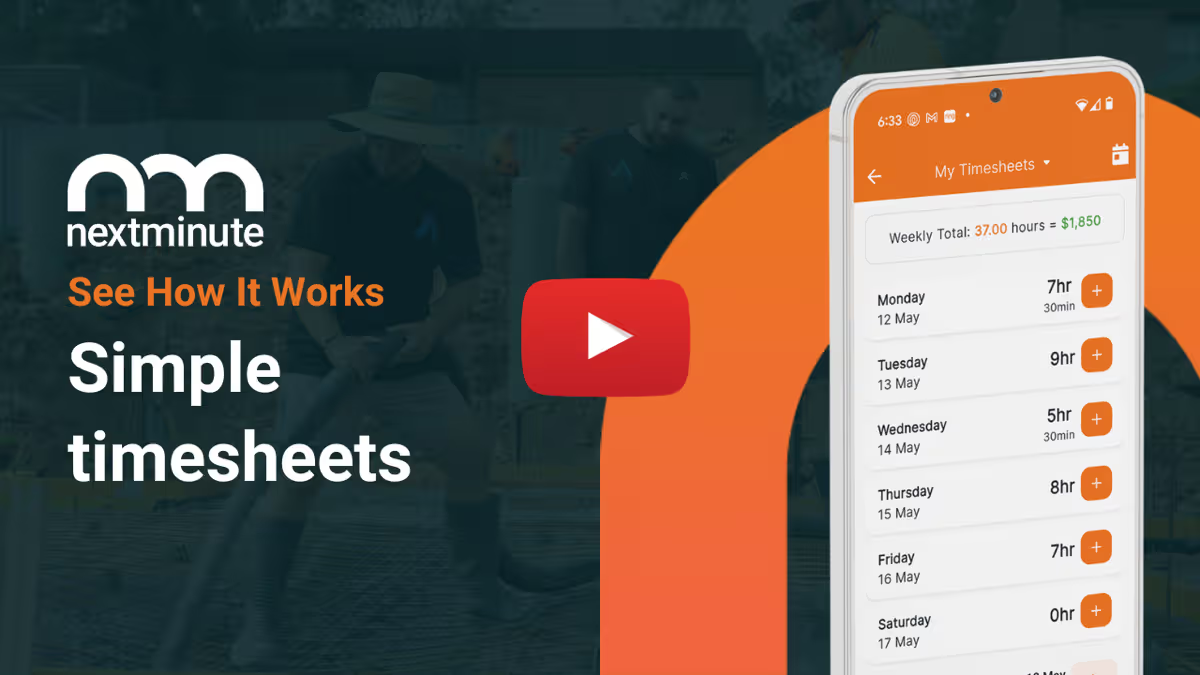
No more chasing timesheets or payroll errors. Talk-to-text notes, attach photos, and log time + expenses.
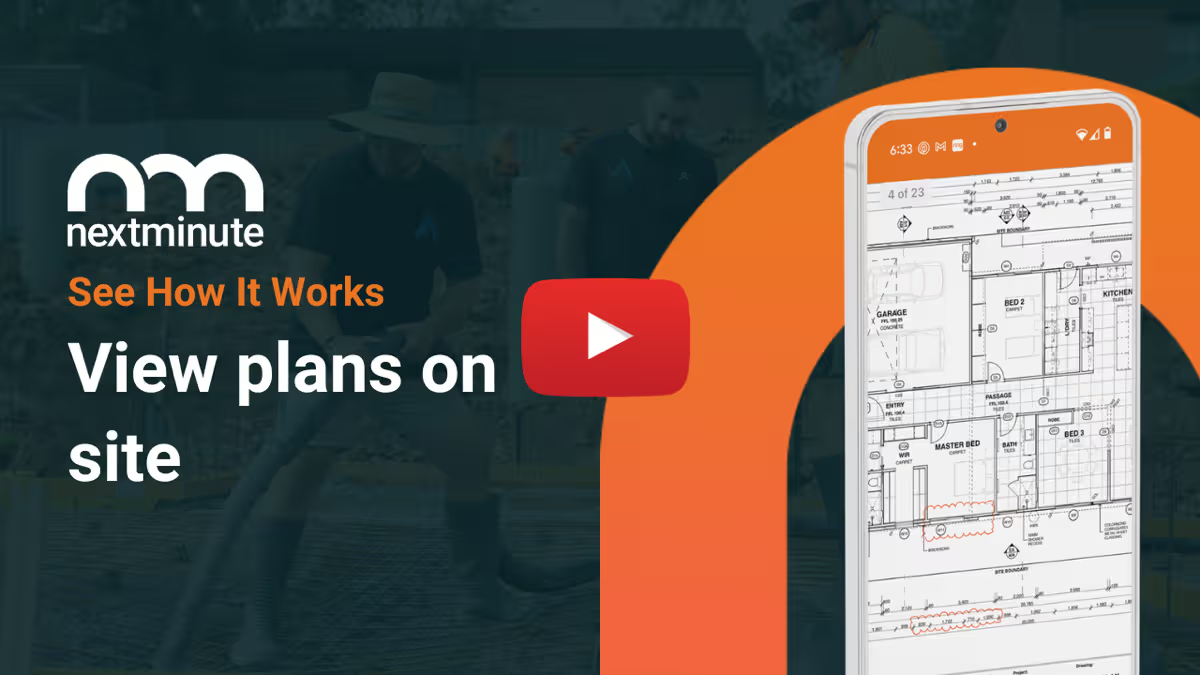
Your team can easily view plans on site. Ditch the paperwork and have less mistakes and confused tradies.
Crew can save photos to jobs so you have a leg to stand on and can keep the customer up-to-date.
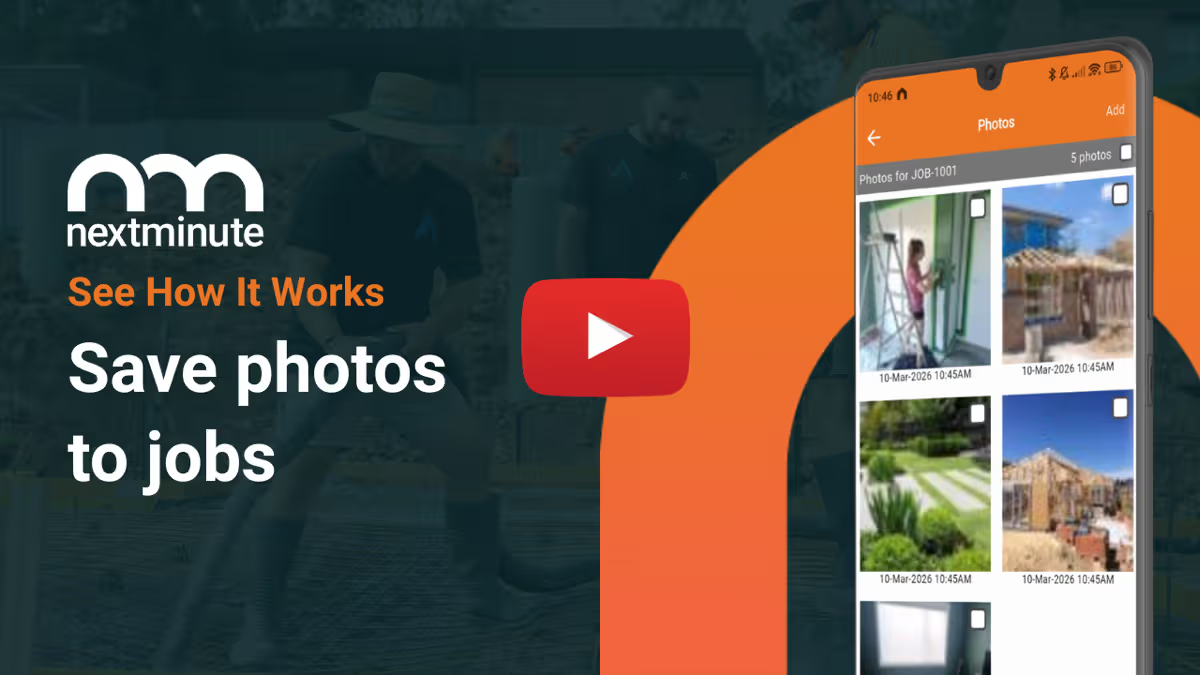
Crew can easily log notes and photos against jobs and tasks to keep you & your client informed.
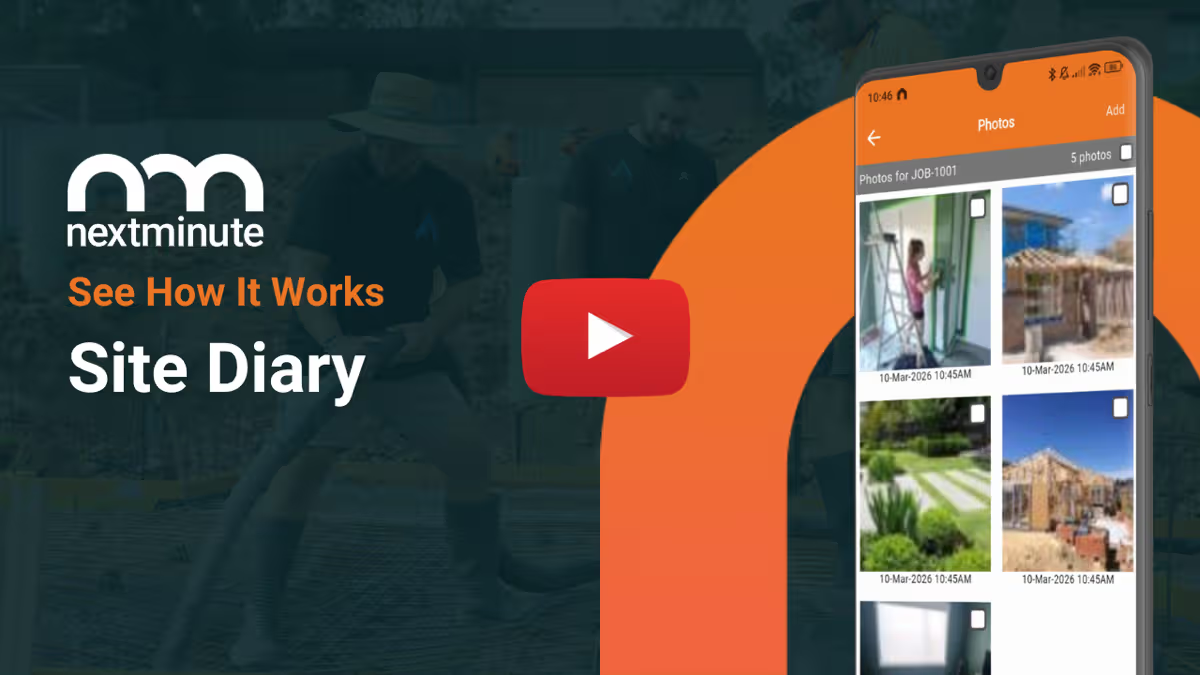
Manage your jobs from on-site or in the ute with ease. Plus, your crew can view jobs and tasks, and log time with ease.
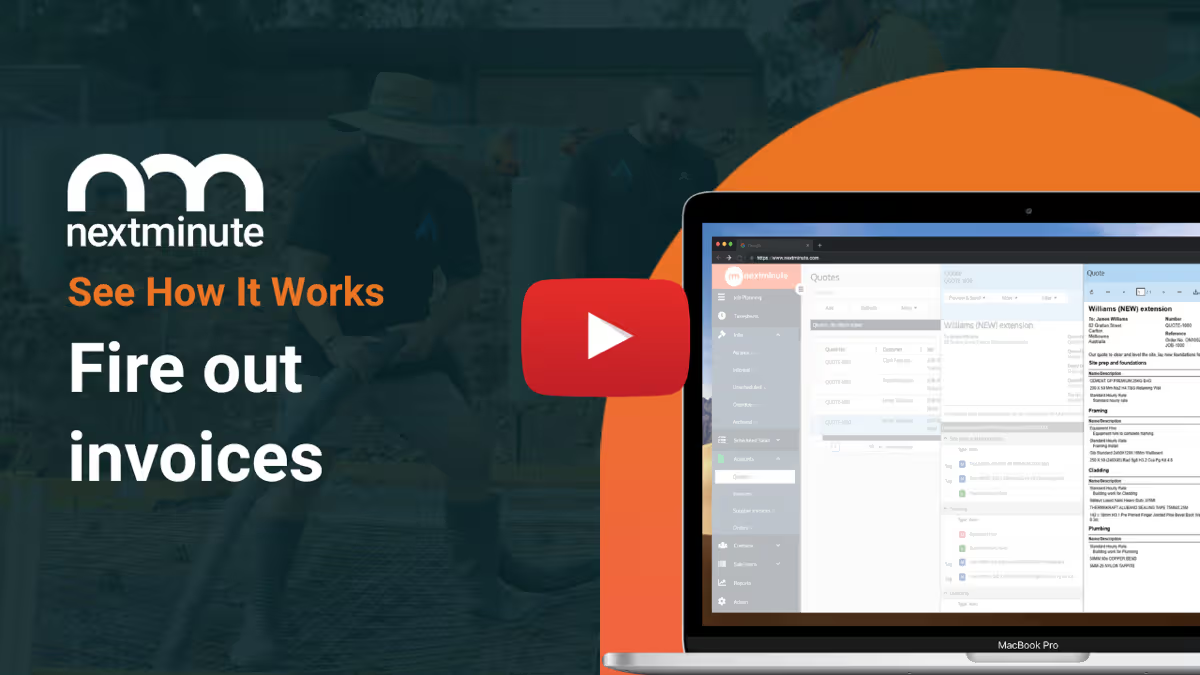
With all your job costs in one system, you can easily send accurate progress or final invoices with a few clicks.
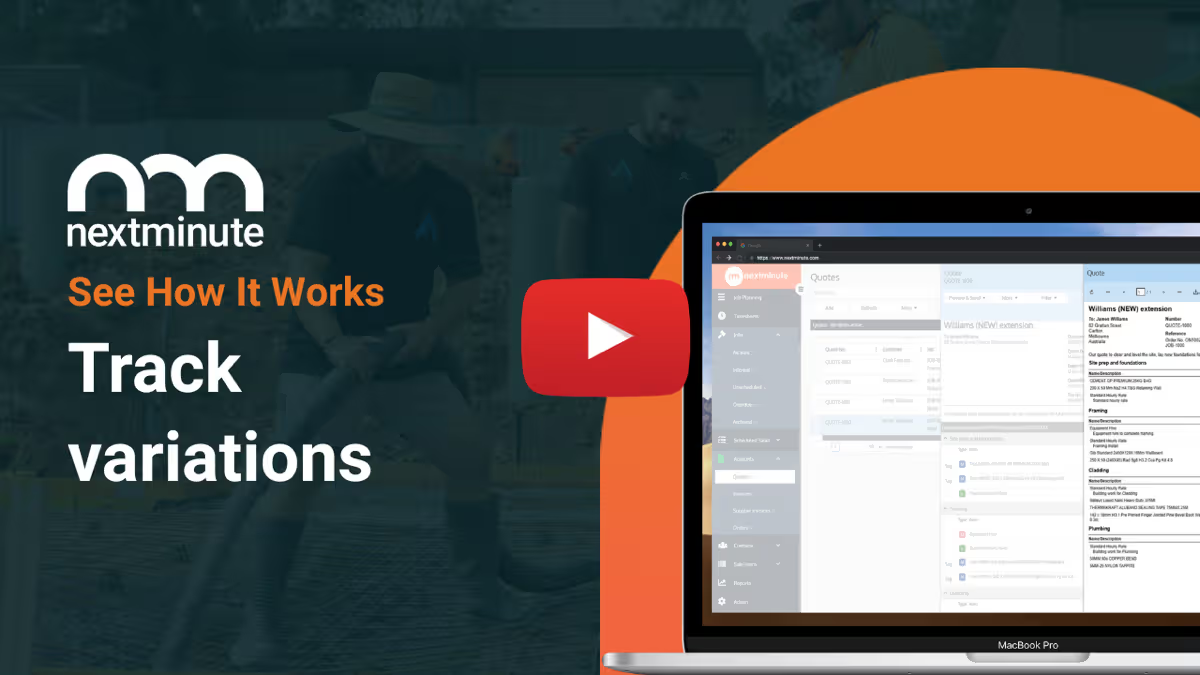
No more handshake agreements and client disputes. NextMinute makes managing and tracking variations a breeze.
Report on actuals vs estimates in real-time by job and stage. Spot blow outs early to protect your profit.
Set custom buy/sell rates for machinery and have your crew log the hours.
Easily add in job expenses to keep track of your actuals vs. estimates.
Easily send SMS, email, and in-app messages straight from NextMinute.
"We are extremely happy as a small company it has made our lives so much easier. Keeping track of individual job costs and reporting made easy. Not to mention how easy it is to sync timesheets to payroll with one click. Could not recommend this app enough for big or small companies you won’t regret it."
Hayley Rouse
Rouse Contacting Limited
Reviews
Rated 4.9/5 with 100+ reviews on Google and Facebook, with local NZ support that actually helps.


Starting from NZ$199/month for 3 users, and it’s easy to adjust as your team changes.





No limits - full access to all features on all plans
Unlimited projects & jobs
Flexible, month-to-month pricing based on your crew size
No lock-in contracts
Unlimited setup, training, and ongoing support for life
Dedicated help from our local crew: Duncan, Ryan & Tarsha.
Auckland-based support team who actually understand tradie life.
Talk to a Real Person
Have a quick chat with our local team. We’ll walk through how you run jobs and show you how NextMinute fits.

Anna-Kate
Sales Manager
From the land of Guinness, she’ll help you work out if NextMinute’s a good fit. Straight talk, no sales BS, and a good sense of humour.

Mat
Former Plumber & NextMinute Pro
Mat’s a plumber, not a software guy. He’s been on the tools and shows you how to run jobs without the admin headaches.
Tell us what you need
Let us know your requirements and how you run your jobs
No bullsh*t
Real humans with construction experience that you'll actually like talking to
Get a trial account
We'll set you up with a customised account to try out NextMinute. We can even import your jobs and quotes
We’ve answered the ones we hear most from builders and tradies.


Copyright © NextMinute (New Zealand). All Rights Reserved.








.avif)